

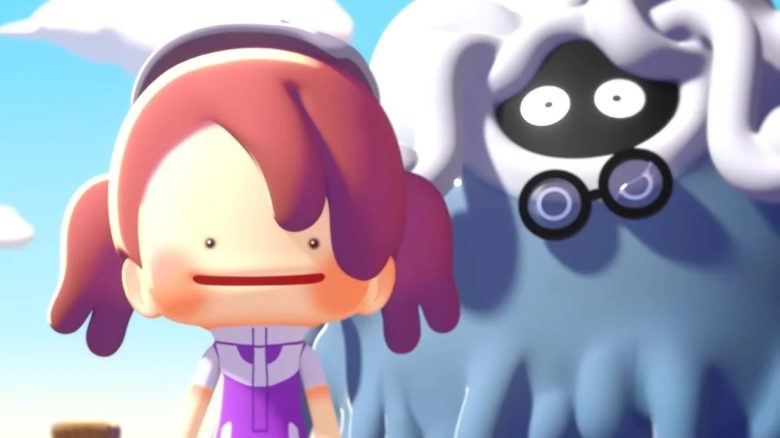
In Pokémon Pokopia you can play with friends in co-op mode via multiplayer. What you can do in the game for Switch 2 and how the co-op gameplay works is explained by MeinMMO.

How does the multiplayer mode work? Once everyone has the game Pokopia, you can use all features without restrictions.
If only one player has the game, it’s best to use the game share feature of the Switch 2. A owner of Pokémon Pokopia shares their game with others who are on the same Wi-Fi network. All players need a paid subscription to Nintendo Switch Online for this.
The recipient console is invited to the host’s area. It doesn’t matter if the invited person owns a Switch 2 or the previous model.
How do you start the multiplayer? You need to proceed as follows:
- Start the multiplayer mode on the Switch 2
- Use the “Game Share” option.
- On Switch 2: Accept the invitation directly in the system
- On Switch 1: Download an app if needed, such as the Switch-2 connection client (to be revealed at release)
- Join the lobby on your console
After joining, you will find yourself on the host’s island. Depending on where you are invited, you can try different things.
Two Multiplayer Modes in Pokopia
What can be done? There are two different types of islands you can visit:
- There is the option to explore the host’s main islands. To avoid causing any disruption, you have limited permissions. It’s similar to how it works in Animal Crossing. Here, you can only look around.
- In addition, there are the Cloud Islands, which operate independently of the main islands of the story mode. You can think of these islands more like private servers in Minecraft. Here you can build everything from scratch with the host and design it as you like. Here, you can express your creativity together.
Is there anything that cannot be played in co-op? Yes, it is not possible to play through the story mode together and generate progress. Only each owner of Pokopia can do that for themselves.
Can I play without a host? In the Cloud Islands, it is indeed possible to hop onto the island without the host. This allows anyone who has time to enter the island and continue building on it. However, this does not work with game share, as you need to own Pokopia yourself for this.
How many players can play at the same time? A total of 4 players can be on an island at the same time. However, when a player leaves the island, it is possible for another to join. Thus, an unlimited number of players can enter an island, but only 4 can be there simultaneously.
There is much more to know about Pokémon Pokopia before you dive in. MeinMMO has summarized the most important information for you, including info on a demo, a list of confirmed Pokémon, and the price: Pokémon Pokopia – Everything important about the release on Switch, demo, and trailer

Your opinion is important to us!
Do you like the article? Then let us know!