

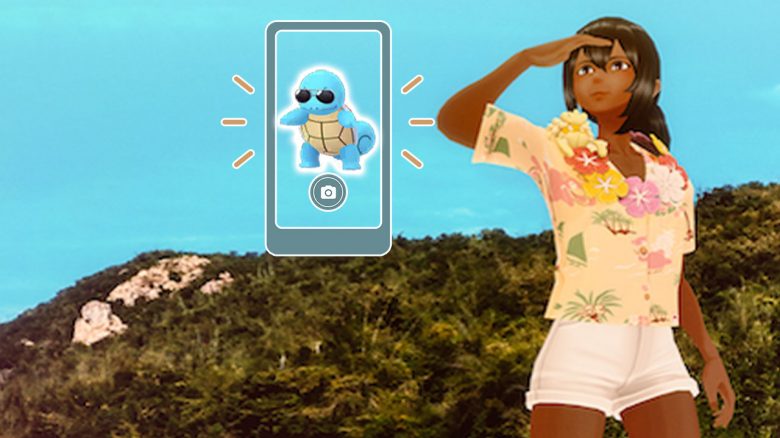
For the special research “A Pony Adventure” in Pokémon GO, you need to take a snapshot of a Water Pokémon. However, the task is unclear – We will show you how to solve it.

What kind of task is it? For trainers of Pokémon GO, the big Water Festival is currently taking place. Pokémon of this type are the focus and can be found more frequently in raids, in the wild, and also in eggs. The special research “A Pony Adventure” is active at the same time and brings you a few quests that fit the event.
However, trainers are currently having problems with the task “Take a snapshot of a Water Pokémon,” which sounds so simple. How do you solve it?
Trick for Water Snapshot
Where is the task? In the special research “A Pony Adventure”, you can find the snapshot task in chapter 2. You will be rewarded with an encounter with Wailmer, and you need to complete the task to continue to chapter 3.
Here’s how to do it: The snapshot will not work if you take a picture of a wild Water Pokémon. You need to take the snapshot of a Water Pokémon that is already in your collection. To do this, open your Pokémon collection, look for a Water Pokémon, and then tap on the camera icon. After that, you can take a snapshot and thus fulfill the task.
Niantic could have formulated the task more clearly here. Because there are also other researches that explicitly ask for snapshots of Pokémon from your own collection or from the wild.
After you have solved the task, you can diligently continue playing the special research for the Pony Adventure. In chapter 3, you need to catch Pokémon, spin stops, and walk a certain distance. In chapter 4, you will have an encounter with Alolan Exeggutor.
In a few days, the Community Day in May will start – here’s what’s in store.

Your opinion is important to us!
Do you like the article? Then let us know!