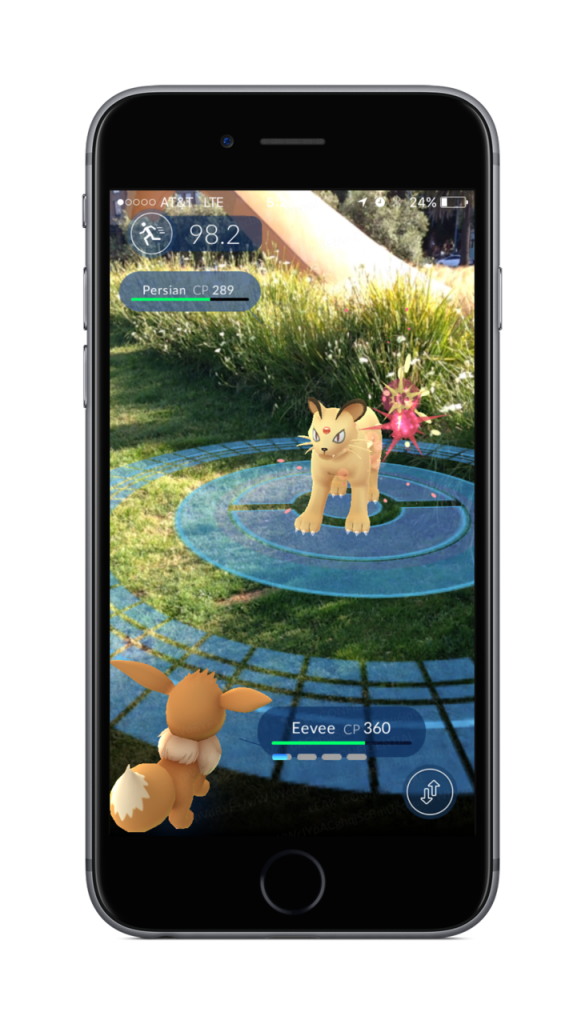
As a Pokémon trainer, you travel a lot. When using a smartphone on the go, you either need a very long extension cord or have to be more energy-efficient. Because Pokémon GO drains the battery quickly.
More battery life means we can catch more Pokémon on the go. So, power consumption should be reduced. The classic tip to turn off GPS unfortunately doesn’t help here, as it is actually needed. But what else can you do?
How to save battery in Pokémon GO?
Pokémon GO offers two options to reduce consumption. In the settings, the Battery Saver Mode can be activated, which dims the display when it is not needed. Additionally, the Augmented Reality mode can be turned off. The AR switch can be found in the top right corner. Besides, there are a few more options:
Disable active apps in the background. Many applications that were closed continue to run invisibly. They request location data or display ads. Therefore, they need to be properly disabled. On Android, this can be done through the application manager.
Furthermore, adjust the lighting. Turn off the flash, reduce screen brightness, and disable any other light effects that are not strictly necessary. The background should preferably be black and not a live image.
You can’t go wrong with battery usage. It should never be completely drained or charged to 100%, as both can reduce its lifespan. There’s no longer a memory effect. You don’t have to wait to charge it.
Keep apps updated. This allows them to work more efficiently and use less power. Automatic updates should be avoided, as they consume power too. Of course, one must then regularly check for updates, otherwise security vulnerabilities may arise.
Additionally, remove unnecessary widgets. Vibration can also be turned off, as it consumes a lot of power. And if you don’t need your smartphone for a while, you can even turn it off. A feature that probably not many people know about.
While GPS cannot be turned off, Bluetooth and Wi-Fi can.
Using apps
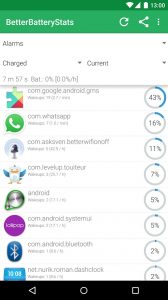
There are now apps for everything, even for saving battery. BetterBatteryStats allows you to see how much power is being consumed by which application.
Unfortunately, root access is required for this, so this program is not suitable for everyone. Other possible apps include GSam Battery Monitor, Snapdragon™ BatteryGuru, and JuiceDefender – battery saver. By the way: Newer Android versions already offer this option out of the box (accessible under Settings -> Battery -> Battery Usage).
This is an AI-powered translation. Some inaccuracies might exist.