

Network errors and other problems annoy trainers in Pokémon GO. Interruptions during raids frustrate players who are on the hunt for legendary Pokémon.

Are you also annoyed by problems and errors in Pokémon GO? Many trainers have voiced their concerns since the last update and complain about network errors. These often occur during gym battles and raids, ruining the players’ adventures.
There are tricks to reduce the frequency of these errors, but unfortunately, they do not make them predictable.
“Network errors” and “Errors” in Gyms and Raids
Many trainers have been searching for legendary Pokémon in recent days and pass by many gyms on their way. However, the battles against the gym defenders are not as easy as one might think. Even the raid battles can become quite difficult against what are supposed to be “easy” opponents. The reason for this is errors in Pokémon GO.
Some trainers can’t even start gym battles. Right at the beginning, an error message appears, unfairly blocking the attack on the gym. Other players manage to fight the first defender of a gym, but cannot continue attacking afterwards. Here too, an error message blocks further battles.
- Battles that never end. On Reddit, user SquitoSquad writes that he and his son encountered a strange Pokémon GO error. They were in a Pokémon battle that just wouldn’t end. Eventually, they had to leave the fight and were then surprised by a “network error” from the game. Afterwards, there was also a display error where the Pokémon were still shown in battle even though the app had long been reset.
- The two were able to “fix” the problem at a gym by continuing their route and then trying their luck again after 20 minutes. Then the battle worked.
What trainers do to solve their problems in Pokémon GO
As a possible error solution (or prevention), trainers restart their Pokémon GO app before battles. This is said to help in preventing these errors.
Other errors are much less precise and only occur with the text “Error”. In our Pokémon GO Facebook group, players often help each other with various problems. To resolve the error message “Error”, it sometimes helps to set the phone’s time to “automatic”.
On Facebook, Markus Pta adds: “If the preparation time runs out during raids and you get kicked out with “Error”, it’s because the Android phone has synchronization problems. To fix this:
1. Change settings, date and time from Automatic to Manual
2. Turn off the phone
3. Turn on the phone
4. Set date & time back to automatic
5. Restart Pokémon GO
This has always worked for me and others I have helped.
A sign of the error is, by the way, if your countdown is not in sync with the other players and is a bit faster than theirs.”
Are you also battling such errors alongside Pokémon? Feel free to share your stories and error solutions in the comments!
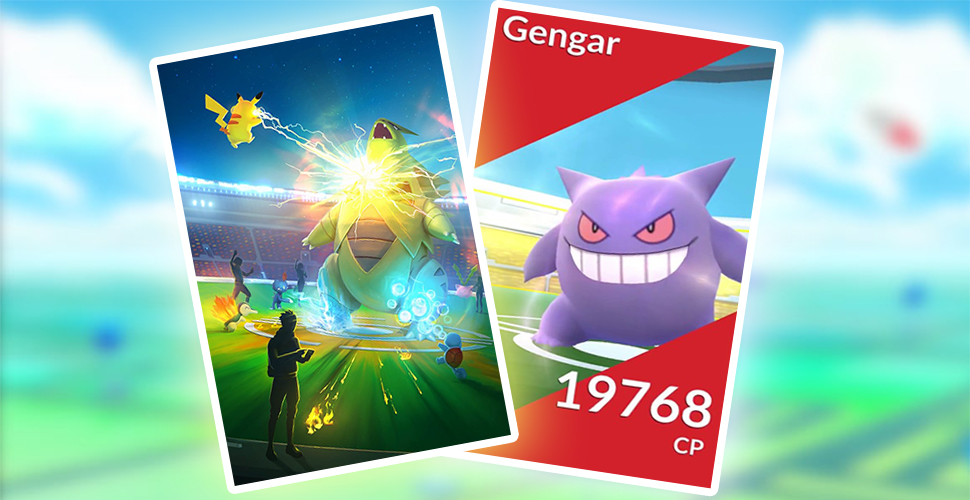
Network errors would have ruined this tour for those players. Together, they defeated the legendary boss “Lavados”.

Your opinion is important to us!
Do you like the article? Then let us know!