

A nasty bug is causing problems in Pokémon GO, triggering a camera prompt every time a Pokémon is clicked. We show you what Niantic says about this issue.

What kind of bug is this? Players report that they are asked whether they want to use the AR mode each time they click on a Pokémon. No matter what they press, they are asked again for the next Pokémon.
It seems that especially Android users are affected since the latest update. This update has been a requirement to play Pokémon GO since January 2nd.
Update 11:20 AM: Many players have reported that the update has completely fixed the error. If you don’t have the update yet in the Play Store, it should be available shortly.
Niantic knows about the problem – Announces bug fix
This is what Niantic says: On Twitter, the developers are responding to angry players who are upset about the bug. They state that they will roll out another update addressing the AR function and the prompt related to it.
Some players have already downloaded the APK of this version and claim that the update fixes the problem. So, if you can’t wait any longer, you can download the APK. Alternatively, the version should appear in the App Store in a few days.
Niantic itself is probably quite annoyed by the problem, as they are working hard on the AR mode to realize their true vision.
Are there already solutions? There is no general solution. Players report that simply reinstalling the app is necessary to fix the issue. Unfortunately, this doesn’t work for all players.
Another solution is said to be revoking the camera permission for the app first. Here are the steps to do this:
- Disable the camera permission for Pokémon GO in the phone settings
- Start the app
- Keep the app running in the background and reactivate the camera permission
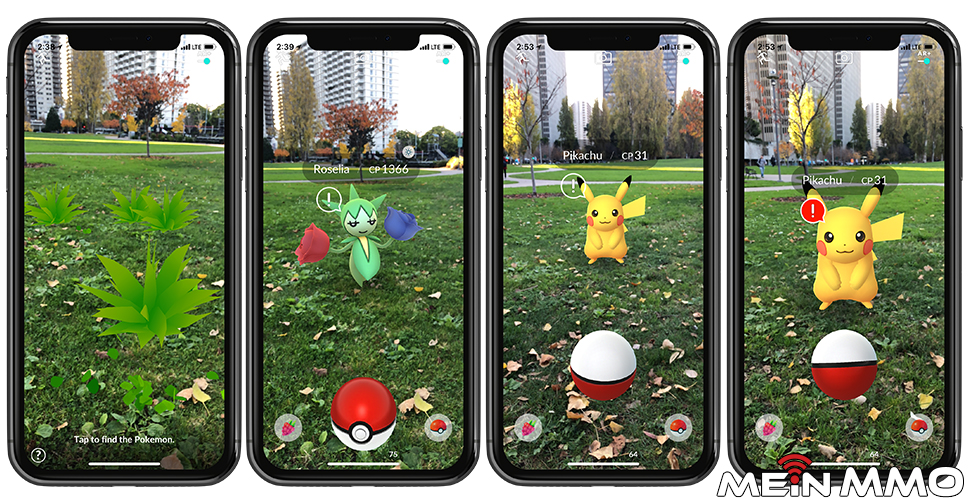
This trick helps most players. However, if you close the app again, you have to start all over again. So, it only provides temporary relief.
All affected players will have to be patient and hope that the new update finally fixes the bug.
You can pass the waiting time with a funny story from the Canadian military:


Your opinion is important to us!
Do you like the article? Then let us know!