

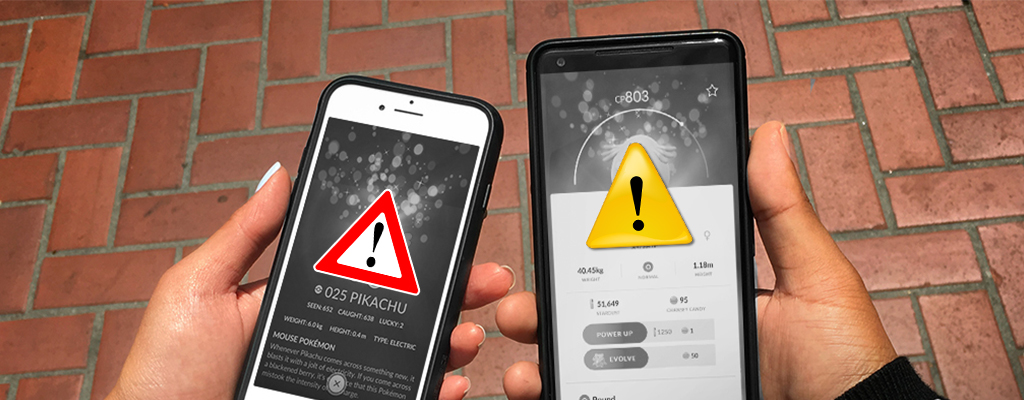
The latest update of Pokémon GO is not going according to plan. Crashes, disruptions, and other issues are causing Pokémon GO not to start for some trainers.

Bugs and crashes: The team behind Pokémon GO has now determined that the latest update will be enforced. This means that every trainer who wants to play Pokémon GO must have this update installed.
However, Pokémon GO is not running smoothly under the patch. Players are experiencing significant issues with the latest version.
A new installation seems to help

There is already a solution circulating on social media for those whose Pokémon GO won’t start: reinstall the app.
Pokémon GO on iOS: Specifically on iOS, there is a bug causing the app to freeze. The app suddenly does not respond during startup, and the loading bar gets stuck. On Reddit and Facebook, we often hear from players for whom a reinstall fixed the problems.
Tips for iOS: You do not need to completely reinstall the app. First, go to Settings, select “General” and then “iPhone Storage”.
Scroll down to the list of your apps and select Pokémon GO. Click on “Offload App” and then “Reinstall App”.
Then the most important data will be retained, the required update will be installed “freshly” and the crashing error should be removed.
Pokémon GO on Android: On Android devices, reports of bugs and crashes are less frequent. Even on this operating system, reinstalling the app should help if crashes or other issues arise.
Devices with root: Other problems have arisen since the latest update with rooted devices. These are now being excluded using a search method by Pokémon GO. However, renaming Magisk files has already resolved some issues.
Less severe are the bugs that appear visually. Here, Pokémon are turning into Poké Balls, which you can then throw at other monsters to catch them. In the video, you can see how these bugs manifest. Funny Pokémon GO glitch turns monsters into Poké Balls

Your opinion is important to us!
Do you like the article? Then let us know!