

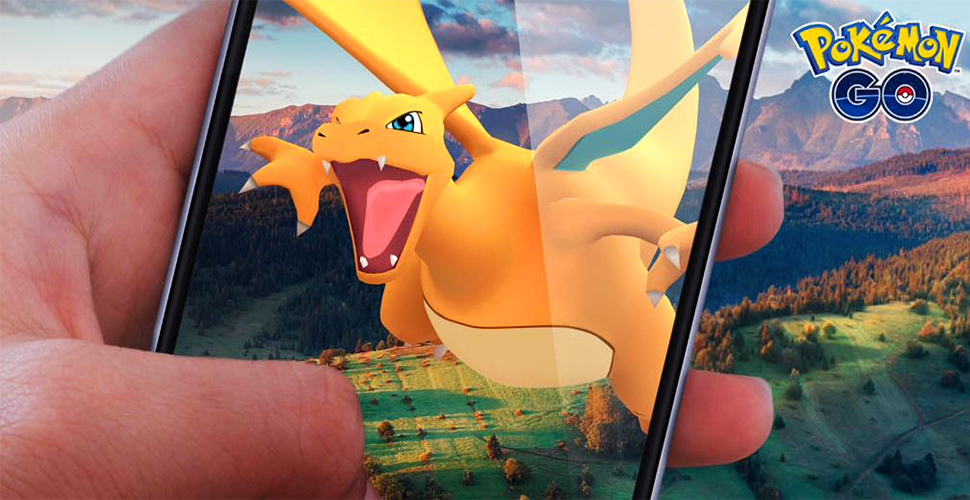
In Pokémon GO, players can skip the catch animation of monsters using this bug, allowing them to catch Pokémon faster.

On your adventures in Pokémon GO, you will frequently encounter wild Pokémon that you can catch. To do this, you throw Poké Balls at the monster, wait for the ball to shake, and then see whether the monster was successfully caught or escaped.
A current bug allows you to skip parts of the Pokémon encounter and catch a monster faster.
Update: Niantic releases a new bug-fix update
Catch Faster Through Bug?
In the latest update of Pokémon GO, it is possible to skip the shaking animation of the Poké Ball when catching Pokémon due to a bug. After throwing, you are directly back in the map view. This way, you bypass the catch screen, meaning you do not see the display with the caught Pokémon’s values.
Unlike other bugs, this error might be helpful for some trainers as it shortens the catching mechanism. In the video, you can see how the bug works:
Explanation:
- First, you start an encounter with a wild monster as usual.
- Using one finger, preferably not your “throwing finger”, swipe from the position of the Poké Ball selection (Poké Ball icon in the lower right corner) from right to left. Keep the finger you are swiping with on the display at all times. The Poké Ball icon will only slightly shift and will not open the selection. This is important.
- Now use your “throwing finger” and throw a Poké Ball at the wild monster as you normally would. The other finger stays on the display and is not lifted until the Pokémon is hit by the ball.
- Now you can take the swiping finger, with which you swiped from right to left in the first step, off the display.
- The Poké Ball selection will open.
- Tap an area outside the selection to close it.
- Now tap the flee button.
- Now you are back in the map view.
- Click again on the Pokémon you wanted to catch.
- If you caught it, an error message will appear.
- Otherwise, the encounter will reopen because the monster escaped from the Poké Ball.
Quick Catch Trick for Left-Handed Players
If you are left-handed and have difficulties with the quick catch trick, you can breathe a sigh of relief. You do not have to perform complicated finger gymnastics to use the trick. There is also a solution for left-handed players. Proceed as follows:
- Start the encounter with the monster as usual.
- Then swipe the berry menu (berry icon in the lower left corner) to the right and hold it there. The icon might look slightly off, but it does not open the menu.
- Now you can throw as usual while holding the icon.
- If you hit the monster, you can lift your finger.
- Now the berry selection will open.
- Close the menu by tapping an area outside.
- Now tap directly on the “Flee” icon in the upper left corner.
Just like with the catching trick for right-handed players, you’ll then land in the map view and have the chance to try again if the catch fails the first time.
In the instructions, it sounds much harder than it actually is to implement. If you want, you can try this process in the game as long as Niantic has not fixed it yet. For some trainers, this method can be worthwhile if they want to play particularly time-efficiently. After implementing this guide a few times, the catching attempt will become significantly faster.
However, if Pokémon have a high level and are therefore harder to catch, this “trick” will likely lead to a longer catching time. If a Poké Ball does not catch the monster, you will have to restart the encounter and the trick. This will be faster with the actual catching method without the bug.
This Pokémon GO YouTuber finally gets his EX Raid access, but still has bad luck

Your opinion is important to us!
Do you like the article? Then let us know!