

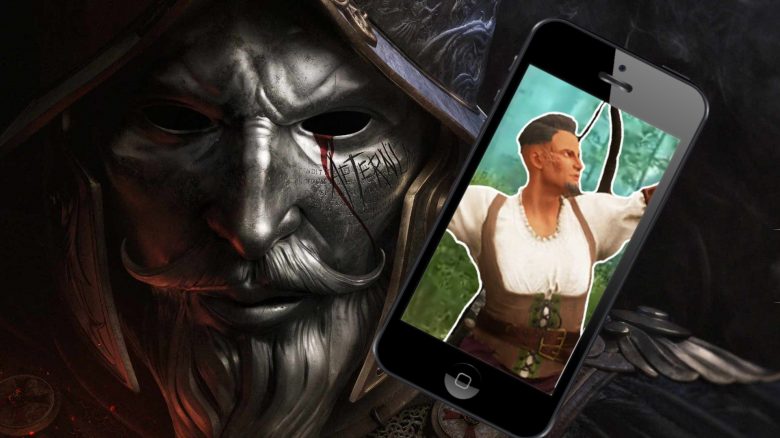
The new MMORPG New World is officially only playable on PC. However, with a little trick, you can still play the game on your smartphone. How it works and what it is good for, we from MeinMMO will tell you here.

This is how New World works on your phone: This somewhat peculiar setup is possible through the SteamLink app, which is available for both Android and iOS. The app comes from Steam itself and allows you to stream games from your PC to your smartphone.
The installation is simply straightforward. You just need to download and start the app. If your PC and your phone are on the same network, which is also necessary for usage, you just need to enter a code on your PC and off you go.
When you now access SteamLink and your PC is turned on and has Steam open, you can scroll through your library and find New World. By clicking on “play”, the game loads and you can start playing.
How does SteamLink work? It works, of course, not only with New World but also with many other games in your library. The principle behind it is as simple as it is efficient.
Your PC carries out the computing power and streams the gameplay over your network to the phone screen. This means that a stable network connection must be maintained on both devices. Both devices must be on the same network.
Very light fights, for example, to farm leather and animal hides, are also not a problem. It’s only when you need to dodge, block, or use combos that the smartphone controls reach their limits.
Crafting would also be a possible solution, but we would rather recommend a tablet for that, as the small font in the crafting menus on a standard smartphone is quite small.
What do you think about it? Have you tried New World on your smartphone or used SteamLink to trick the AFK timer, for example? Do you find the feature useful or rather pointless? Feel free to let us know in the comments here at MeinMMO.
Another way to play your PC MMORPGs on mobile is Google Stadia. Among other things, The Elder Scrolls Online is available there.
Then you can send commands directly to your PC with a potential controller or the phone touchscreen. You essentially take over the remote control of your computer to play on the smartphone.
During the approximately 1.5-hour test, SteamLink crashed three times without warning. However, at the first start, there was also a warning that SteamLink was not yet optimized for OnePlus devices.
On Mobile, New World Becomes a Mini-Game
How does it play? You can start and play New World on your smartphone without further problems, but there are some stumbling blocks that you will have to deal with.
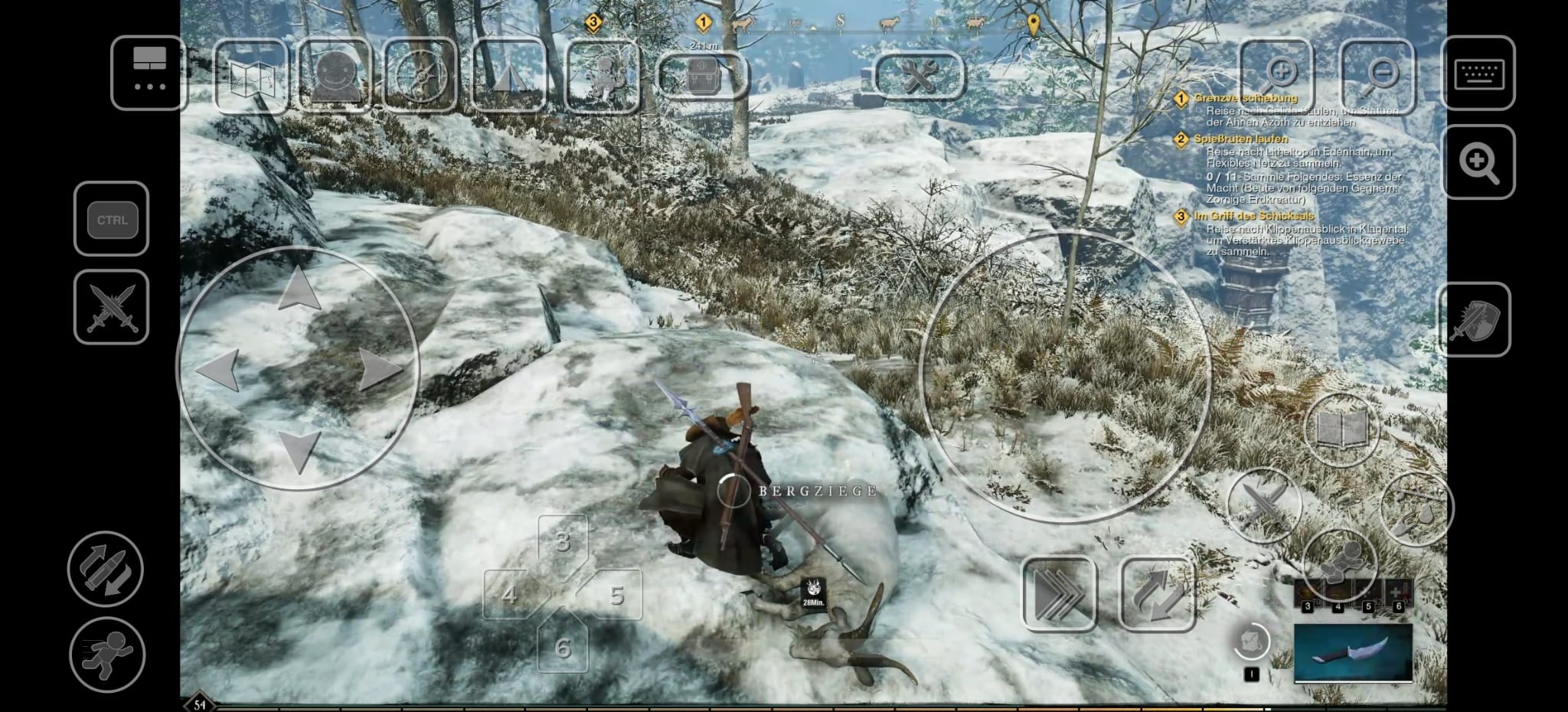
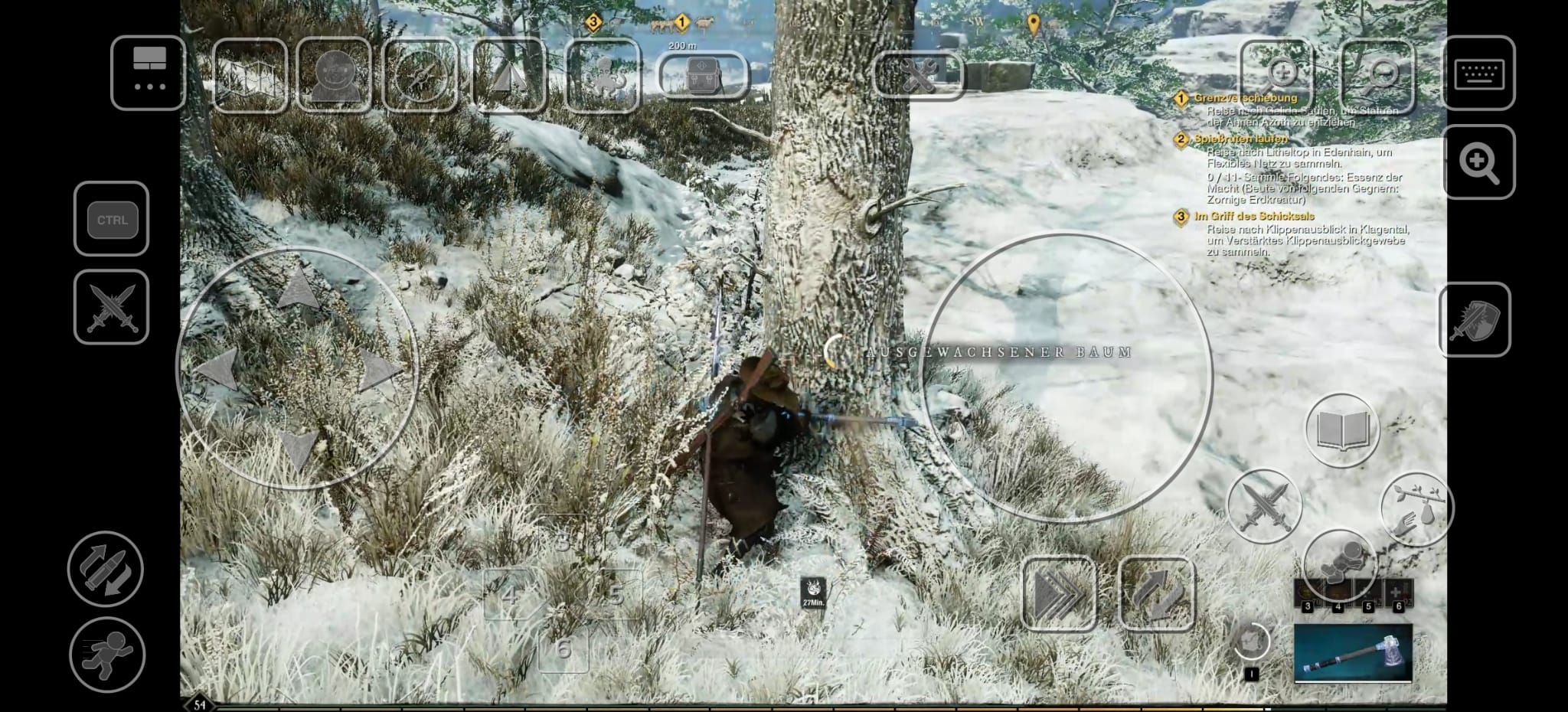
The biggest issue is the controls, as using the phone screen is quite fiddly. You can make some adjustments to the layout and functionality of the buttons through the options at the top left, but this didn’t work very well in our test.
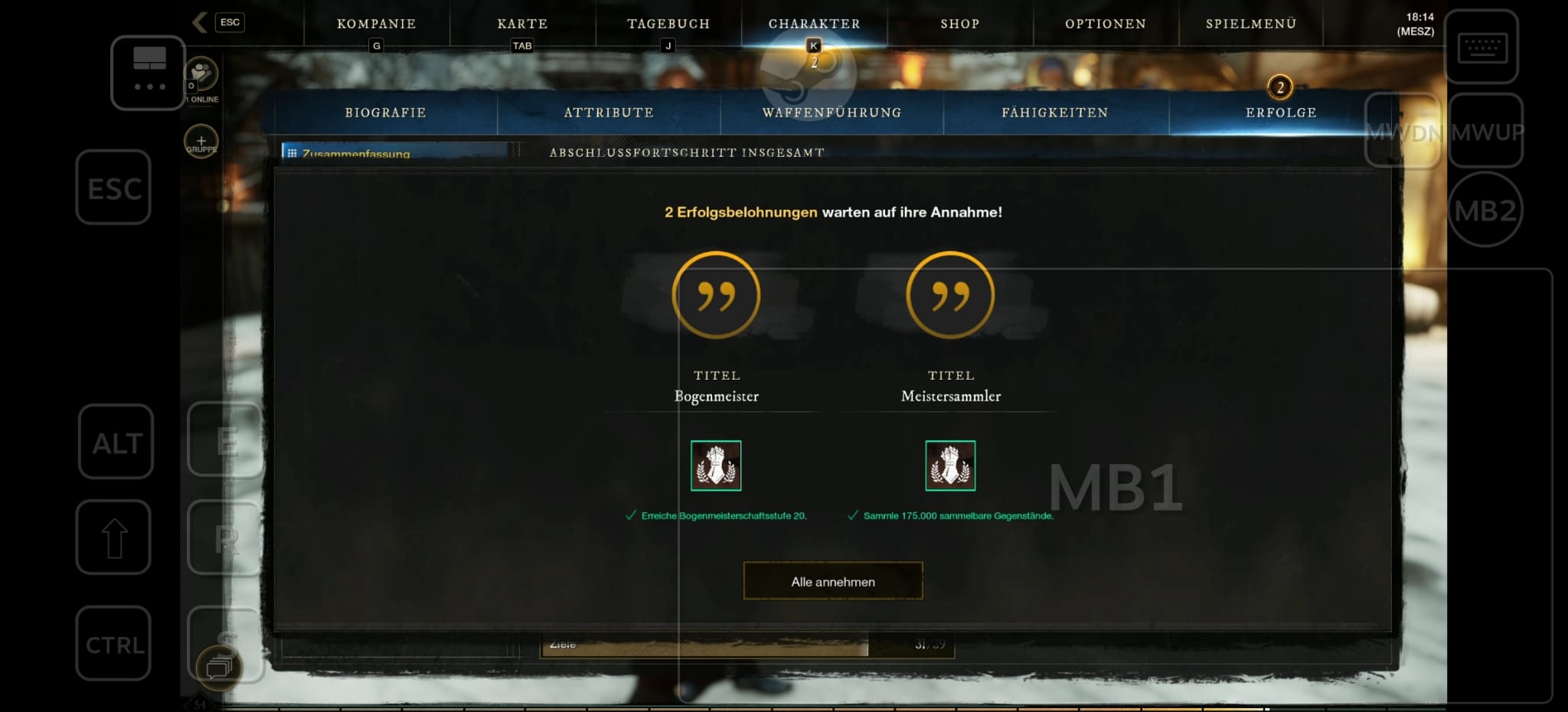
Settings that were made multiple times were not saved, and buttons seemed to be randomly reassigned. Furthermore, the original placement of the mouse buttons is quite suboptimal and often simply in the way.
For some few functions, such as aiming with bows and muskets, there are unfortunately no buttons. Nevertheless, the game runs smoothly, looks graphically good, and once you get used to the controls, simple tasks should be no problem.
What is this useful for? We would rather not plunge into demanding battles or expeditions with our smartphone. The controls on the touchscreen are simply too imprecise and cumbersome for that.
However, it is optimal for casually lying on the couch and chopping down a tree or two. Because chopping wood, mining, or fishing works great on the phone and requires little attention or complex character tasks.
Very light fights, for example, to farm leather and animal hides, are also not a problem. It’s only when you need to dodge, block, or use combos that the smartphone controls reach their limits.
Crafting would also be a possible solution, but we would rather recommend a tablet for that, as the small font in the crafting menus on a standard smartphone is quite small.
What do you think about it? Have you tried New World on your smartphone or used SteamLink to trick the AFK timer, for example? Do you find the feature useful or rather pointless? Feel free to let us know in the comments here at MeinMMO.
Another way to play your PC MMORPGs on mobile is Google Stadia. Among other things, The Elder Scrolls Online is available there.

Your opinion is important to us!
Do you like the article? Then let us know!