

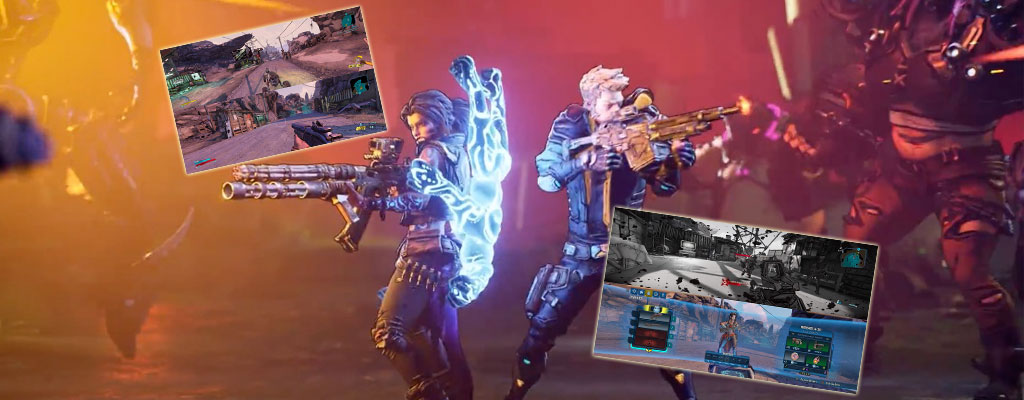
The first weekend in Borderlands 3 has passed. Our author Max jumped straight into the split-screen coop on the PS4 – and had quite a bit of trouble with the technology.

Finally back to Borderlands: With this mindset, I have been waiting for the new installment of the series for a long time. At my home, all parts of the series have been enthusiastically played in split-screen coop so far – and of course, part 3 logically found its way to the PS4 on time.
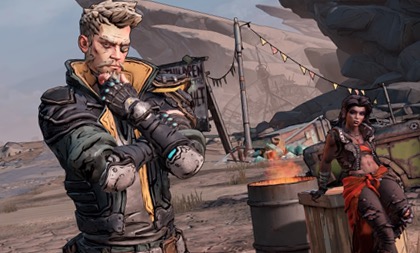
So we sat down together in front of the TV and started the game. With the intro, the familiar Borderlands feeling was right back. We decided on a combination of Zane and Amara, and then we started in the classic “coop competition” mode. But right after the end of the first cutscenes, we encountered the first unpleasant surprise.
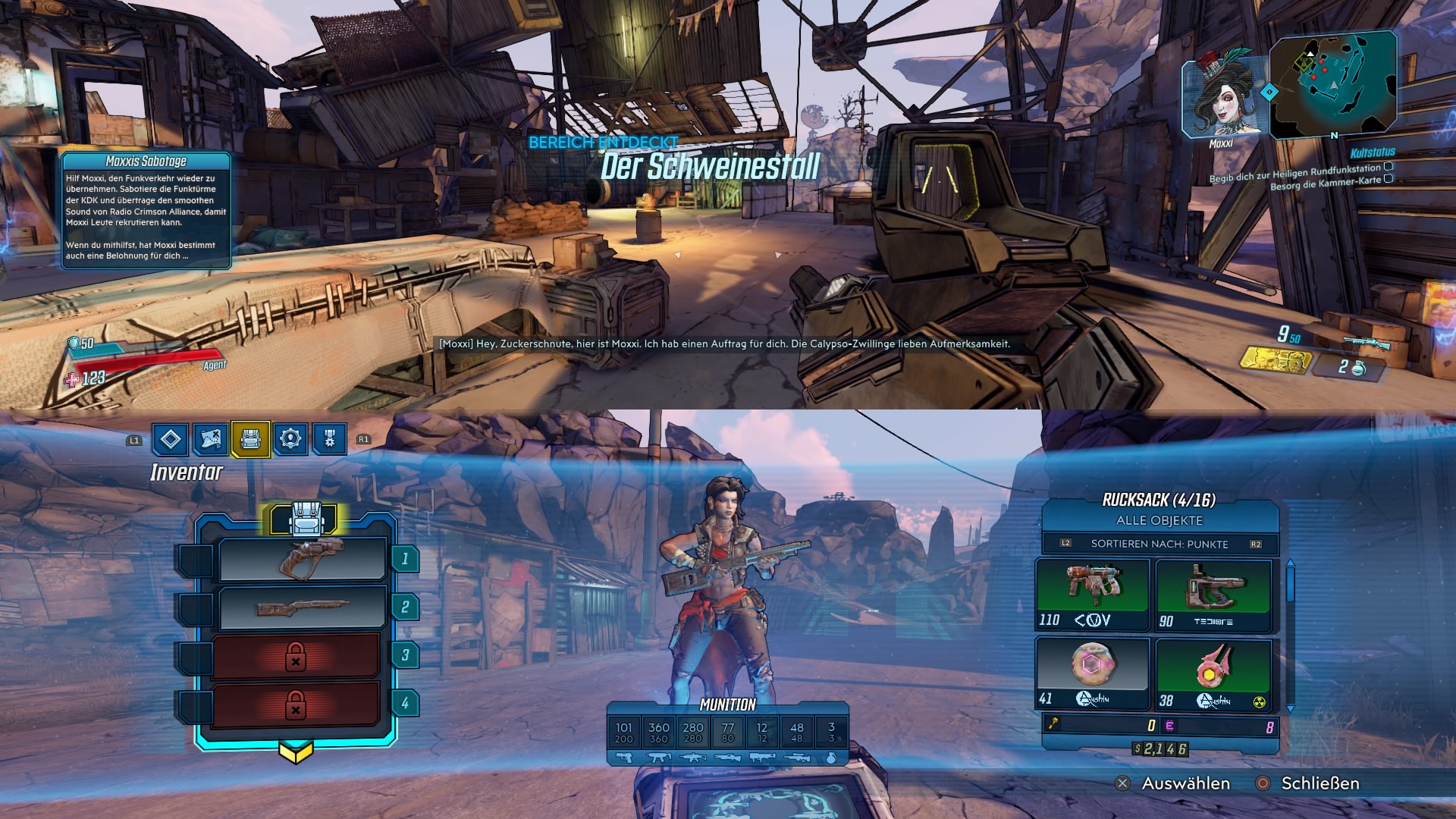
Split-screen only playable horizontally
This is what the split-screen looks like: The screen divided into two areas – but not “left” and “right”, but “top” and “bottom”. That was unusual – we had completed all previous parts in vertical mode. “No problem,” we thought, and jumped into the game settings to switch the split-screen to “vertical”.
But: No way. No option to change the split-screen. We couldn’t believe it. But a search on the internet also only revealed complaints from other players who had the same problem as us.
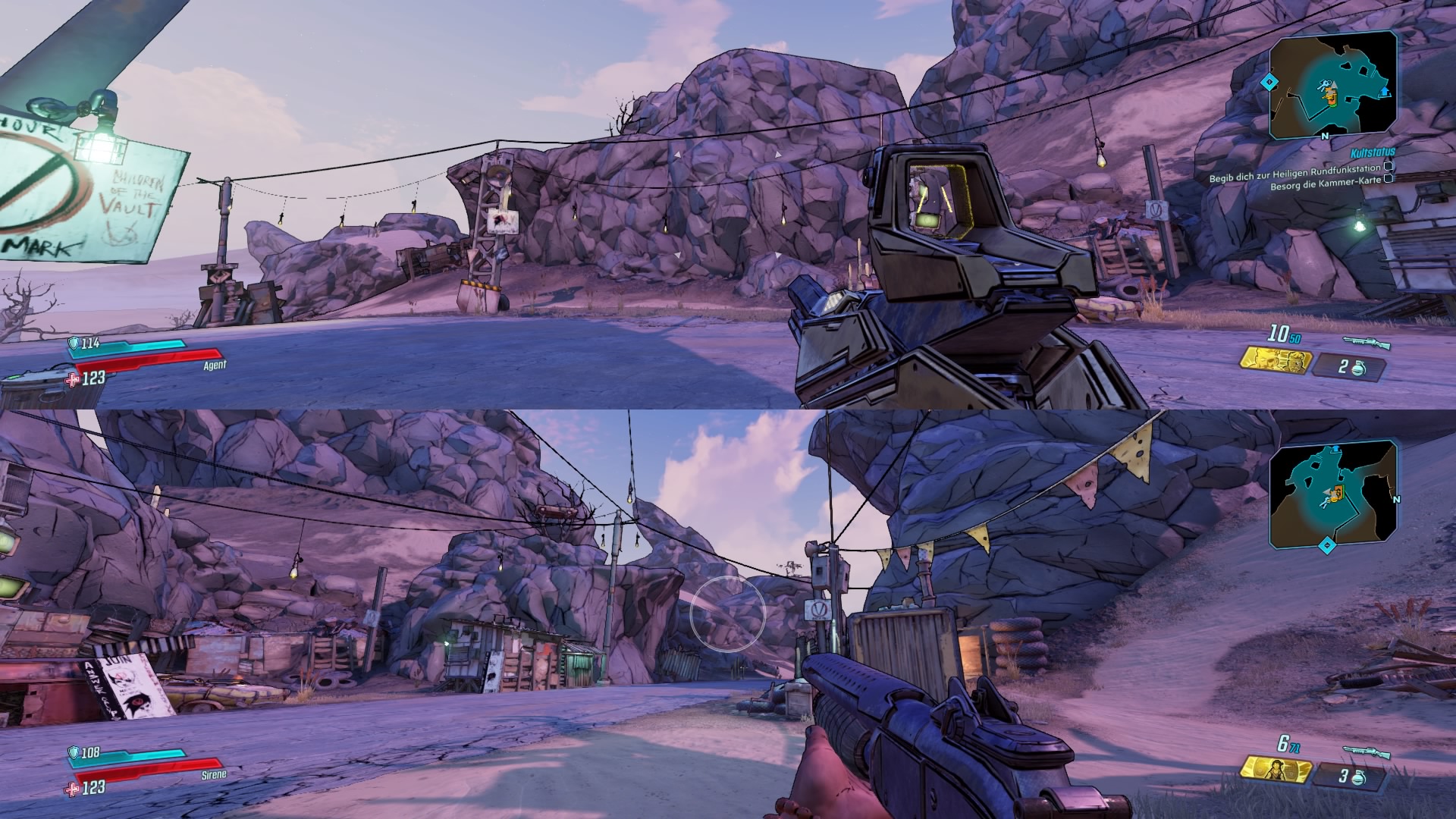
The fact is: Currently, the split-screen is only available horizontally. Why the option was removed remains a mystery. Of course, the horizontal mode has its advantages as well. The menus of the various classes, for instance, are presented more comprehensively. In the vertical mode of older parts, the skill tree sometimes flew outside the visible range.
Nevertheless, it remains an unusual adjustment. “But that’s fine,” we thought, “it’s a matter of getting used to” – and to a certain extent also a personal preference. However, the coop had a few more surprises in store for us.
Sound and graphics: Quite a mess
Who’s speaking? It didn’t take long before we were greeted by our “boss” Claptrap. The self-assured tin can gave us some instructions in his usual shrill manner and rolled away – and got quieter and quieter.
The further Claptrap moved away, the less we could hear him – until he was suddenly so far away that he was being transmitted over radio and booming back through the speakers. You know that from older Borderlands parts.

However, it wasn’t always clear which player the sound was oriented towards. If you positioned a character in front of the robot to listen, it happened that the sound was actually directed at the other, more distant player and remained quiet.
This resulted in ongoing issues understanding NPCs. The volume of the characters fluctuated greatly – and especially in Borderlands, which heavily relies on the humor of its characters, you can miss quite a bit.
Such a shame, but not the end of the world. “Let’s just turn on the subtitles,” we thought. But that’s also not really a solution.

What does it say? Not only do the jokes come across as funnier when spoken rather than read – the texts are also damn difficult to recognize.
This is not just at the “squint-and-it-should-be-fine-level”, but at the “stand-in-front-of-the-screen-and-still-don’t-recognize-anything-level”. At least partially. The subtitles can be recognized with some effort, but things like quest goals or explanatory text blocks are sometimes completely unreadable.
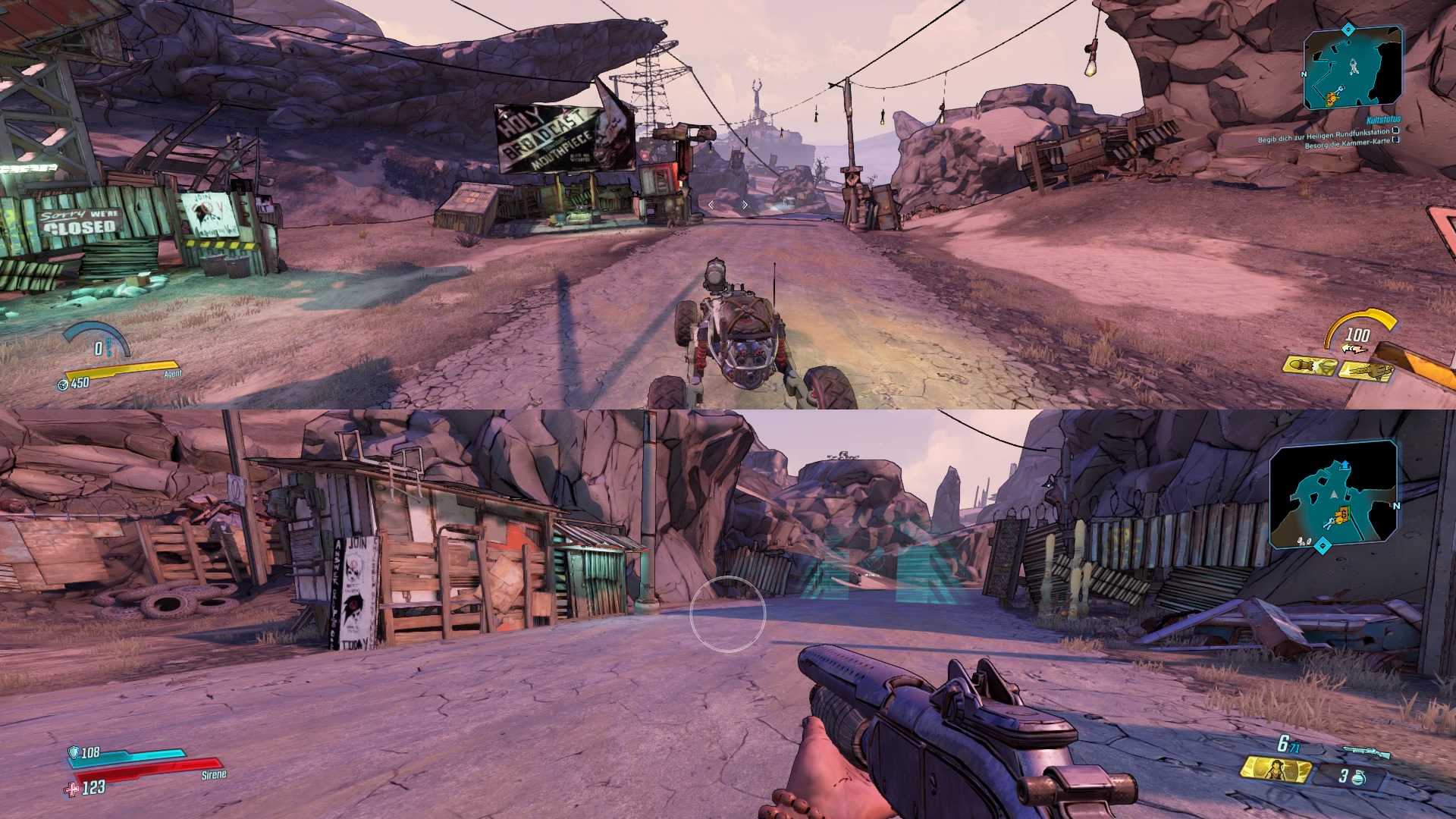
We are still not sure if we have figured out all the control options for the vehicles. The explanation block after unlocking the first car was not helpful at all.
And reading the descriptions of the abilities – or any description texts in the menu – becomes a struggle. This diminishes the fun of playing, even though it doesn’t make the game “unplayable”.
Performance drops are brutally annoying
You make do: Horizontal division, chaotic soundscape, and small texts – all of that can ultimately be tolerated. Because let it be mentioned again: Despite all these teething problems, Borderlands 3 still offers great fun in split-screen.
After all, the gameplay is only partly affected by these issues, and to some extent, you get used to it. However, what really annoys are the performance drops while playing.
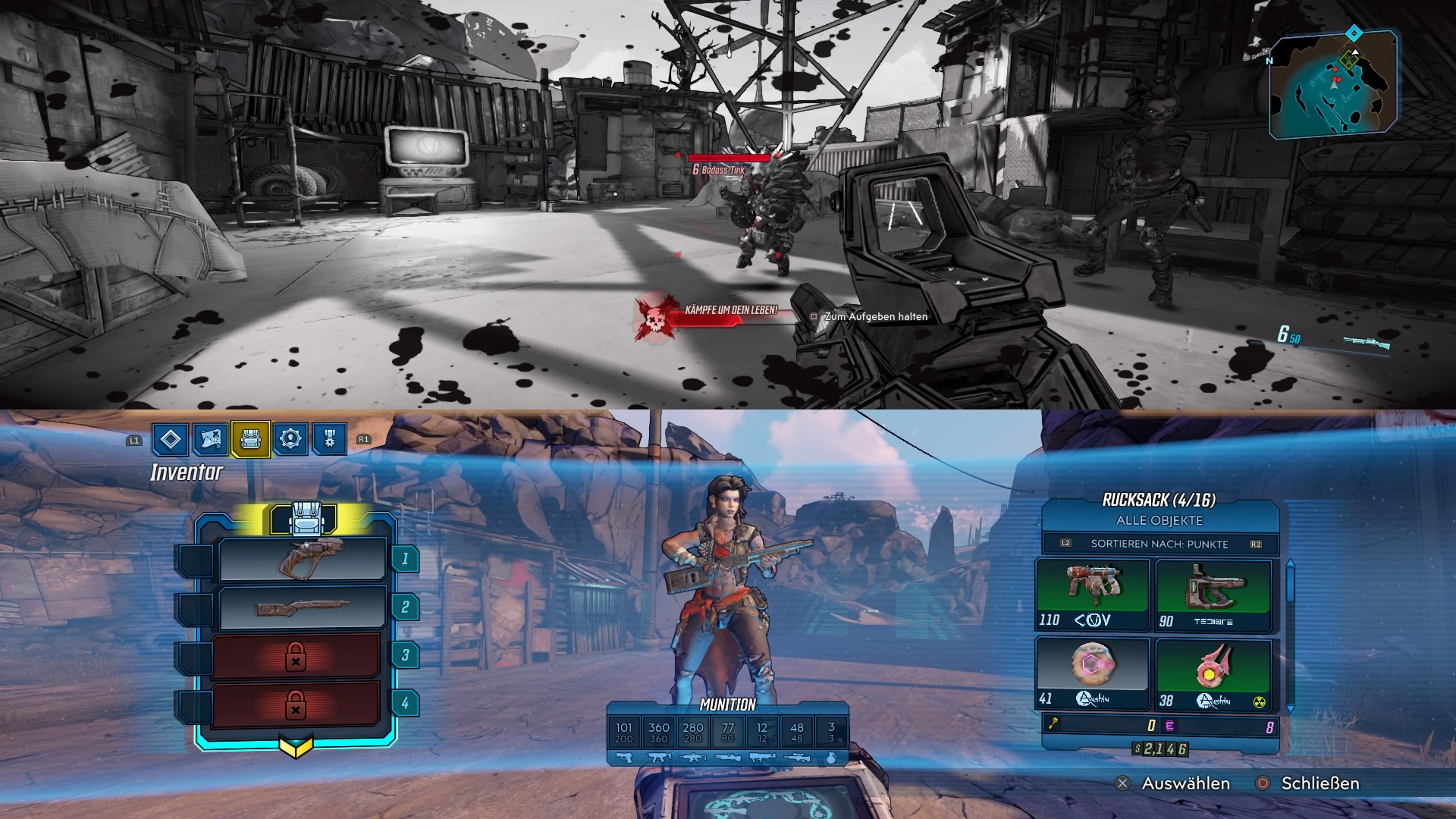
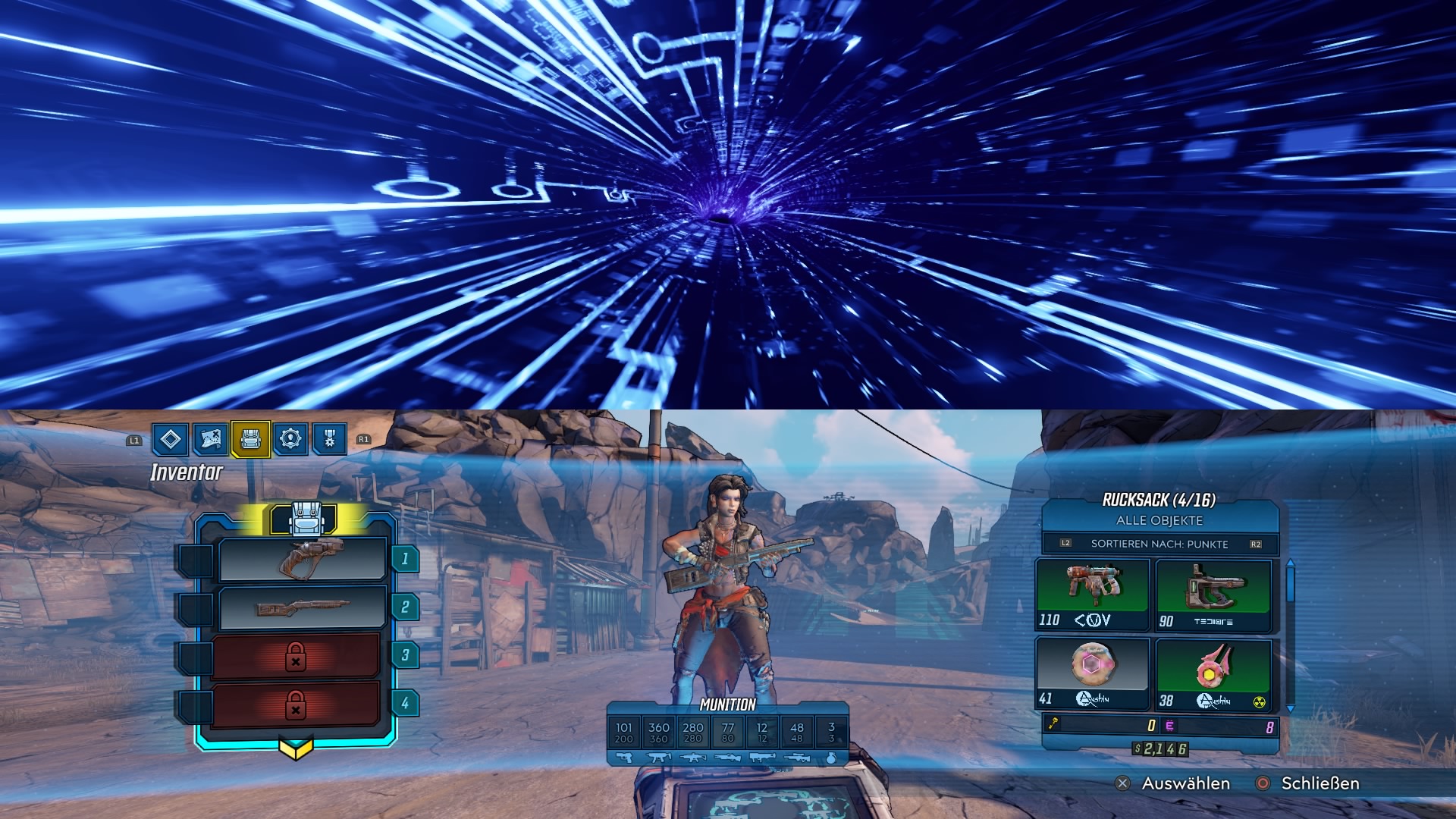
This is the biggest problem: When playing in split-screen with two players, there are repeated stutters and screen drops. This is particularly the case when a player retreats into the menu to adjust skills or weapons.
In this case, the other player can hardly do anything. And that can be really frustrating – especially when you’re in the middle of a firefight. You can easily get shot to pieces and do nothing. Whether the partner will make it in time for the rescue is uncertain.
What the developers say
This is how the developers respond to the issue: In the forums, for example on reddit, you can find some disappointed split-screen fans. Many players have similar problems and hope for improvements. Besides the desire for a vertical split-screen, the drops are being heavily criticized.
Here 2K has at least reacted. In conversation with IGN, a spokesperson said that 2K and Gearbox are aware of the issues and are working on them. A patch seems to be on the horizon.
Until then: Hang in there – and maybe follow the spokesperson’s tip: “While we continue to work on optimizing the Borderlands 3 experience, we recommend split-screen players to prepare for big encounters before the fight. Don’t leave any teammates alone who are in the firefight!”
The conclusion: From my perspective, the split-screen coop actually has the potential to be a huge amount of fun. It is mostly already a lot of fun.
However, the technical quirks and bugs significantly detract from the experience. Hopefully, improvements regarding performance drops will be made soon. And if we could get the vertical mode back – that would be great!
Otherwise, Borderlands 3 remains a great game. For the start, we have summarized a few tips for you:


Your opinion is important to us!
Do you like the article? Then let us know!