After an upgrade, a player hears disturbing noises from his gaming PC. His suspicion immediately falls on the new hardware. The cause turns out to be a small oversight.
A hardware upgrade of one’s gaming PC is usually a positive event. In eager anticipation of better performance and more FPS in games like Escape from Tarkov, the replacement of the graphics card and other components is quickly completed.
However, even with a manageable amount of work, one should proceed with caution. In the case of a player wanting to swap out the graphics card and power supply for more powerful variants, this could have avoided unnecessary excitement during the upgrade.
Careless handling during the graphics card upgrade causes a moment of fright
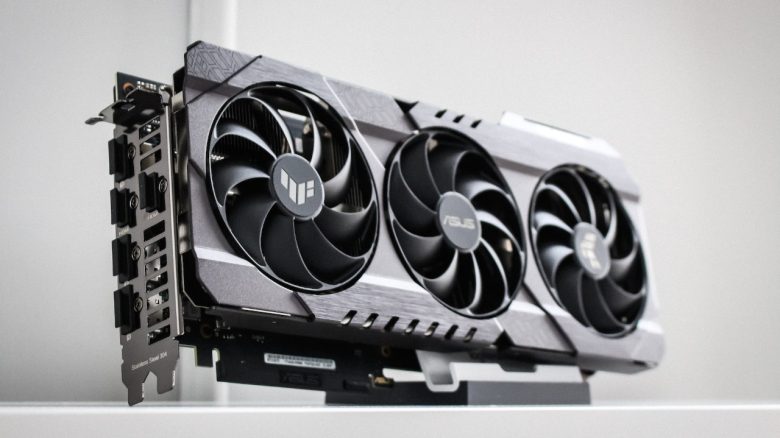
What kind of upgrade did the player perform? The Reddit user ThickMemory2360 has upgraded his gaming PC with new hardware. During the upgrade, he replaced the original graphics card with an Nvidia RTX 4070TI and the old power supply with a model from be quiet! with 1000 watts.
After the gamer had swapped the old parts for the new hardware, he powered the system back on. Right after startup, he heard an unfamiliar noise that seemed to come from the gaming PC. He suspected a fan problem with the graphics card or power supply.
Where did the noise come from? Fortunately, his first suspicion was not confirmed. The clattering sound did not come from a fan of either of the new components. In searching for the cause, ThickMemory2360 eventually found the culprit in the front area of the PC case.
The new power supply was installed with a small gap next to the fans in the front of the case. A power cable from the power supply was touching the blades of the bottom fan and led to the audible clattering during operation. The problem could thus be solved with a few adjustments.



No experience in error diagnosis and community feedback
How could the problem have been avoided? Since it remains unclear what kind of case the player possesses, it cannot be said whether the power supply could have been installed in another position. This would have allowed more space between the power supply and the fans in the front.
Even better would be to carefully arrange the power supply cables inside the case after installation so that the cables do not lie around freely. Cable ties are the tool of choice for this. To generally have better control over one’s cable management, power supplies with sideways connections for the power cables are especially suitable.
Why did he overlook the cable? As a self-proclaimed PC novice, he was not aware of his error. Additionally, he had not yet gained any experience in hardware error diagnosis and thought he had a serious problem. Carelessness during a PC upgrade is one of the biggest causes of subsequent errors, which may still be discovered by luck before one’s expensive hardware gets damaged.
The system is about 2 years old and was his first gaming computer at that time. Since the successful assembly, ThickMemory2360 had not touched the inside of the computer again. The planned upgrade of the graphics card and power supply was supposed to go just as smoothly.
What do other users say? The community reacts mostly positively to his story. Many admit to having had similar experiences:
- I had that just a month ago! Seriously, I thought a fan blade was broken until I did what you did: I opened the case and saw a GPU fan hitting the end of the cable tie. (Major-PITA via Reddit)
- This is the experience we live for in the PC community. We can shut down a perfectly functioning PC and when we come back: Boom, a blue screen or strange noises. (Successful_Copy9373 via Reddit)
SeriousSkeletor points out the lack of cable management that could have spared the player the fear for his hardware:
- And some say cable management isn’t important… (SeriousSkeletor via Reddit)
If you are planning to build a new gaming PC or want to swap certain hardware components for a stronger upgrade, be sure not to make the following mistakes. These can also happen to experienced pro-tinkers. Lack of care is part of it:
5 beginner mistakes to avoid when building a new gaming PC