

Call of Duty: Mobile is a huge hit on Android and iOS. For some time now, you can even play the mobile shooter with a controller if you don’t like the smartphone controls. This is especially good for console owners, as you probably don’t need to buy anything extra.

What is CoD: Mobile? The mobile offshoot of the famous and successful “Call of Duty” series has been playable on iOS and Android since October 1, 2019. There, the shooter has experienced such success, that it has even surpassed Fortnite and broken all records.
Call of Duty: Mobile is free to play and is even one of the most successful games on the iPhone in 2019 according to Apple. Here you can find the game:
Since November 2019, the mobile game also supports controllers. Controllers have the advantage that you can adjust the sensitivity of the controls, even separately for each mode. This is roughly comparable to the settings for aim assist for CoD: Modern Warfare and Warzone. Only another mapping for the buttons is not yet possible.
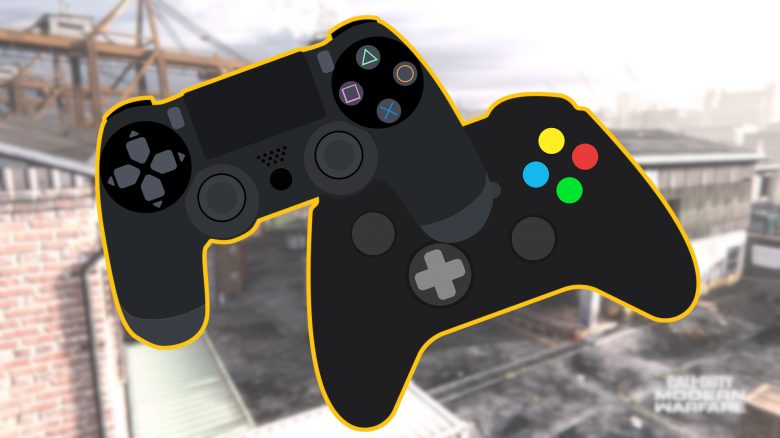
Which PS4 and Xbox controllers work?
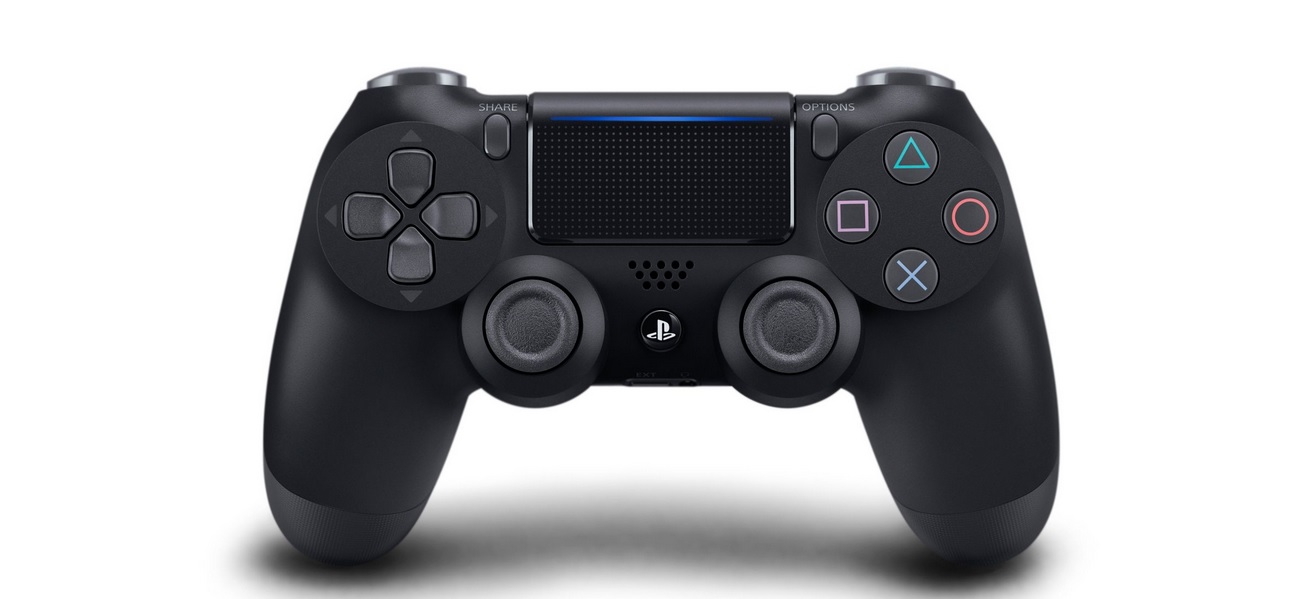
If you already own a PlayStation 4 or an Xbox One, you probably won’t even need to make a new purchase. The original, official controllers for the respective console are already the ones that CoD: Mobile supports. And that’s quite good, because:
- the DualShock 4 for PlayStation is the best all-round controller for the PS4
- the Xbox One controller is the best controller for Xbox and PC under €100
All modes of CoD: Mobile support controllers, both multiplayer, as well as Battle Royale or the zombie mode. However, you will be matched with other controller users in matches to maintain fairness.
You still have to navigate the menus using the touchscreen.
How to use controllers in CoD: Mobile
Controller usage for iOS (requires at least iOS 13):
- Open settings and select “Bluetooth Settings”
- Press and hold
- (PS4) the PS and share button until the lights start blinking
- (Xbox) the “Connect” button
- Select the corresponding controller on the iPhone under “Other Devices” and pair the devices
- The game will automatically recognize the controller
Controller usage for Android:
- Pull down the top menu bar and hold the Bluetooth icon (you may need to pull down twice)
- Press and hold
- (PS4) the PS and share button until the lights start blinking
- (Xbox) the “Connect” button
- Tap on the corresponding controller in the menu, or on “Other Devices” and then on the controller
- Select the “Pair” option
- The game will automatically recognize the controller
Other ways to play CoD: Mobile
If you prefer playing with a mouse and keyboard, you can even play CoD: Mobile on your PC. There is an official emulator that brings CoD: Mobile to PC. However, just like with controllers, you will also compete against other players using the emulator.

Your opinion is important to us!
Do you like the article? Then let us know!