

Call of Duty: Mobile is the current hit for mobile devices. However, if you prefer to play on PC with mouse and keyboard instead of on your smartphone, there is a trick to play the game on PC as well: an emulator helps.

This is Call of Duty: Mobile: Call of Duty: Mobile is exactly the game, that Activision has been waiting for, as it is immensely successful. Call of Duty: Mobile is the official mobile version of the PC series. Soon, the beta for Call of Duty Modern Warfare on PC will also start.
If you prefer to play Call of Duty: Mobile on PC, we will explain here how to do it.
So you can play Call of Duty: Mobile on PC with mouse and keyboard
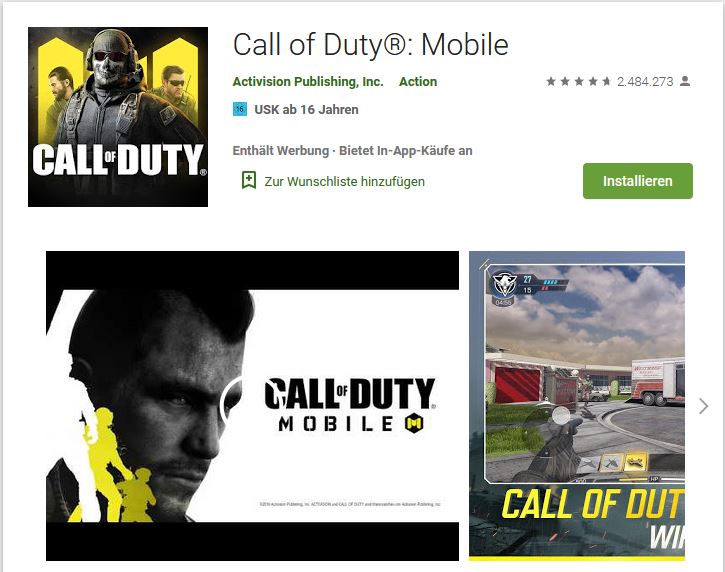
For the installation, you use the English language emulator GameLoop. GameLoop is currently not available in German, but Call of Duty: Mobile can easily be played in German.
You can download GameLoop from the official site.
- Go to the GameLoop site and download the setup.
- Then start GameLoop: Call of Duty: Mobile should be highlighted here – otherwise you can find a function at the top left to search for the game.
- Now click the “Install” option, GameLoop will download and install about 1.2 GB of data.
- Via the “My Games” tab, you can start the game with one click on “Play”.
Is the emulator GameLoop recognized by the game?

Call of Duty: Mobile recognizes players who use an emulator to play. Call of Duty: Mobile puts these players in their own lobby, so you play against others who also use an emulator.
If you are invited by a friend playing on a smartphone, you will play against a mixed group of players (smartphone and emulator).
Many people are now playing Call of Duty: Mobile, but some players wish for official controller support. Here is the current status of controller support:


Your opinion is important to us!
Do you like the article? Then let us know!