

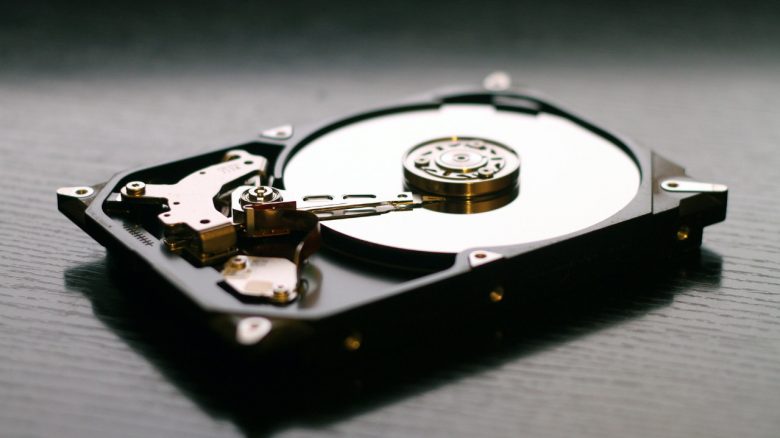
Millions of hard drives (HDDs) are shredded every year. There are much safer methods to protect old data.
Many people destroy old hard drives because they believe that shredding old hard drives can prevent the recovery of valuable data. However, destruction does not stop experienced hackers from recovering your data from an HDD.
Some sell their hard drives or dispose of them without thinking about their data. As a result, sensitive business data or personal data like passport photos, forgotten by a user, are often found.
According to the online magazine PCGamer, a trained hacker only needs a piece of an old hard drive that is just 3 mm small to extract data. If you only send your hard drive through a shredder, there is (theoretically) a chance that your data will be analyzed.
Instead, two other methods are recommended if you want to thoroughly delete your data.
There are better ways to irretrievably delete data
To thoroughly delete data on an old hard drive and make it uninteresting for hackers, there are two simple methods:
Method 1: On one hand, you can overwrite your data with new data patterns. Usually, one single overwrite is sufficient. Modern HDDs today also offer the command ATA-“Enhanced Security Erase.” This is supposed to erase the entire hard drive including defective storage areas, explains BSI.
A formatting, by the way, is not enough, because it only creates a new file system structure and a new directory. Your data will still be preserved.
In a further step, you should also delete all other copies of the data that may be located in temporary files or pagefiles.
Method 2: On the other hand, you can simply delete the encryption key with which you use your hard drive. Because without the key, hackers cannot do anything with your data.


What else works? Linus Neumann, spokesperson for the Chaos Computer Club, recommends encrypting data in general (via netzpolitik.org). Once the entire hard drive is encrypted, it is no longer readable without a password. Programs like BitLocker are already integrated into Windows today and can be used by anyone.
7 tips for strong passwords and why you need them

Your opinion is important to us!
Do you like the article? Then let us know!