

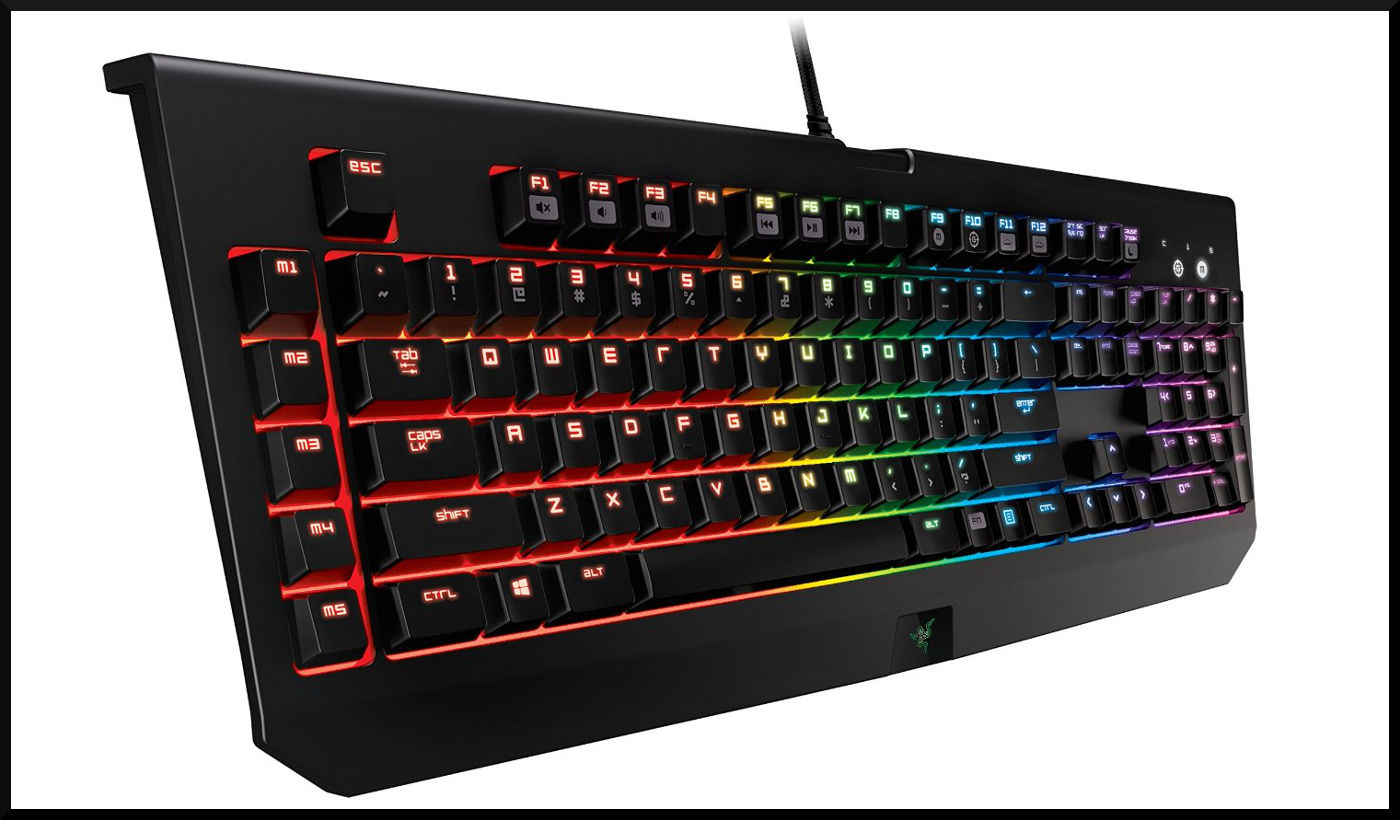
For the PC, the keyboard is an indispensable tool. Therefore, one should inform themselves about what exactly is needed before purchasing.
There is a lot to choose from. Mechanical and loud typing devices or rather notebook-like Rubberdome keyboards? Wireless or wired? USB or PS/2? Of course, advertising tries to influence the buying decision with not always quite honest methods. Especially the term Anti-Ghosting is often misused to advertise something that the keyboard does not actually offer.
And then there are ergonomic keyboards. These are unusual due to their design and are not really optimized for gaming. However, they are the healthier choice and therefore deserve mention in this guide article.
[toc]
Ergonomic Keyboards
Anyone who has always bought any keyboard may have looked at the price or appearance. The numeric keypad on the right side is taken for granted, so one hardly considers the thought of doing without it. However, that numeric keypad leads to two problems.
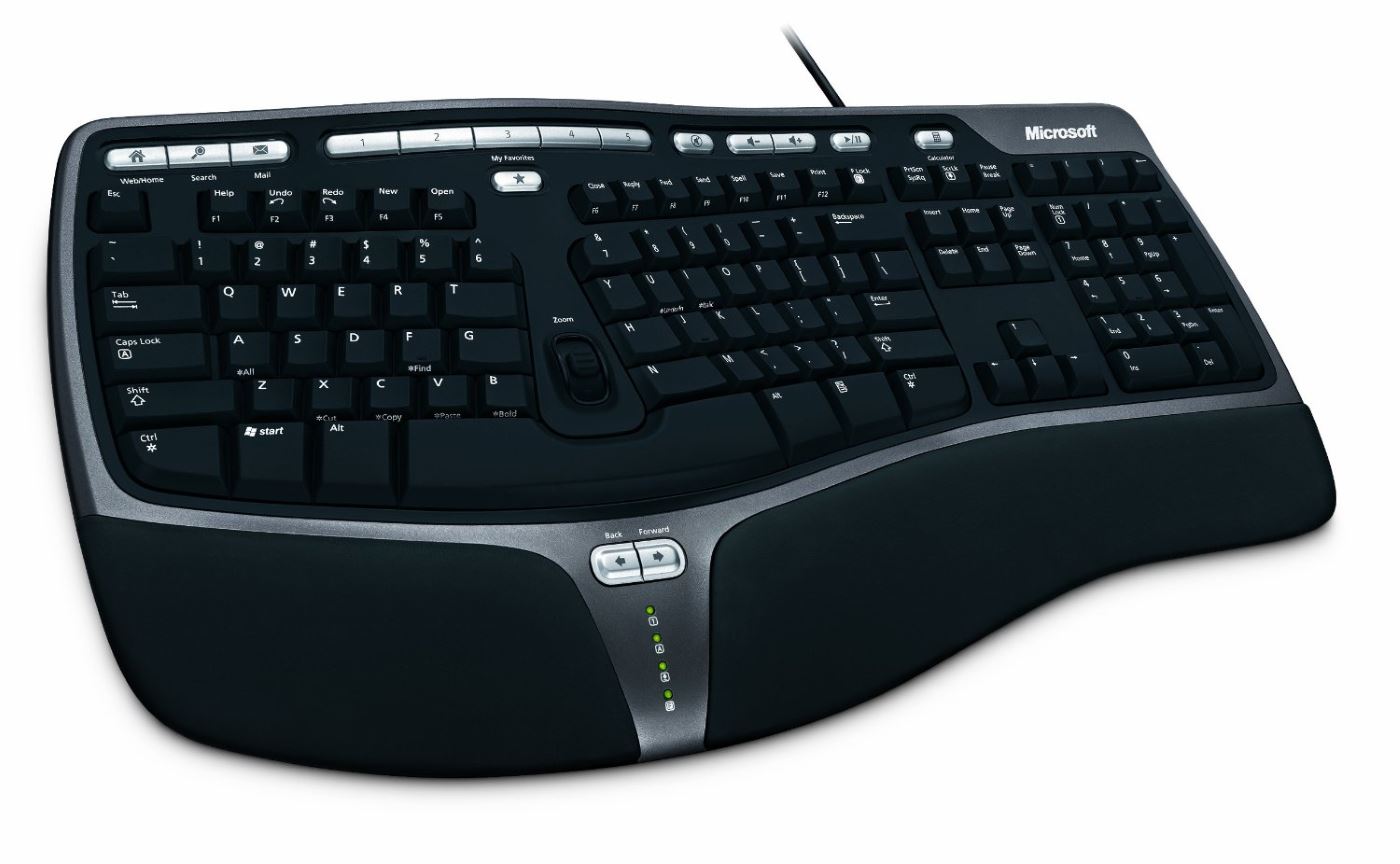
On one hand, one tends to position the device centrally. The consequence is that the actual typing is slightly shifted to the left, thus affecting the posture while typing. However, if the text area is placed centrally, the mouse for right-handers is pushed to the right. As a result, the arm has to be extended further, putting more strain on the elbow joint. Also not optimal. Therefore, it makes sense to separate the numeric keypad from the keyboard. This already takes the first step towards an ergonomic keyboard. But there’s a bit more to consider.
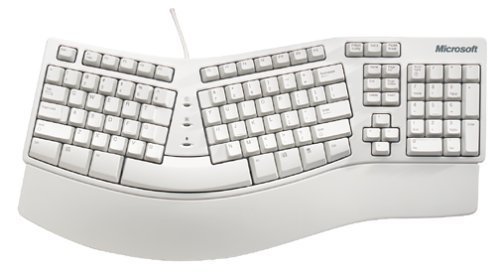
Angled and curved keyboards relieve the arms. However, they require a lot of acclimatization time. Ideally, the angle should be adjustable. Because it matters whether one has broader or narrower shoulders. Additionally, one should be able to type with all 10 fingers; otherwise, one will encounter some problems.
A high keyboard (medium key rows higher than 3 cm) leads to an unnatural bending of the hands. A wrist rest can prevent this posture. Furthermore, the input device should be slightly tilted, about 10°. This can be a positive tilt (rising to the back) or a negative tilt (falling to the back).
The color is also relevant. Black keyboards can cause the eyes to tire quickly due to the high contrast. Lighter devices are recommended. Additionally, the black plastic may contain PAK (polycyclic aromatic hydrocarbons), which are considered harmful to health. Finally, it should be mentioned that due to bacteria, regular cleaning should be performed.

Your opinion is important to us!
Do you like the article? Then let us know!