

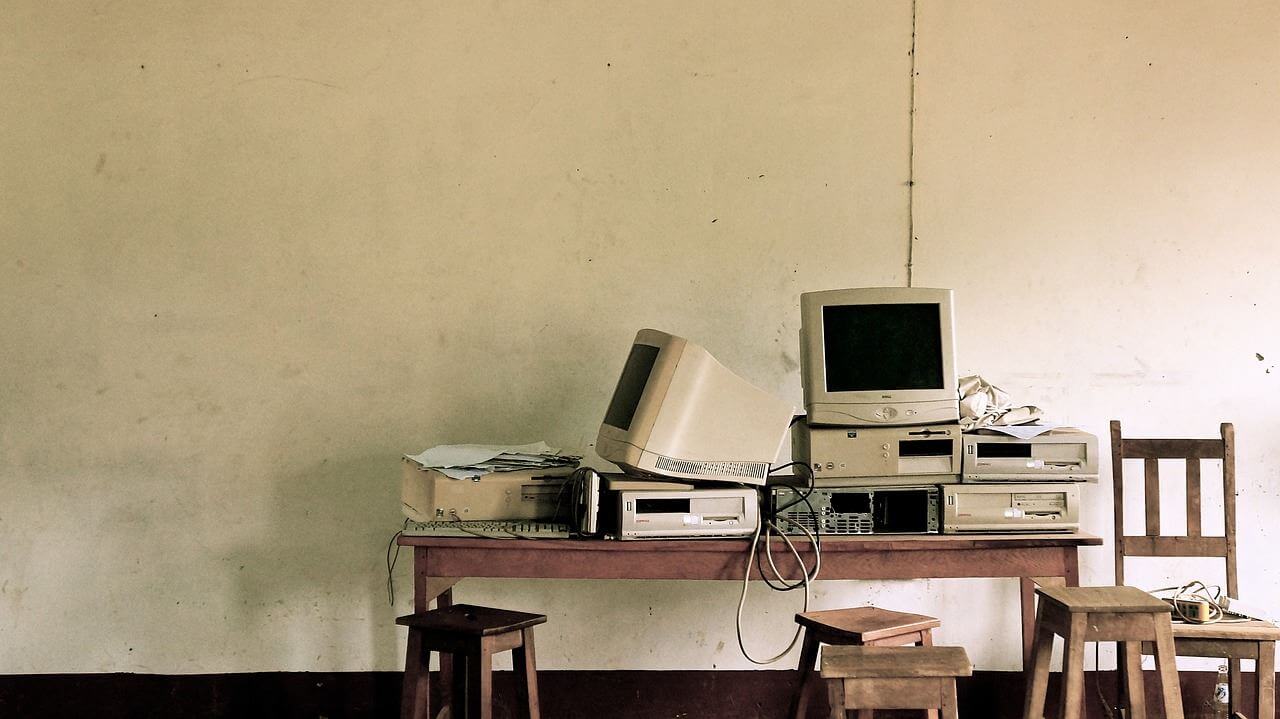
Mainboard, processor, graphics card, RAM, power supply, a hard drive, and a case, and the PC is ready. But what should you pay attention to when buying and installing the hardware?
After the peripherals already received their guide, now follows the one for the computer itself. Included are some information on what to pay attention to when installing the hardware. The structure of this corresponds to a possible installation order.
Building the PC is usually easier than expected. As long as you proceed without force, you won’t make many mistakes. Cables can hardly be connected incorrectly, as each connector looks different. The biggest source of error is the correct application of thermal paste on the processor, but we will cover that separately.
It is important that the computer is not powered. It is best if the power supply is not connected at all. Additionally, you should always ground yourself. If the heating is connected to the floor, you can simply touch it to do so. Alternatively, so-called grounding straps are also available (e.g. available on Amazon*). Moreover, you should not work on carpet flooring, as you could recharge yourself from it.
[toc]
The Case

Either the so-called tower is the most important part of the computer or the least important. You don’t necessarily need it, but generally, it is used. It protects the hardware from dust and allows airflow if cooled by fans. This way, heat can be released continuously.
When purchasing, the appearance should definitely be ignored. After all, the devices generally sit under a table, and you’ll only regret it later. Much more important are the following features:
Size: Midi towers are usually 40cm or smaller, big towers are 60cm. For stationary usage, the larger variant is recommended. This allows for multiple fans to be installed.
Drive Bays: Usually, 2 slots are sufficient, but most often you have more.
Ports: Many cases have various ports, for example for cards or fan controls. USB ports are also available. If these are 3.0, the motherboard must be compatible with 3.0 for them to be used.
Cooling: Those who want more than just fans should also pay attention to the case. Some PC towers facilitate, while others complicate the installation of water cooling.

Noise Level: For this reason, one should ignore the appearance. Poorly distributed shiny plastic that only aims to impress with looks will quickly start to rattle. This can become extremely loud. Prefer something simple and therefore quiet.
The case is mostly closed. You can and must remove parts of it, after all, a DVD drive should be operable from the outside. These covers can be removed without issue. It is essential that you always fill these gaps and not leave “blanks” by removing all covers “just in case.” Otherwise, a lot of dust can accumulate inside quickly.
The Power Supply
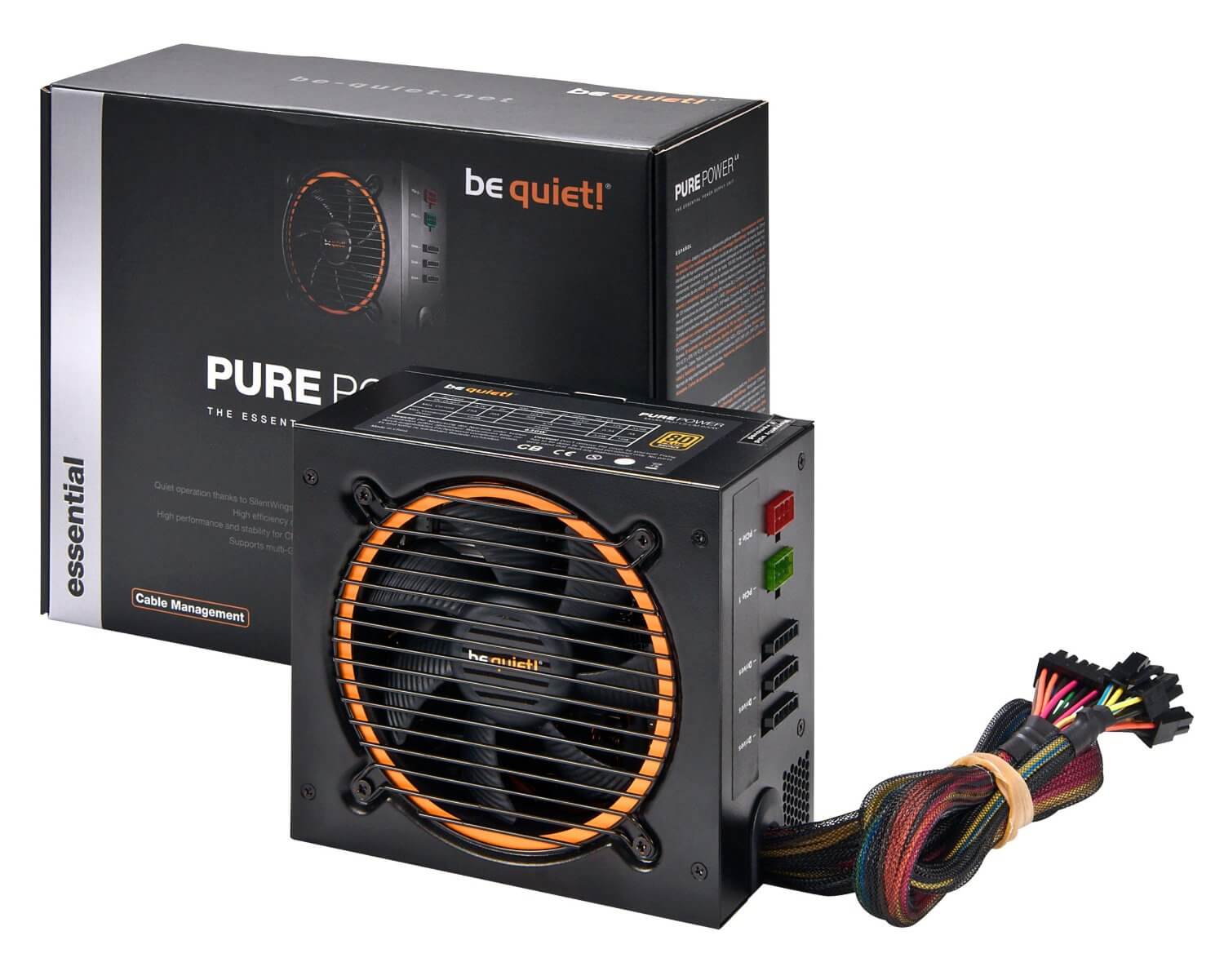
Without a power supply, the remaining hardware cannot be powered. This already determines its task: the generation of low voltage and protection against overvoltage. Additionally, further voltage regulators are built into the motherboard, as certain components operate with even lower voltages.
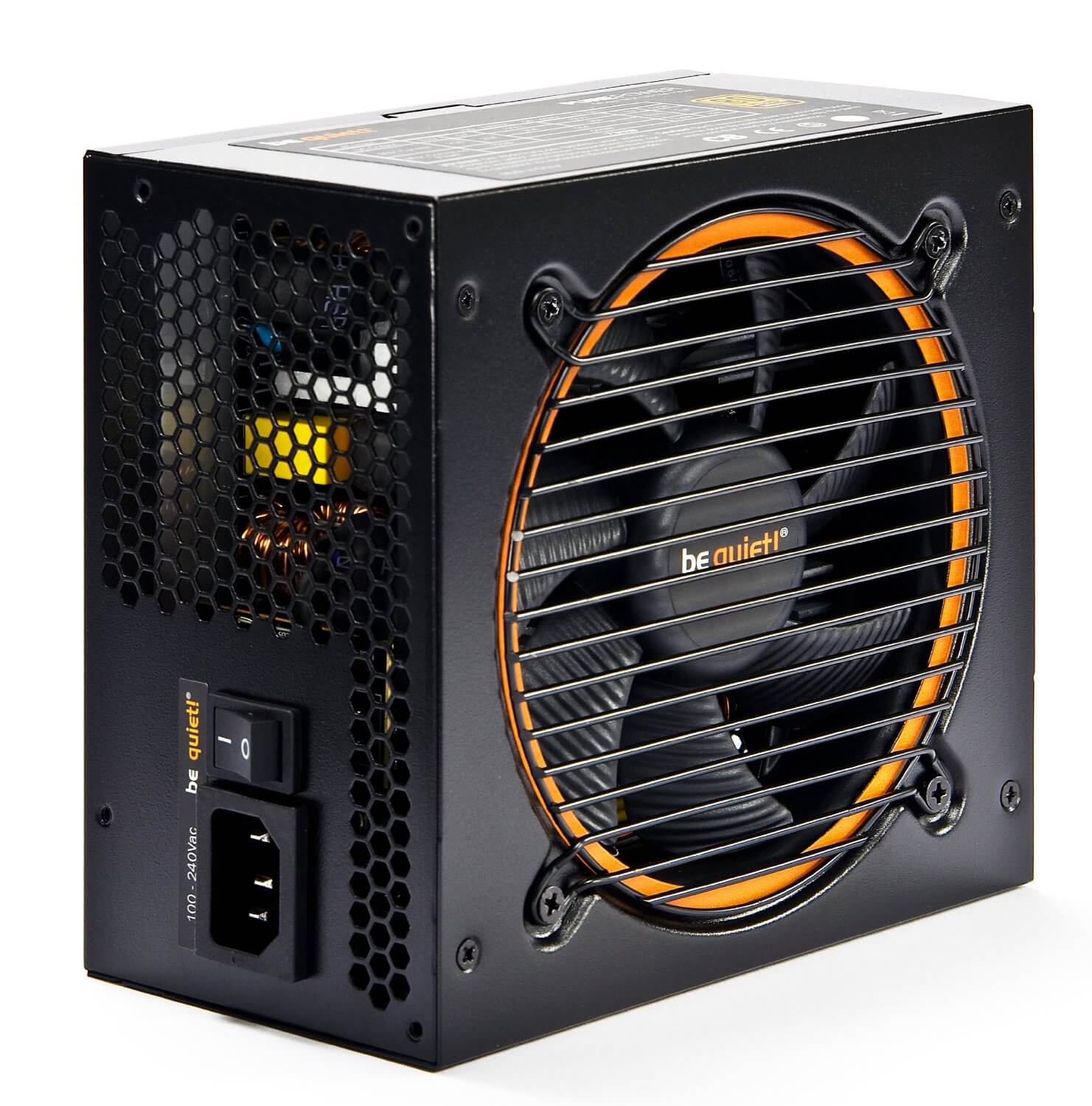
This task is not performed by a conventional transformer, as it would be too heavy and too large. Therefore, a switch-mode power supply is used, which consists of several units. The first unit is a filter to catch electrical disturbances such as overvoltage. Subsequently, alternating current is converted into direct current and then back into alternating current. This increases both the voltage and the frequency. Consequently, significantly smaller transformers can be used, which generate different voltages, usually 12, 5, and 3.3 volts. Some power supplies can reach -12 and -5 volts, but this is not necessarily due to the aforementioned voltage regulators on the motherboard. The positive values are required; a graphics card relies on 12V.
The required wattage depends on the computer’s task. For office applications, 300 watts are sufficient; for multimedia about 500, and for gaming or high-performance hardware at least 600 watts. Furthermore, a separate power switch should be present, as electricity is consumed even if the PC is turned off.
Installing the power supply is very simple. The device just needs to be inserted into the corresponding opening in the case, which can then be screwed in. After that, hard drives and motherboards can be inserted. They should be directly connected with the cables. Subsequently, the remaining hardware is installed and wired. The connectors differ in appearance, so you won’t make mistakes here.
For better airflow, the cables can be bundled together using rubber bands or nylon straps. Cable ties should not be used, as they are too permanent.
A switch-mode power supply always requires a load. If it is switched on without a load, voltage surges can occur. This can destroy the device! Continue with the motherboard.

Your opinion is important to us!
Do you like the article? Then let us know!