

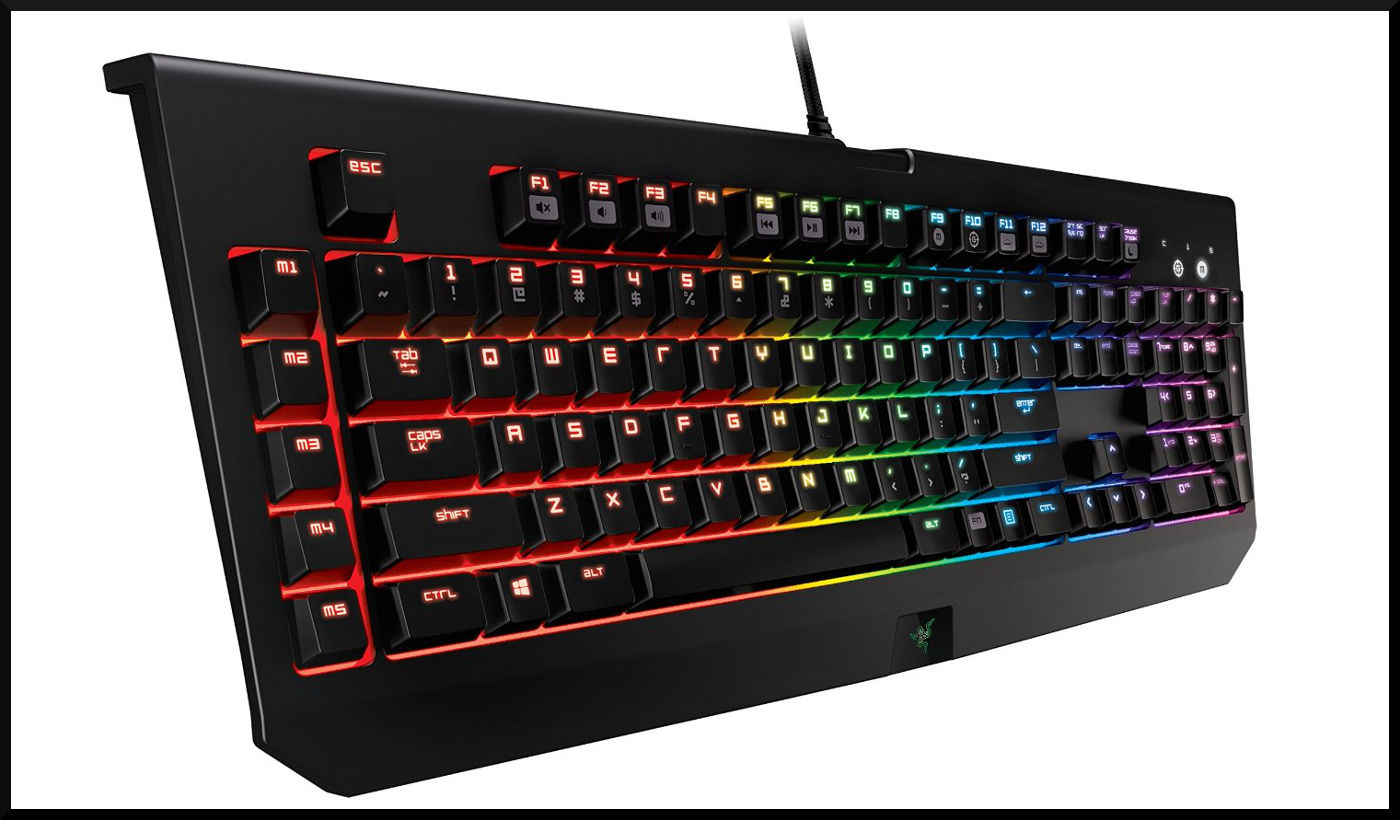
USB, PS/2, and NKRO
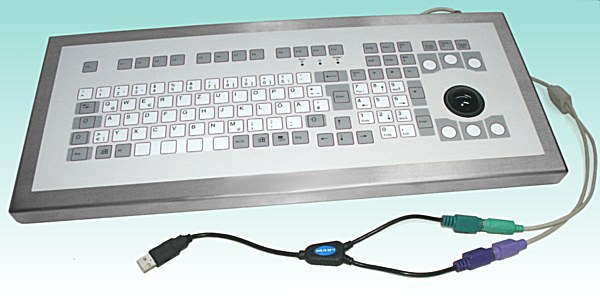
A keyboard with a USB connection also cannot recognize an unlimited number of simultaneously pressed keys, unlike PS/2 devices. This USB limitation is often advertised by manufacturers as ghosting, and the corresponding improvement is referred to as anti-ghosting.
PS/2 is, by the way, these round ports that some might consider outdated. They come in two colors: green for the mouse, purple for the keyboard. However, keyboards with this connection are hardly found in stores anymore. Nevertheless, only these allow NKRO. The long form is n-key rollover. This allows n arbitrary keys to be pressed simultaneously. With USB keyboards, instead of N, a number is given, e.g., 3KRO. The number indicates how many keys can be pressed simultaneously before the USB device fails. 3 is the standard value; anything above that is incorrectly referred to as anti-ghosting by the industry. Values below are also possible, e.g., 2KRO, meaning only 2 keys can be pressed simultaneously. Ironically, this is actually anti-ghosting.
Another disadvantage of the USB connection is that it becomes slower the more USB devices are used simultaneously. However, unless one has several USB hard drives connected and is printing at the same time, one should hardly notice any of this. PS/2 keyboards are a bit better but are usually not really necessary.

Your opinion is important to us!
Do you like the article? Then let us know!