

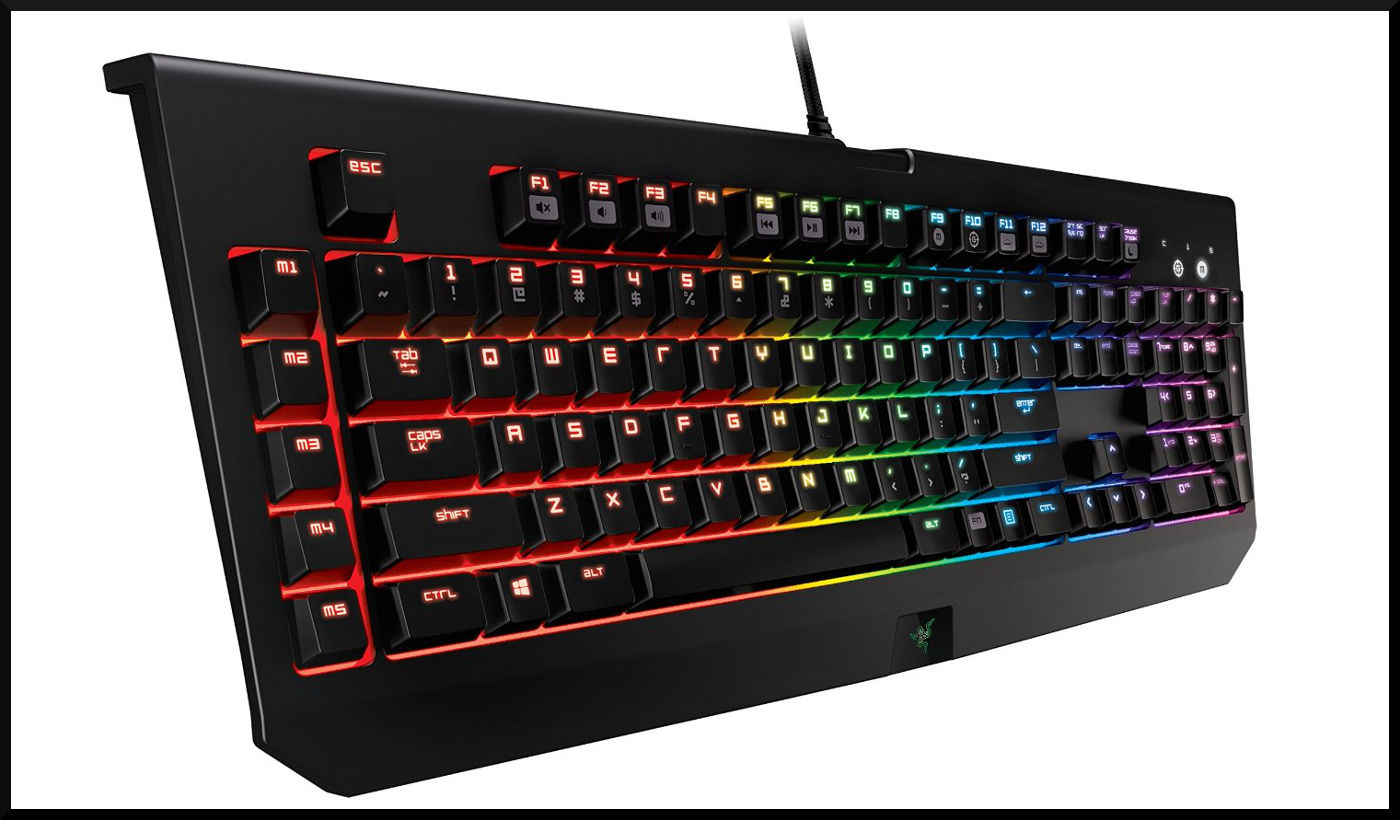
Anti-Ghosting
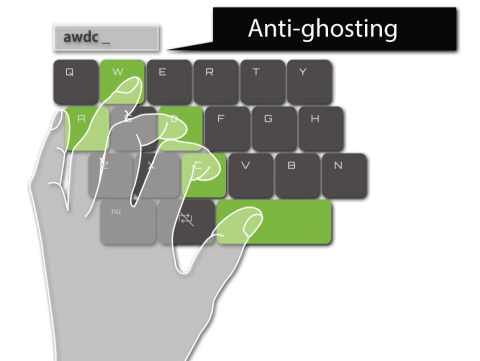
Ghosting means that the hardware, i.e., the keyboard itself, has trouble when multiple adjacent keys are pressed at the same time. This either leads to an additional key not being recognized or to unpressed keys being triggered suddenly. But how does ghosting occur?
One can imagine it like a coordinate system. Each key is surrounded by traces. If a switch is pressed, it creates a short circuit between one trace on the X-axis and one on the Y-axis. And the intersection of these paths is the pressed key. Each key has its own unique combination, allowing them to be distinguished as long as they are pressed individually.
It gets trickier when keys are triggered simultaneously. W and D or Q, F and N are still unproblematic because two different traces are triggered for each key. With Q, A, and Z, the keyboard can still cope. Although they are on the same Y-trace, they are on different X-traces and can thus still be distinguished from each other.
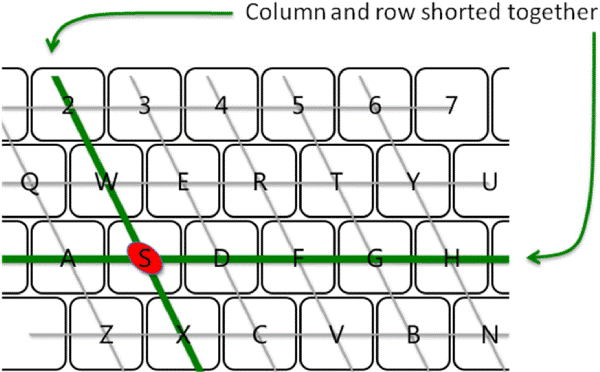
However, Q, A, and S lead to ghosting. These trigger 4 traces (2 on the X and 2 on the Y-axis). As can be seen in the graphic, these 4 intersections are: Q, A, S, and W (the ghost), and thus a wrong key can be triggered.
Keyboards advertised with Anti-Ghosting can also be affected by ghosting. This is because not the entire device is always optimized, but only certain parts, e.g., the WASD block. Furthermore, ghosting is just one of the reasons why multiple simultaneous key presses may not be recognized. It is also possible that the software on the computer does not support this. And then there is the issue of the USB connection.

Your opinion is important to us!
Do you like the article? Then let us know!