

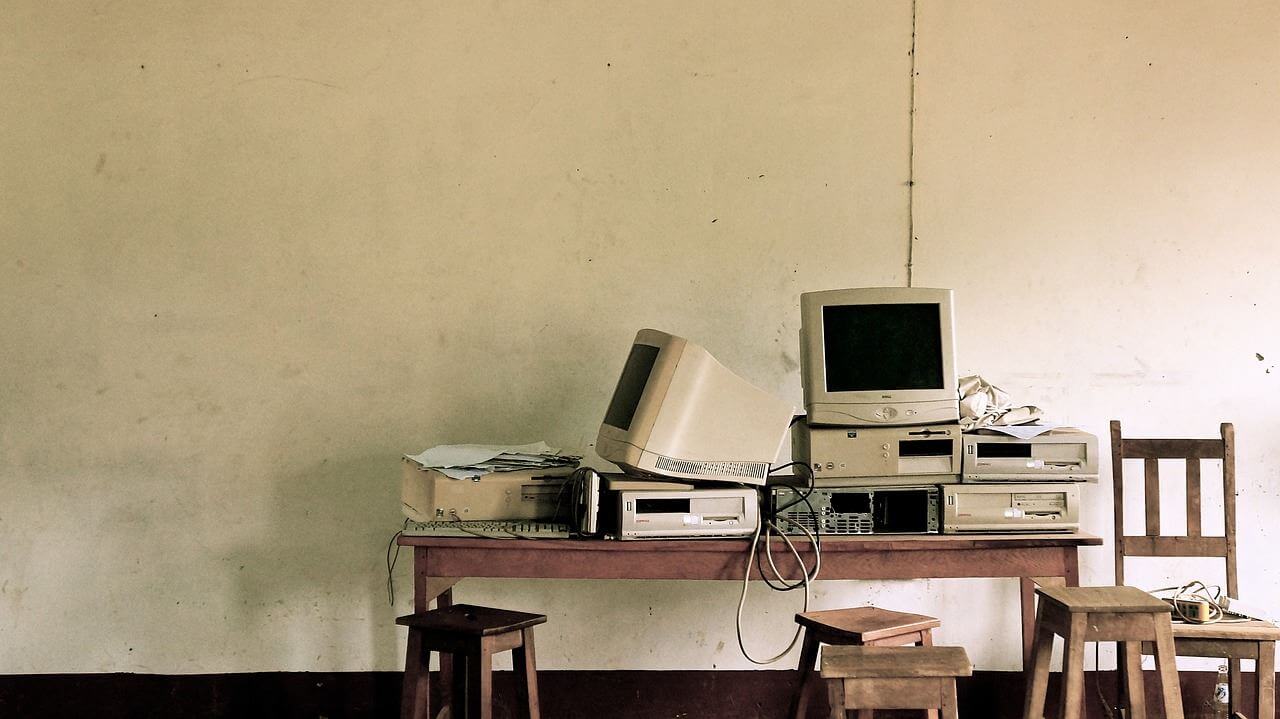
The RAM Memory
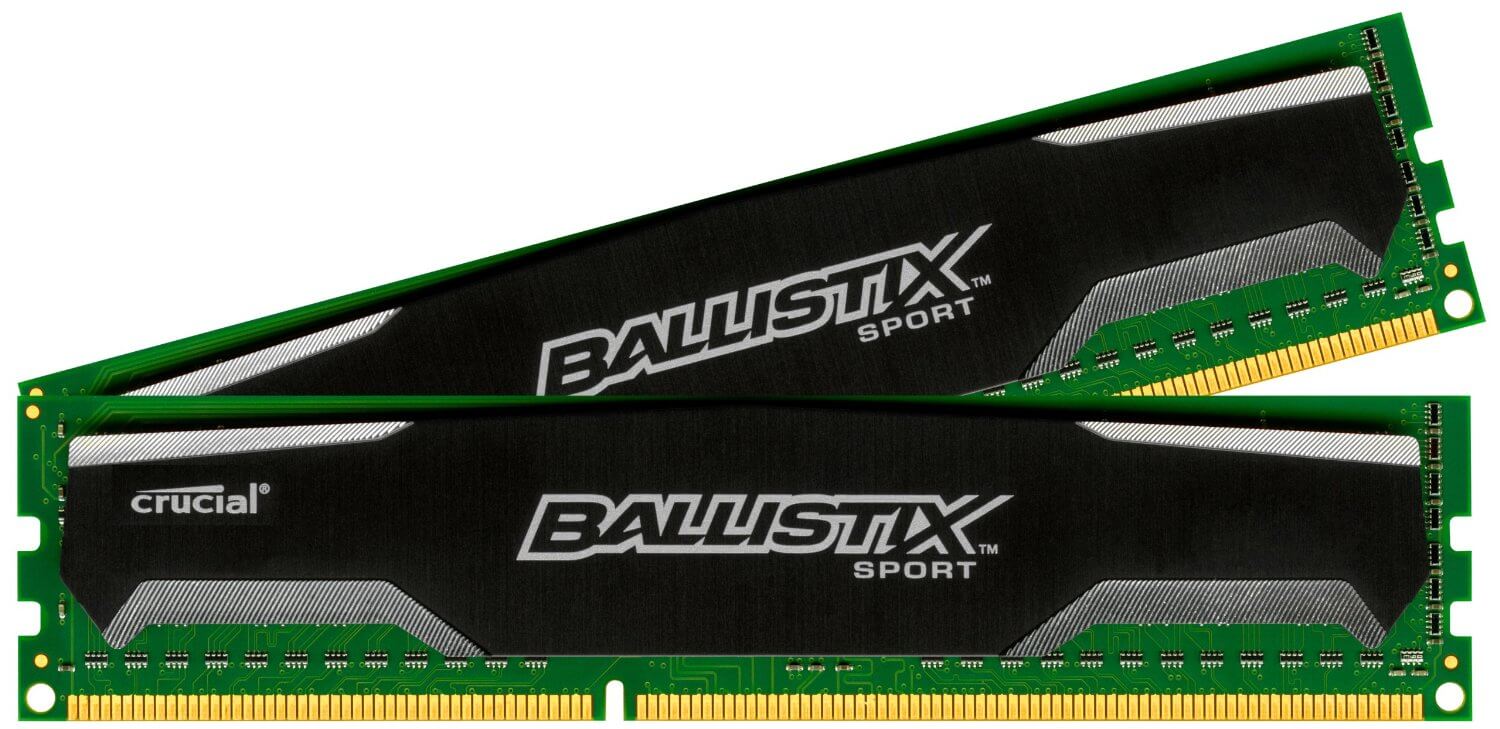
RAM stands for Random Access Memory and can be compared to short-term memory. All currently needed data is stored there. The memory is extremely fast, about 10 times faster than an SSD. It is also possible to install your operating system on it. However, it is not really practical, as the data is volatile. If the computer suddenly turns off, all stored data is lost.
The memory comes in different formats, as already discussed in regard to the motherboard. Low memory leads to slow computers. When the PC is deactivated, the memory can be exchanged as needed. They just need to be plugged into and out of the corresponding slot on the motherboard. Furthermore, the memory can be freely combined.
RAM memory can vary in both storage size and speed. When considering speed, keep in mind that all memory will adapt to the slowest speed. It is advisable that at least all frequencies are identical. Due to the motherboard’s Dual Channel support, it is generally better to always install the same RAM in pairs.
Other Cards
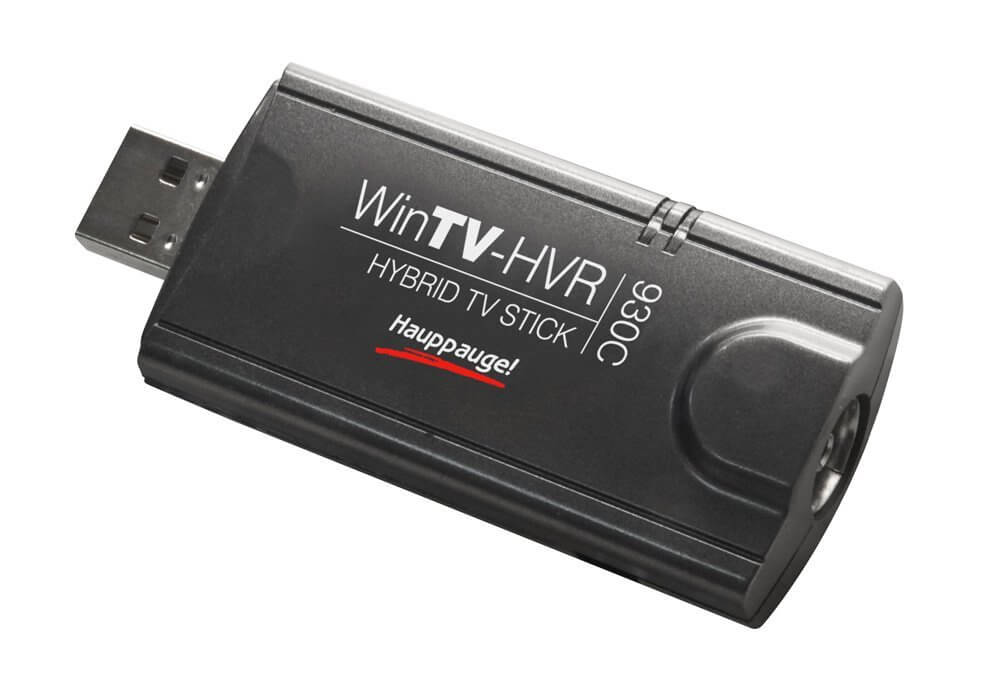
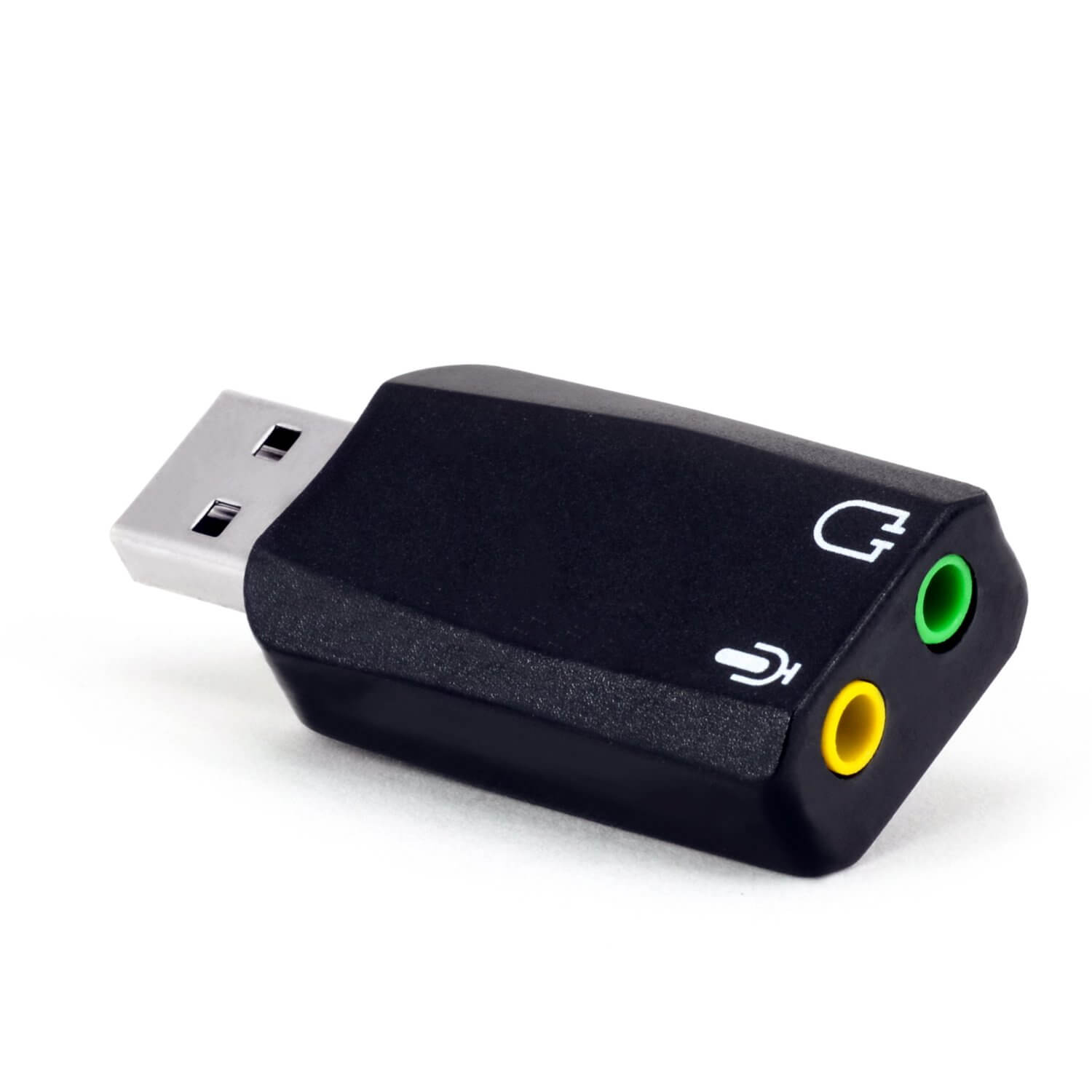
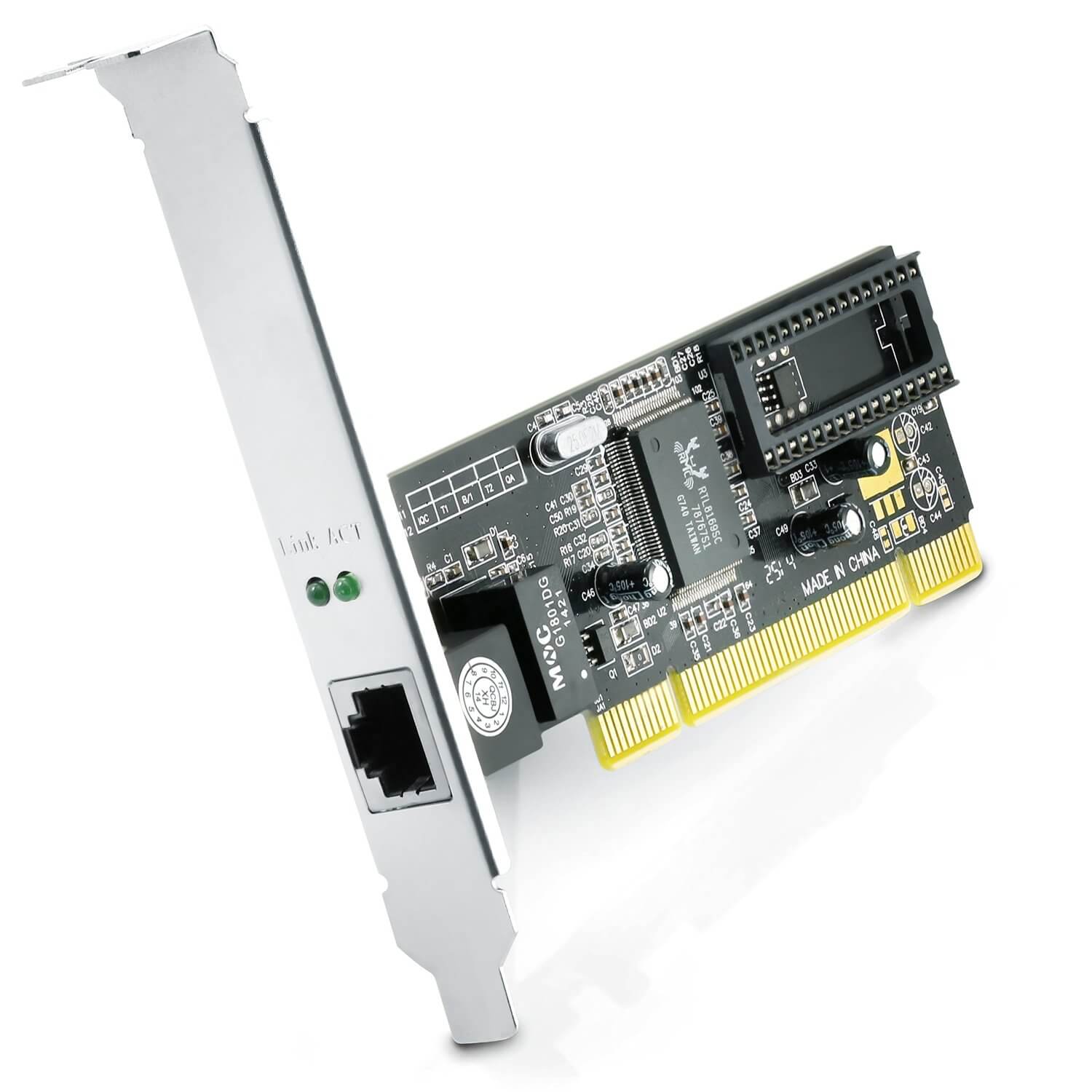
Many functions are already integrated into the motherboard, such as a network or sound card. If you have no high demands in this regard, you can be satisfied with it. Otherwise, you have to purchase a corresponding card. These are usually available in two variants. Internal ones are the ones installed inside the case, saving space and cables, but requiring a corresponding connection. External ones are those that have their own housing and connect via USB. Their advantage is that they can quickly and easily be connected to other devices.
Network cards are available in different variations, from 10 Mbit/s to 10 Gigabit/s. One must not confuse bits and bytes; 8 bits equal 1 byte. A 16k DSL connection is 16000 Kbit/s or 16 Mbit/s, which translates to 2 MB/s. The network card should not be slower than the internet access provided by the ISP.
If you want to use more than one card because, for example, you’re using the PC as a router, you need to use ones with the same speed. Otherwise, the faster one will adjust to the slower one.
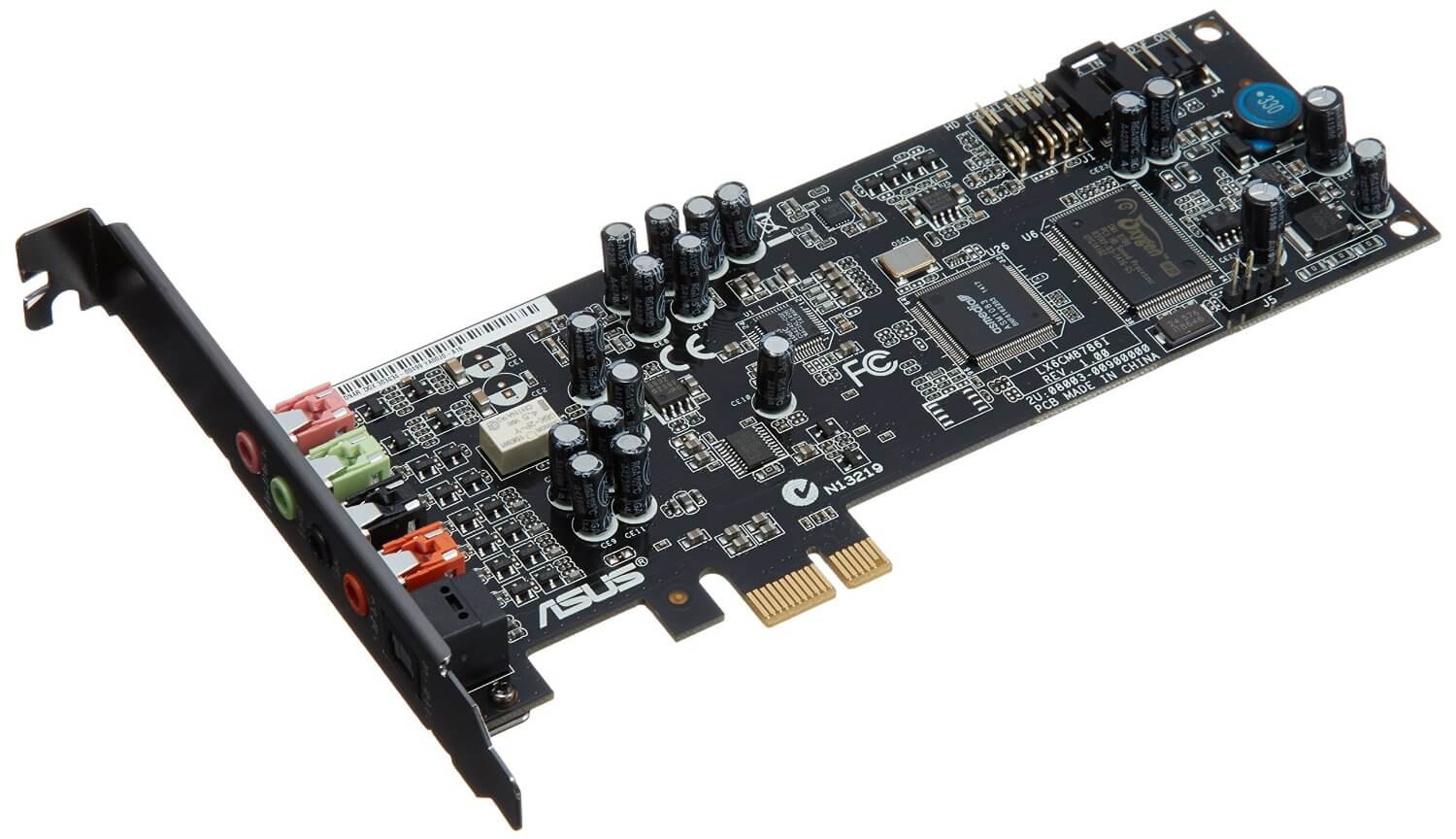
If you only use the motherboard’s sound card, you can safely use a USB headset, as its quality is significantly better. However, if you have a sound card, you should use it. Yet it only accounts for a relatively small portion of the sound quality. If you want to achieve much impact for a small price, you should read our guide on headphones and microphones. Just 30€ can suffice.
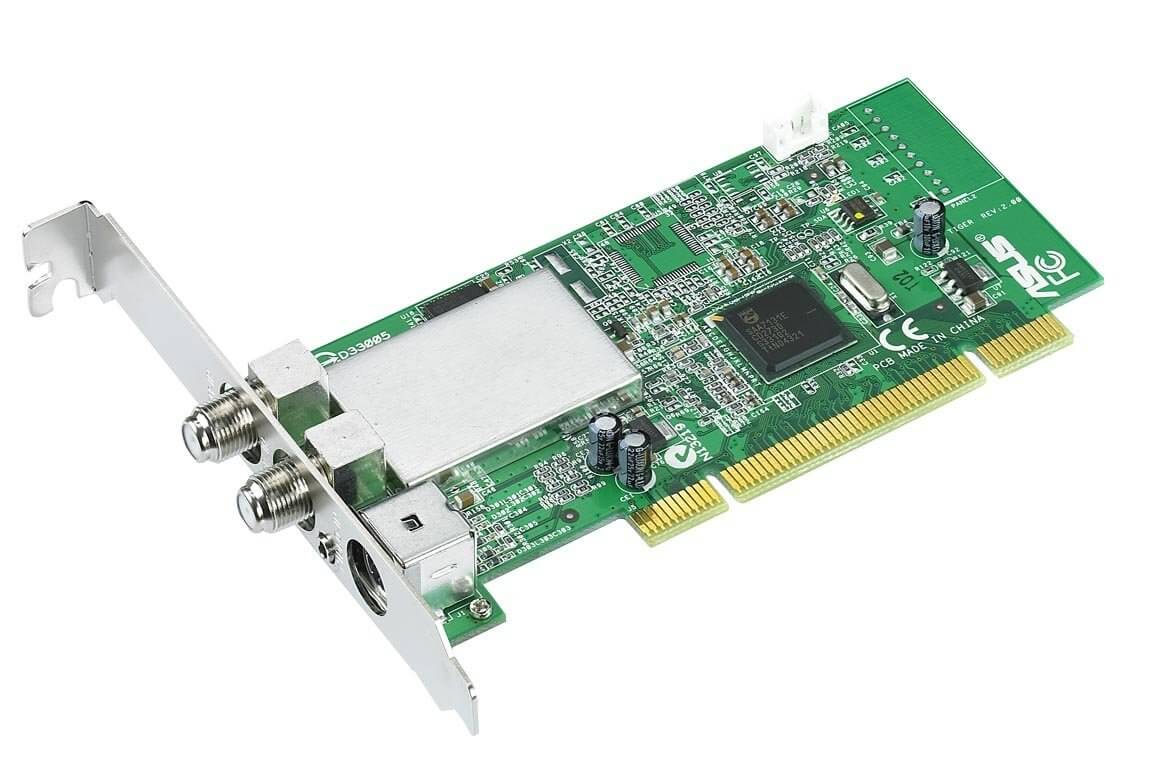
Another possible card is the TV card. This allows you to use the PC as a recorder. Here the same logic applies as for televisions: digital is better than analog, and you must choose between cable (DVB-C), antenna (DVB-T), and satellite (DVB-S). Software is usually included, but it is not always of high quality. The DVBViewer Pro is recommended for about 20€. Occasionally, the correct installation proves to be problematic. It helps to look for unknown devices in the device manager after the first installation and connection. There, update the driver, let it search manually, and specify the download directory of the DVBViewer Pro.
For purchase recommendations for all hardware, we refer to the article by Gamestar. It is updated regularly.
Interested in other guides? Then we can recommend the following posts:
- PC Monitor Guide: What should I consider when buying?
- PC Mouse Guide: What should I consider when buying?
- PC Keyboards Guide: What should I consider when buying?
- Headphones and Microphone: The better alternative to headsets?
- Best Gaming Chairs for Gamers under 300 Euros
- Three Gaming Monitors up to 200 Euros for MMO Fans

Your opinion is important to us!
Do you like the article? Then let us know!