


The Processor
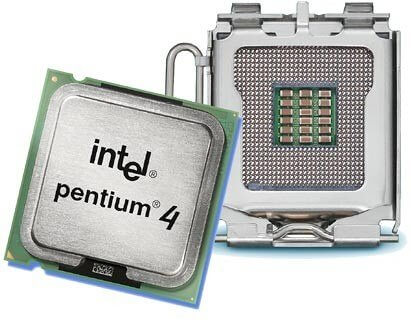
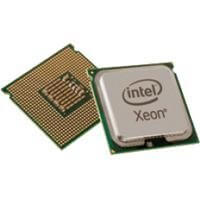
In a computer, there are numerous processors. Commonly, the term refers to the main processor, known as the Central Processing Unit or CPU in English. Its tasks include computation and control.
When selecting a suitable CPU, some mistakes can be made. How many gigahertz it should have, how important multiple cores are, and their distinction from virtual cores are just a few aspects to consider. If the processor is too weak, the entire system suffers. The installation itself is somewhat more complex, and a mistake can destroy the hardware.
Functionality
A processor can have up to several million transistors. Simply put, transistors are electrical switches. This makes it possible to compute in the binary system, which only knows the values 0 and 1. The transistors also recognize only these two values.
The second task is executing instructions. The CPU is constantly busy with this, as there are many tiny tasks. Looking at just a single task would make no sense to the user.
Additionally, there are so-called interrupts. These are unexpected events sent to the processor. It then interrupts its task to attend to this. To return to its previous duty, it writes its values into a stack. These are memory units that operate on the principle of “Last In First Out”. This means that data added last is removed first. It can be imagined like nested boxes where the last inserted box must be removed first.
Rendering videos or photo editing benefits from a powerful processor. It may seem that these are areas for the graphics card, but that’s not the case. It plays only a subordinate role in these situations.The clock frequency refers to the regular rhythm of the unit. With each clock, a certain number of operations are performed. The assumption that the processing speed depends on the clock frequency is only partially correct. It is relevant, but there are many other factors that influence the speed, such as the executed program itself. The extremely complex calculation of speed is done by benchmark tests.
The clock is indicated in hertz. Nowadays we are in the giga-hertz (GHz) range. One GHz can perform 1 billion calculations per clock.
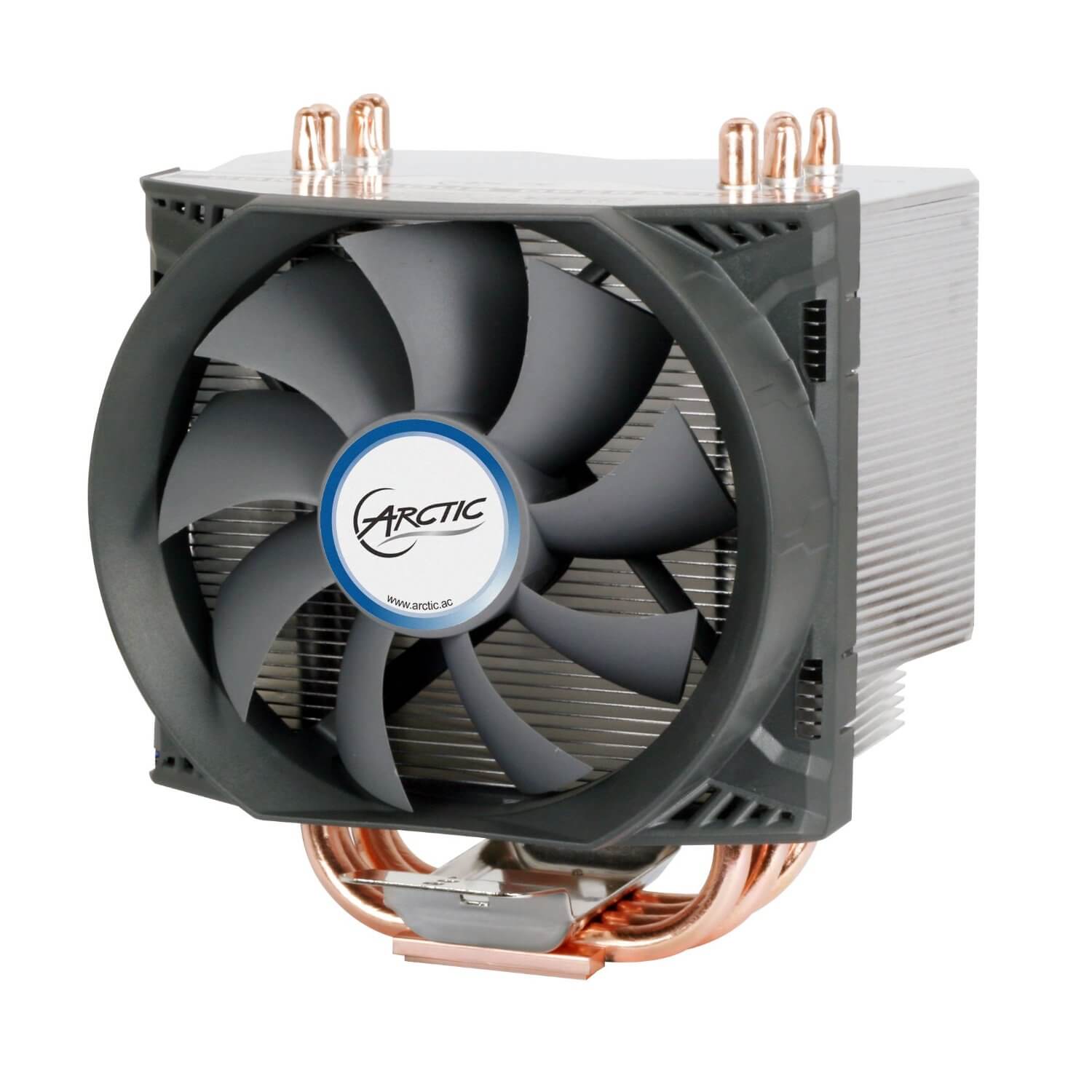
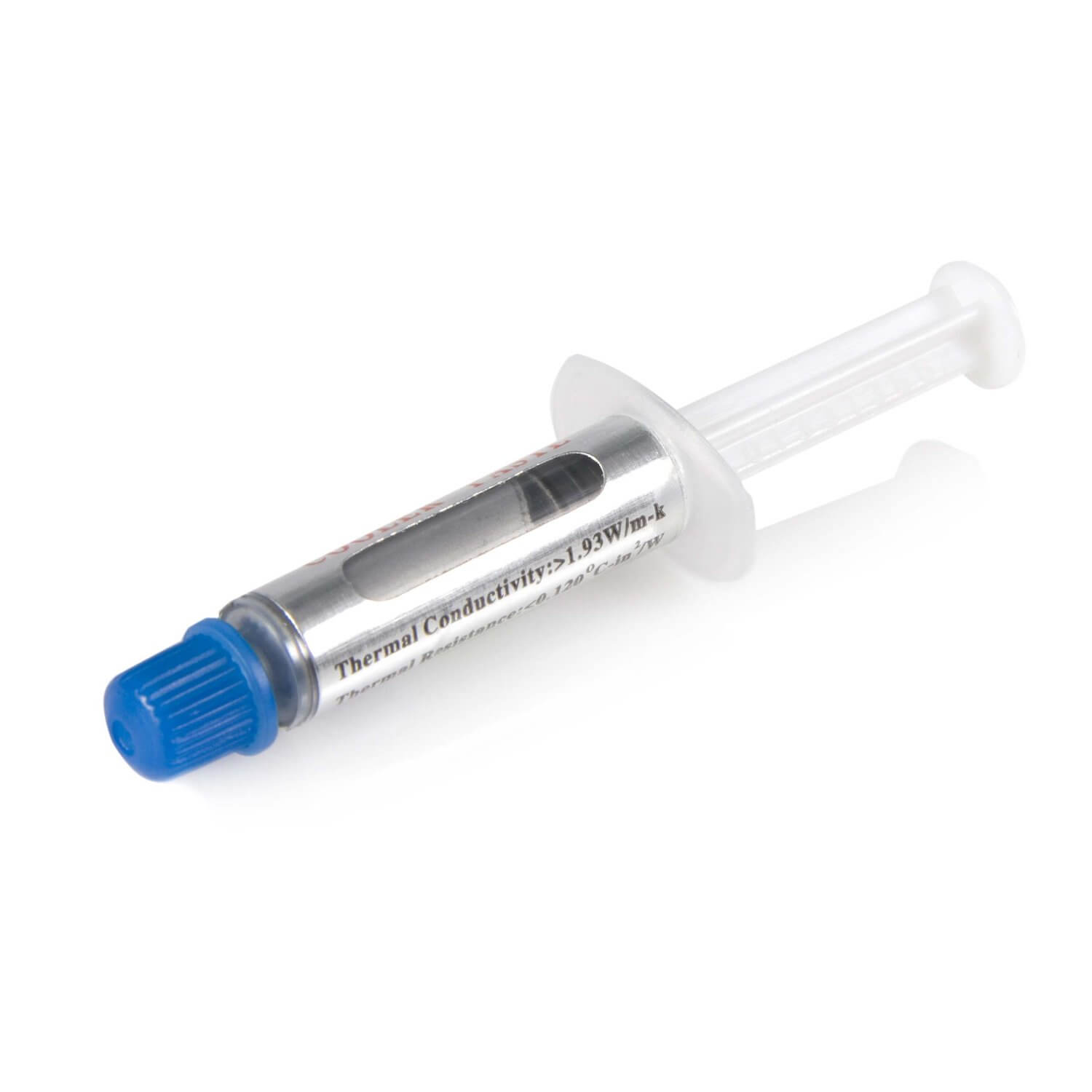
The heat generation of the CPU is therefore correspondingly high. For this reason, it has its own cooling system in the form of a fan. There is thermal paste between the cooler and the processor.
Multicore Processor
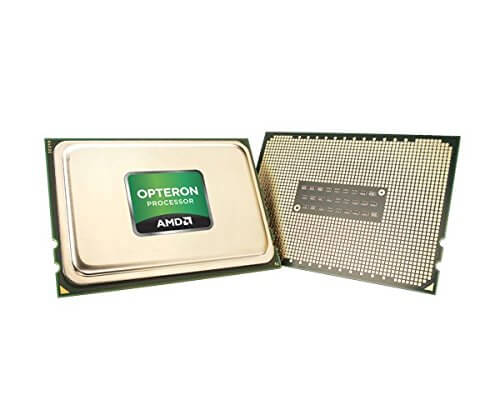
Nowadays, people often forego installing stronger processors. Instead, they use one with multiple cores. These can exist physically or virtually. But what advantage does this variant bring, and are there areas where one might prefer just one core but utilize multiple processors?
To answer the question, one should first know why the development moved in this direction. In the early days, a single core was used, and its clock frequency was continually increased. Unfortunately, this consistently raised heat generation, making conventional cooling measures ineffective. To solve this problem, the number of cores was increased instead of the clock speed. Two cores can complete a single task faster than a single core can.
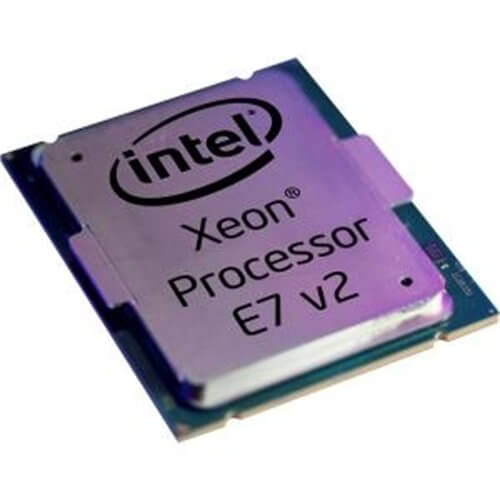
A problem for the user is that it might not offer much. For multiple cores to be utilized, the software must be capable of using multiple simultaneously. If it is not, it continues to use just one core and ignores the others. In the Windows Task Manager under the performance tab (in Windows 10, you need to open the resource manager afterwards), you can check which programs can utilize multiple cores. All graphs should have load percentages over 50%; if they are below, the software is not optimized for multicore CPUs. Because this optimization requires extensive and time-consuming programming effort.
Anyone who wants more performance in games may therefore need to intervene manually. Although the operating system can assign applications to its cores, it does not always do so correctly. If you have four cores, the usual background software should only be limited to two, so that utilization is significantly increased. The remaining two cores can then be used for other applications. By using programs that utilize only one core rather than several, performance can be boosted. Because then they can utilize the single core they use completely.
Multiple cores therefore rarely provide a direct advantage over a single core. Their disadvantage is that the software must be explicitly adapted for multicore applications. This development was only pushed forward because Intel and AMD were unable to solve the heat problem.
Under the keyword Hyper-Threading, Intel introduced virtual cores. Each real core has a second one – a virtual one. While multithreading allows a processor to handle multiple tasks in parallel, hyper-threading allows a single core to handle more than one task at the same time.
And this technology also requires that the software must be adapted. Windows XP, for instance, was not capable of distinguishing between real and virtual cores. This could lead to the operating system offloading tasks too much onto the virtual cores, making everything slower overall. With Windows 7, this is no longer a problem. For games, this technique only brings limited benefits.
To install additional processors requires a motherboard that has the slots to install more than one CPU. However, this offers no advantages. Two processors with one core each is equivalent to one processor with two cores for the system.
The Correct Installation
When installing – ideally already at the time of purchase – one should ensure that the processor socket is compatible with the motherboard. Finding the socket on the motherboard is relatively simple. There are levers in place that are opened before installation.
Both the socket and the processor itself have a marking in one of the corners. The unit should be inserted with the pins downward so that the markings are aligned. Under no circumstances should pressure be applied! This would only bend the pins and ruin the processor. Once that is done, the lever can be closed again.
Now thermal paste should be applied. The reason for this is the rough surface of the CPU. The paste should fill this unevenness and allow for uniform cooling. Generally, a drop the size of a pinhead, which is evenly spread, is sufficient. If done with a finger, it is advisable to wrap it in plastic wrap to keep the paste free from unnecessary contamination.
Only the processor is treated with thermal paste, not the surrounding area. Excess can be removed with a TFT or printer cleaner. Nail polish remover, nitro thinner, and acetone are also possible. They are more aggressive, so there is a risk of damage.

Your opinion is important to us!
Do you like the article? Then let us know!