In FIFA 19 Ultimate Team, the boosts from Chemistry Styles are displayed for the first time. Previously, EA only provided us with rough information about the increased values.
For years, FIFA players have used sites like Futhead or Futbin to build teams or look up various things. This includes the exact boosts of the chemistry styles.
While these were previously only shown simply in Ultimate Team, we are expected to be able to see the correct values in FUT 19 according to beta leaks.
How much bonus do Chemistry Styles give exactly? From FIFA 19 we know
Bonus from chemistry styles uncertain. It is considered relatively safe that the values of the chem styles on Futbin or Futhead are correct, but a solid statement from EA is missing. The last official statement about chemistry was for FIFA 17.
Currently, in-game, you can only see the bonus to a category like “Pace” or “Shooting,” but not which attribute is exactly boosted.
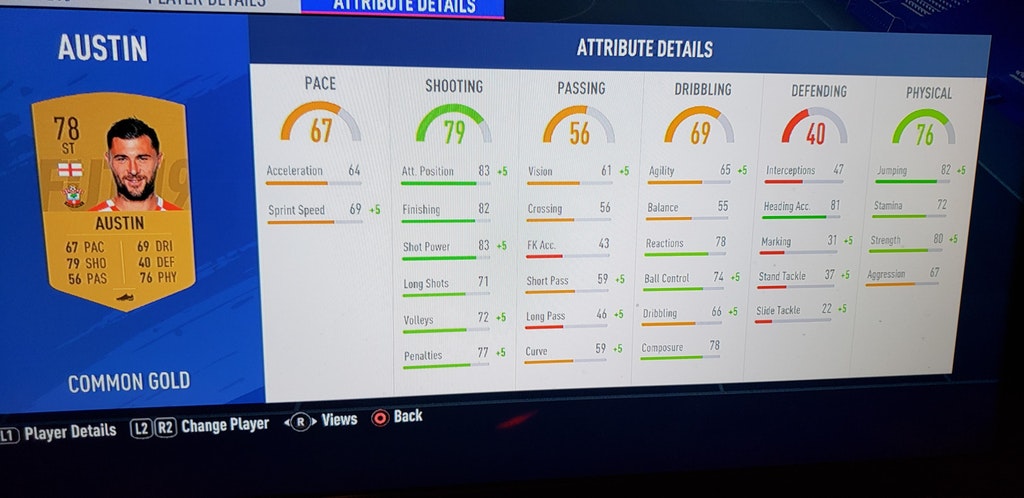
Beta leak shows chemistry bonus in the game. On Reddit, beta user Legeo3 posted a picture of a player’s stats overview in FUT 19. There, next to the base value, a bonus is displayed for some attributes. This is the boost from the chemistry style “Basic.”
Has EA changed the chemistry styles? What is noticeable in the photo is that the bonuses do not match those of the “Basic” chem style. For example, there used to be +5 for Acceleration and not for Sprint Speed.
Now the question arises whether EA has actually adjusted the boosts of the chemistry styles, or if it is a beta bug.
The bonuses of the chemistry styles in FIFA 18
How exactly do chemistry styles work?
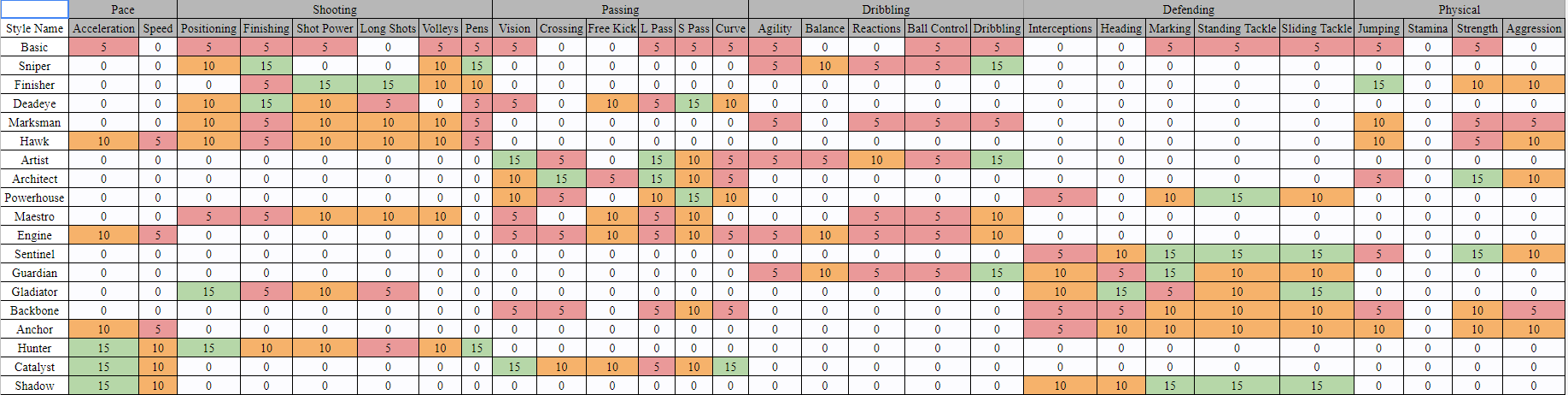
Chem styles provide bonuses to attribute values. Every player must have a chemistry style. When players are drawn from packs, each starts with “Basic.” This gives a +5 bonus to several values. Which exactly those are can be found in the table above.
Different chemistry styles for different player types. The chemistry styles come in various combinations. The most popular are “Hunter” for offensive players, as it boosts shooting and pace, and “Shadow” for defenders, as it upgrades defending and pace.
Do players always get a boost? No, the bonus depends on the player chemistry. If a player has 10 chemistry, they receive the full bonus. At 3 chemistry, they receive a penalty – at least that is the current understanding in the fanbase and on relevant sites.
Whether this information still holds true will be seen at the release of FUT 19. FIFA 19 will be released on September 28 for PC, Xbox One, PS4, and Nintendo Switch. On which platform you should buy FIFA 19 has been explained in our console comparison.
This is an AI-powered translation. Some inaccuracies might exist.
Players of Fortnite (PC, PS4, iOS, Android, Switch & Xbox One) are eagerly awaiting the new update featuring the Heavy Sniper Rifle and new content in the PvE mode. However, today, on August 14th, it seems that the update will not happen, as Epic is taking its time. When is the new patch coming?
The highly anticipated content in Fortnite: For weeks now, the new Heavy Sniper Rifle has been circulating in the news about Fortnite. By now, the new weapon has already been officially announced on the news screen.
This usually means that the new weapon will be added to the game with the next update. Typically, such patches are released at the beginning of the week, on Tuesday. But this time, it seems Epic is taking its time.
When is the new update for Fortnite coming?
No patch on Tuesday: Those who were expecting the sniper rifle patch on this Tuesday, August 14, 2018, will be disappointed. Because throughout the morning, the servers remained quiet.
No update has been deployed, and no patch notes or announcements have come through the usual channels.
Update not until Wednesday? Such delays are, of course, nothing new. Epic has previously deployed patches only in the middle of the week. Therefore, the new update is likely to come tomorrow, on August 15th.
This timing has not been officially confirmed by Epic, but since on Thursday the new challenges for week 6 are coming, Epic is likely to deploy the new update as usual beforehand.
Content update expected: This week, a “Content Update 5.20” should arrive. These are usually smaller patches without major downtime that bring only 1 new weapon, a new mode, and minor tweaks for PvP.
What could be in the Content Update 5.20?
The Heavy Sniper Rifle: This new weapon is highly anticipated. The new gun has an absurdly high reload time, but it can take down buildings and opponents with massive damage in one shot. It is said that it might even shoot through walls, but this claim could just be a rumor. More info on the Heavy Sniper can be found here.
New Constructor hero in Save the World: Fans of the PvE mode can look forward to a new Constructor hero in the event shop. According to Epic, the character is set to arrive in the week of August 13. More info on Epic’s roadmap for Fortnite’s PvE mode can be found here.
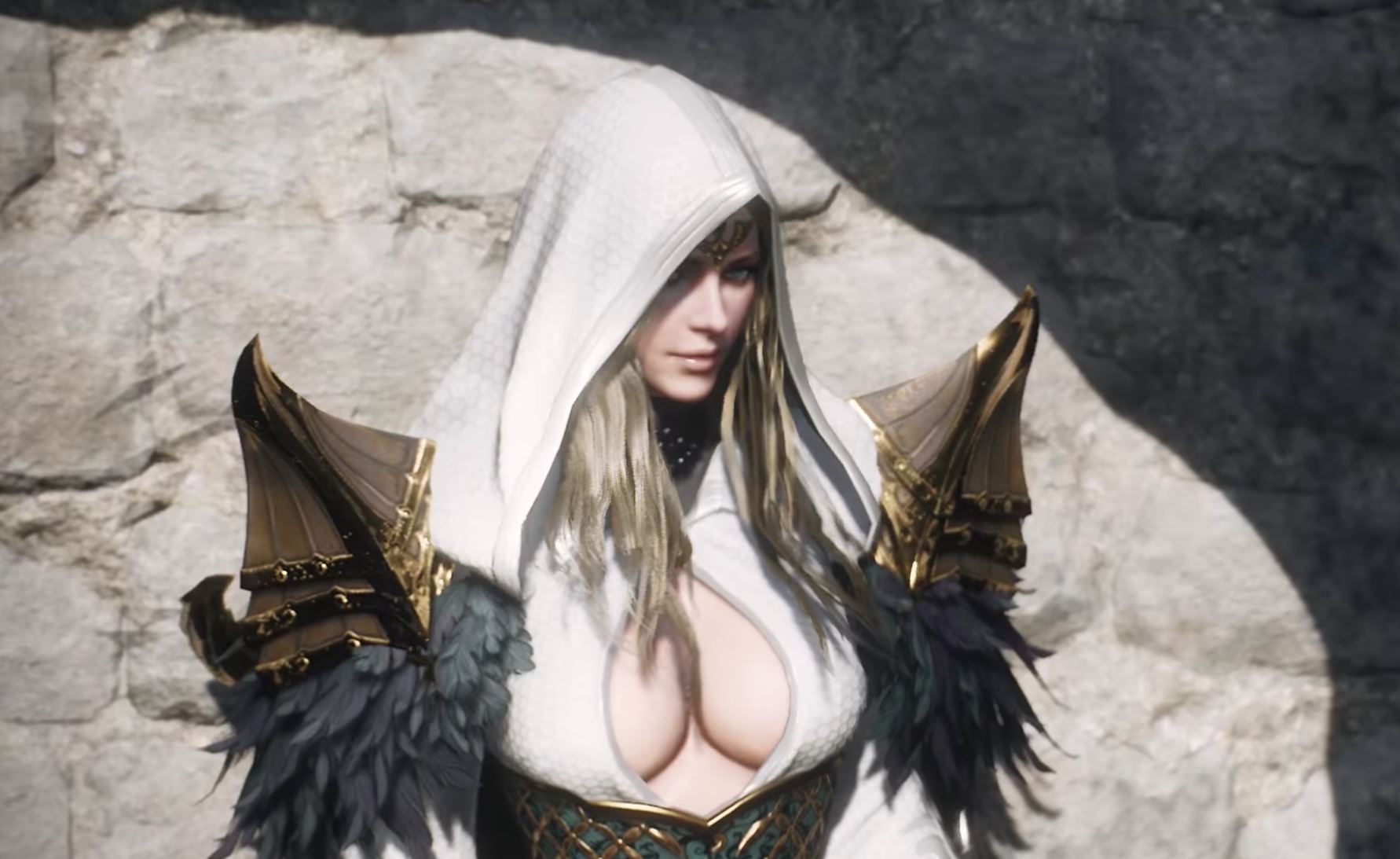
The work on the interesting action MMORPG Project TL is progressing very well. Publisher NC Soft has even announced the closed beta for 2018. But it won’t be coming to Europe just yet.
Project TL is progressing well
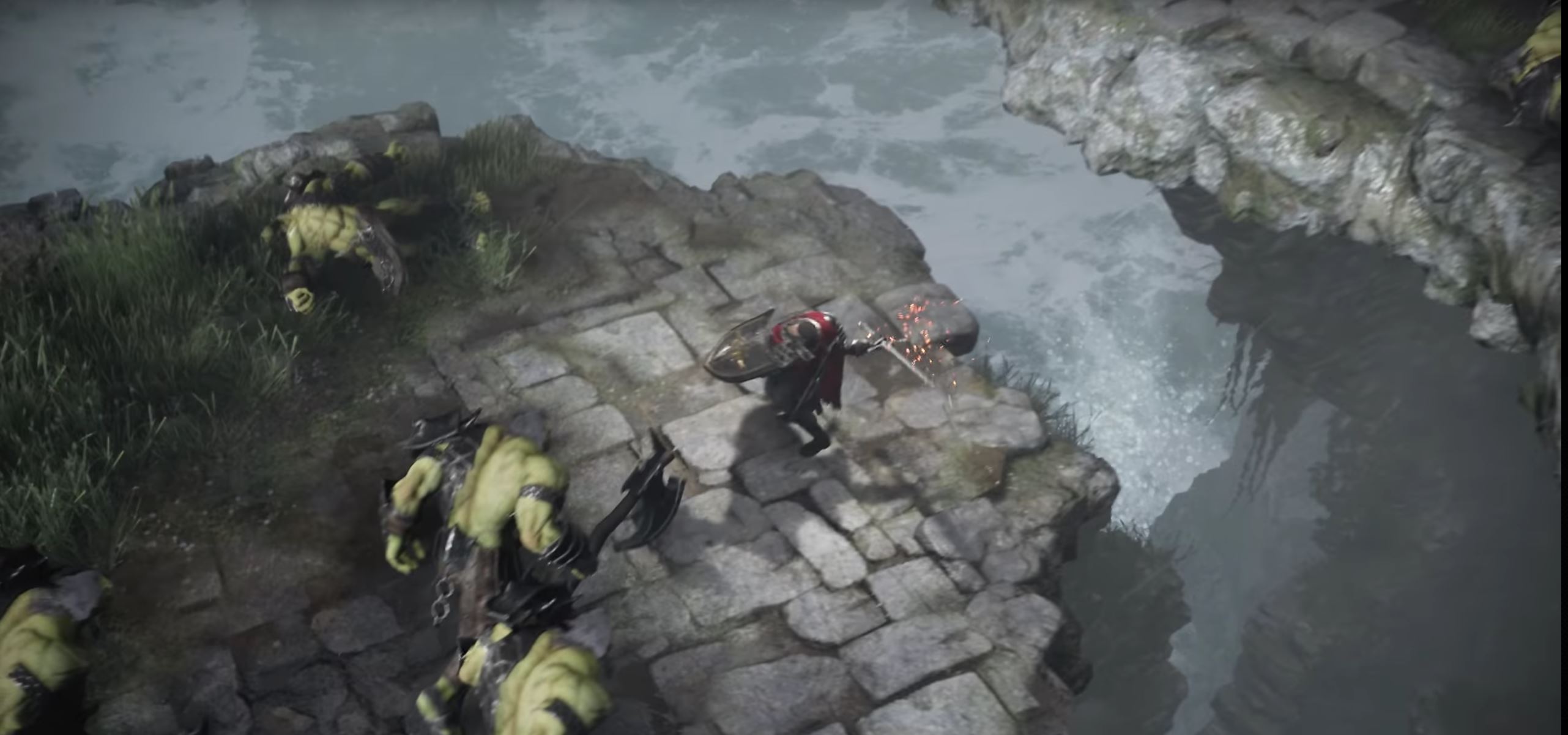
Project TL – outrageously pretty. Project TL has evolved from Lineage Eternal and is practically Lineage 3. The action MMORPG left many role-playing fans with their mouths agape with a spectacular announcement trailer.
Since then, fans have been waiting to finally be able to play this gem.
Project TL emerged from Lineage Eternal. Lineage Eternal looked excellent. However, there were problems and delays during development, which is why NC Soft revamped the project, switched the engine to Unreal Engine 4, and re-announced it as Project TL.
While Lineage Eternal was intended as a hybrid of mobile and PC, Project TL is now planned only for PC.
The closed beta for Project TL starts in December in Korea
The closed beta is approaching. Even though we are still waiting for Project TL to be officially announced for Europe, it will soon be possible to play the title. At least in Korea.
Because NC Soft has now announced the start of the closed beta for this December. It is currently unknown whether players from Europe can also register.
The project is on schedule. The announcement of the closed beta for December shows that NC Soft is on schedule with the development of Project TL. It seems that the company has a better grip on the title than with Lineage Eternal.
There should be nothing standing in the way of a release in 2019.
Will Project TL also come to Europe and North America?
What are the chances of a release in the West? NC Soft has still not officially commented on a release of Project TL in Europe and the USA. However, Blade & Soul was also released here, which was long considered unlikely.
It is quite possible that Project TL will also appear here – but probably with some delay.
Recommended editorial content
At this point you will find external content from YouTube that complements the article.
I consent to external content being displayed to me. Personal data can be transmitted to third party platforms.
Read more about our privacy policy.
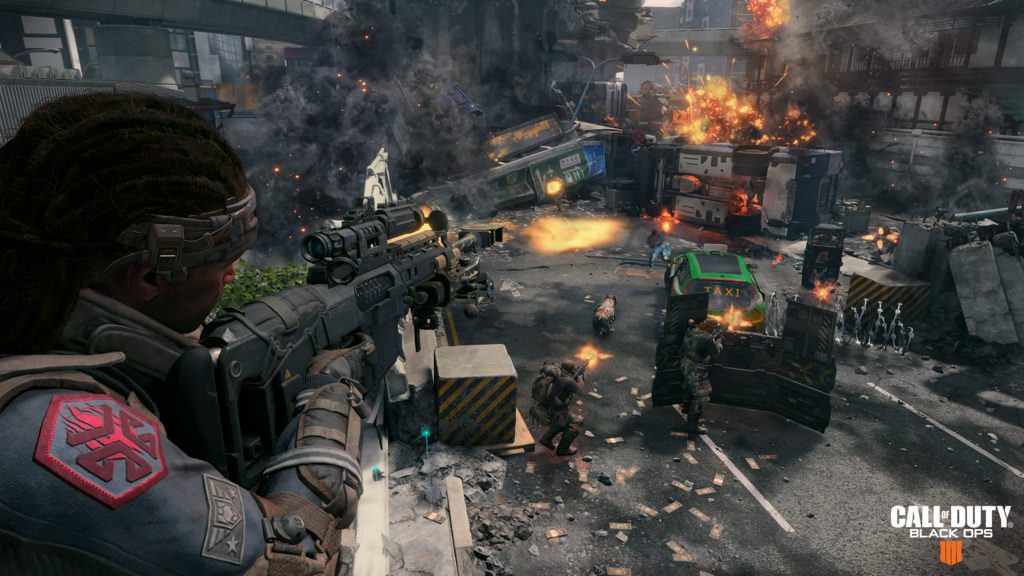
The Call of Duty: Black Ops 4 beta has officially ended on PS4, Xbox One, and PC. However, Activision advises players not to delete the beta client from their hard drive in case they want to participate in the Blackout beta in September.
Did you participate in the Call of Duty: Black Ops 4 beta? And are you planning to check out the beta for Blackout – the new battle royale mode of Black Ops 4 – in September? Then Activision and Treyarch have a useful tip for you.
The current beta client of Black Ops 4 will receive an update in September
No new client for the Blackout beta: Activision Support advised on Twitter not to remove the current beta client from the hard drive if you are interested in the Blackout beta in September. Because the previous client will still be used and will only receive an update in September if you keep the current beta data on the hard drive.
Recommended editorial content
At this point you will find external content from Twitter that complements the article.
I consent to external content being displayed to me. Personal data can be transmitted to third party platforms.
Read more about our privacy policy.
You could save a lot of time: Players who have deleted the client will need to download the entire new package if they are interested.
Considering that the Call of Duty: Black Ops 4 beta already occupies around 35 GB of storage space, players with weaker internet connections will particularly benefit from keeping the client on the drive until the update. According to the developers at Treyarch, the time savings for the upcoming download will be enormous.
When is the next Call of Duty: Black Ops 4 beta? There is currently no exact date for the Blackout beta of Call of Duty: Black Ops 4. It is only confirmed that it is scheduled to take place in September 2018. However, Activision states that further information can be expected very soon.
WoW: All Information About “Battle for Azeroth” Overview
In our overview article, we reveal all important information about the next chapter of World of Warcraft: Battle for Azeroth.
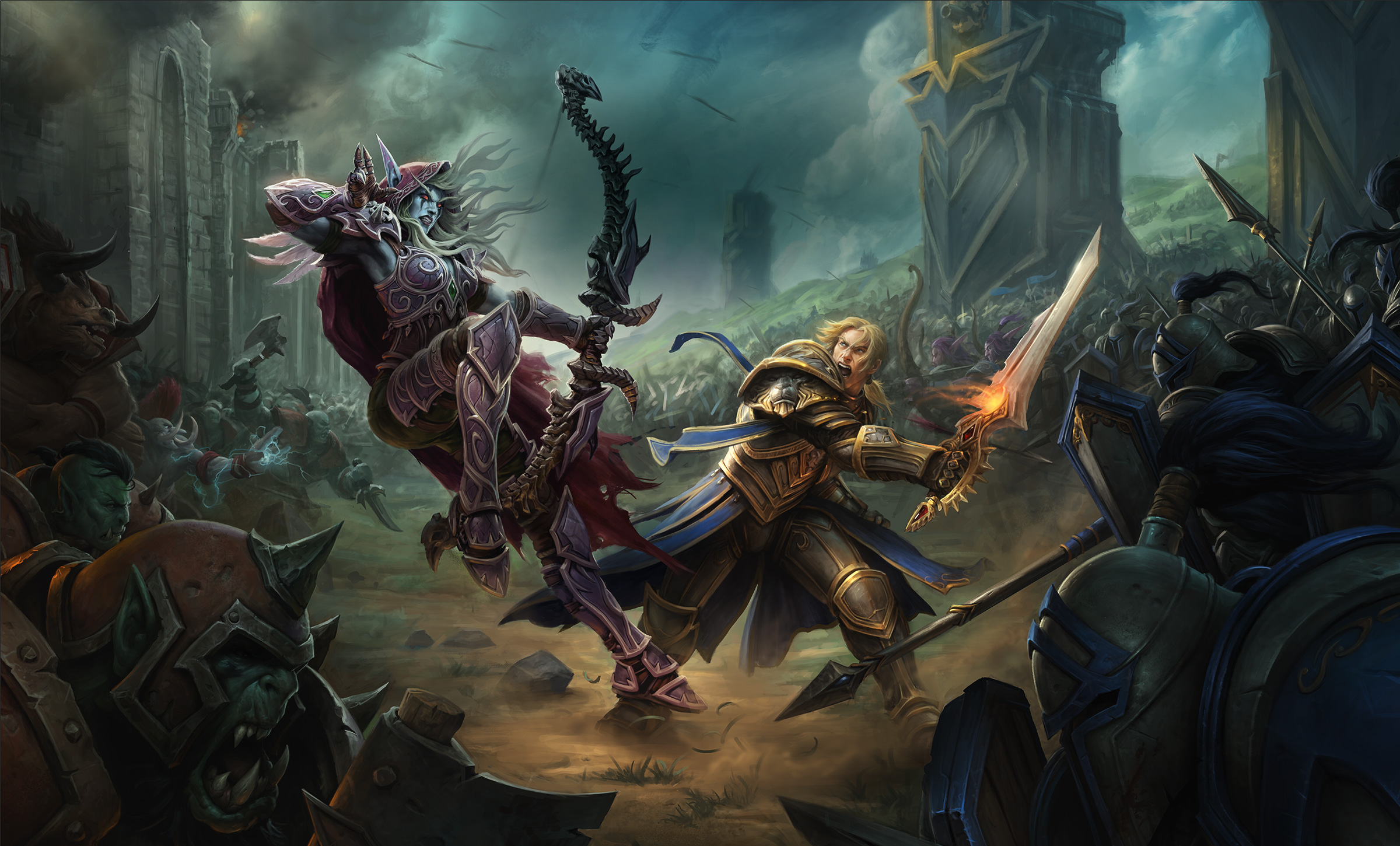
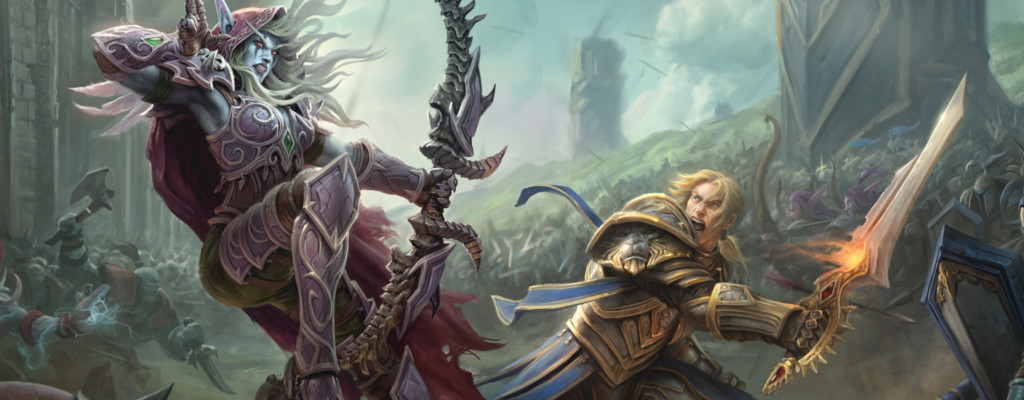
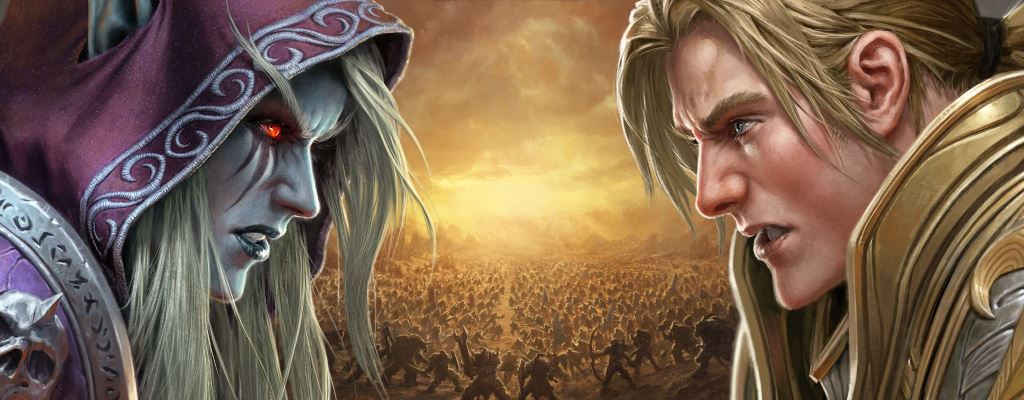
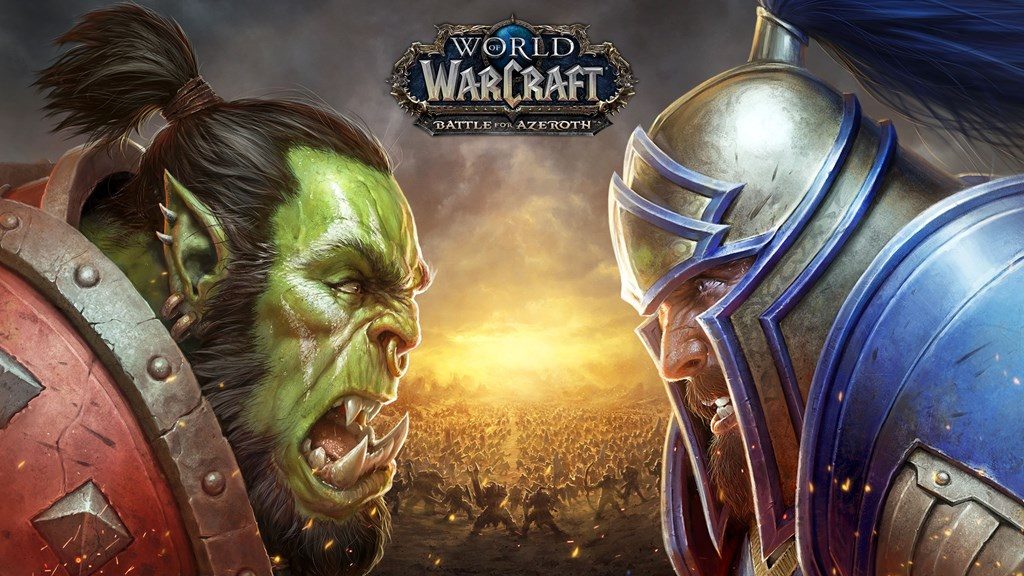
At BlizzCon 2017, there was a lot of information regarding World of Warcraft. The highlight was the reveal of the 7th expansion, titled “Battle for Azeroth.” Thematically, it takes place after defeating the Burning Legion back in Azeroth. A new war between the Horde and Alliance ignites, and the level cap is once again raised.
In this overview article, we have listed all important contributions regarding “Battle for Azeroth” for you.
[toc]
Update 13.08.2018:We have updated the article one last time to match the launch of Battle for Azeroth.
Not much is known yet about the plot of Battle for Azeroth. What exactly triggers the war? Whether the Alliance attacks first or if the Horde is the aggressor has not yet been revealed. However, there are some exciting details such as the cinematic trailer and insights into the new zones.
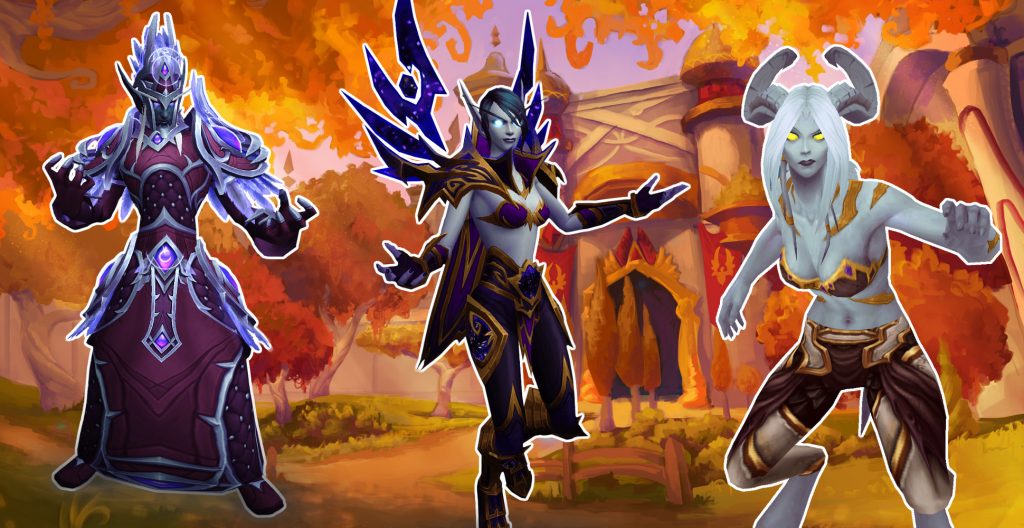
Customization remains important in WoW. New species and different character customization options are intended to foster greater identification with the avatar.
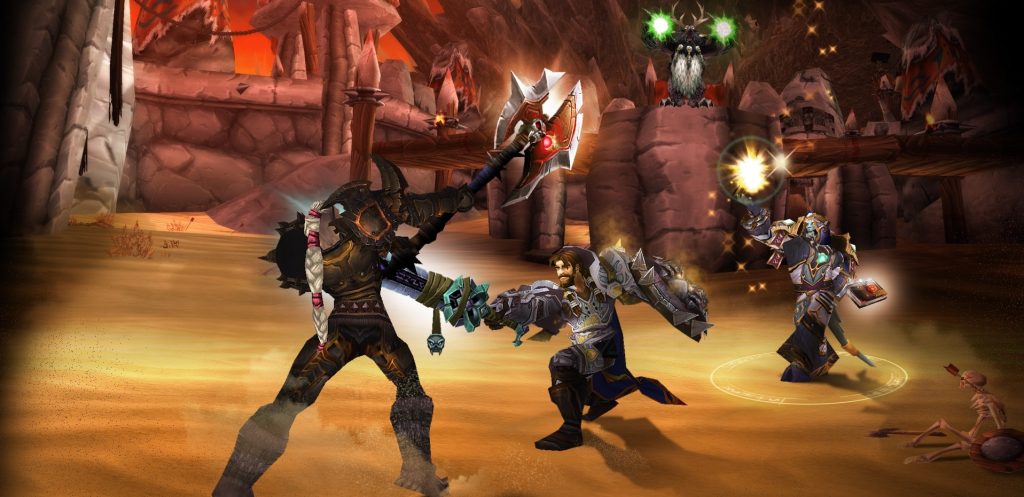
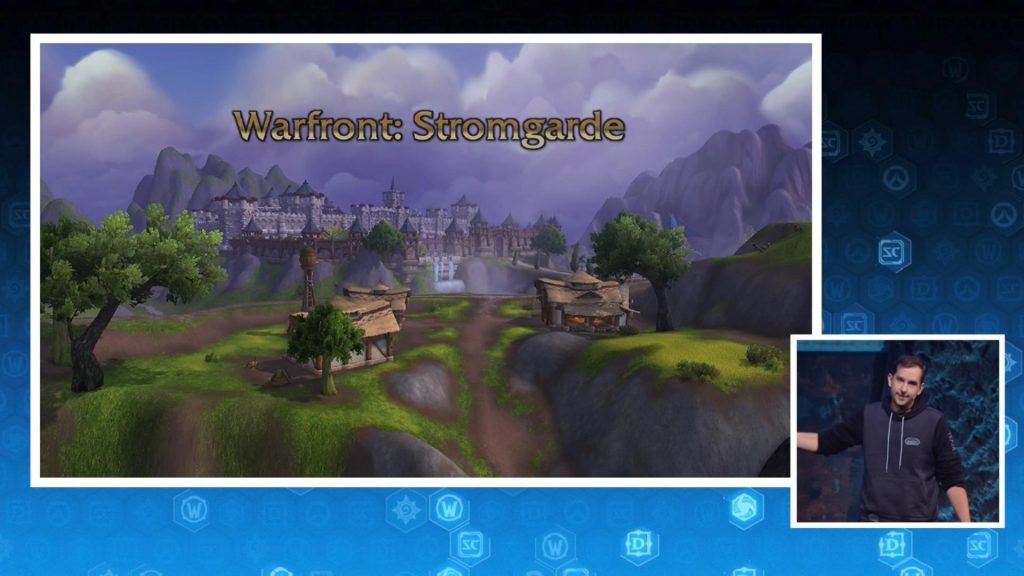
With Battle for Azeroth, PvP in WoW Also Gains Greater Significance. What Are Warfronts? Why Are PvP Servers Disappearing? You Will Find the Answers Here.
At the End of January 2018, Blizzard Finally Opened the Alpha Version of Battle for Azeroth. Some Chosen Players, Streamers, and Journalists Can Already Explore the New Expansion. However, Data Mining Is Also Progressing Rapidly. What This Alpha Phase Reveals, We Will Share in These Articles:
Every Proper Expansion of World of Warcraft Also Includes Numerous Collectibles. In Addition to Mounts and Pets, Toys Especially Attract as Rewards, but Also Particularly Distinct Transmog Sets. Here Are Some Articles About the New Objects That Can Join Your Collection.
At the launch of Deathgarden, there is an unusual offer: For one week, anyone interested can play the 5vs1 game for free.
For several days now, Deathgarden has been available in Early Access for pre-order customers and beta players. Today, on August 14, 2018, the game celebrates its soft launch and can be purchased on Steam from today. However, to ensure that no one has to “buy a pig in a poke,” the developers have a very special offer: For one week, the 5vs1 hunting game can be played for free!
Free for 7 days. From August 14 to August 21, anyone interested can download Deathgarden on Steam and play for free. Any progress made will, of course, remain intact if the game is purchased afterward.
Recommended editorial content
At this point you will find external content from YouTube that complements the article.
I consent to external content being displayed to me. Personal data can be transmitted to third party platforms.
Read more about our privacy policy.
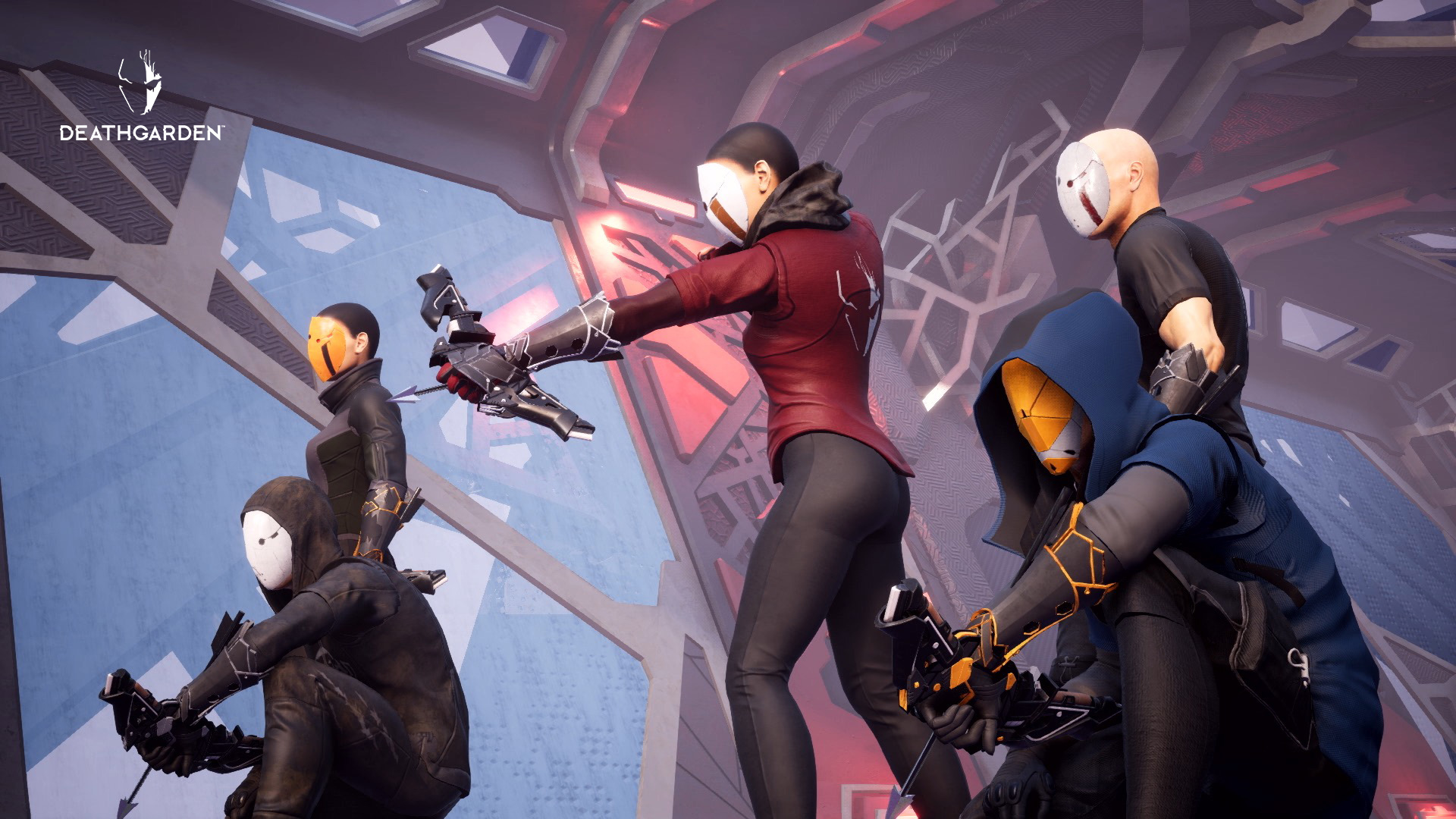
This is Deathgarden: Deathgarden is the new game from Behaviour Interactive, known for Dead by Daylight.
In Deathgarden, players take on the role of the Hunter, who must track down and kill the five Runners, or they take on the role of the Runners, who must complete objectives and escape the map.
The Hunter is unstoppable and can only be briefly stunned, blinded, or slowed, but cannot take damage. The Runners, on the other hand, are fragile but extremely agile and outnumber the Hunter.
What does Deathgarden cost? The standard version of Deathgarden costs €30, while the deluxe edition with additional skins, a digital art book, and the soundtrack costs a hefty €50.
Deathgarden promises “monthly free content updates,” which means new abilities, Hunters, Runners, and maps. There will surely be plenty of fresh cosmetic items as well.
Anyone who hasn’t had the chance to check out Deathgarden (and isn’t currently distracted by the WoW expansion) should take a look at the game. Then, you’ll know for sure if the game is worth purchasing.
Have you checked out Deathgarden? What is your first impression of the game?
This is an AI-powered translation. Some inaccuracies might exist.
New goal celebrations in FIFA 19: On the virtual pitch, you have numerous ways to express your joy over a goal. Dozens of celebration animations are available, with new ones added each year. This is also the case in FIFA 19.
In the meantime, new celebrations from the beta are also known.
How to perform the new celebrations
New celebration animations that are performed while running are not known. However, there is a new finishing move called “Neighbourhood.” It is performed by holding L2 and moving the right stick twice to the left (controls on PS4).
“Neighbourhood” is the only new celebration that we can definitely associate with a leaked YouTube video:
Recommended editorial content
At this point you will find external content from YouTube that complements the article.
I consent to external content being displayed to me. Personal data can be transmitted to third party platforms.
Read more about our privacy policy.
The other new celebrations must be unlocked in FIFA 19 (via Pro or EAS FC) and are as follows:
Kiss the Ground – hold R2 and hold the right stick to the right
Matador – hold R2 and press the right stick down once and up once
Giddy Up – hold L1 and press R3
Hang Loose – hold L1 and press the right stick up once and down once
Little Brother – hold L2 and press circle twice
Phone It In – hold L1 and hold the right stick up
How do these celebrations look in the game? The following video summarizes some new celebrations. The listed celebrations will likely be there – the names of the celebrations shown are not mentioned:
https://youtu.be/byGPDNeKaEk
Keep in mind that EA Sports may take the videos offline shortly. Update: The video is now offline, here is another one featuring a few celebrations:
https://youtu.be/IX8HvptgRCI?t=24s
Sooner or later, with the FIFA 19 demo, we will all be able to test the new celebrations ourselves:
Rivera confirmed to us that there will definitely be new celebrations in FIFA 19. However, he could not yet say whether one could dance in Fortnite style, as this is also a licensing issue.
Moreover, the final celebration list is still in progress. Since the beta currently represents a rather old FIFA 19 build, it is quite possible that more new celebrations will be added by the release of the main game.
In short: The above 7 new celebration animations do not represent the official and final list of new celebrations.
Here you can find the stadiums in FIFA 19, including the new ones, where you will soon be able to perform the celebrations:
Only a few days after the launch on the PC platform “WeGame”, Monster Hunter: World was taken off the market in China. According to the publisher Tencent, the reason lies in complaints from the authorities.
Actually, Tencent had prepared everything for the PC launch of Monster Hunter: World in China. The publisher planned to release the popular Japanese game on their own gaming platform “WeGame” to counter the strong competition from Steam.
The WeGame version of Monster Hunter World even went online a day before the Steam version.
However, Tencent had to completely remove the game from the online store shortly after the launch.
No Monster Hunter: World in China
What happened? After the sale of MHW via “WeGame” was halted on Monday, Tencent issued a statement explaining why the game is no longer available.
According to the publisher, there was a “very large number of complaints” regarding MHW, and the authorities requested the company to remove the game from the store. It was also mentioned that MHW “does not meet the necessary requirements of the relevant rules and regulations”.
Accordingly, the publisher’s license to publish the game has been revoked.
Refund for customers: All buyers of MHW will receive a refund and a voucher of about $5 for the WeGame store from Tencent. Players who wish to keep Monster Hunter: World may do so.
However, Tencent cannot guarantee that they will continue to support the game.
No details on the complaints: It is unclear exactly what the “many complaints” were about and which regulations Monster Hunter: World had violated. The publisher did not provide further details on this.
It is certain that Tencent has incurred financial damage due to the ban, as evidenced by the falling stock prices of the company.
New Media Authority in China
Internal power struggles in the authorities: An anonymous source, who according to the Financial Times is close to the publisher and the platform WeGame, stated that the license withdrawal has nothing to do with Monster Hunter: World itself.
Instead, internal bureaucratic power struggles within the “State Administration of Radio and Television” are said to be responsible for the removal of the game from sale. This authority is responsible for the approval of games for the Chinese market, among other things.
Growth setback of the Chinese market: The claim of the anonymous source may indeed have some truth, as the media authority has not issued any new licenses for game releases in China since March 28.
Whether Monster Hunter: World will see a re-release in the future is also still unknown. In China, players can, however, play it via Steam.
Are you new to Monster Hunter: World on PC? Check out our detailed monster list:
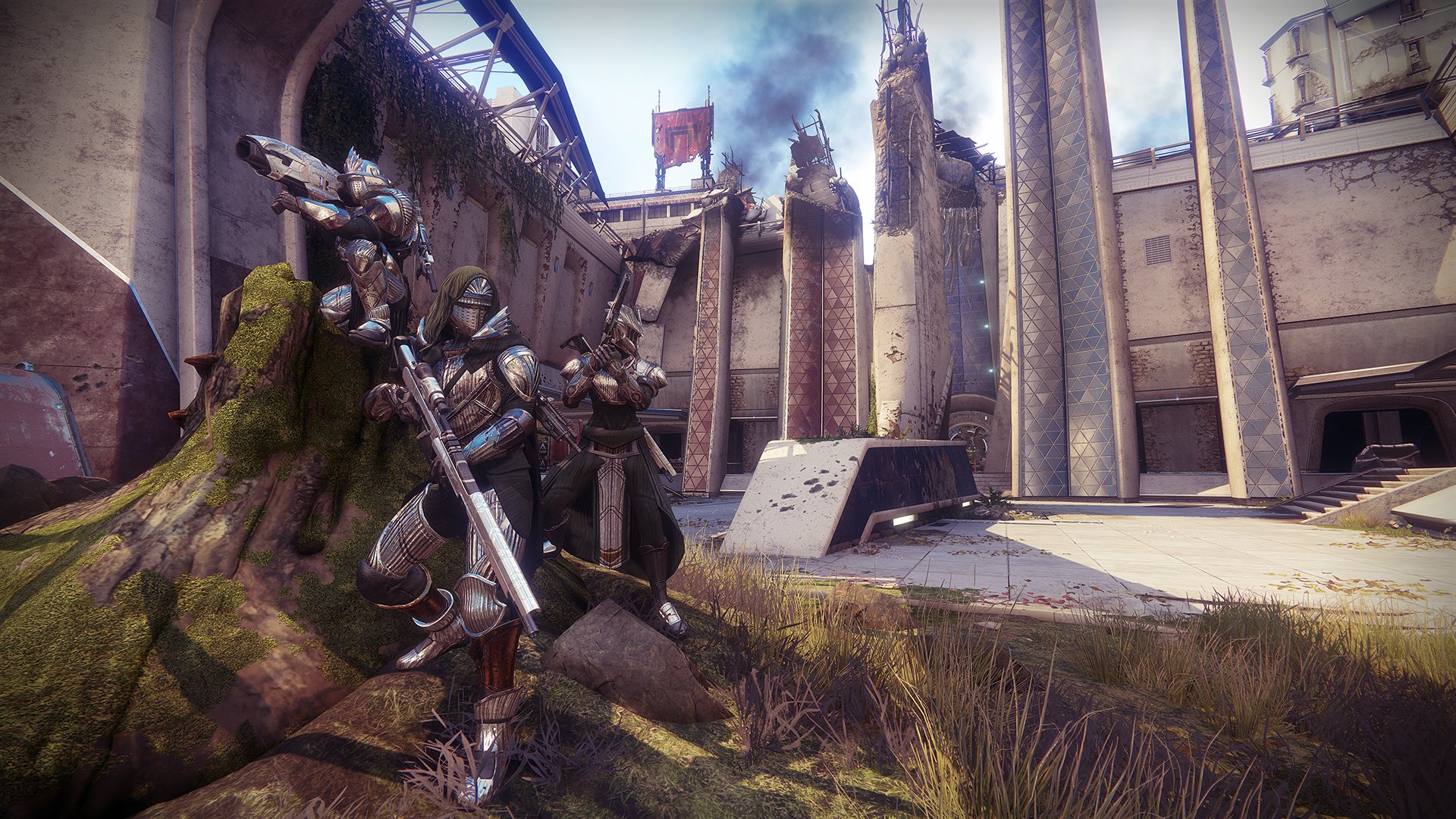
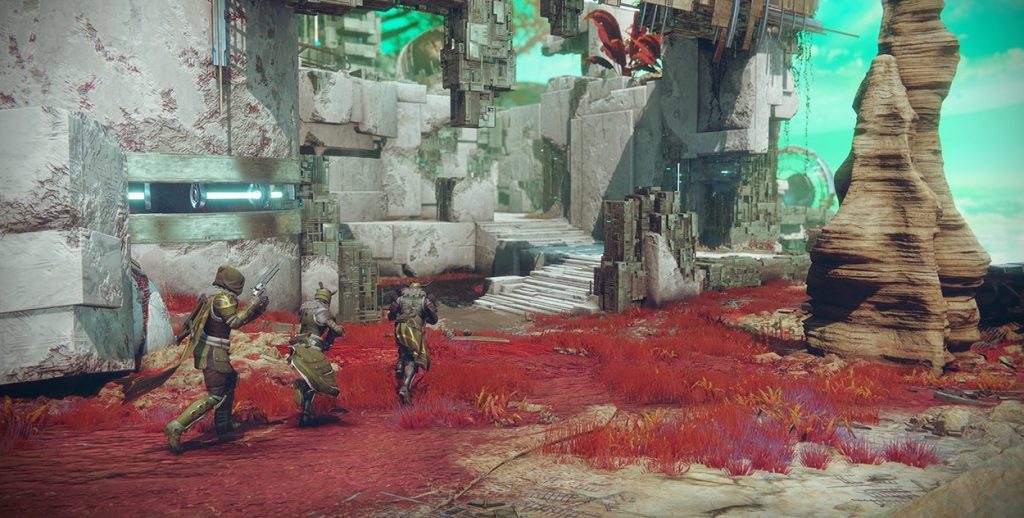
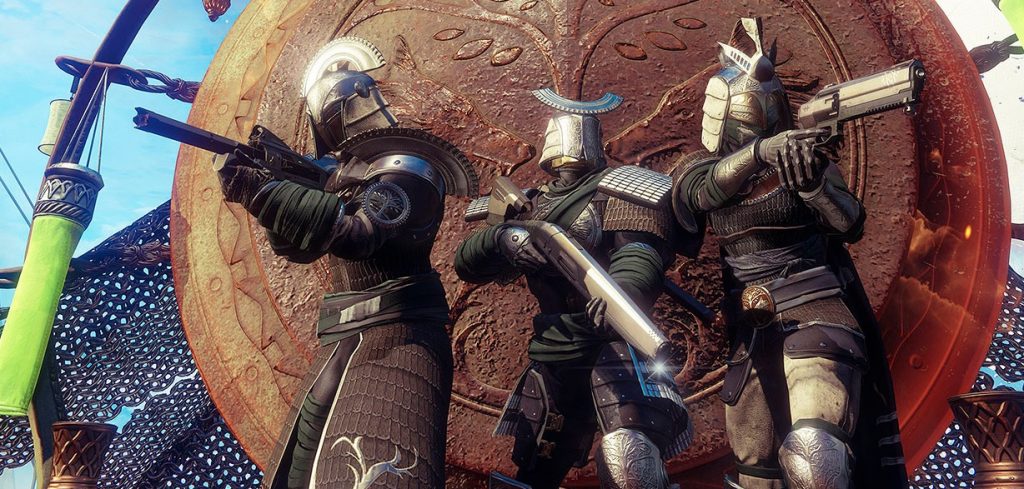
In Destiny 2 the last Iron Banner of Season 3 is starting soon. Get all the details about the start date, game mode, loot, and everything else you need to know.
Today, Tuesday, August 14, 2018, marks the last time in Season 3: Lord Saladin returns to the Tower and kicks off the August Iron Banner. Under his watchful eye, players can capture zones in a 6v6 format and compete against one another in the Crucible for a week.
Guardians can look forward to some new features. Additionally, the hunt for Season 3’s Iron Banner-specific weapons and ornaments can be continued or completed.
Keep in mind: This Iron Banner is your last chance to earn event-specific ornaments and weapons of Season 3.
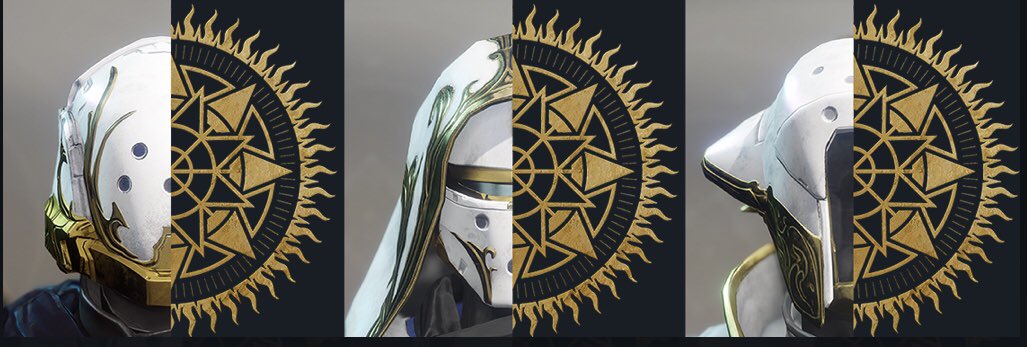
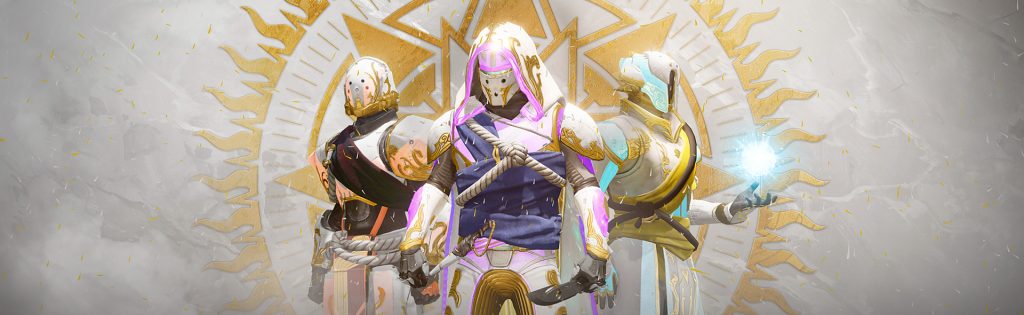
Double Valor Points: Until August 17, there are double valor points in the Crucible – even in the Iron Banner. This bonus comes in handy for anyone who still needs to reset their valor rank for their Solstice Armor .
What exactly is starting? And what kind of loot can the Guardians expect? What new features are there? We have all the important details.
What to expect in the last Iron Banner of Season 3
The game will be played again in a 6v6 format.
Start: Tuesday, August 14, at 7:00 PM
End: Tuesday, August 21, at 7:00 PM
Mode: Control
There will be regular matchmaking.
By the way: Power level advantages are still disabled during this Iron Banner tournament – one last time. Because in Season 4, the Iron Banner returns with power level advantages – just as many Guardians remember from Destiny 1.
All players will be able to participate in the Iron Banner events – regardless of which expansions they own. Year 2 rewards with random rolls and compatibility with Year 2 modifications will also be available to all Guardians.
However, players who gain new power in Forsaken will have an advantage. For players without Forsaken, Iron Banner rewards will now be given at their highest possible power level.
Participation Requirements:
You must have unlocked the Tower, meaning you have completed the main campaign.
You must be at least level 20.
Visit Lord Saladin to start an Iron Banner quest, if you haven’t done so yet.
The Iron Banner has its own playlist in the Crucible overview that you can play.
What has changed in the last Iron Banner of Season 3
Bungie will introduce two changes with the start of the last Season 3 Iron Banner:
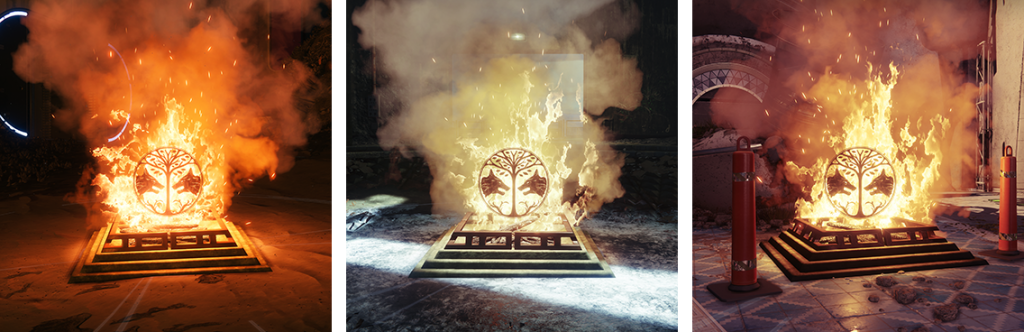
Iron Temple fire spots will replace the regular control flags.
There will be a new power play rule: If all three zones are captured, they will be locked for 20 seconds. At the end of the power play, all zones will reset to neutral and must be captured again.
The rewards in Season 3 Iron Banner
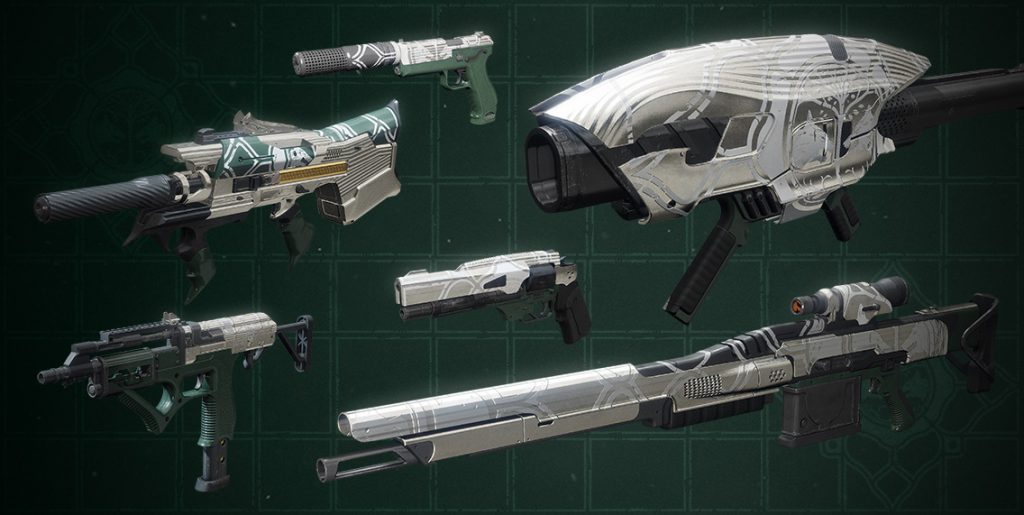
Since the beginning of Season 3 in Destiny 2, the following weapons and armor ornaments can be earned in the Iron Banner:
Iron Banner weapons from Season 3:
Energy Hand Cannon “Finite Impactor”
Energy Auto Rifle “Dark Decision”
Kinetic Hand Cannon “Allied Demand”
Kinetic Submachine Gun “Multimach CCX”
Sniper Rifle “Locked Finality”
Rocket Launcher “Radiant Sphere”
Players can rank up by earning Iron Banner tokens through their participation and redeeming them with the Iron Lord in the Tower. Each reputation rank-up grants progress towards unlocking the coveted rewards. The higher you rank up, the more gear will be available for you to purchase.
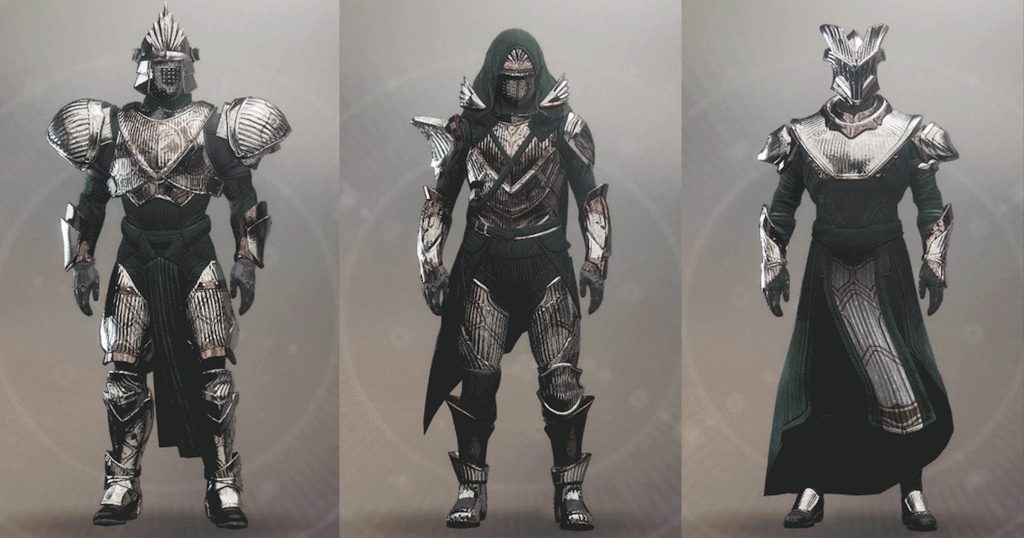
Iron Banner armor ornaments of Season 3:
Each ornament requires certain progress in the Iron Banner or with Lord Saladin. Progress is counted account-wide. The following requirements apply to the ornaments.
Class item: Reach rank 5 in the Iron Banner
Leg armor: Defeat 100 enemies in the Iron Banner with your Super
Chest armor: Defeat 100 enemies in the Iron Banner with Power weapons
For the past few days, players in Fortnite: Battle Royale have been observing an ever-shrinking rift above the map. Will the dimensional rift eventually disappear completely? According to dataminers, we will know that soon. But what happens next?
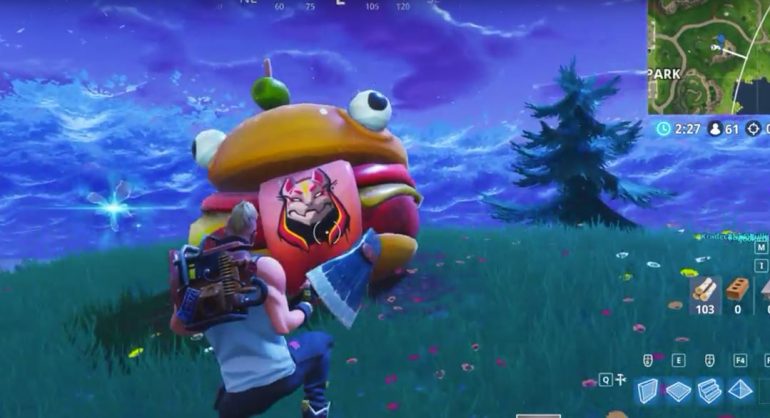
At the end of Season 4, a rocket was launched in a live event, which caused a gigantic dimensional rift above the Fortnite: Battle Royale map. Various objects appeared in the world or were placed in other locations.
Not where it belongs: The Durr Burger head
Additionally, at the start of the currently running Season 5, smaller rifts were found that help players be lifted into the air to cross the map more quickly or escape from tricky situations.
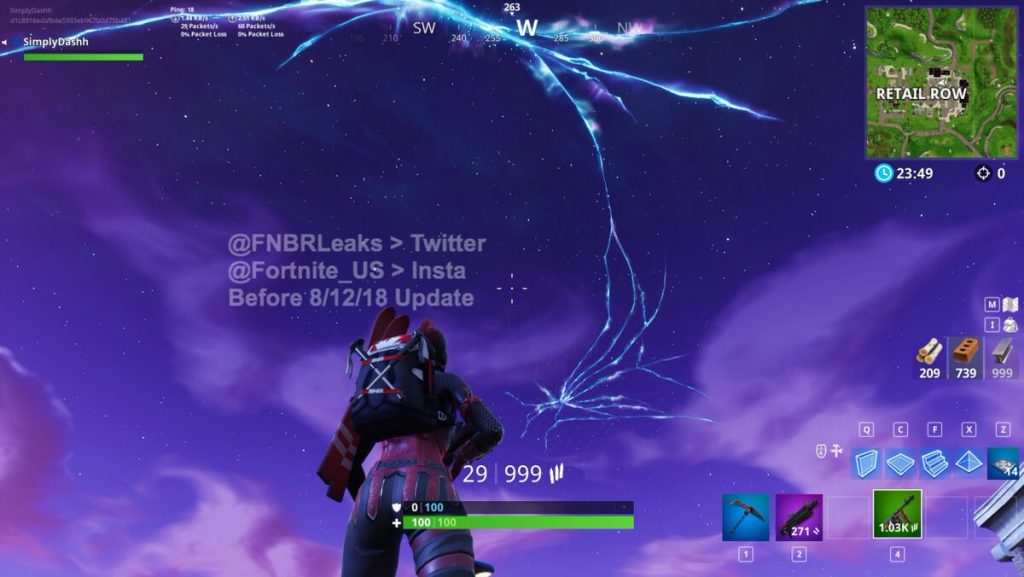
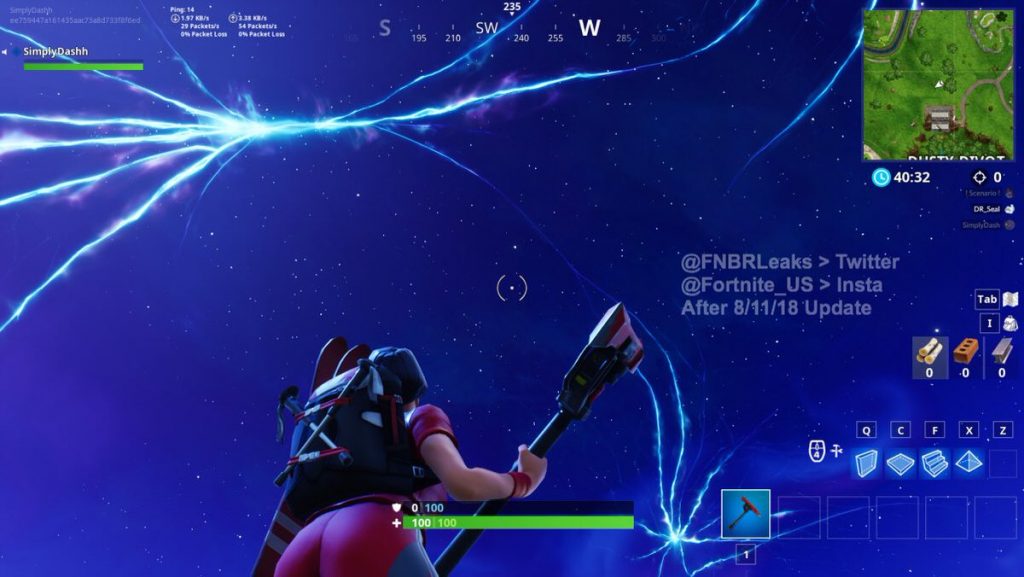
The gigantic rift above the map is shrinking: More specifically since August 11. According to FNBRLeaks, the rift has changed for the first time since that date, as the following screenshots show:
Rift before August 11
Rift after August 11
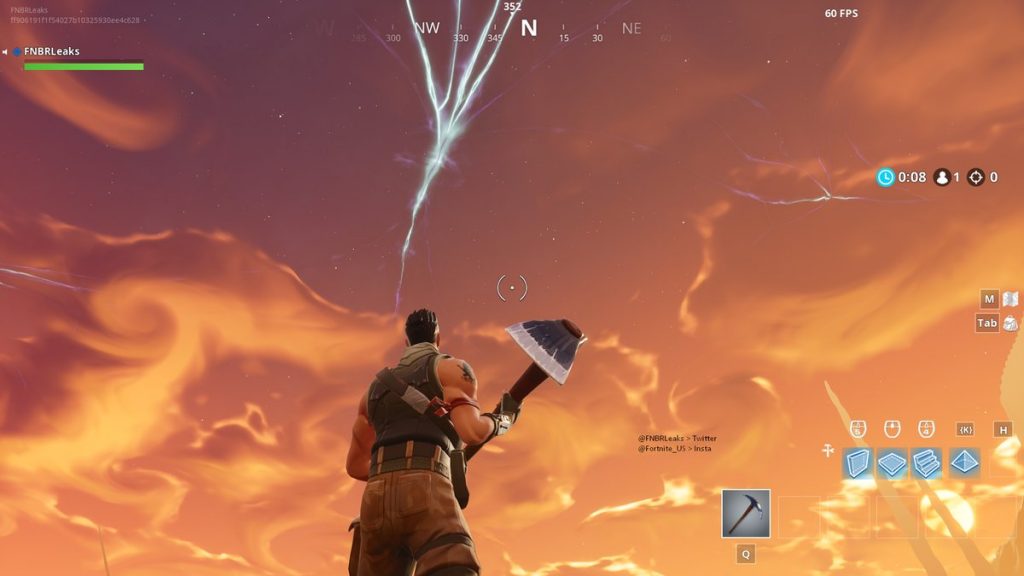
This is not the end yet. According to dataminers, the rift is expected to shrink again on August 18 and look as follows:
Rifts will soon completely disappear: According to dataminers, the rift will be completely gone by August 21. Game files with descriptive names lead to this conclusion. But what happens then? The day happens to fall on a Tuesday – the day when Epic usually releases new patches.
Additionally, on Thursday, August 23, the 7th week of the Battle Pass challenges will begin, which will complete the Roadtrip Challenge. If the process is similar to Season 4, players will receive a legendary skin upon successful completion.
Will the person associated with this skin continue the story of Fortnite: Battle Royale? What role do Drift and Ragnarok, the legendary skins from the Battle Pass, play in the continuation of the story?
By August 23 at the latest, we will know more: By then, the first players will have completed all seven weekly challenges and unlocked the legendary Road Trip skin.
What do you think? What will happen on that day?
This is an AI-powered translation. Some inaccuracies might exist.
That was a brief pleasure. It didn’t even last until dawn before the first player reached the new maximum level of World of Warcraft.
Since midnight, the new expansion of World of Warcraft is live worldwide. The launch went smoothly, aside from minor lags, allowing players to quickly venture into the new areas and level up. Some were already “finished” after just a few hours. Player Gingi from the professional guild Method reached Level 120 after just 4 hours and 17 minutes!
The trio from Method are the first. Gingi played together with his guildmates Meeres and Deepshades, who reached Level 120 just minutes after him and likely secured 2nd and 3rd place in the race for the “World First Level 120”.
Recommended editorial content
At this point you will find external content from Twitch that complements the article.
I consent to external content being displayed to me. Personal data can be transmitted to third party platforms.
Read more about our privacy policy.
No special reward. However, there is no special achievement or extra reward for this feat. In the past, there were “Server First” achievements, but these now exist only for raid achievements in the endgame.
How did it go so fast? Gingi combined a number of mechanics that made leveling particularly quick. For instance, he still had the experience point buff from the Darkmoon Faire, which had actually closed a day ago. At the start, he had a whole load of old Legion quests that he could turn in for a big chunk of XP.
Additionally, leveling in a trio means quests can be completed in the blink of an eye. Together, players can easily pull the entire area and kill quickly. Together with further bonuses, such as the gem that grants 5% extra XP and the war mode with 10% bonus XP, the record was achieved.
If you want to watch the entire stream, you can do so here:
Recommended editorial content
At this point you will find external content from Twitch that complements the article.
I consent to external content being displayed to me. Personal data can be transmitted to third party platforms.
Read more about our privacy policy.
How far did you level last night? Have you also reached the maximum level? Or are you taking your time and enjoying Battle for Azeroth at your own pace?
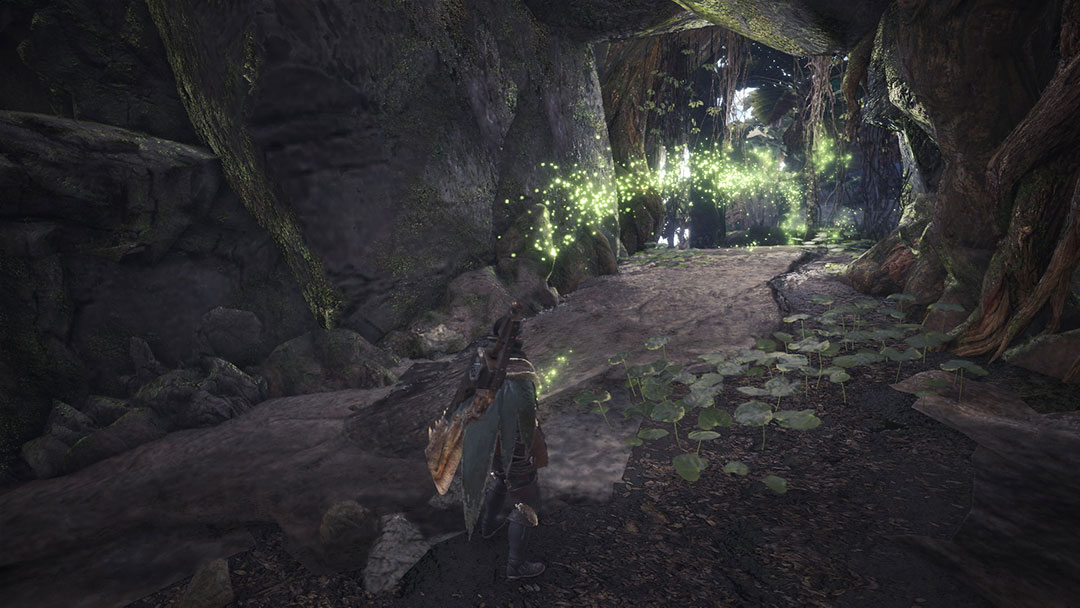
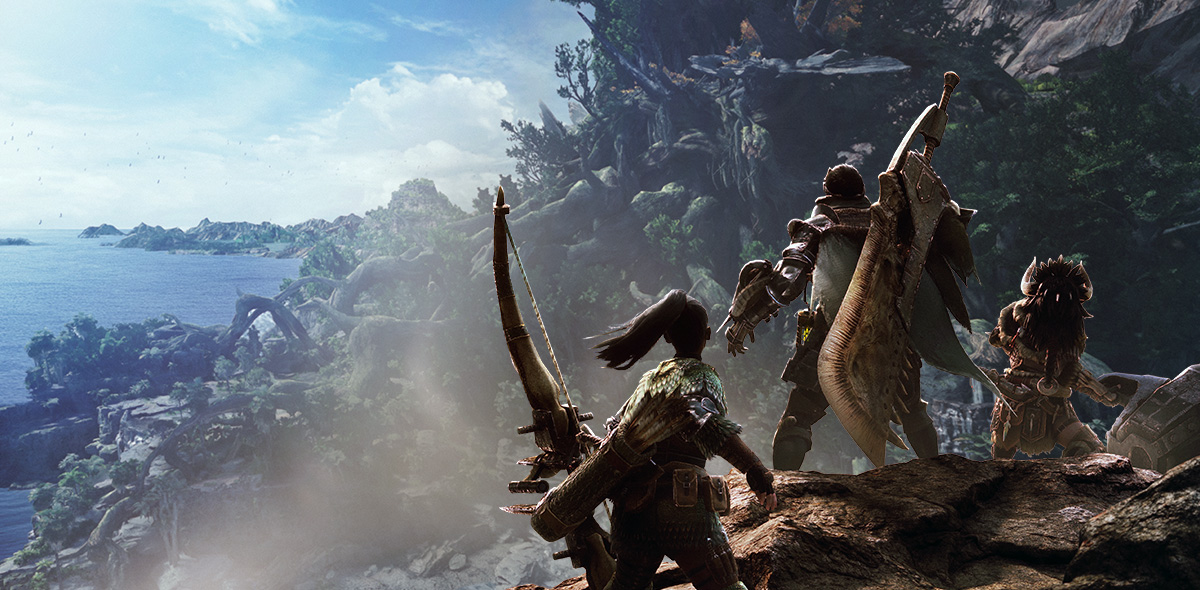
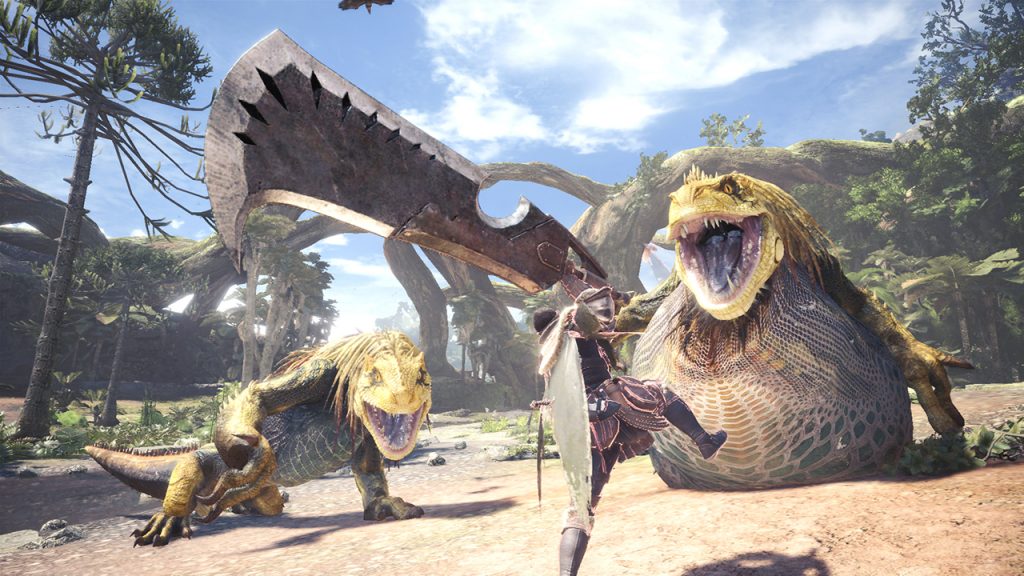
Monster Hunter: World (PS4, Xbox, PC) offers a steep learning curve, even for series veterans. To make your start in the new installment easier, our author and complete beginner Robert presents you with 18 tips he wishes he had known beforehand!
Monster Hunter: World explains more than previous installments, but you have to figure out a lot on your own. Although there are tutorials that explain the basic mechanics of the game, you won’t really get smart from them – especially if you’ve never played any installment of the series before.
As the difficulty increases noticeably early in the game, we now present you with 18 tips that would have made my start much easier. The tips are aimed at newcomers and veterans alike. Some tips cover mechanics that have never been in a Monster Hunter before!
[toc]
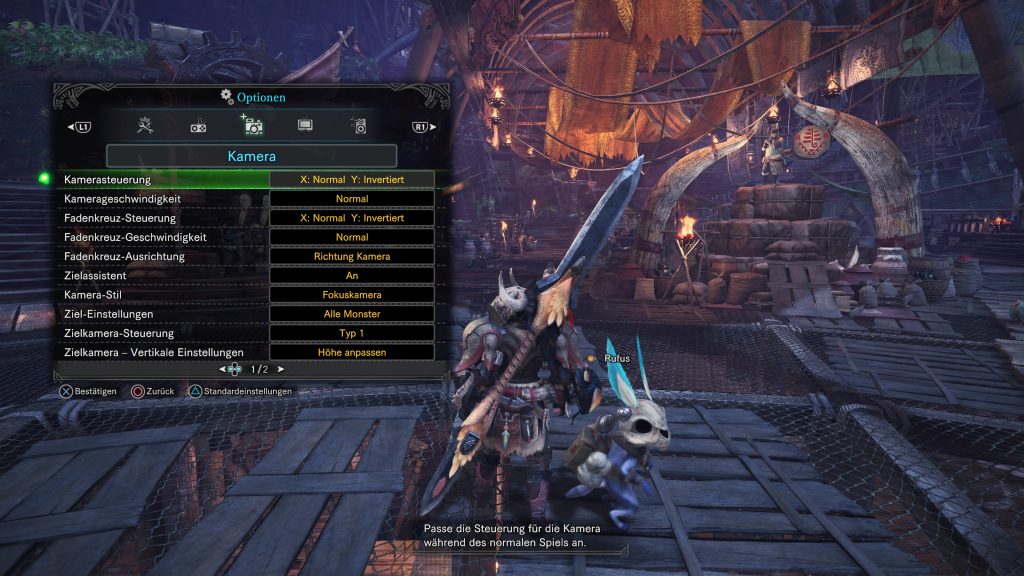
Tip 1: Set up controller settings before starting the game
For console players: You cannot change the controller settings directly at game start. This is only possible after a certain point in the campaign. As soon as you first make your way to the base camp, you can adjust the settings. Just press the options button and go to the settings. Here you can reassign the buttons.
Are you playing with inverted axes? Make sure to set this before starting the game. Without wanting to reveal story-relevant details: You will thank me!
For PC players: You can either play with a mouse and keyboard or connect a controller. It is always possible to freely change the key assignments. You will find this option in the settings.
Tips for the base camp in Monster Hunter World
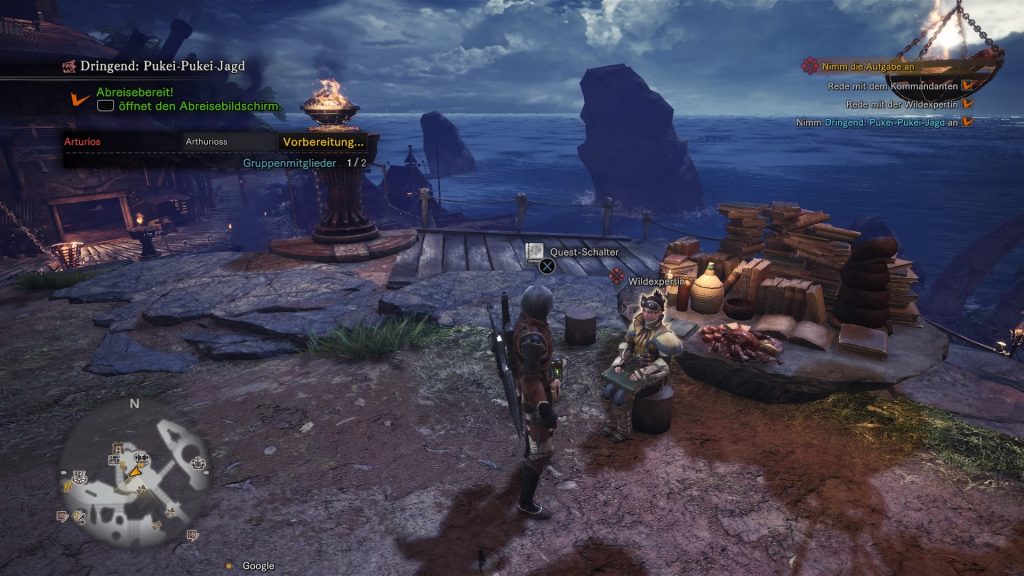
The base camp is somewhat like the hub of the game. Here you take on new quests, buy items, and can exchange ideas with other players online. In your personal space, you can manage your inventory and practice with your weapons.
To help you keep track in the city, we have put together a few tips for you that will make it easier to get started and navigate.
Tip 2: Always talk to all NPCs
The city is home to a variety of people going about their business. Since the story of Monster Hunter World is not served to you on a silver platter, always talk to everyone in the city as soon as you return from a main quest.
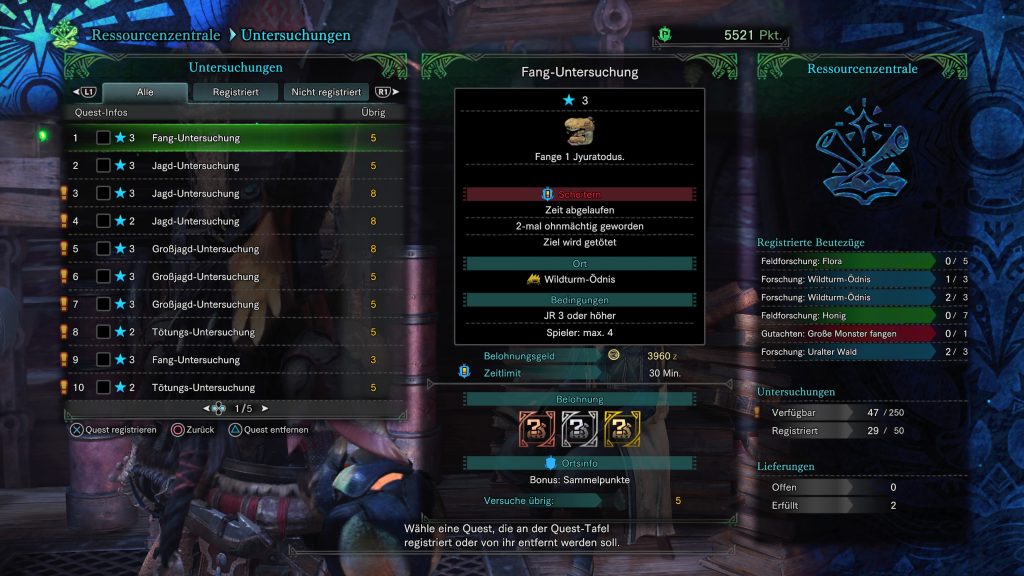
Some NPCs often have an exclamation mark above their heads. This signifies an optional quest, which you should always accept! Why? Many optional quests provide you with improvements such as armor spheres for upgrading your gear, new recipes in the canteen, and research points!
Create new armor and weapons from monster materials: After successfully completing a quest and gathering materials from the slain monster, you should head directly to the forge. From the remains of large monsters, you can always craft special armor sets that further enhance your defense.
While you won’t be able to assemble the complete armor right away, you will receive upgrades after every mission. Additionally, you can improve the attributes of your armor using armor spheres. You often receive armor spheres as rewards from quests and side missions. With these, you can enhance the defensive stats of your armor.
You will spend a lot of time in the forge, so visit it as often as possible!
Tip 4: All weapons can be tried out in the training area
In the city, you have access to a dedicated room, complete with a loot chest and household Palico. The housekeeper is also your contact for the training area. Here you can try out all the weapons you own.
Practical: The various combos possible with the weapon will be displayed directly. If you’re a beginner and have no idea which weapon to start with, it’s recommended to test all available weapons thoroughly at first.
Tip 5: Go on expeditions!
To try out your new skills, simply start an expedition. Here, you don’t have to fulfill a specific quest; you can just hunt freely.
Expeditions have neither goals nor time limits – you can try out weapons, collect items, catch insects, or simply enjoy the scenery.
Tip 6: The gathering hub is the gateway to multiplayer!
In the gathering hub, you can see other players: Don’t want to venture into the adventure alone? Visit the gathering hub in the base! This serves as a social hub where you can connect with other hunters and form a group to hunt together in co-op.
You will find the gathering hub at the top level of the base camp (Level 4F). You can also just take the elevator. This can be found at central points in the camp and is identifiable by the thick chains leading up and down.
Fight together in the arena: And why not use the arena to practice group play? There, your hunters will receive advanced equipment, and you can fight directly against a boss monster. You can even earn rewards for victory.
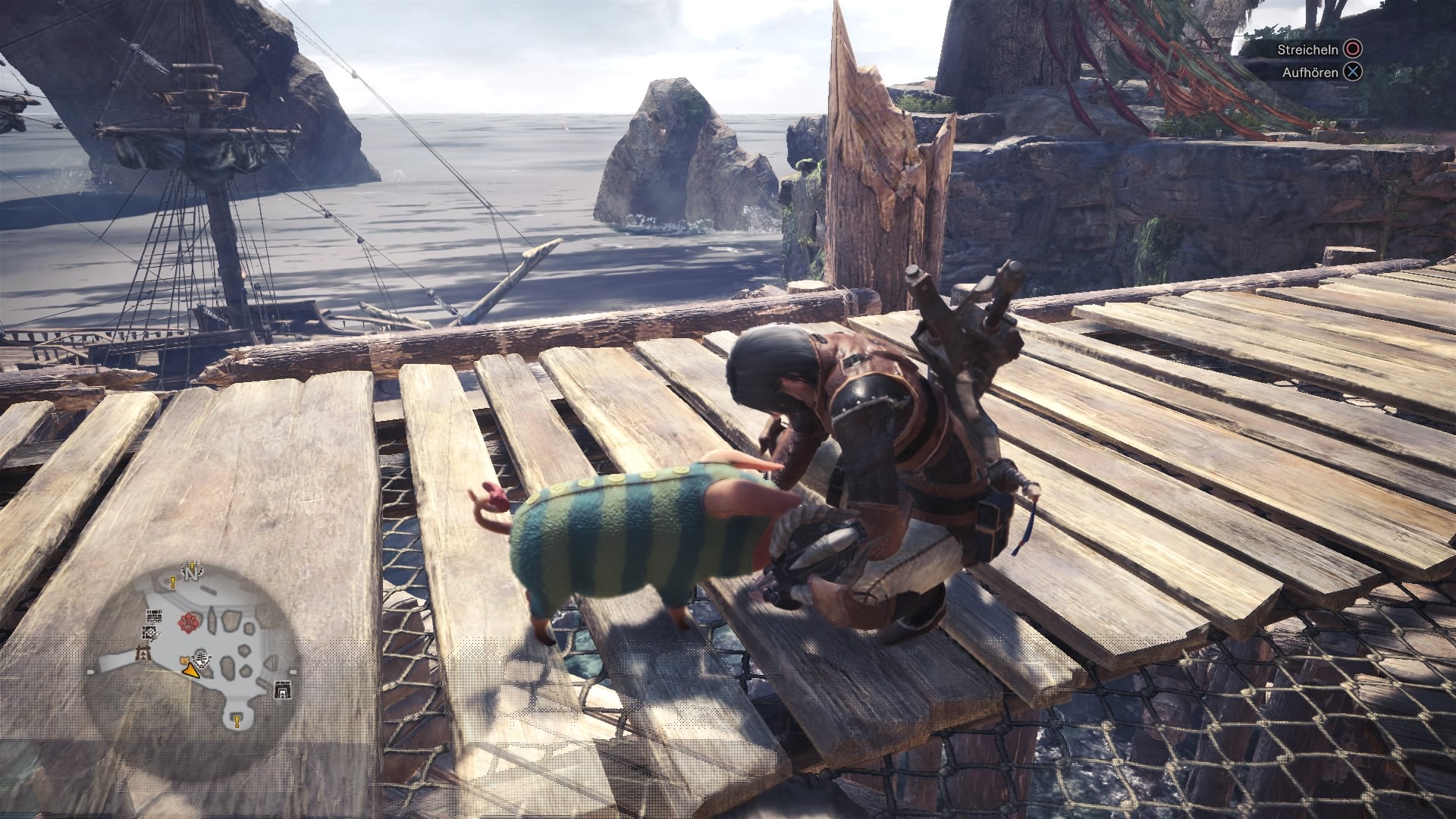
The little pig roams freely around the village. When you see Poogie, interact with him. If an exclamation mark appears above Poogie’s head, you need to press a button at the right moment. Poogie will then happily jump around and little hearts will circle around the pig. Once the hearts appear, Poogie will follow you step by step through the village.
According to the “Monster Hunter” legend, Poogie possesses special powers and is a lucky pig. It is possible to pet Poogie or even pick him up and carry him around. Those who cuddle with Poogie before the hunt are said to have an increased chance of finding rare items when carving monsters. However, this is just a rumor, and the developers remain silent on whether Poogie is truly a lucky pig or not.
Quests in Monster Hunter: World
Monster Hunter: World features hundreds of quests, side missions, and gathering quests. So it’s not always about hunting big creatures; you will often be sent to collect certain plants or mushrooms.
Many aspects of the quest system can be overlooked if you’re not paying close attention. With our tips, you will be well prepared!
Tip 8: Always eat before starting any quest!
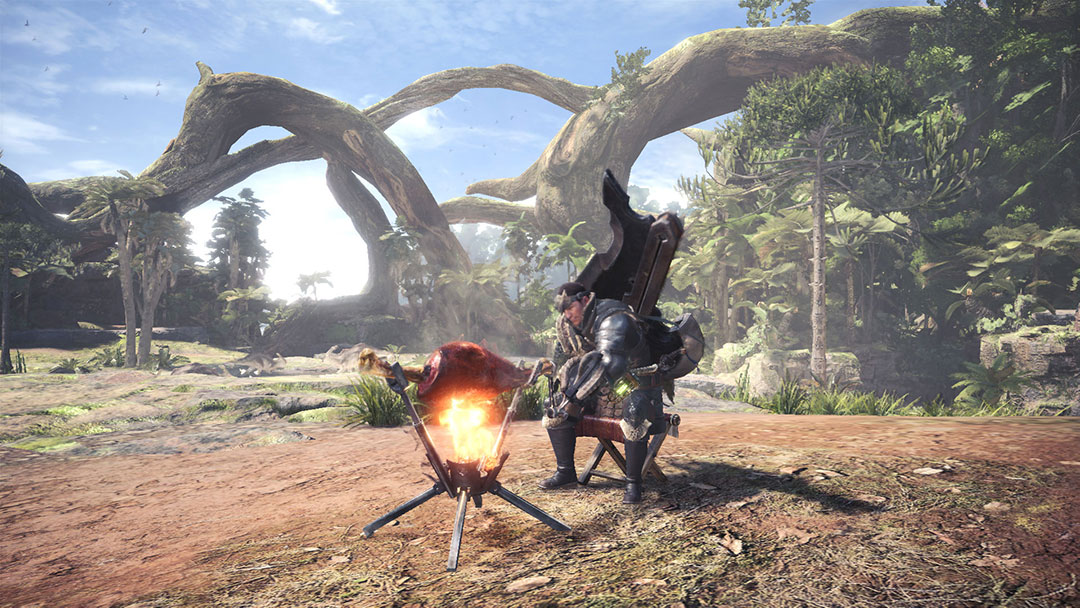
Use the canteen in Astera or at the camp: As soon as you start a quest or side mission, you will land at a small camp on the map. A little away from the tent, you will find four stools where you can eat. You should always take advantage of this opportunity. You can also choose the canteen in Astera.
A full stomach brings various bonuses. Among other things, you can choose from the following buffs:
Increased attack power
Increased defense
Increased elemental resistance
Additionally, some dishes increase your stamina and health. An invaluable advantage in battle!
Tip 9: Loot the chest in the camp!
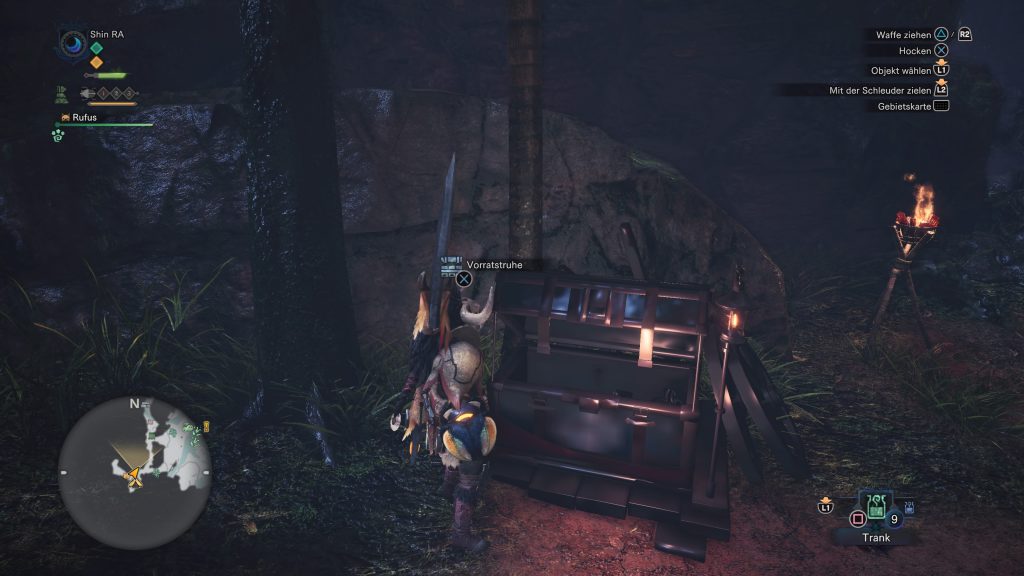
Don’t make the same mistake I did by ignoring the chest in the camp once you start a quest. This chest doesn’t contain your equipment, as I believed for much too long, but helpful items that will serve you well during missions.
Use useful consumables: In addition to healing items, there may also be poisoned daggers or other useful things that give a first hint on how to approach the quest boss. You find poison daggers in the chest? Why not try out how the boss reacts to that!
You can of course change your equipment, just head to the tent in the middle of the camp! By the way, you can fast travel to base camps at any time outside of battle. Just click on the corresponding spot on the map.
Tip 10: Pay attention to the mission timer!
Quests in Monster Hunter: World come with a timer. If the time runs out without fulfilling the quest, you will have to return to the base camp and think about what you did wrong. To avoid this, always keep an eye on the clock displayed at the top left.
Expeditions have no restrictions: If, like me, you waste half an hour at first, you will find it hard to complete the quest in the given time. If you want to collect materials at leisure, start an expedition. This is possible at any time from the base camp. Just leave the city without taking a quest.
Tip 11: The egg timer announces the end of the mission!
Did you send your opponent to the afterlife after a long battle? Congratulations! However, if you dawdle afterward, you might regret it. After defeating the quest target, you have exactly 60 seconds to carve the fallen opponent.
Monster Hunter: World_20180120214201
Always carve the monsters with your knife: So try not to get distracted! The top priority is collecting materials from the boss monster. Because from these resources, you can forge new armors or improve weapons.
If you don’t manage to do this within the 60 seconds, you’re out of luck and the material is lost.
General combat tips for Monster Hunter: World
The core of the game is hunting dangerous and monstrous creatures. You will find these all around the game and they will challenge your skills. To ensure you don’t frequently faint, the following tips are essential for survival.
Tip 12: Use the whetstone regularly!
The whetstone can be used an infinite number of times: The whetstone should be a familiar mechanic for veterans. While the whetstone was limited in earlier installments, you can use it as often as you want in Monster Hunter: World. With the whetstone, you sharpen your weapons that become dull and blunt during a fight.
Some weapons need to be sharpened more frequently than others – even during a battle. Always keep an eye on the weapon indicator at the top left of the screen. If the weapon is freshly sharpened, the weapon indicator will appear green. With continuous use, this color will turn yellow and finally red.
Now you should quickly sharpen your weapon. Find a suitable cover during a fight or wait until the monster flees. Boss battles in Monster Hunter: World are divided into several phases. Especially utilize the “calm phases” for this. You don’t have to chase right away.
When attacking a creature in Monster Hunter: World, you will quickly realize that it has no health bar. Fortunately, Capcom has implemented other indicators that allow you to gauge the remaining health of the opponent.
Is the monster showing signs of weakness? Observe the monster – is it limping? Are wounds visible on its body? Are its movements uncoordinated? All of these are sure signs that you’ve seriously injured your opponent.
If your opponent makes its way to its nest, the last phase of the fight is upon you. The monster is so badly injured that it needs to retreat and regenerate. A seriously injured beast can be recognized by the skull symbol on the map, which has replaced the normal monster symbol.
Tip 14: Those on the ground are invulnerable!
You’ve taken a series of heavy hits and were knocked down by the opponent? Don’t get up right away! Especially if you took severe damage, any further hit could lead to fainting.
So stay down until the monster turns its attention elsewhere. Because as long as you’re down, you’re invulnerable. Your character will automatically get back up after a few seconds.
This “playing dead tactic” unfortunately doesn’t work if you’re dazed. If you’ve taken particularly hard hits, you’ll automatically get back up after being knocked out and hold your head. You can recognize whether your character is dazed by the symbol above the health bar. It contains two stars and leaves you defenseless for a brief moment.
Tip 15: Always investigate monster tracks!
You will encounter large monster tracks all over the Monster Hunter: World map. When you investigate such a track for the first time, you will see a progress bar on the right side of the screen.
If you investigate more tracks, the progress bar will fill up and eventually level up. The bar represents the level of the scout flies that guide you. What do you gain from this?
The higher the level, the more efficiently your scout flies will track the monster.
Additionally, this is your way to discover the strengths and weaknesses of the monsters. By researching the monster tracks, you gradually unlock entries in a monster encyclopedia.
Once you reach the maximum scout level of the monster, you can select the creature directly on the map from the bottom left and mark it with a waypoint!
Your character consumes stamina when sprinting and using certain attacks – and much more during a fight. When you ride a monster, you will continuously lose stamina. So keep a close eye on the bar, as you will be thrown off as soon as it runs out. The stamina bar is yellow and is located at the top left, beneath your health bar.
Cook yourself a juicy steak: Stamina regenerates over time, but the maximum value of the stamina bar decreases over time. You can increase the maximum value of the stamina bar by consuming grilled steaks or other food.
Tip 17: Craft mega potions
These greatly refill the health bar. You only need potions and honey, which you should find in the area.
Tip 18: Loot the severed body parts of monsters!
Some body parts of monsters can be broken or severed. If you manage to cut off a tail, make sure to remember where it lies. You can loot the body parts for additional loot.
The seventh expansion of World of Warcraft is live! The first players are storming Kul Tiras and Zandalar.
The months of waiting are finally over. World of Warcraft has opened a new chapter and the expansion “Battle for Azeroth” is now live. At midnight, on August 14, 2018, the new quests were unlocked. These lead Horde players to the continent of Zandalar, while Alliance players head to Kul Tiras.
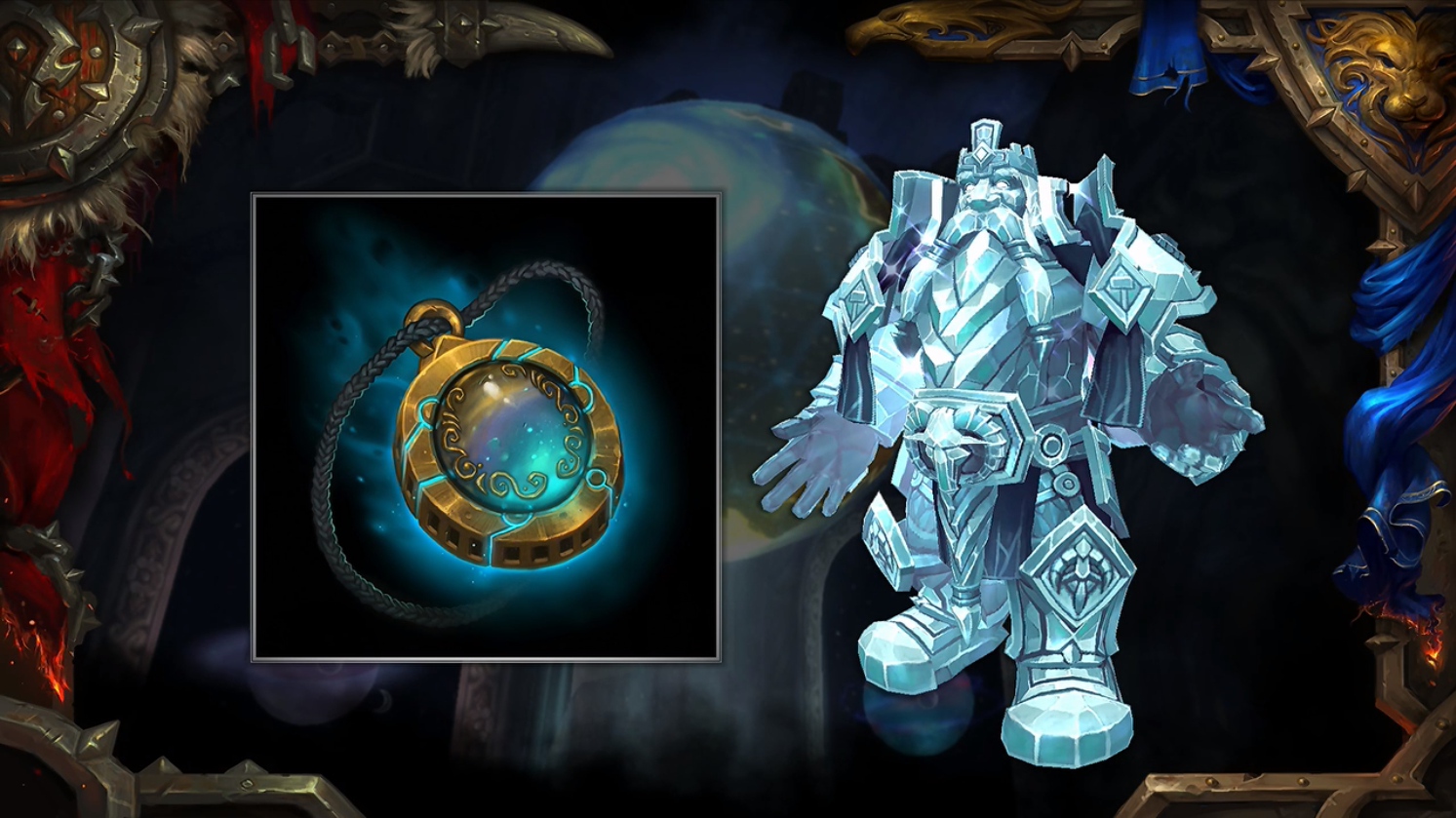
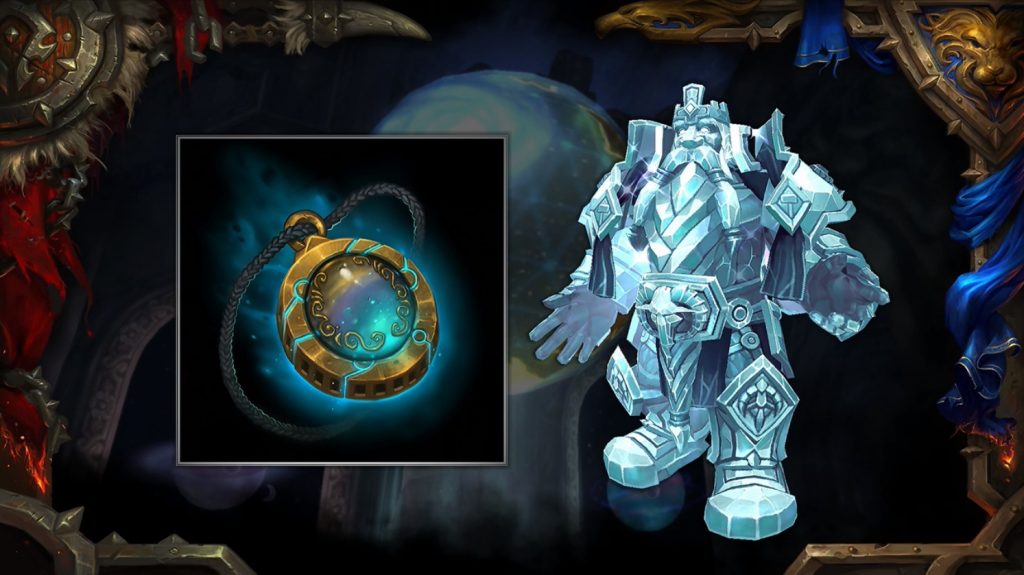
Where do we start? The first quest for Battle for Azeroth starts in Silithus. Here, you meet Magni Bronzebeard, who first hands you the Heart of Azeroth so you can start collecting Azerite and fueling the amulet with artifact power.
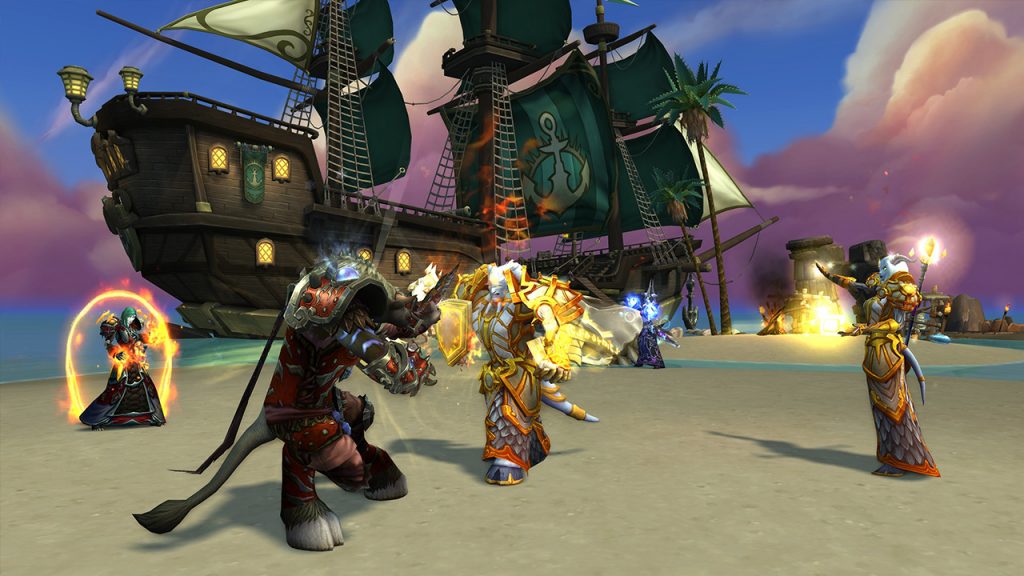
Battle for naval supremacy. The primary goal of both Horde and Alliance is to secure a fleet to gain superiority at sea against the opposing faction. The Alliance must befriend the inhabitants of Kul Tiras, while the Horde seeks to win over the Empire of the Trolls for their cause.
Later, players can also visit the continent of the opposing faction to undermine their hostile efforts.
New quests and content are logically only available if you own the expansion “Battle for Azeroth”.
If you still need tips and tricks for a successful start in the new addon Battle for Azeroth, we have gathered some articles for you that should quench your thirst for knowledge:
Please note that there may be queues and other minor issues, such as buggy quests, during the first hours and days. Blizzard usually reacts quickly, and after a few hours, problems should be resolved. In that case, simply pass the time by playing elsewhere.
Battle for Azeroth is starting soon – and just in time for the launch, Blizzard is updating the WoW Companion App. You can now track and progress your achievements in World of Warcraft on the go!
New Companion App is here: Blizzard has updated the Companion App for World of Warcraft to Gear for Azeroth. The new app is now available for iOS and Android and offers updated features.
WoW Companion App for BfA
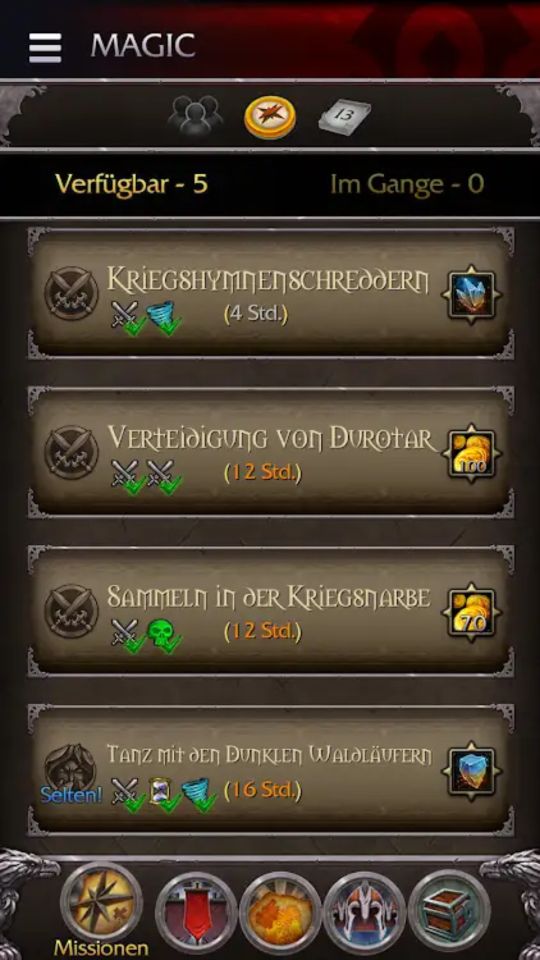
The Companion App helped manage the Order Hall and monitor World Quests during Legion. It allows you to send companions on missions anytime, anywhere or set the Order Hall expansion settings.
Updated Features: With the update of the Companion App for Gear for Azeroth, the app’s structure hardly changes – only the functions are now adapted to the new expansion.
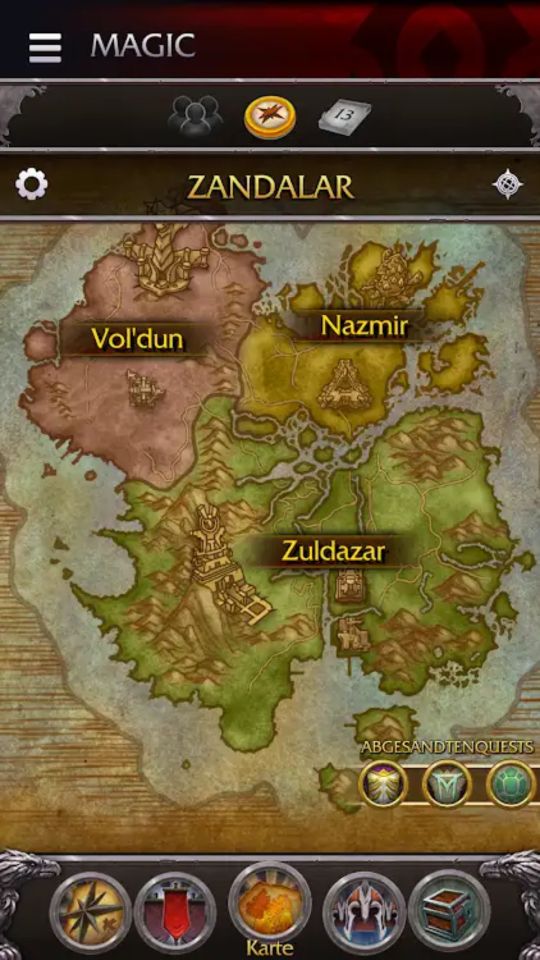
The world map now shows the new continents of Zandalar and Kul Tiras along with their respective areas instead of the Broken Isles and Argus. You can now view the new emissary and world quests including rewards.
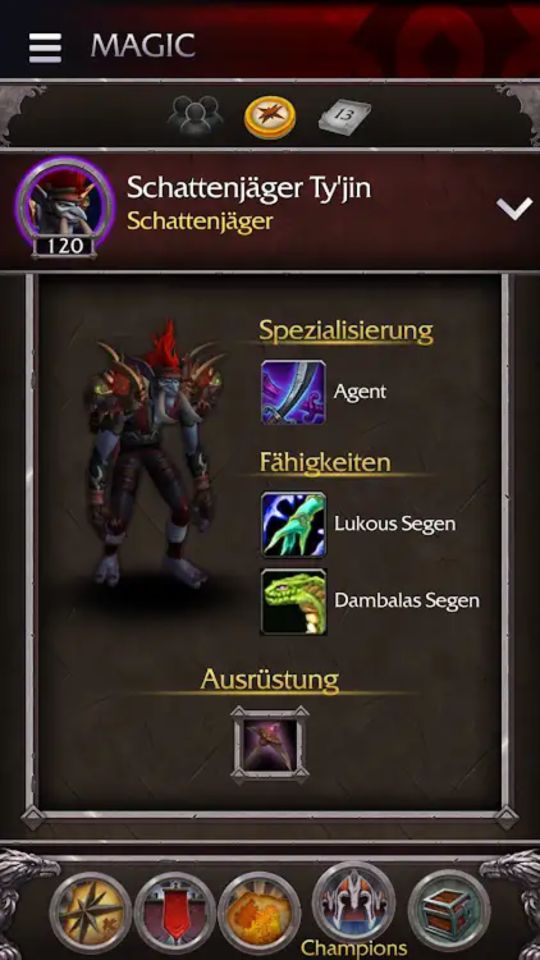
Mobile Character View and Social Features: You now have access to your character’s current equipment and additional character information from anywhere – similar to the Arsenal. Features like the calendar and contacts will be added at a later time.
New Champions: With Gear for Azeroth, your old champions from Legion will be replaced. Some new champions for the Horde and new abilities have already been revealed through the new images in the store: Rexxar, Lillian Voss, Arcanist Valtrois, Hobart Grapplehammer, and Shadow Hunter Ty’jin.
Quests and War Campaign: Missions resembling the Order Missions from Legion and the Mission Table in WoD can also be managed. You again have new champions available to whom you can assign tasks. In the app, you can also upgrade the champions and recruit new troops.
The War Campaign replaces the Order Hall in the new app. Through research projects, you unlock upgrades in the War Talent Tree and progress in the campaign that accompanies you through BfA. You can already view the talents in the app.
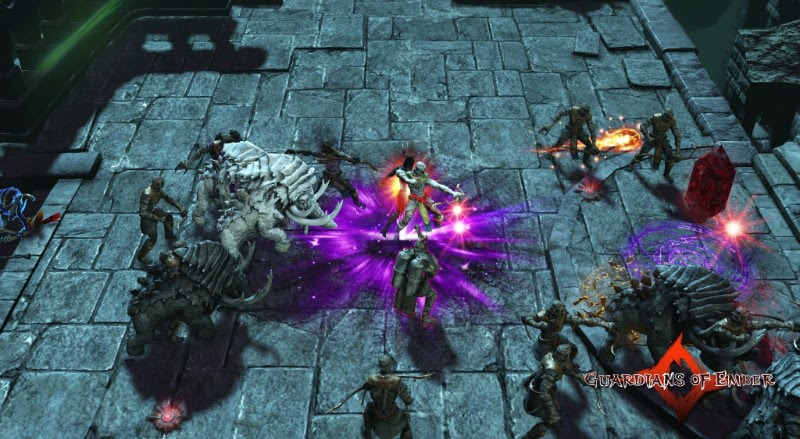
Gameforge has announced that it will take over the distribution of the online hack ‘n slay Guardians of Ember dropped by Steam. The relaunch is coming soon.
However, there was a scandal at the beginning of the year: The then-publisher Insel Games urged its employees to give the game positive ratings on Steam. When this became known, Valve removed the RPG from the platform due to review manipulation. Developer Runewaker (known for Runes of Magic) was not involved in this scandal.
The game still exists! Guardians of Ember is still available. Through the official website, it is still possible to download and play the action RPG. However, it has suffered greatly from its removal from Steam and the bad publicity.
Gameforge intervenes: Now, the online games publisher Gameforge has announced it will take over the distribution of Guardians of Ember. The company acquired the rights from Insel Games and will now take care of getting the game back on track.
The following should be taken into account:
Your characters and progress will be carried over
The transfer to Gameforge should be completed with as few mouse clicks as possible
All premium items will remain
Developer Runewaker will continue to handle the development of the RPG
There will be new content
Insel Games has nothing more to do with Guardians of Ember
Gameforge is planning to offer the game on Steam again
When does the switch take place? The transfer of Guardians of Ember from Insel Games to Gameforge will take place on September 1, 2018. For players, this transition should go as smoothly as possible.
Recommended editorial content
At this point you will find external content from YouTube that complements the article.
I consent to external content being displayed to me. Personal data can be transmitted to third party platforms.
Read more about our privacy policy.
In the PC version of Monster Hunter World, a strange bug has apparently appeared. If you face the last monster of the main story and defeat it, you might lose your entire save file.
Players currently have to be doubly cautious. If you have reached the final boss in the story, you should take precautions.
According to a reddit post there is a risk of losing your entire save file after defeating the monster. But which monster is it?
Warning, Spoiler! If you do not want to know which monster is the last boss of the main story, you should not read further. On our theme page for Monster Hunter World, you will find many other interesting topics.
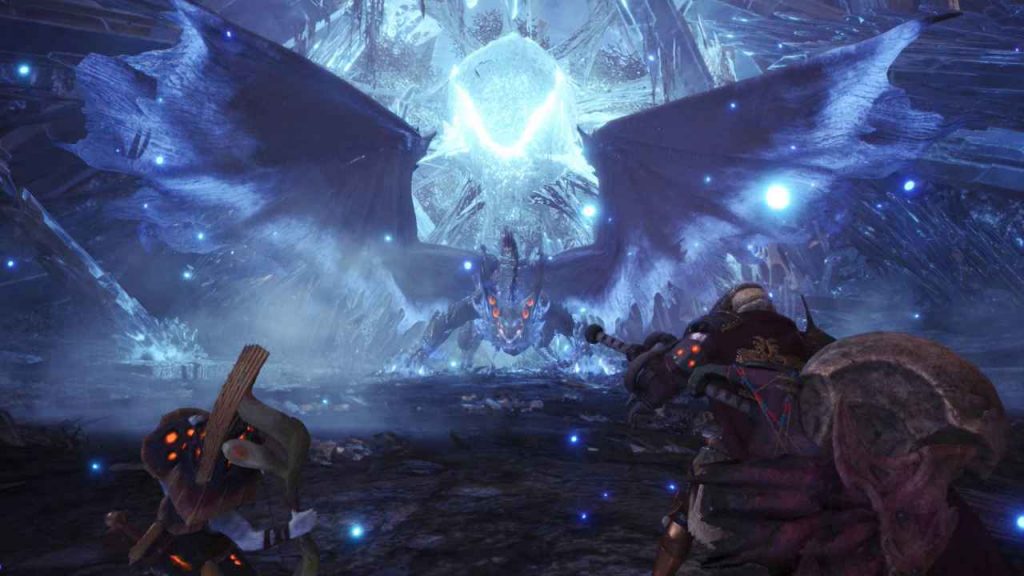
Xeno’Jiiva – an Elder Dragon: The final boss of the main campaign is the Elder Dragon Xeno’Jiiva. This monster is among the largest in Monster Hunter.
So large that you will almost exclusively have to focus on its legs during the fight, as everything else is out of reach. The Xeno is not among the toughest monsters and is vulnerable to all elements. Still, it takes a bit of time to defeat it.
If the Xeno’Jiiva is dead … is your progress too?
This is what happens in the worst case: Apparently, there is a high chance that your save file disappears as soon as you defeat the Xeno’Jiiva. Once the sequences play out, the game crashes and will do so every time you try to load the character.
This problem seems not to affect all players: Not everyone will fall victim to this bug. The poster of the thread suspects that around 75% of all fights against the final boss remain unaffected. However, some unlucky players have to reckon with crashing their save files.
What can be done against this bug?
There are already several ways to prevent this error. First, it is recommended to back up your save file before you head out to face the Xeno. Here is a step-by-step guide:
Open C:Program Files (x86)Steamuserdata[EURE STEAM-ID], it is probably the first folder,
look for the folder “582010” and open it,
now open the folder “remote”,
now copy your save file “SAVEDATA1000” and back it up in another location
How long it will take Capcom to fix this bug is unknown. Therefore, we recommend this measure to protect your save file.
Why don’t we hear about such a serious bug more often? Monster Hunter World has just been released for PC, so it’s no surprise that most of the new players have not yet reached the end of the extensive main campaign.
This takes an average of up to 40 hours, some take significantly more time. If a patch is on the way, we will inform you.
Just started in Monster Hunter World? Then take a look at our monster list.
Today, August 13, 2018, update 1.2.3.2 for Destiny 2 has been released on PS4, Xbox One, and PC. We have summarized all the important information regarding the maintenance, downtime, and patch notes for you.
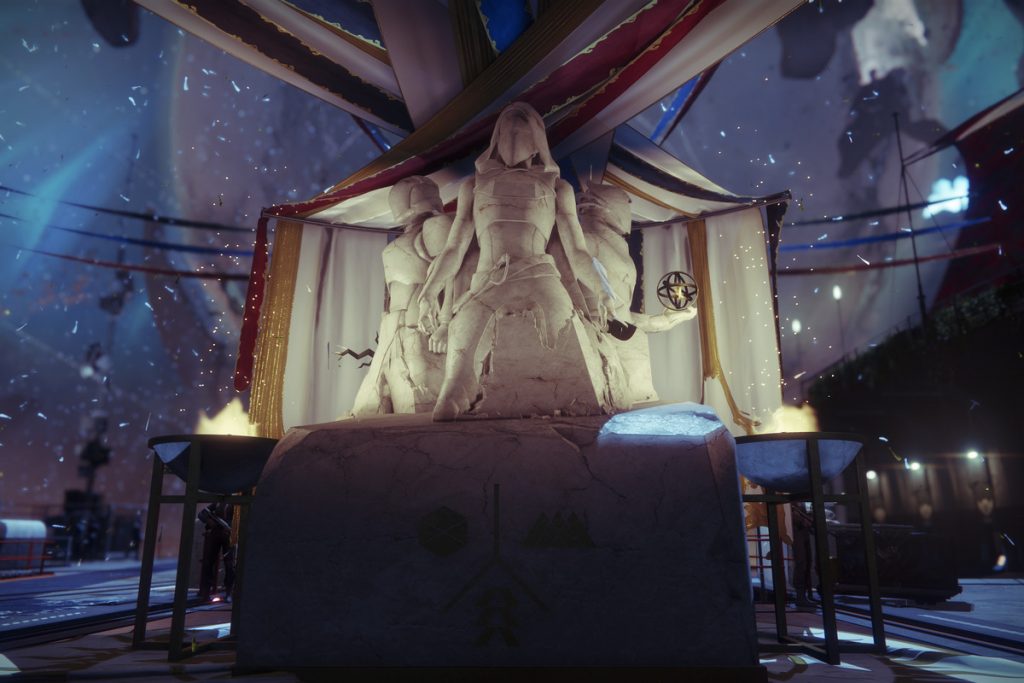
Today, August 13, 2018, there was another update for Destiny 2. The hotfix 1.2.3.2 fixed a problem that prevented some players from upgrading their Solstice armor at the Statue of Heroes. The hotfix has been available for download and installation on all platforms since shortly after 7:00 PM.
Destiny 2: Maintenance, Downtime, Server Downtimes on 13.8.
Maintenance without server downtime: Today, Monday, August 13, 2018, in addition to hotfix 1.2.3.2, maintenance work will also take place. Maintenance will be conducted between 4:00 PM and 10:00 PM.
However, no downtime is expected – except in emergencies. This means there will be no server downtime. You only need to pause your gaming experience to download and install the new update. After that, you should be able to continue playing normally.
Schedule of Maintenance:
4:00 PM:
Start of Destiny 2 server maintenance
Downtime of Destiny services is not expected
7:00 PM:
Destiny 2 hotfix 1.2.3.2 is available for download and installation
Players are encouraged to download the content the next time they are in orbit. However, some players may need to manually check for the update
10:00 PM:
End of Destiny 2 server maintenance
Players who have not installed update 1.2.3.2 will be removed from their activities to download and install it
Destiny 2 – The Patch Notes for Update 1.2.3.2 on PS4, Xbox One, PC
General
A bug has been fixed where players could not upgrade the “Solstice of Heroes” armor.
Note: Players may still see “Solstice of Heroes” milestones even if they have completely upgraded the armor and completed all objectives.
Localization
German description of the Iron Banner emote pack corrected.
Shortly before the launch of the new WoW expansion Battle for Azeroth, Blizzard temporarily disables a feature from Legion. It is expected to return – when exactly and why it was deactivated is still unknown.
Blizzard disables invasions: At the launch of Battle for Azeroth, the invasions in World of Warcraft will be temporarily disabled. They are supposed to return “in a few days.” When exactly that will be is still not certain.
Legion Assaults will be disabled later today, prior to the launch of Battle For Azeroth. They’ll return in a few days.
Invasions are a feature that was implemented later in the last addon WoW: Legion. In the ongoing siege of the Burning Legion, parts of the Broken Isles were repeatedly attacked by ships of the Legion.
Many rewards from invasions: An invasion consists of several world quests in the respective area and a quest given upon entering the area. If you complete 4 of the quests and then a scenario, the invasion is successfully repelled.
The invasions reward players at level 110 with Nether Shards, Artifact Power (later Order Resources), gold, and equipment. This allowed characters who had just reached level 110 to quickly catch up.
The Highmountain will not be spared either.
Popular for twinking: However, the invasions were also available for characters under level 110. Once they could enter the islands, they could also participate in the invasions. They are a popular method for leveling, as they roughly grant a whole level with full heirloom gear.
Invasions occur at certain intervals and then remain for a few hours. On the page wow.gameinfo.io you will find a timer for the invasions – as soon as they return.
No reasons given: No specific reasons have been cited as to why the invasions were temporarily disabled. Some Twitter users speculate that this is to prevent players from exploiting the invasion experience to temporarily bypass the leveling areas of Battle for Azeroth.
Even though the MMORPG Shroud of the Avatar (SotA) is struggling with a lot of criticism and declining player numbers, the team does not give up and wants to introduce player-created dungeons.
Create Your Own Dungeons
Players can create their own dungeons: Originally, this system was planned for the upcoming Episode 2 of the MMO, but according to the developers, the work on it is progressing so well that they have decided to introduce the feature according to current plans already in the fourth quarter of this year. With the release planned for this month, there will also be a first look at the system. Players can then build multiple entrances and purchase pre-made dungeons in the item shop.
Building Dungeons – Here’s How: The finished system will require that you buy blueprints for different dungeon sections and rooms from merchants (or in the item shop) to create your own dungeon according to your ideas. You can then fill it with monsters. However, there are some restrictions on building:
You need a property to create a dungeon
The larger your property in the game, the larger your dungeon can be
There will be systems that prevent exploits: Players will not be able to chain together numerous rooms with high-level monsters and then “farm” them
Monsters in “Player-Made Dungeons” will be hard to defeat, but will provide little rewards
Costly Matter: The self-created dungeons come with some costs. In addition to the property you need to purchase, it will be necessary to buy rooms and corridors, and apparently also monster packs to populate the dungeon. If you want to expand your dungeon, it is possible to purchase an expansion slot.
The developer studio Portalarium hopes that the new system becomes so popular that as many players as possible want to spend money on their own dungeon. This way, they aim to generate further income for the developers of Shroud of the Avatar after the telethons held every month are bringing in less and less money.
Recommended editorial content
At this point you will find external content from YouTube that complements the article.
I consent to external content being displayed to me. Personal data can be transmitted to third party platforms.
Read more about our privacy policy.
The seventh expansion of World of Warcraft, Battle for Azeroth is starting! Have you done everything to properly kick off?
BfA goes live at midnight: The new WoW expansion Battle for Azeroth goes live globally at the same time. In Germany, this means: On the night of Monday, August 13 to Tuesday, August 14 at exactly 0:00 (CEST), it’s going down! With our countdown, you won’t miss the start.
Prepare yourselves properly for BfA
Battle for Azeroth is the 7th expansion of the MMORPG giant World of Warcraft. With all the new challenges, we’ve compiled all the news once again for you in summary.
With Battle for Azeroth, you have access to many new features in World of Warcraft. We’ve listed the most important ones for you here again.
Allied Races:Allied Races are one of the core themes of the story of BfA. The factions strive for the support of new races that are to assist them in the war against their enemies.
Some of the allied races are already known or even playable. Others will come with the expansion. To play an allied race, however, you must meet some requirements that differ for each race and complete a short questline.
In War Mode, you gain 10% more experience and rewards and have access to your PvP talents in the open world at all times. However, you can also be attacked by the other faction at any time.
Through the Heart of Azeroth, you can also give your gear new abilities (“Traits”) that provide further improvements for your specialization.
Island Expeditions: In Island Expeditions, you travel to randomly generated islands where you must quickly capture the resources for your faction. You help to advance and support the war efforts.
In order to dive into the battle for Azeroth without obstacles, you should prepare properly. With our guides and tips, you are equipped for everything that might come your way.
Prepare properly for the BfA launch and get started
Of course, we’ve also prepared a few guides for you to make the most of the time from the launch of the new expansion Battle for Azeroth – whether you need to make final preparations or effectively start leveling in the first new levels.
Are you excited for Battle for Azeroth? Log in on time to avoid the login queue. A new quest should pop up in the game at the start if you have already completed the Siege of Undercity.