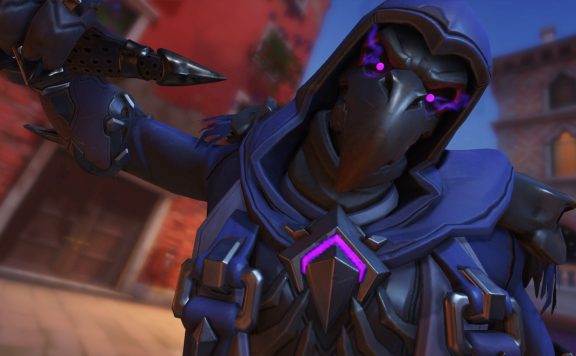
Overwatch runs smoothly on most computers, but if you want to squeeze decent FPS out of the game without significant graphic losses, you should follow this little trick. With just one small setting, we can get up to 50 percent more FPS without Overwatch looking noticeably less attractive.
Shooter players can never have enough frames per second, and especially in a competitive game like Overwatch, every single FPS counts. However, more FPS often comes at the cost of graphics, and in many cases, you only have the choice between an ugly game with lots of FPS or a graphic powerhouse that is pushing the limits hard.
Less Reflection, More FPS!
Therefore, it is always good to gain FPS without sacrificing too much graphical splendor. In Overwatch, there is a special trick that can grant us about 50 percent more FPS. Just go into the advanced graphics settings and turn off “Dynamic Reflections” completely!
This will result in a character being only rudimentarily reflected in water or ice surfaces, which should hardly be noticeable in the wild battles of Overwatch anyway. For that, there’s – according to Reddit user “raydialseeker” – 30 to 50 percent more FPS. Give it a try, the results should amaze you!
Overwatch 2 is a hero shooter by Blizzard and the evolution of the first Overwatch. Now in a free-to-play variant and with some modifications to the original ga...