

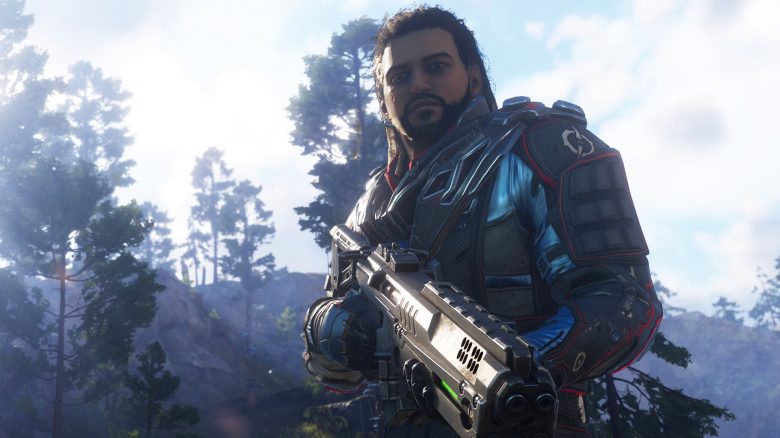
Recently, players can test the upcoming loot shooter Outriders in a demo, but motion blur is causing issues for some players. Here’s how to disable it on PC.
What is the problem? Motion blur is a common graphics setting in many games. In some, this option is enabled by default, while in others it is not. In the case of the Outriders demo, motion blur is active. However, the effect is so severe that many players find it quite distressing.
The limited FPS in cutscenes results in an unpleasant effect that makes the scenes stutter. The constantly moving camera additionally creates overwhelming visuals with motion blur.
There is no regular way to lift the FPS cap or disable motion blur in the settings. However, players have found a workaround that allows them to disable motion blur anyway.
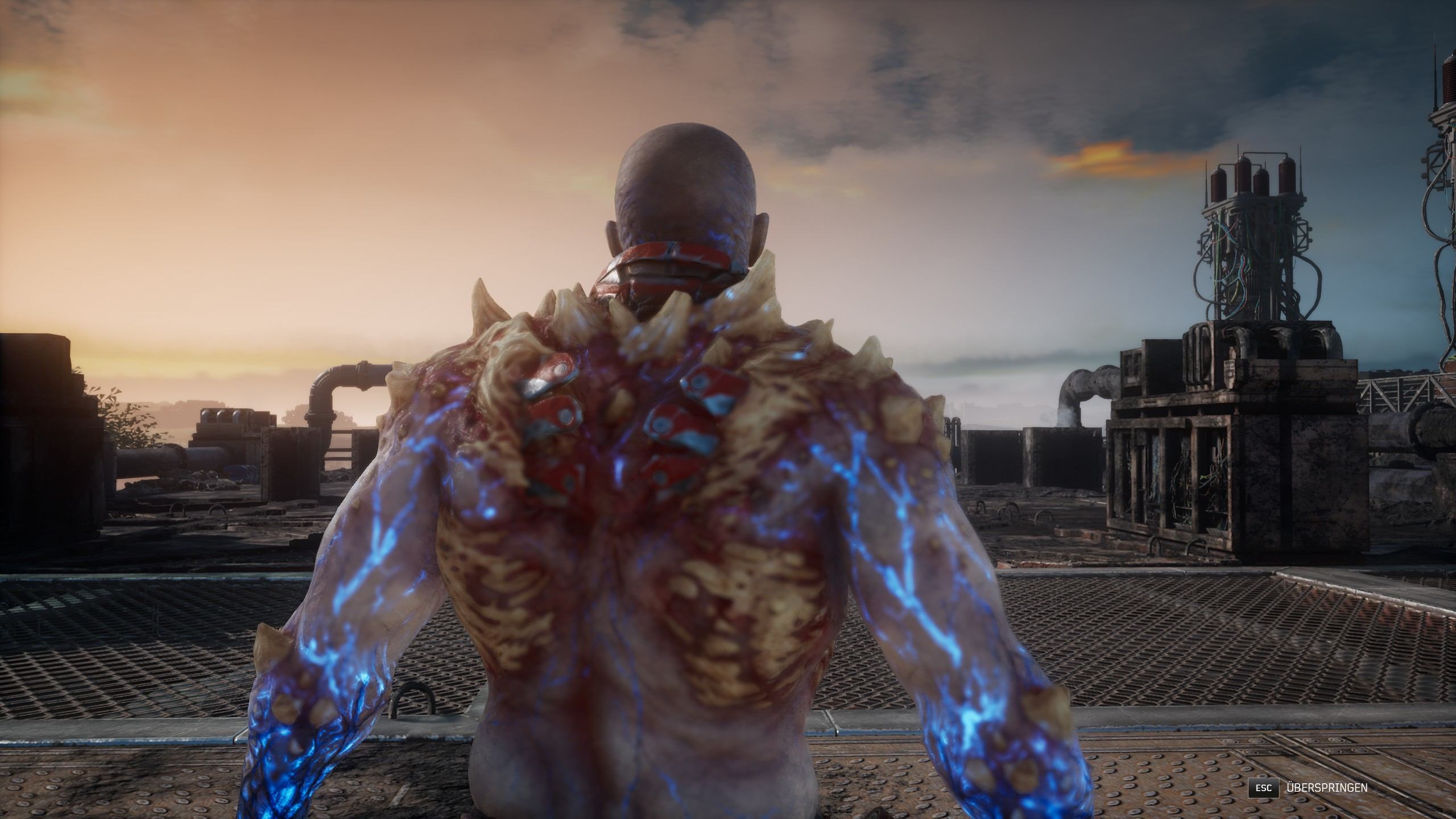
You need to disable motion blur in the files yourself
How does it work? Several players have found a way to simply disable motion blur in the demo’s files. Apparently, this deactivation also leads to improved performance. Here’s how to do it:
- Open the folder C:Users****AppDataLocalMadnessSavedConfigWindowsNoEditor
- Open the Engine.ini with a text editor.
- Scroll to the path MovieRenderPipeline/Content
- Below, add the option [SystemSettings].
- Copy the following lines below:
- r.MotionBlur.Max=0
- r.MotionBlurQuality=0
- r.DefaultFeature.MotionBlur=0
- r.DepthOfFieldQuality=0
- r.SceneColorFringe.Max=0
- r.SceneColorFringeQuality=0
- r.DefaultFeature.Bloom=0
- r.BloomQuality=0
- r.LensFlareQuality=0
- r.DefaultFeature.LensFlare=0
- r.Tonemapper.GrainQuantization=0
- r.Tonemapper.Quality=0
This solution was shared on Twitter by user Chevy.
What does the developer say about it? Shortly after the release of the demo, People Can Fly addressed the criticism. In the finished game, you will likely be able to disable the motion blur option in the in-game settings.
Additionally, the FPS that cause stutters in the scenes should no longer be capped at 30. This also applies to consoles.
Is there a way on consoles? On consoles, you can disable motion blur normally in the settings.
How is Outriders performing?
What can you play? The demo includes the prologue and the first chapter of the main story, as well as some side missions. Players can try out all 4 classes of Outriders and find out if they enjoy the game.
The first reactions have already been summarized by MeinMMO. There you will also find a survey: How do you like Outriders so far?
At the launch of the demo, there were initially server issues, and it was not available in the PS Store on time. Now, most players seem to finally be able to play the demo.
We have summarized all the important information about the demo for you: All information about the free demo of the RPG shooter.

Your opinion is important to us!
Do you like the article? Then let us know!