After the first gameplay videos of Diablo 4, a feature related to attacks on enemies was hotly debated. The Diablo team confirmed at BlizzCon 2021 that you can turn it off.
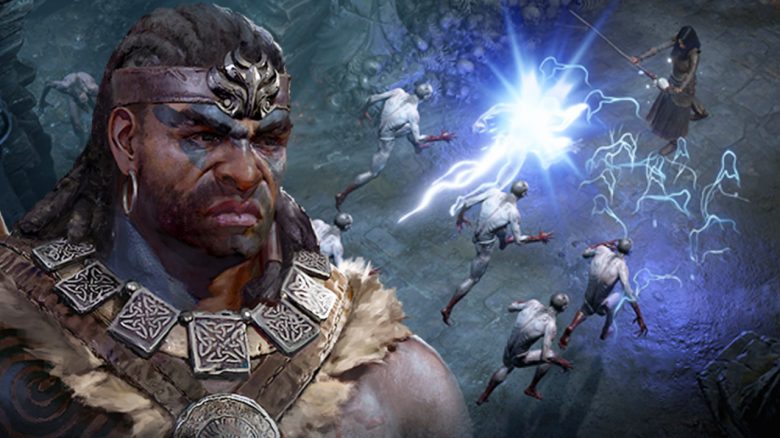
What is this feature? Anyone who plays Diablo 3 or has watched early gameplay videos of Diablo 4 knows that enemies glow when hit. They flash brightly for a moment, indicating to you that they have been hit.

However, players and even parts of the development team at Blizzard were dissatisfied with this. It would take away from the immersion or be too bright for such a dark game, they say. During BlizzCon 2021, it was confirmed that you can turn off the option if you want. What is behind this?
Even Blizzard finds the glow distracting
This is what Blizzard says: During a Q&A session on Saturday night, Luis Barriga, Game Director of Diablo 4, talked about some options you will find in Diablo 4. One of them concerns the glow effect, which you can choose to turn on or off.
We really like how the [glow] works. […] but we have encountered situations where certain team members found it very distracting, almost like an obstacle while playing. So we included it as an option in our “Accessibility Suite.” We want to ensure that our game can be played by as many people as possible.
Luis Barriga during BlizzCon 2021 (via YouTube)
Players say: It’s not dark enough because of this
This bothers the players: Under a gameplay video from November 2019 regarding the Druid class in Diablo 4, the top comments revolve mainly around the glowing of enemies. We embed the video here so you can get an idea of the effects mentioned:
User Renato writes: “I think enemies shouldn’t glow when they take damage because it fills the screen too much and takes away the feeling of darkness. It would be better if they just bled and reacted, like in Diablo I and II. […]
Others comment there:
- “Enemies glow when they take damage, Druid wolves glow when they take damage… I hope they change it.”
- “What about the glowing effect when you get hit or enemies get hit? It takes away the dark theme of the game… Please remove it.”
- “I thought the glow wouldn’t bother me when enemies took damage, but the more there are on the screen, the more it takes you out of the experience. This random bright light in the darkness doesn’t work”
On reddit , a user writes on December 6, 2019, that he doesn’t like the glow at all. “It breaks the immersion and is unnecessary. At least give us the option to turn it off. I want to enjoy the new graphics and combat without being distracted by stupid stuff.”
In a reddit thread from November 2019, more players demand that at least the option to turn off the highlighting of enemies should be introduced.
It seems that the Diablo team has taken this feedback to heart. With this new option, you can turn this feature on or off depending on your taste.
How do you like the glow effect when hitting enemies? Do you also think it takes away from immersion and therefore becomes annoying to play, or do you enjoy such direct feedback in combat?
Let us know your opinion in the comments here on MeinMMO and exchange thoughts with other players about it.
Tell us your opinion: But at BlizzCon, there was much more going on besides Diablo 4. Which of the announcements was your highlight? Vote and create a community ranking with us: