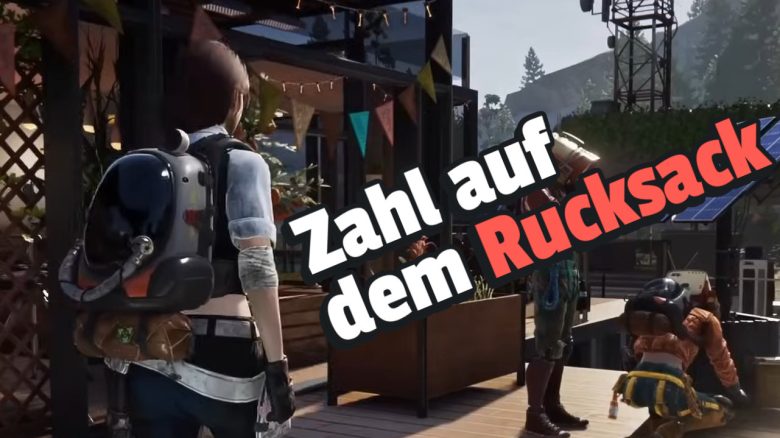
In Once Human, you can carry all kinds of materials with your backpack. We have summarized what the number on the backpack display means for you.
The number on the backpack explains: The number displayed on your backpack indicates how far you are from star dust pollution. If the number is low, there is no active danger yet. When you reach a heavily polluted area, you will also receive a warning: “The star dust pollution is getting worse.”
It is not for nothing that the backpack warns you about star dust pollution. After all, this is the reason why so many monsters roam the world. In the game, the pollution attacks your sanity, which negatively affects your health points (HP) when it decreases.
In Once Human, you can be glad to have such a practical backpack, as there are many dangers lurking in this world:
Two more features with your backpack
What other functions does the backpack have? Your backpack is your best friend in Once Human. Not only does it carry all your items, but its display can also be an important indicator for you and your health:
- Green display: Your mental and physical health is good.
- Orange/Yellow display: Your mental and physical health is okay.
- Red display: Your mental and physical health is low.
Additionally, the small yellow dot at the top right of your backpack indicates whether you are near Morphic boxes. These are hidden boxes with precious contents. If the display blinks quickly, you need to press Q to make the box visible.
Then shoot at the box, and the contents are yours. For quicker locating of the boxes, you can also use the interactive map. If the collected items no longer fit in your backpack, you can also increase the carrying capacity.

How can I carry more in the backpack? The most important function of your backpack is, of course, carrying your resources. However, if your inventory fills up too quickly, you can increase the carrying capacity.
For this, you need to have reached level 15 and then unlock the backpack expansion Master Craftsman Meme specialization. In the meme menu, you need to navigate through specializations to the backpack expansions.
After unlocking, you need to craft the backpack expansion at a workbench. This will give you 40 kilograms more carrying capacity.
Another way to increase your carrying capacity is to adjust your character’s weight. If you increase it, you also increase your resilience. Additionally, your weight has other advantages and disadvantages.