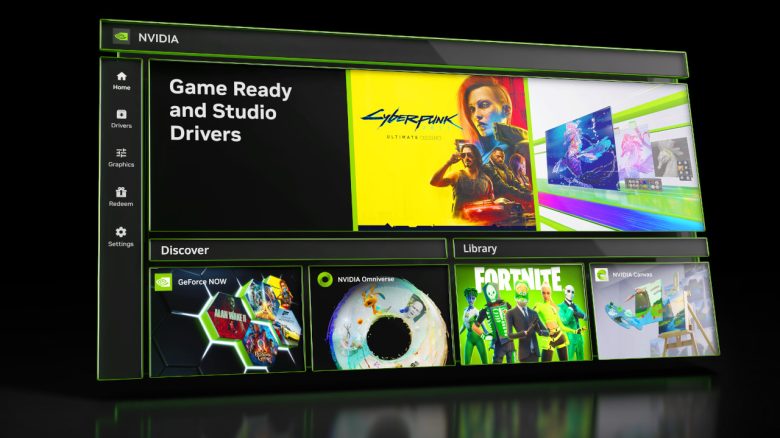
Nvidia is saying goodbye to GeForce Experience as software for its graphics cards. With the Nvidia App, a successor has been found. We are telling you what you need to know about the switch.
The most important points at a glance: With the new Nvidia App, there are plenty of changes if you currently have an Nvidia graphics card in your computer. The key changes include:
- Redesigned interface (UI): All information should now be available on a unified platform.
- No registration is required anymore. This means you can use the software without logging in.
- New in-game overlay and simplified settings through the control center.
- Support for Shadowplay with 120 FPS, RTX HDR, and RTX Dynamic Vibrance.
When will the changes take effect? You can now download the beta of the Nvidia App. This will remove “GeForce Experience” from your computer. Currently, the software is still in beta but will eventually replace the old software “GeForce Experience”.
Download Beta: You can download the beta of the new Nvidia App directly from Nvidia.
New Control Center and Interface
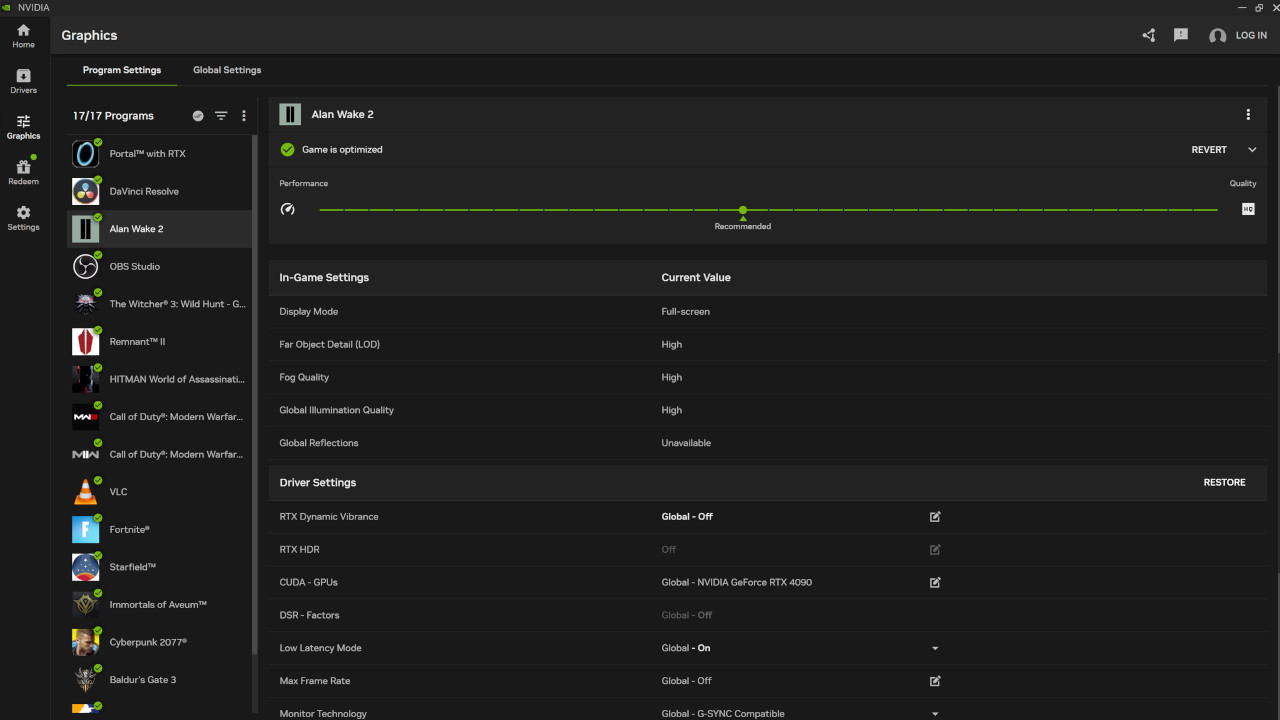
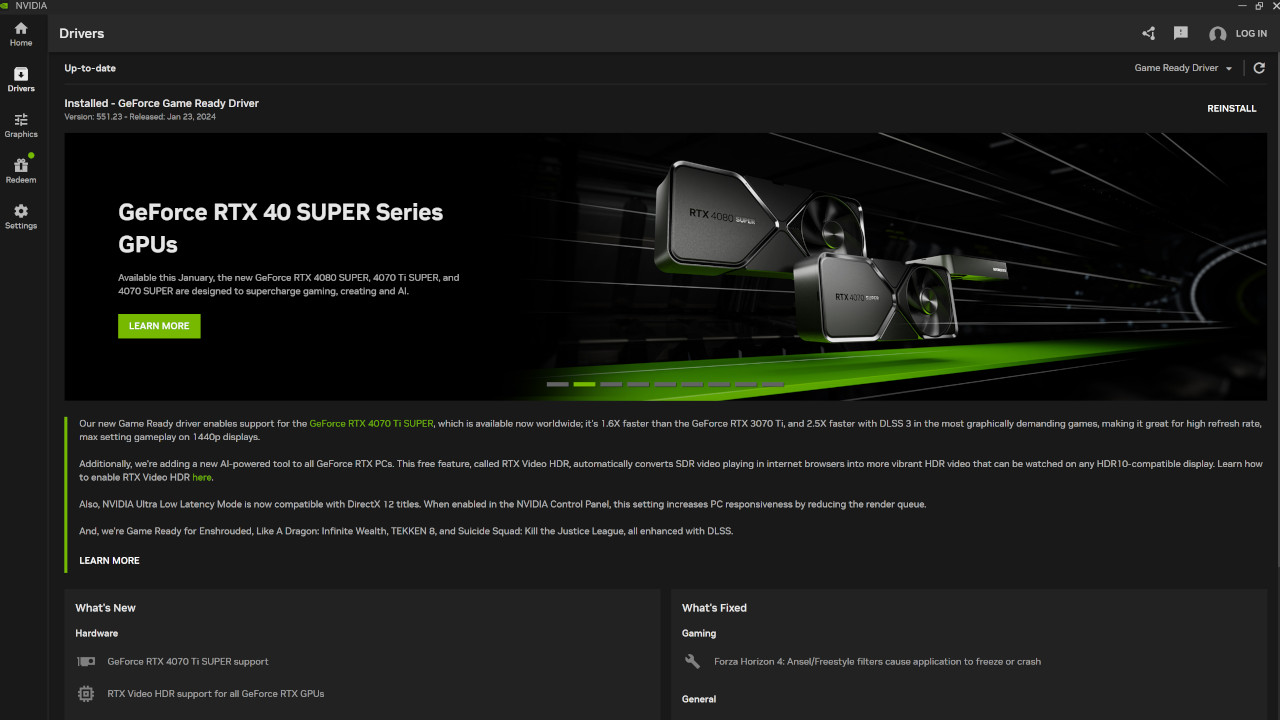
The NVIDIA App integrates the game settings from GeForce Experience and the 3D settings of the NVIDIA Control Panels into a unified interface. This is intended to save time and especially many clicks in the future so that you no longer have to navigate through various menus.
Additionally, you can customize settings for each application individually or use a global profile for all games and applications.
Improved Update and Software Information
A frequently expressed wish from users, according to Nvidia, was for players to quickly find out what is included in the latest driver updates. This is exactly what the new information is supposed to ensure. All current information should now be visible with just a few clicks. Updating the software should also be easier and faster now.
Redesigned In-Game Overlay
The in-game overlay has been thoroughly revamped and now offers faster access to important features. With the key combination Alt+Z, you can now quickly access functions. Additionally, screenshots and recorded videos should now be available faster. Nvidia has thoroughly redesigned the menu, and all features are now in a customizable area on the left side of the screen.
For this reason, Nvidia has revamped the Shadowplay tool and now offers recordings at up to 120 FPS. Shadowplay is integrated software that allows you to record gameplay videos in high resolution, take screenshots, and live stream them, as well as share them.
Improved Performance Panel
Using the key combination Alt + R, the performance monitoring menu is now called up, and you can customize the displayed information through the new overlay. In the future, you will be able to display almost all conceivable data regarding your graphics card and your remaining hardware. This includes, among other things:
- GPU Utilization
- GPU Temperature
- GPU Clock
- GPU Voltage
- GPU Fan Speed
- VRAM Clock


AMD or Nvidia: If you want to get more out of your gaming PC, you might consider buying a new graphics card. But does it even matter whether I choose AMD or Nvidia in the end? MyMMO presents similarities and differences between AMD and Nvidia:
How important is it when buying a graphics card whether I choose AMD or Nvidia?