

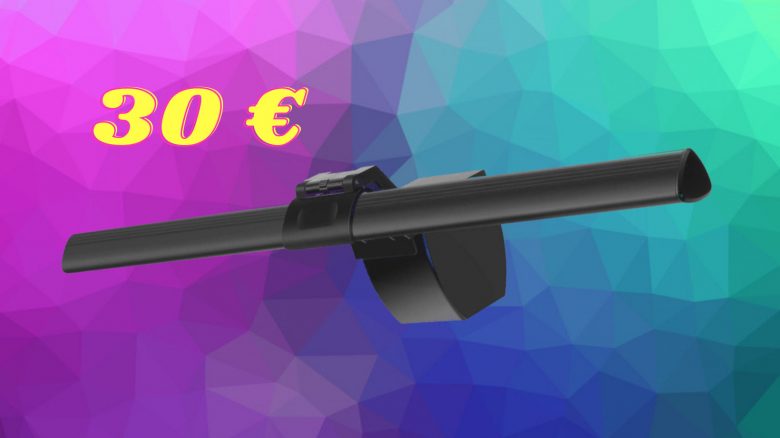
Home office brings a few new problems. MyMMO editor Benedikt Schlotmann recently bought a lamp for just under 30 euros that has greatly simplified his daily work.
This was my situation: I enjoy working and gaming on my desktop computer and spend a lot of time at my desk. The same problem always arises: My desk lamp only illuminates the table in a spotty manner.
This is very strenuous for the eyes in the long run, especially if you want to game or finish writing an article in the evening. Your eyes start to hurt and it’s uncomfortable.
My colleague Schuhmann tested a screenbar from BenQ for MyMMO. That gave me the idea: “I want a lamp like that too.” However, I didn’t want to invest 130 euros in a lamp.
This is how I proceeded: It was important to me when choosing that I could mount the lamp directly on the monitor and connect it directly to the PC via USB if needed. I also didn’t want to spend more than 40 – 50 euros on a lamp.
This is the product I chose: After some searching, I decided on the “Anpro E-Reading” for just under 30 euros. In the long term, this has significantly simplified my daily work, and I feel much more relaxed at the end of the day compared to my old lamp.
In this article, you will learn about my experiences and why I can recommend the lamp from Anpro.
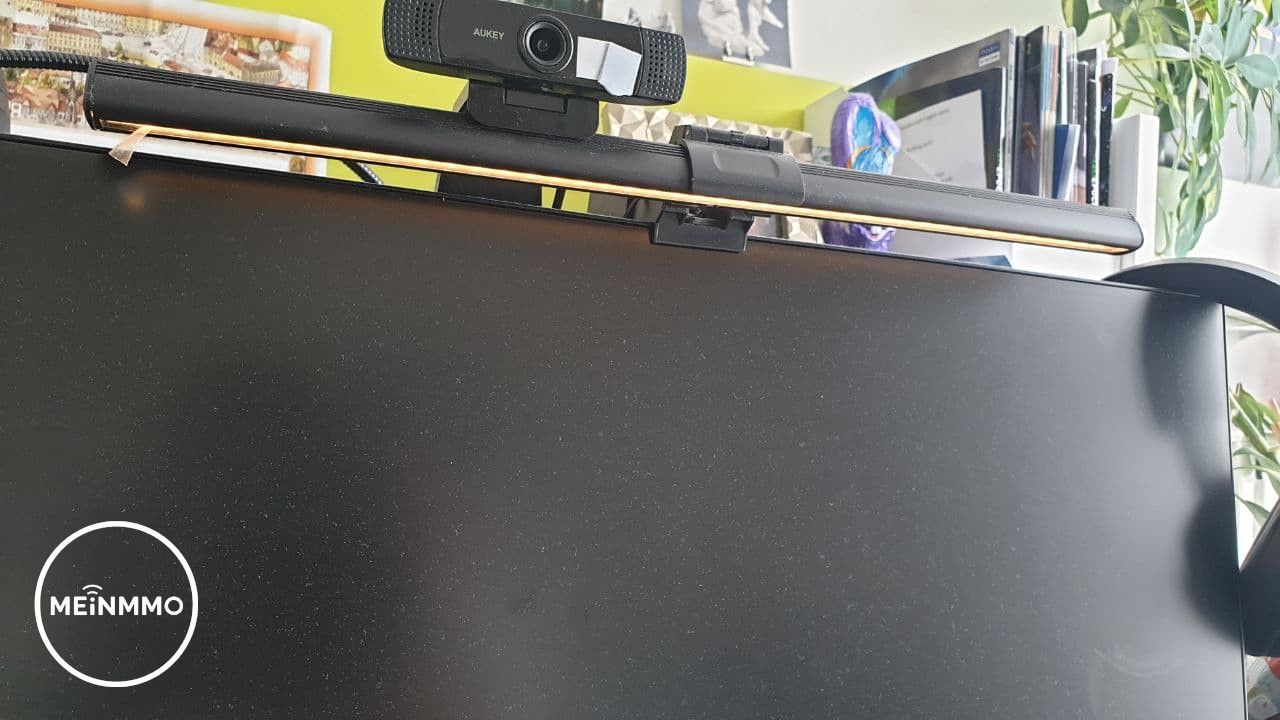
The lamp makes everyday life at the desk much more pleasant
These are the advantages: In principle, the lamp is simple to assemble. You just have to pull apart the holder and attach it to the monitor. The mechanism then tightens and sits like a kind of vise on the screen.
Once mounted, the lamp sits firmly and remains straight on the monitor. The connection cable is also long enough, so the USB port doesn’t have to be right next to the screen.
The three color temperatures offered by the lamp are also good:
- Warm light
- White light
- Cool light
Especially the warm light is very pleasant for the eyes and makes gaming or working in the evening less strenuous. The lamp illuminates the table broadly and the brightness can also be increased or decreased. The light is well dosed and does not glare.
Compared to the previous spot lighting from my old lamp, this is a significant improvement.
These are the disadvantages: The lamp does not fit every monitor. This cost me a lot of time and effort at first. My 24-inch HP monitor is quite bulbous at the back, making installation more complicated, as the lamp didn’t want to hold at first. On a sloping surface, the vise mechanism has no proper grip.
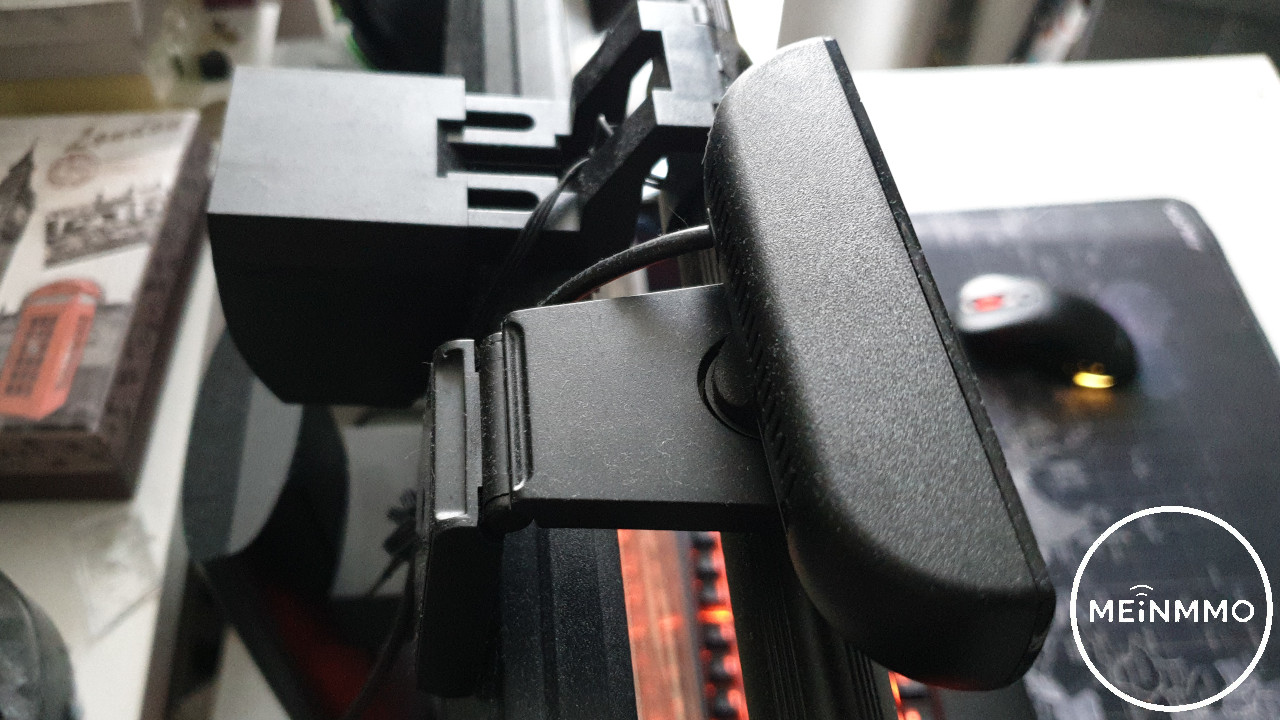
I wanted to pack the lamp back up and return it when I noticed a sticky strip on the mount. Thanks to the integrated sticky strip, the lamp finally found its hold. The sticky strips do stabilize the device, but the screen should not be too wide.
The lamp itself is of good quality, but the switch for switching the light on and off feels cheap and not particularly valuable.
Additionally, you should note that the lamp requires space. If you have previously attached a webcam to your screen, you will need to rearrange a bit or place the camera on top of the lamp.
Who is the lamp recommended for? If you work a lot at your desk and want to make your daily life easier? Then you should take a look at the screenbar from Anpro. For me, especially warm light and improving everyday life were important, and I definitely got that.
The lamp offers the essential functions and is easy to install and requires no significant effort. If you are looking for light effects or gaming functions, then you have the wrong expectations for this device.
A screenbar with gaming support would be the “Smart LED” from Yeelight, which you can admire in the following image.
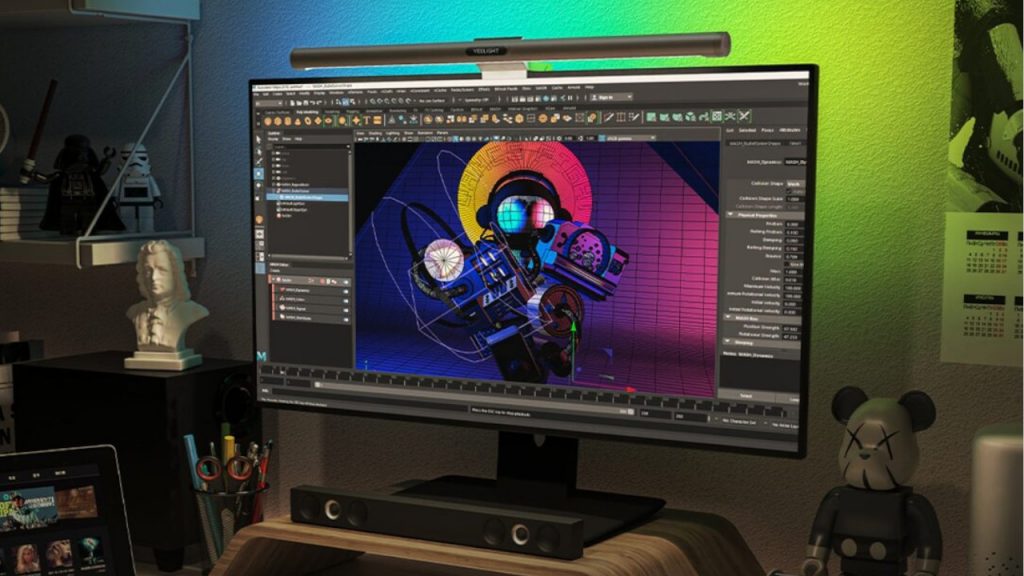
At CES 2021, some exciting innovations were presented, including a similar lamp for the PC. The Yeelight Smart LED with gaming support looks really cool, but it is not expected to be released until the end of April and costs over 100 euros.

Your opinion is important to us!
Do you like the article? Then let us know!