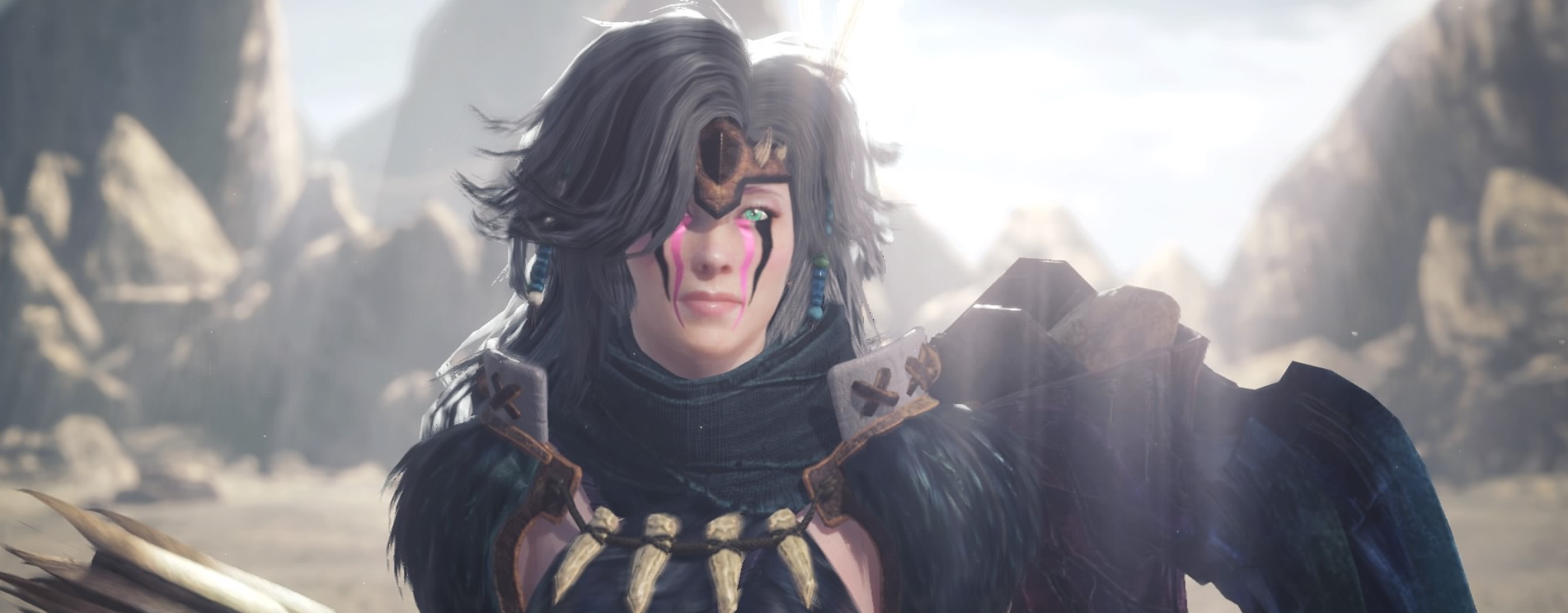
With Monster Hunter World: Iceborne come additional styling options, a photo mode, and more cool options for Fashion Hunters.
Monster Hunter World: Iceborne introduced a new story, some new monsters, and a new area to the game. But that’s not all. For those of you who love to style your character, there’s plenty of new content to discover.
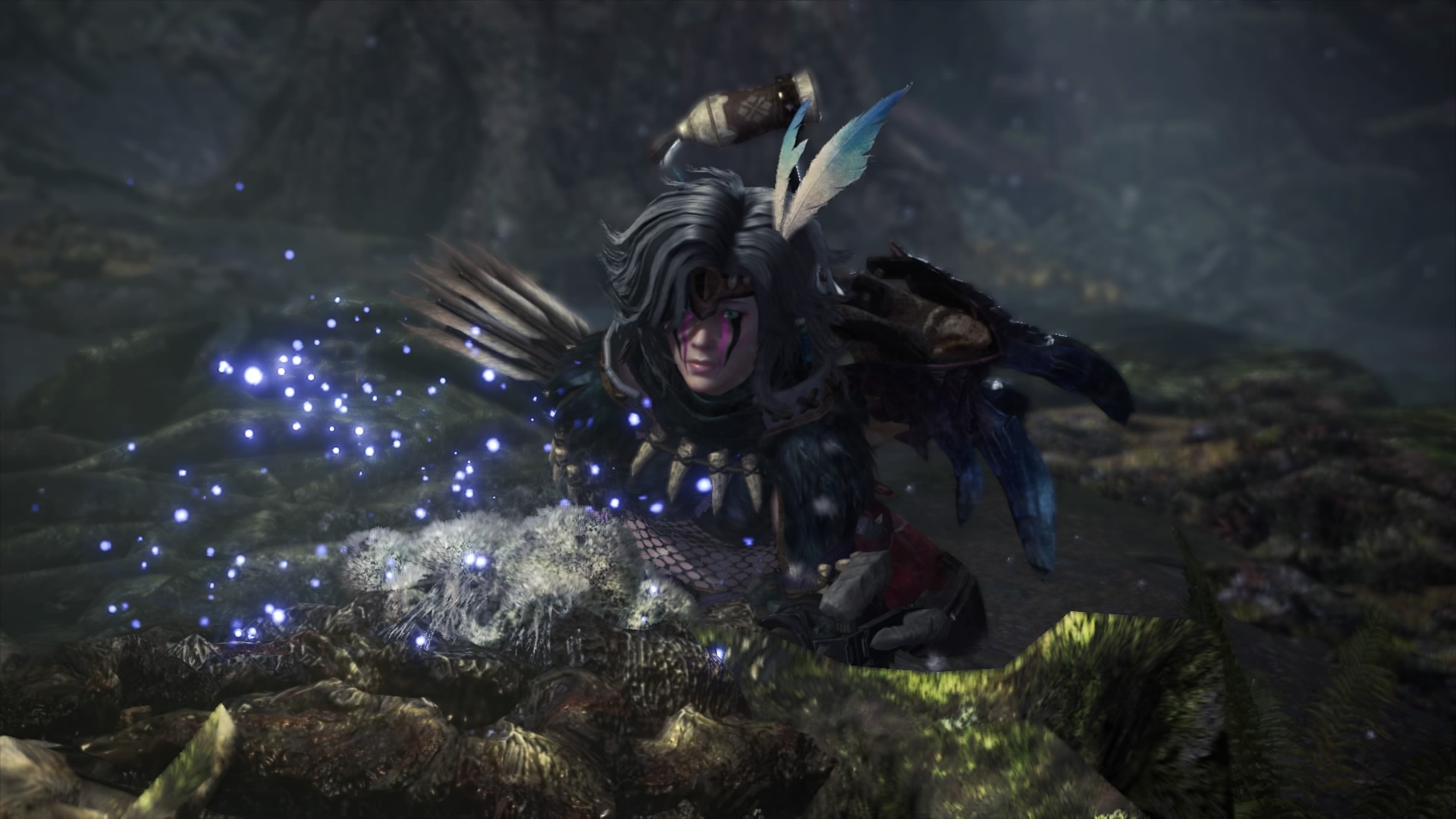
These are the new options for your character design
More hairstyles. You now have multiple options for almost every hairstyle. So you have a greater variety of hair to choose from. The diversity has also been updated, and you can now select curly locks among other styles.
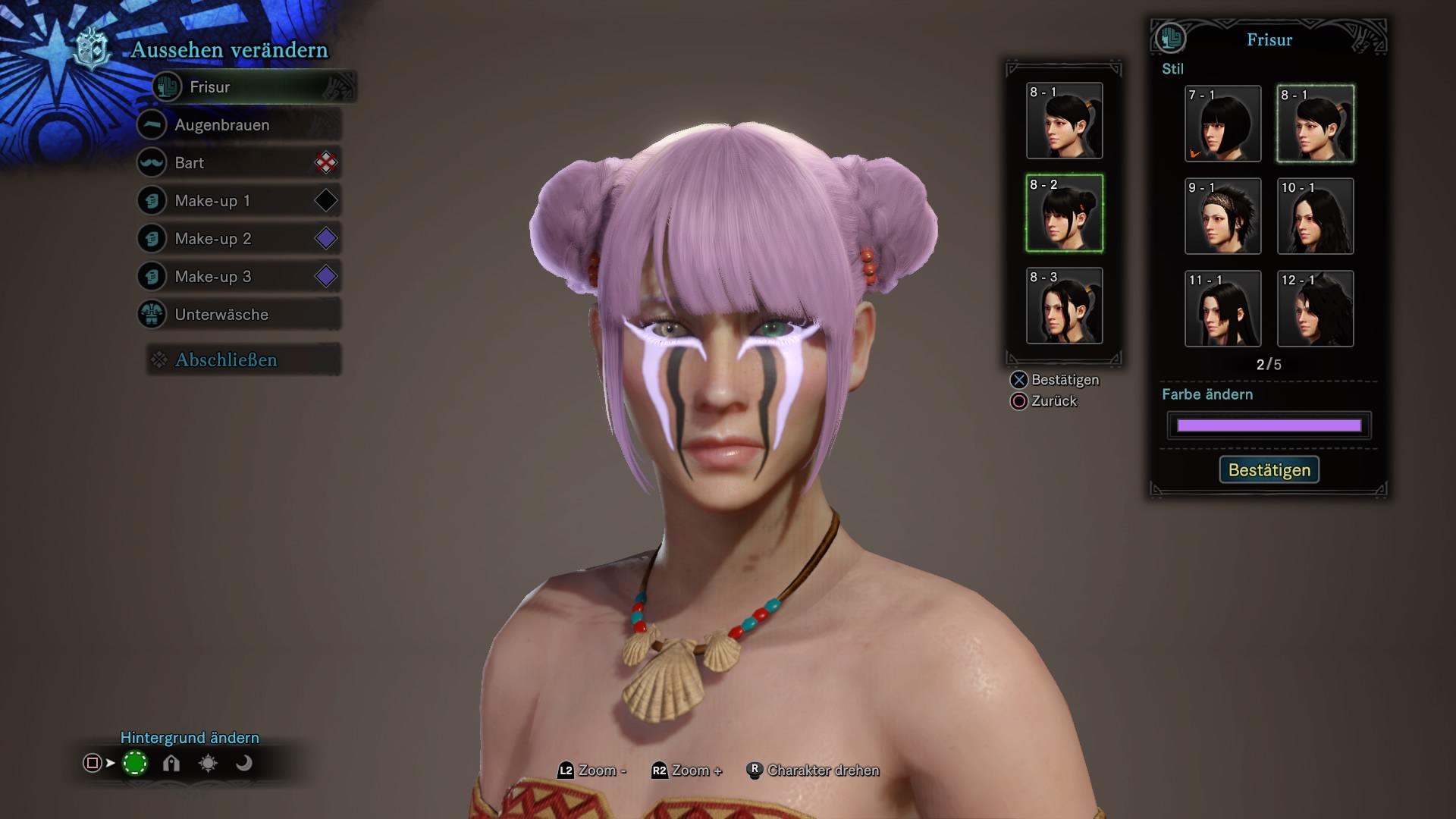
More beards. Not only has the main hair been expanded, but beards are also more varied now. Regardless of whether you’re playing a male or female character, there are many different beards to choose from – who wouldn’t want their huntress to have sideburns?
More makeup. The selection of makeup has also increased. Various paints and scars have been added for you to browse through.
You can add a third makeup option. You are no longer limited to two makeups. You can choose a third makeup and change the position and color as usual.
Your makeup can glow! In addition to the usual settings like shiny and metallic, a glowing option has been added. With this option, you can make your face glow! This works with every makeup and is not restricted to specific ones.
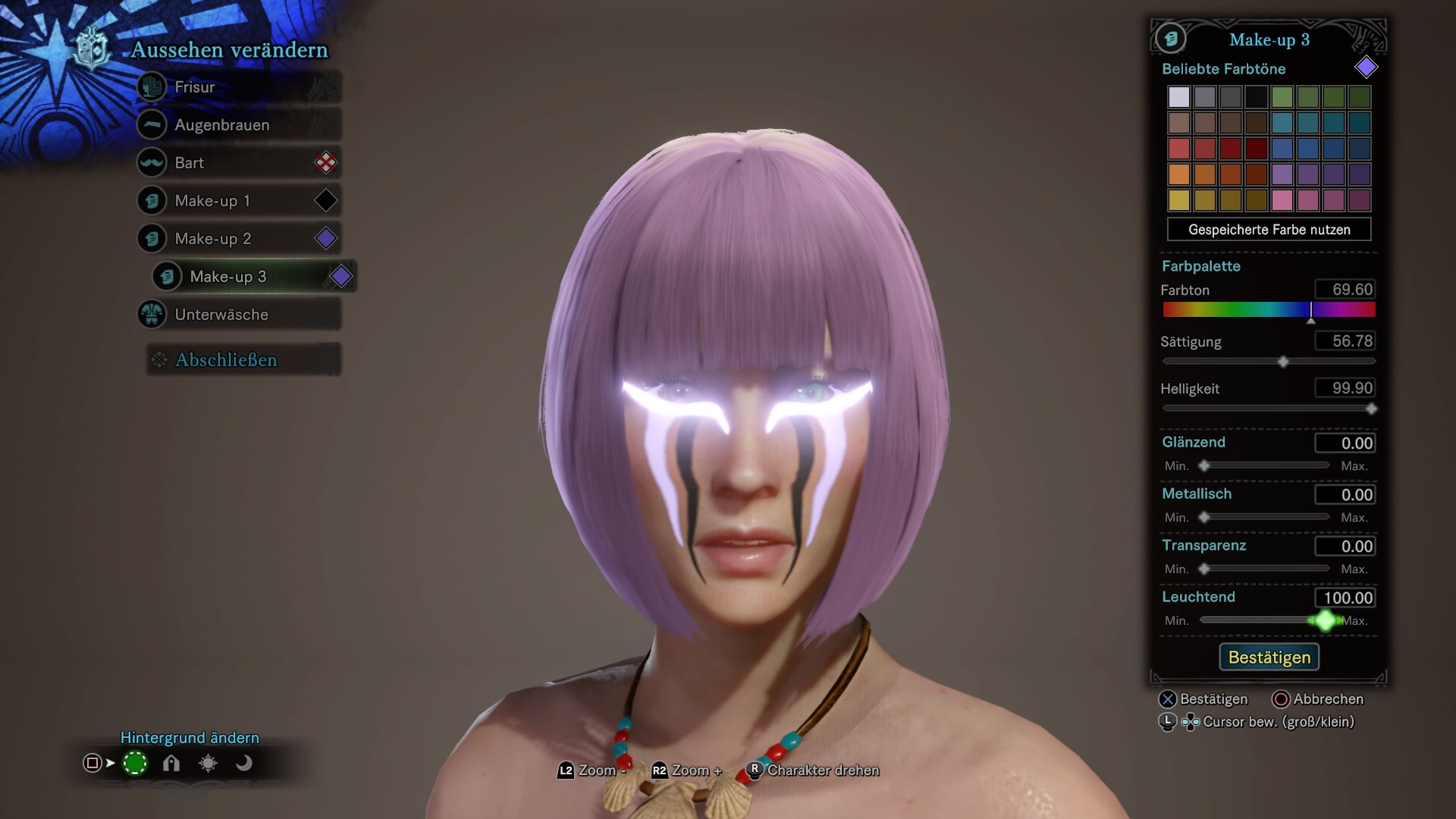
The settings for color and more are finer. Overall, the interface now looks a bit different. In Monster Hunter World: Iceborne, you can adjust your options slowly with the D-pad or quickly with the stick. This gives you finer tuning options for hair color or makeup.
How to get the perfect screenshot
There is now a photo mode for screenshots. For all of you who love cool screenshots, we have good news. With Monster Hunter World: Iceborne, the so-called photo mode has been introduced. You can easily select it from your menu. Then your normal interface will disappear, and you can move your camera freely.
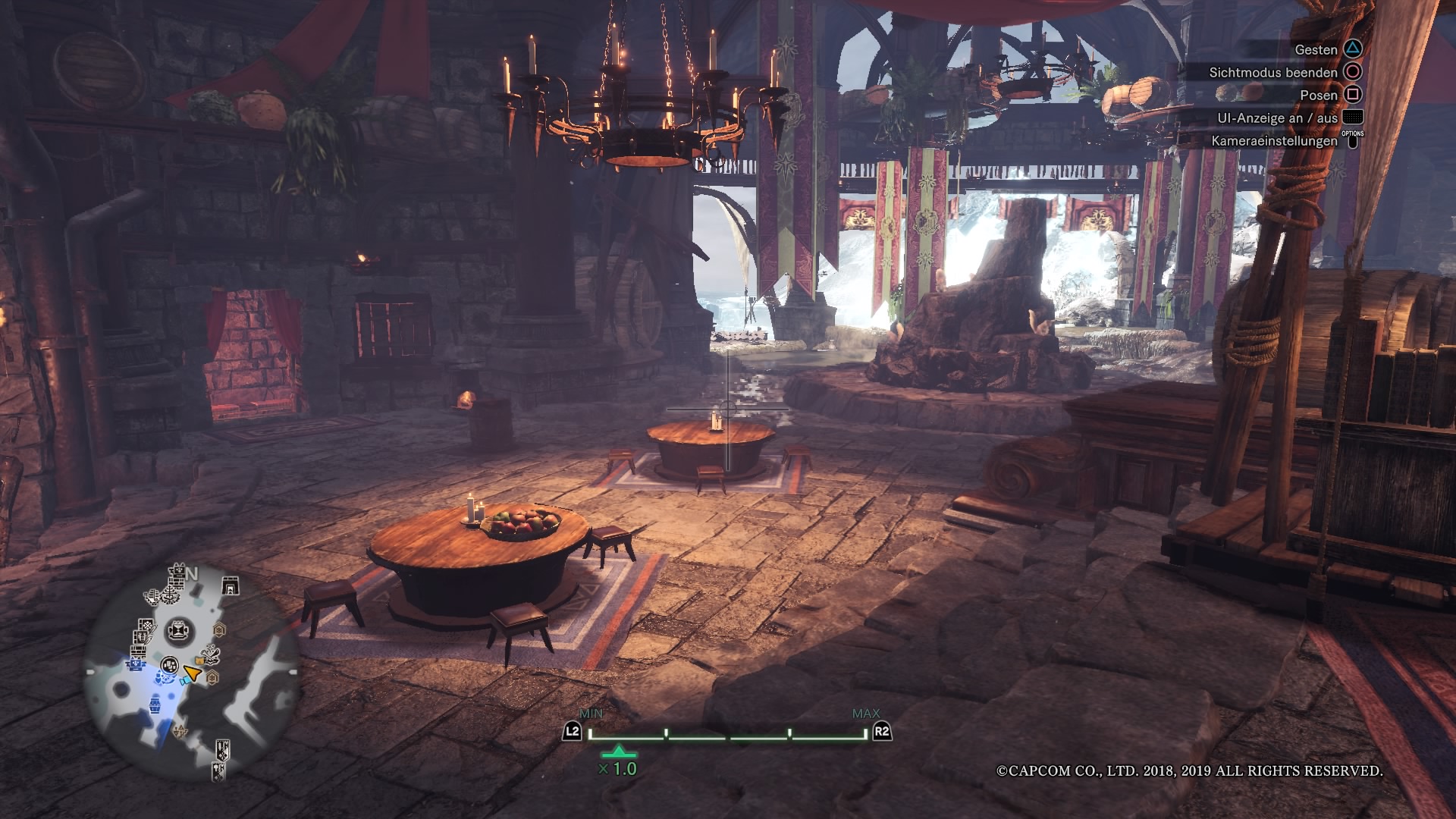
Of course, you can also hide the interface of the photo mode. As shown in the help above, this can be done via your touchpad. This way, you can get the perfect screenshot:
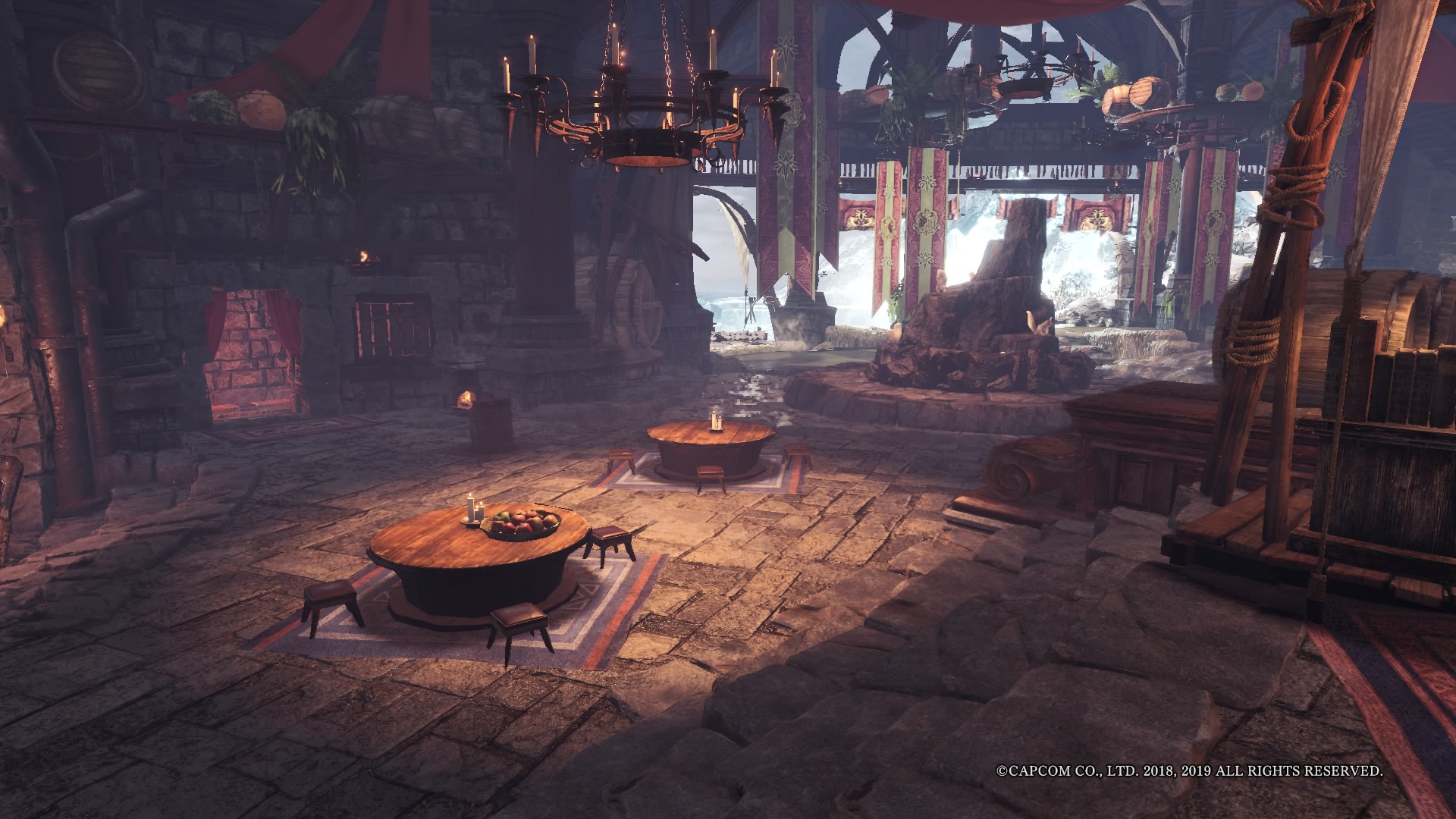
With this, nothing should stand in the way of your stylish character and the perfect screenshot!
Monster Hunter World: Iceborne brings even more cool innovations:
How important is your character’s appearance to you?