

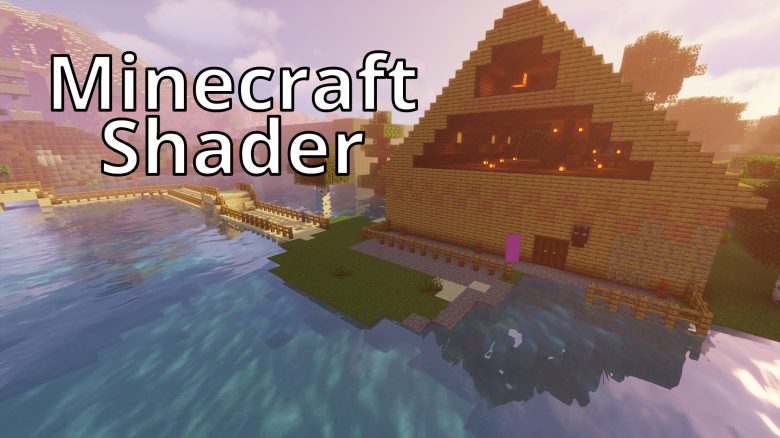
We are showing you Minecraft shaders for version 1.18. These range from realistic rendering to fantasy. In our selection, you will see some of the best shaders available in 2022 for Minecraft .

What are shaders in Minecraft? Many associate the “block game” Minecraft with its quirky, blocky graphics. While you can upgrade it with resource packs, combining it with Minecraft shaders gives you a truly beautiful, modern graphics experience in the game.
The shaders can be easily downloaded and added to your game. In this overview, we show you pretty shaders that work with the new Minecraft version 1.18 in “Caves & Cliffs”. Given the wide selection of shaders, we aim to incorporate plenty of variety.
Next, install OptiFine or Forge (for this, you need Java, which you can download for free).
In the case of OptiFine, after installation, start your Minecraft, and then the program will show up on the left side in the launcher under the game version, and that’s how you start your Minecraft.
If you now check the options in Minecraft and go to Graphics, you will find the Shader option.
By clicking on the shader folder, the folder on your system opens where you can insert the downloaded shaders from our list as a zip file. Then, simply select the corresponding shader in the graphics options, and you can start playing Minecraft with it.
SEUS shaders with beautiful, realistic graphics

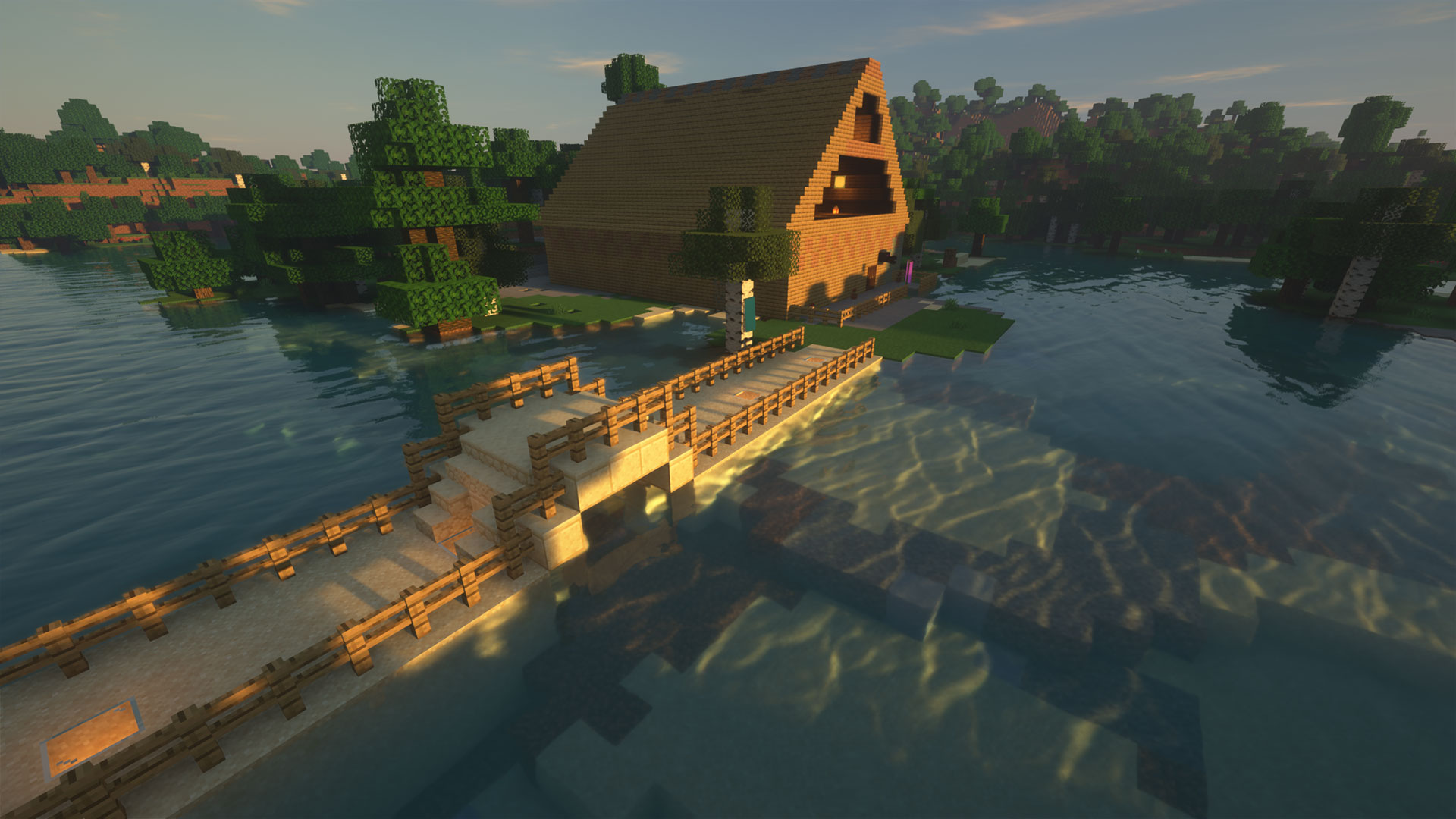
What kind of shader is this? “SEUS” stands for Sonic Ether’s Unbelievable Shaders. On the website, there are various mods from the developer that provide different enhancements and can push your PC to varying degrees. We tested the “SEUS Renewed” pack. It runs quite resource-efficiently while still providing significant visual differences.
The graphical enhancements are not exaggerated but appear soft and realistic. If you prefer this approach in your Minecraft world, this shader will serve you well.
Where can you download the shader? On the SEUS website (via Sonicether.com)
Oceano shaders for water lovers
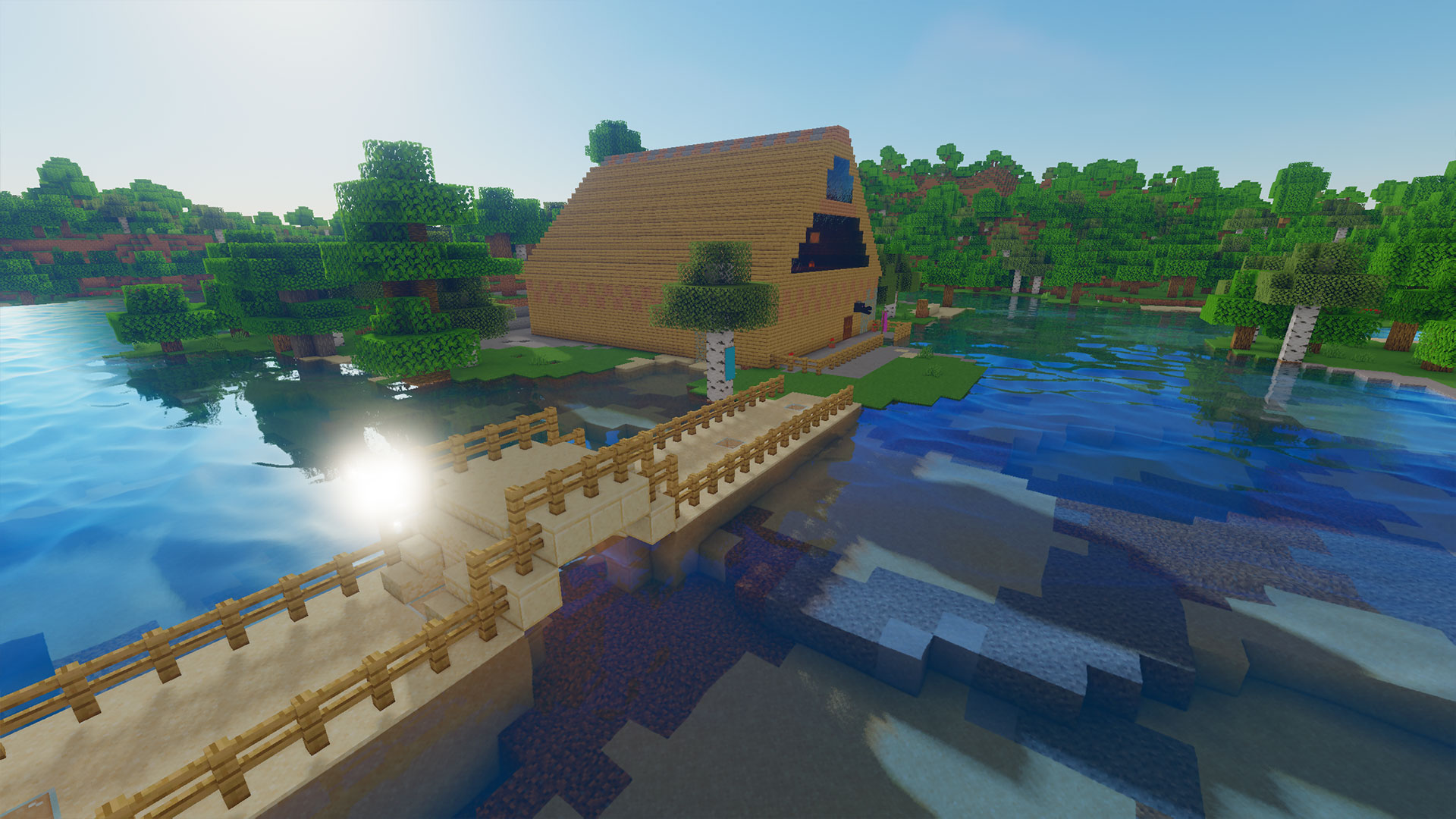
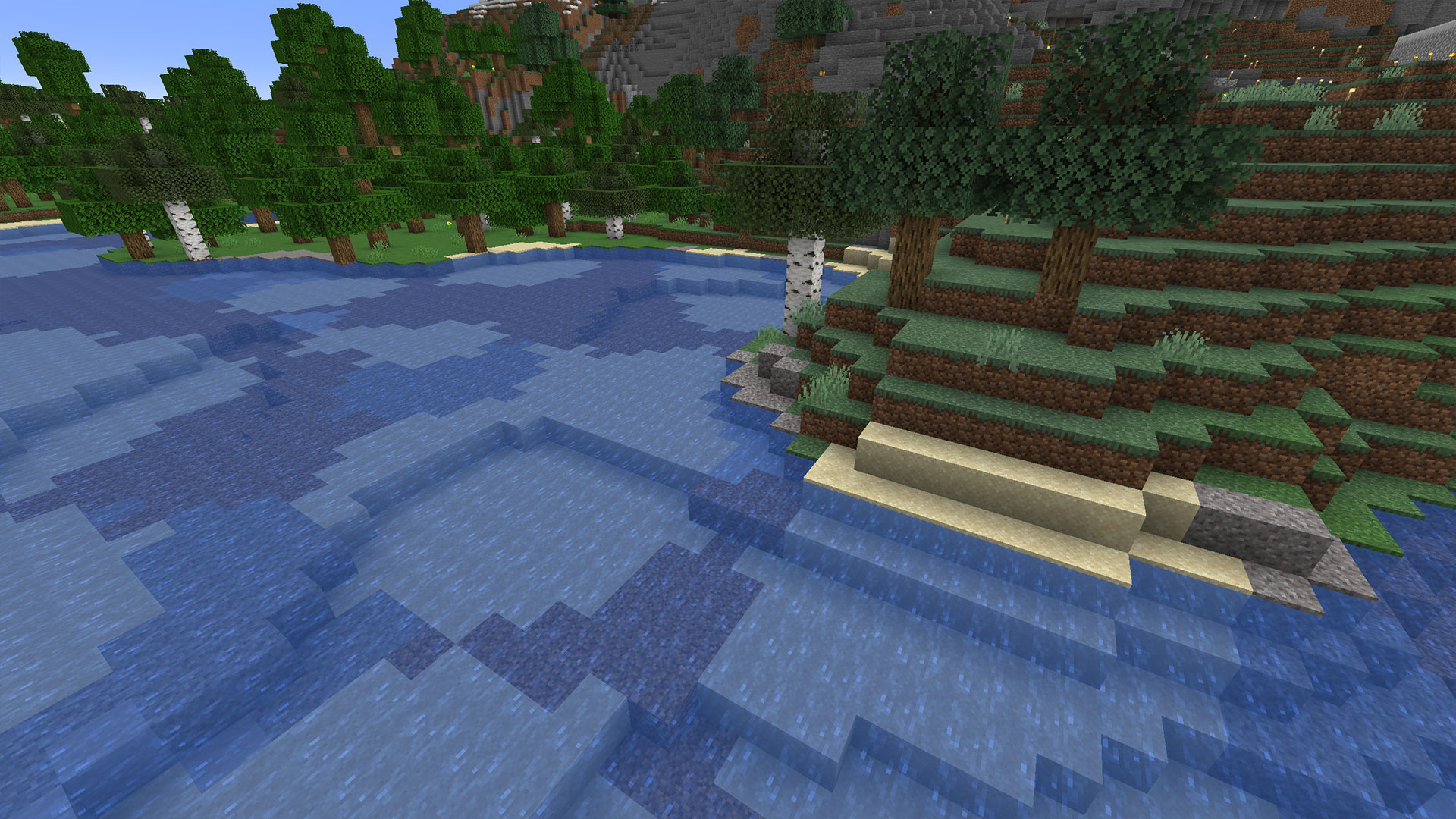
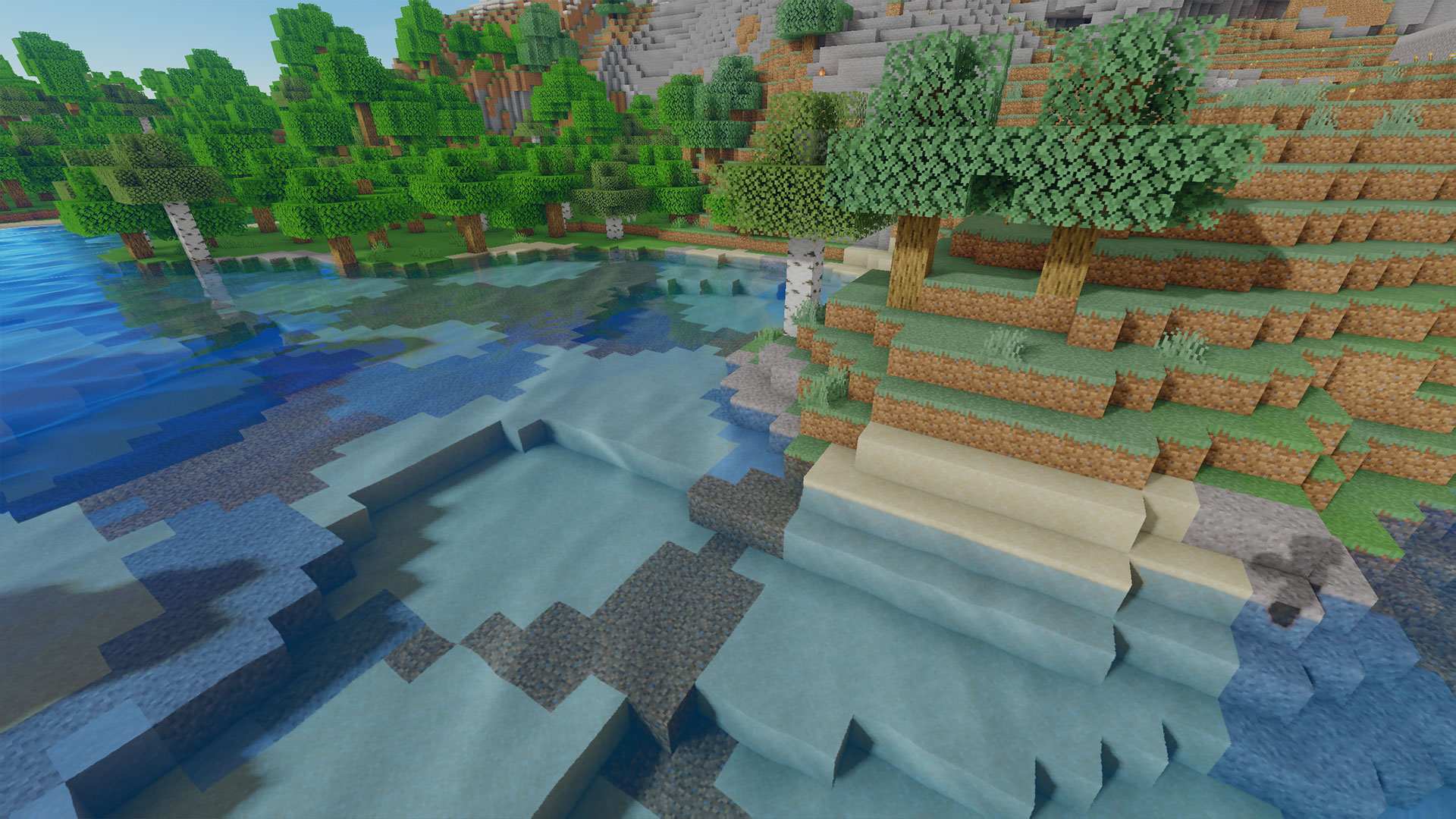
What kind of shader is this? The Oceano shader makes your water in Minecraft beautiful and realistic. The light reflects on it fantastically. If you generally spend a lot of time on the water in Minecraft, whether boating or playing on islands near the water, Oceano shaders can significantly enhance your experience.
Even off the water, the Oceano shader makes some improvements and breathes fresh colors and soft lighting into nature.
Where can I download the shader? You can download the shader on the Curseforge website (via curseforge.com)
Sildurs shaders with beautiful reflections

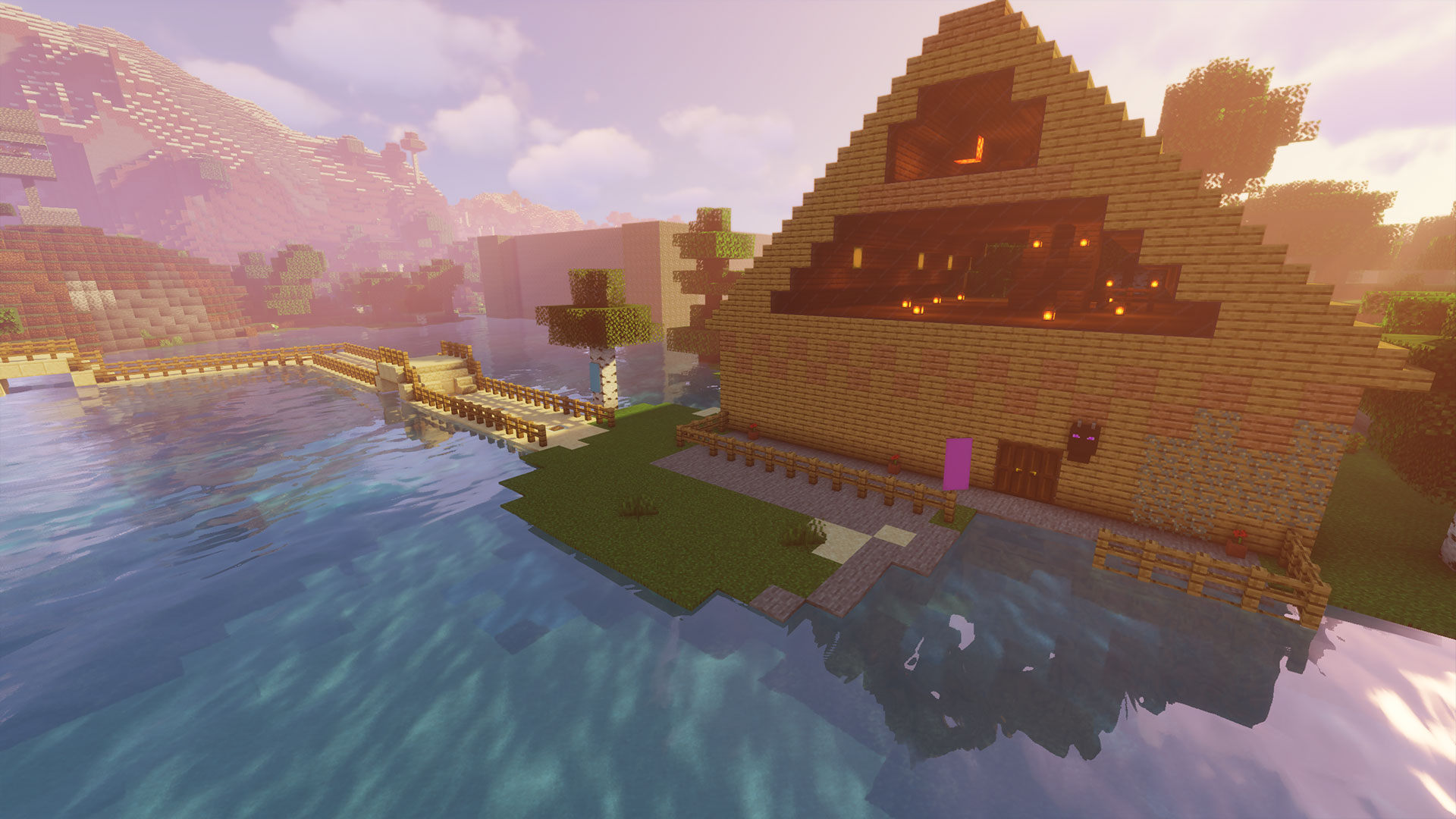
What kind of shader is this? The Sildurs shader is well-known in the Minecraft community and has been around for a long time. The careful rendering of direct sunlight is particularly noticeable after installation. The screenshot shows beautiful reflections on the water surface and also gentle lighting from lanterns indoors.
On the website, you can choose between Light, Medium, High, and Extreme. Depending on how powerful your computer is, you can opt for a more extreme setting.
Where can I download the shader? On the Sildurs website (via GitHub.io)
TME for strong gaming PCs with plenty of power
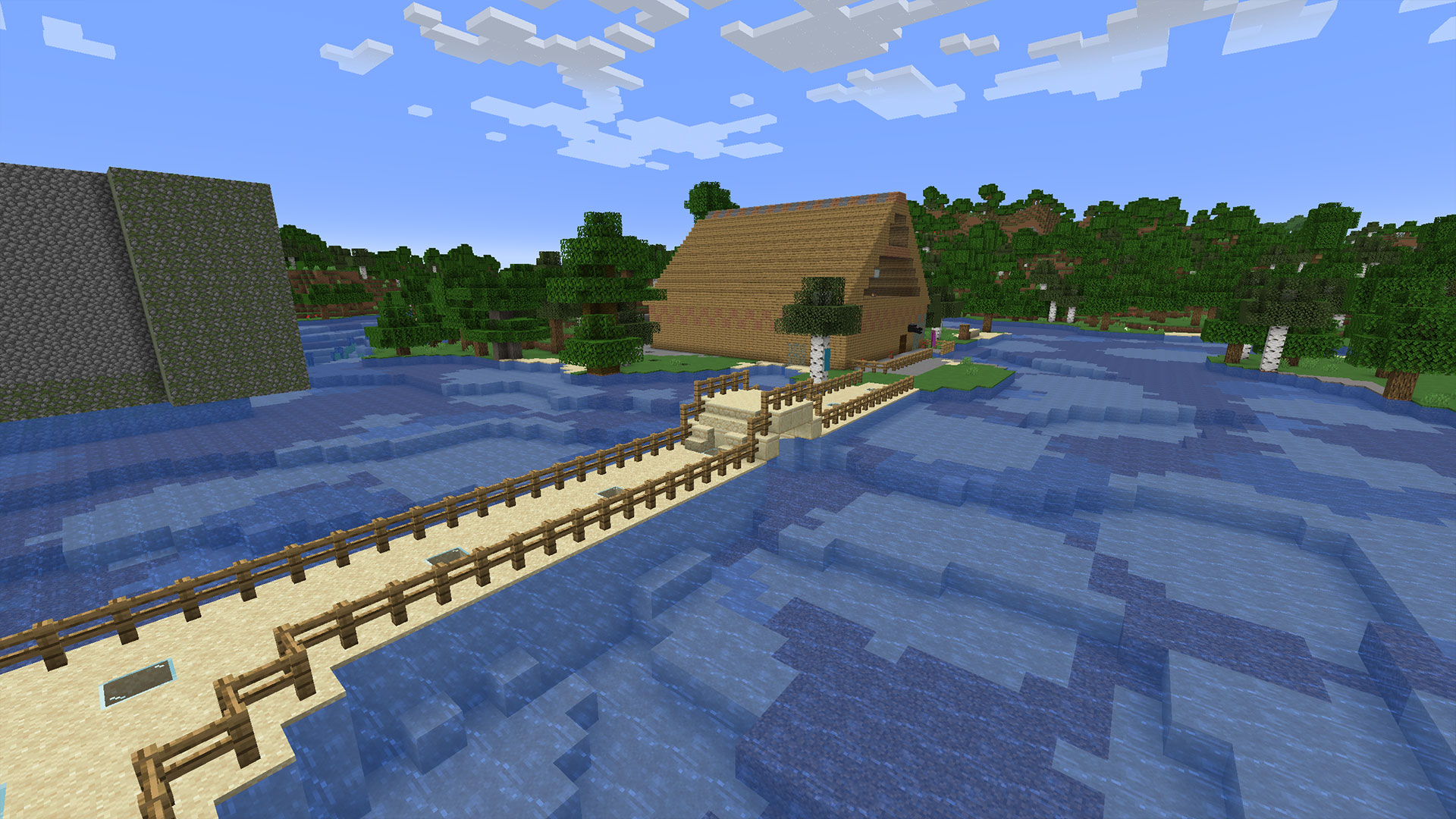
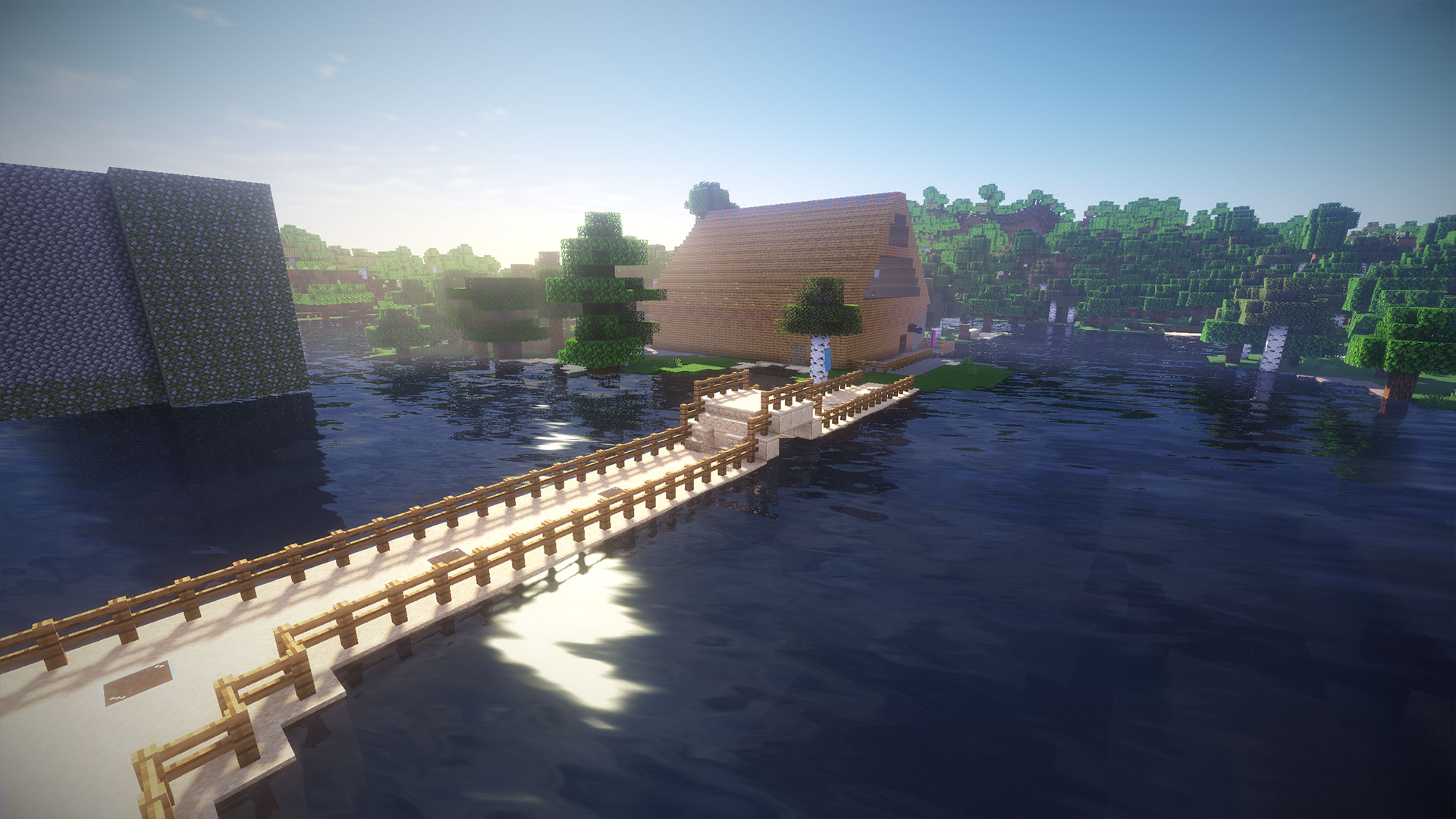
What kind of shader is this? The abbreviation TME stands for “Too Many Effects”. The developers state regarding the shader that their priority is not how many FPS you are playing at. What matters to them is that the visuals look good and that you can extract the maximum effects from the game. The surfaces and water are the shader’s strong points.
To ensure your computer can handle the shader, you should have a powerful graphics card installed.
Where can I download the shader? On the MC-PC website (via mc-pc.net)
Naelego’s Cel Shader for Borderlands imitation
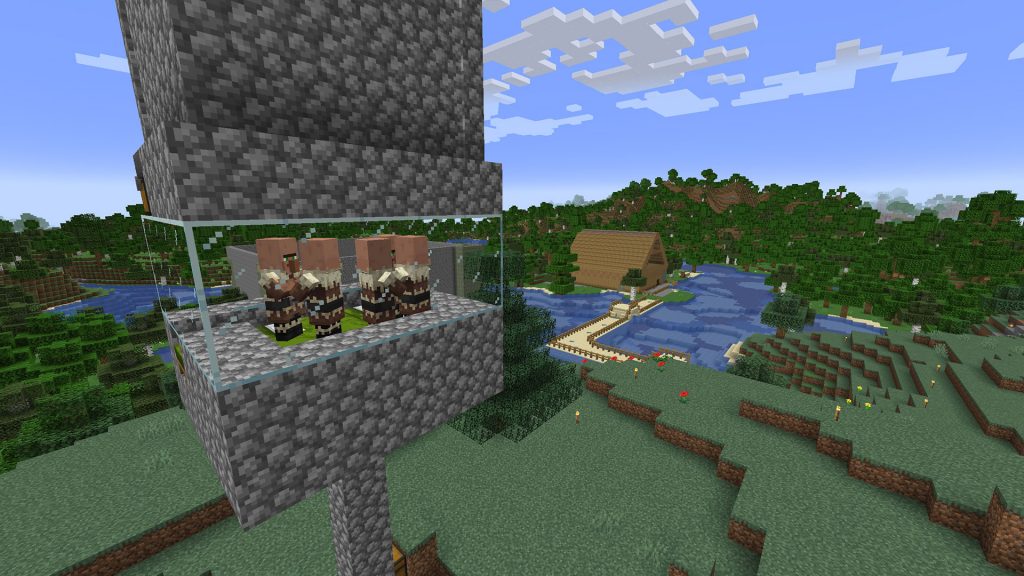
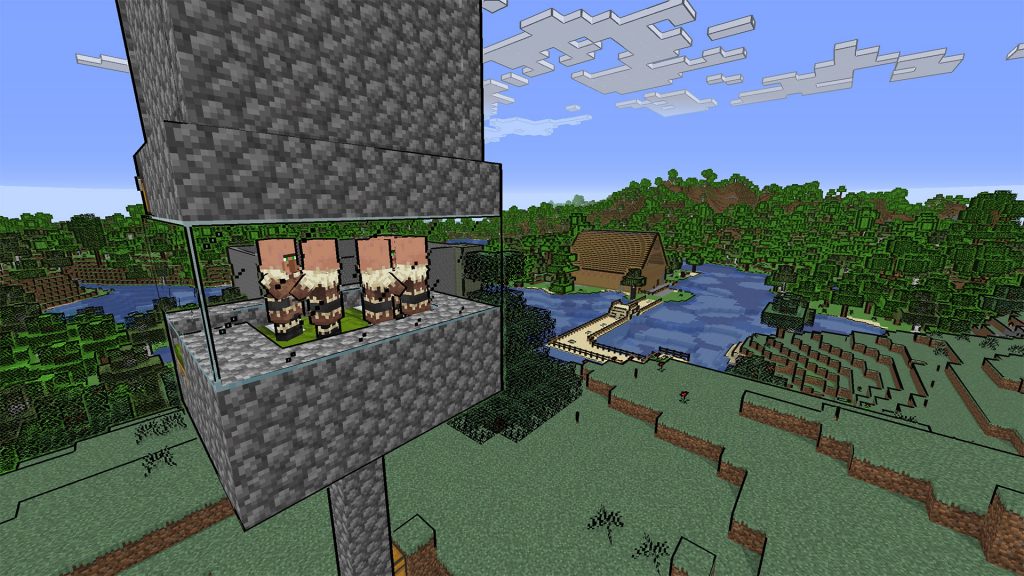
What kind of shader is this? With Naelego’s shader, you create a comic-style graphic in your Minecraft. Essentially, objects, animals, and other elements are outlined. This makes the shader reminiscent of the typical style found in Borderlands games. The shader also extracts brighter colors from your game. However, during our testing, we experienced some stutters when quickly flying over the map in Creative mode.
Where can I download the shader? On the MC-PC website (via mc-pc.net)
Continuum Shader for those who prefer realism
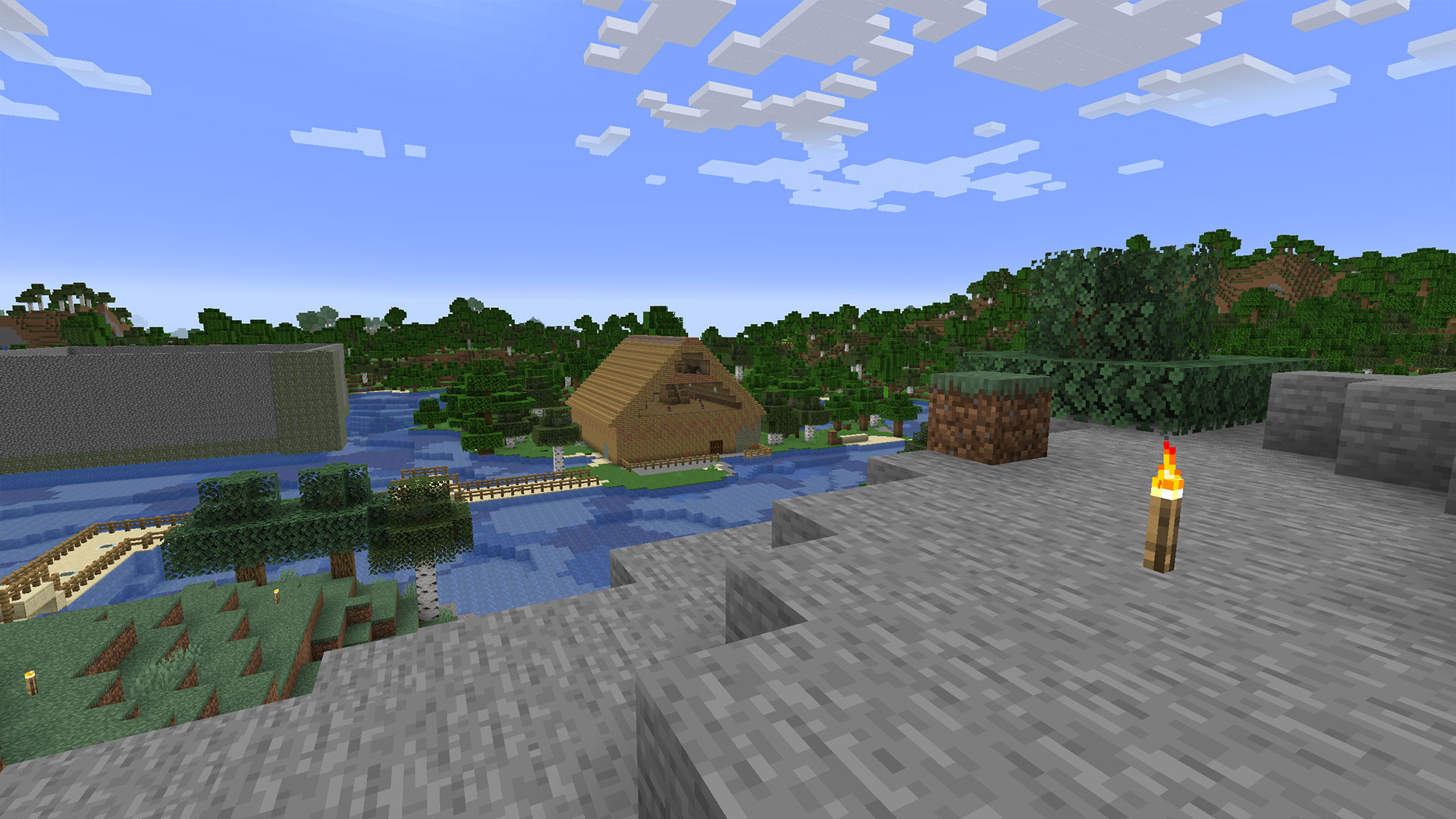
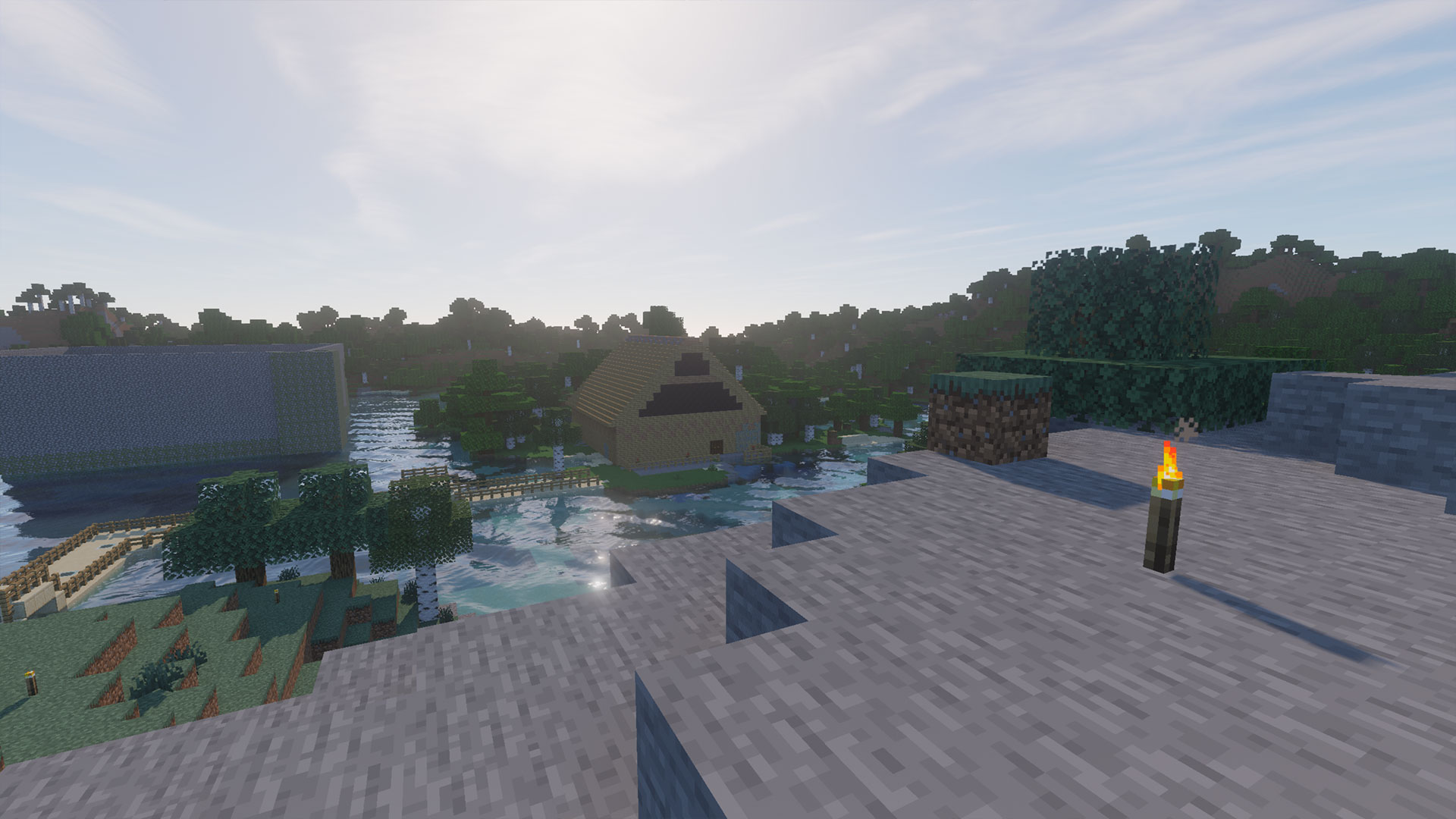
What kind of shader is this? The Continuum shader ranks among the top realistic shaders. You can observe beautiful reflections on the water, and the clouds in the sky look almost real. With its natural colors, it feels like Minecraft has suddenly become much more modern.
The standard version of the mod requires quite a bit of power from your computer. If your PC cannot provide that but you still want to try the shader, you can opt for a Lite version available on the website.
Where can I download the shader? You can download the shader on the Continuum website (via Continuum.graphics)
If you’ve ever searched for shaders for Minecraft, you know the selection is huge. Here, we have only showcased a selection of the best shaders for Minecraft version 1.18. Perhaps you use some of them yourself or have other recommendations.
Feel free to share your favorite shaders for Minecraft in the comments below and let us know what makes them so good. We are happy to expand this list from time to time with your suggestions.
The next update for Minecraft is already known and it will bring new animals and content for you:
Everything we know about Minecraft 1.19 “The Wild” – Release, content, and changes of the update

Your opinion is important to us!
Do you like the article? Then let us know!