

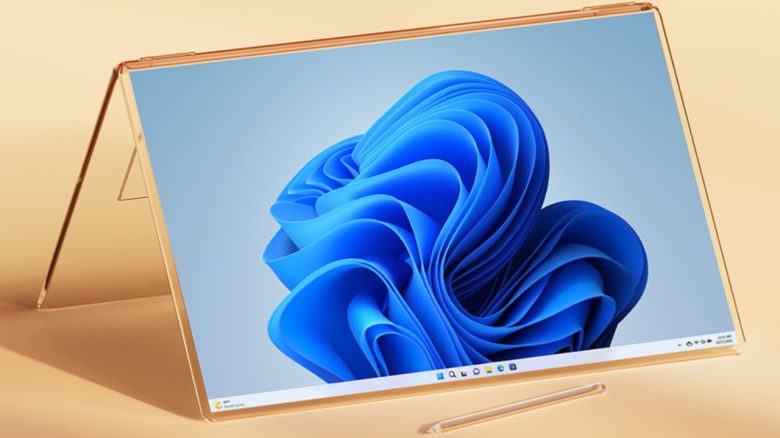
The AI assistant Copilot from Microsoft will be introduced with the next update in Windows 11. This will replace Cortana as a productivity assistant. With its support, you can complete tasks faster and more easily.
Microsoft hops on the AI train and brings its version of ChatGPT for all users of Windows 11. Unlike its prominent relative, Copilot is not just supposed to answer questions and summarize texts from websites. Like its predecessor Cortana, Copilot aims to make your daily life easier and assist with tasks. To achieve this, the AI utilizes your apps and files on the computer.
In a short video, Microsoft shows you the possibilities that you can utilize with Copilot. To make it easier for you to say goodbye to the predecessor Cortana, the new AI assistant will be available by the end of September.
Artificial intelligence can also come up with questionable recipe ideas: AI without a moral filter recommends preparing a ‘mysterious stew’ with human flesh
Cortana’s days are numbered, new AI companion Copilot for more productivity
When is Cortana being discontinued? Microsoft is serious and is removing Cortana as a task assistant by the end of the year from its Windows 11 operating system. With the update on September 26, 2023, however, the software developer is already providing you with the successor Copilot, which is supposed to do everything better. With many new features, it can improve your productivity in the workday.
What is the difference compared to its predecessor? Unlike Cortana, Copilot can not only answer simple questions but also take over specific tasks on your computer. For this purpose, it communicates internally with the programs you have installed and uses the files you need for this purpose.
Copilot in Windows allows you to create things faster and complete tasks more easily – making once complicated tasks much simpler and quicker to resolve. We have ensured that you can seamlessly access the power of Copilot.
Microsoft on the product page for Copilot
How can you use Copilot? Access occurs after the update either directly via a corresponding icon on the desktop in the taskbar or with the keyboard shortcut “Win+C”. Commands are then received in a sidebar via text or voice input from Copilot.


What can the new AI companion do? In a short video, Microsoft presents part of the functions:
- Music selection and playback according to the chosen mood, for example, to help focus while working
- Automatic arrangement of currently opened windows and programs on the screen, so that everything is displayed side by side for an overview
- Quick switching from light mode to dark mode of the Windows interface
- Understandable summarization of content from websites
- Automatic text creation for a chosen content
- Fast image editing like removing backgrounds
- Creation (in conjunction with Adobe Express) and publication of social media posts about specific images and topics
From September 26, everyone using “Windows 11” can then try out Copilot and get a sense of its capabilities.
Will you use the AI assistant? Or have you already avoided the predecessor Cortana altogether?
Not every AI development can be to your advantage: Researchers develop AI that listens to you while typing – knows what you write, and knows your passwords

Your opinion is important to us!
Do you like the article? Then let us know!