

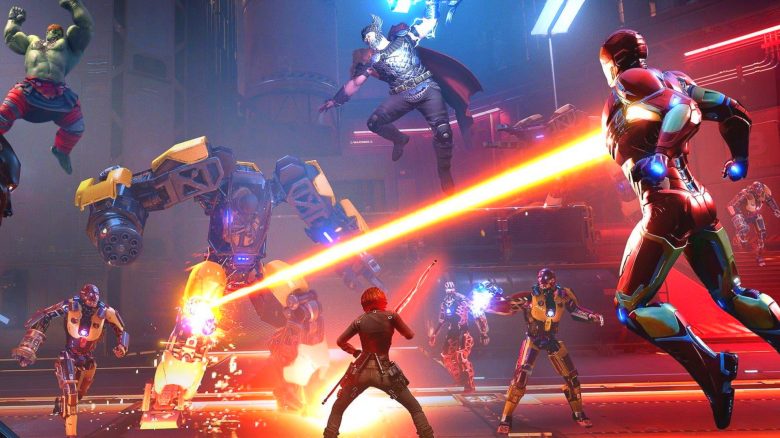
Marvel’s Avengers is especially fun with friends in co-op mode. But where can you find the multiplayer option and how do you start the mode in the superhero brawler? We at MeinMMO provide you with the answer.

Where is the co-op mode? Marvel’s Avengers has been released and players are already looking forward to smashing enemies together with the typical Marvel heroes like Iron Man, the Hulk, or Thor. However, at the start, it’s anything but clear where the multiplayer mode is located.
Because you first have to unlock it or deal with nasty spoilers.
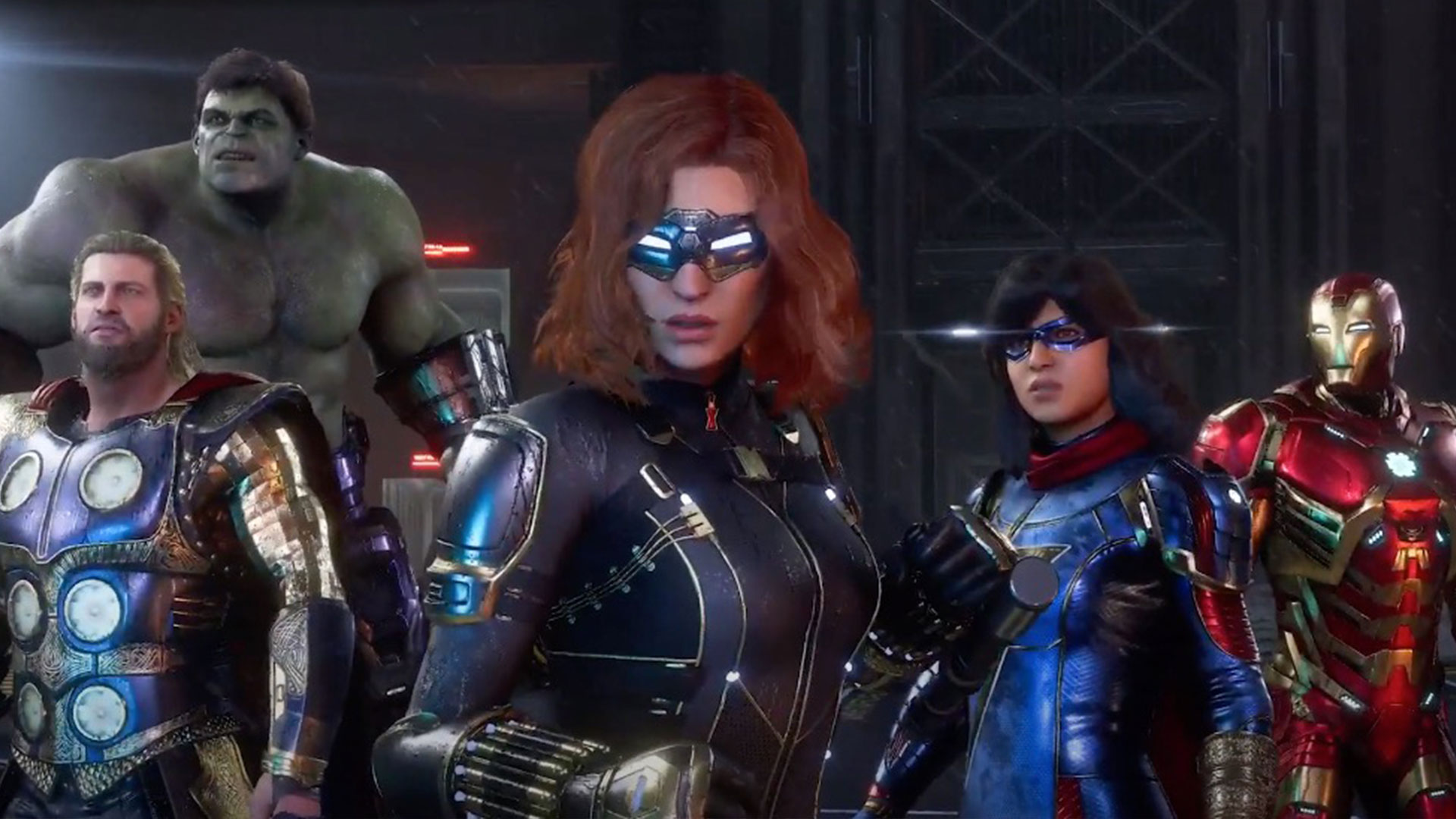
Here’s how to play with friends
This needs to be done: To access online features at all, you first need to create and activate an account with Square-Enix.
Next, there are two options for multiplayer fun:
- Complete at least part of the campaign
- Immediately activate the “Avengers Initiative” in the main menu
Through the campaign
This is how you access multiplayer through the campaign: The single-player story campaign of Avengers is essentially a huge tutorial in which you recruit the 6 main characters and familiarize yourself with their abilities. Thus, you gain access to the so-called “War Room” on the Helicarrier quite early in the campaign.
This is how you play co-op in the campaign: There, you can select and play missions. Some of the missions in the campaign are explicitly multiplayer missions, such as certain training missions in the H.A.R.M. program or specific world missions.
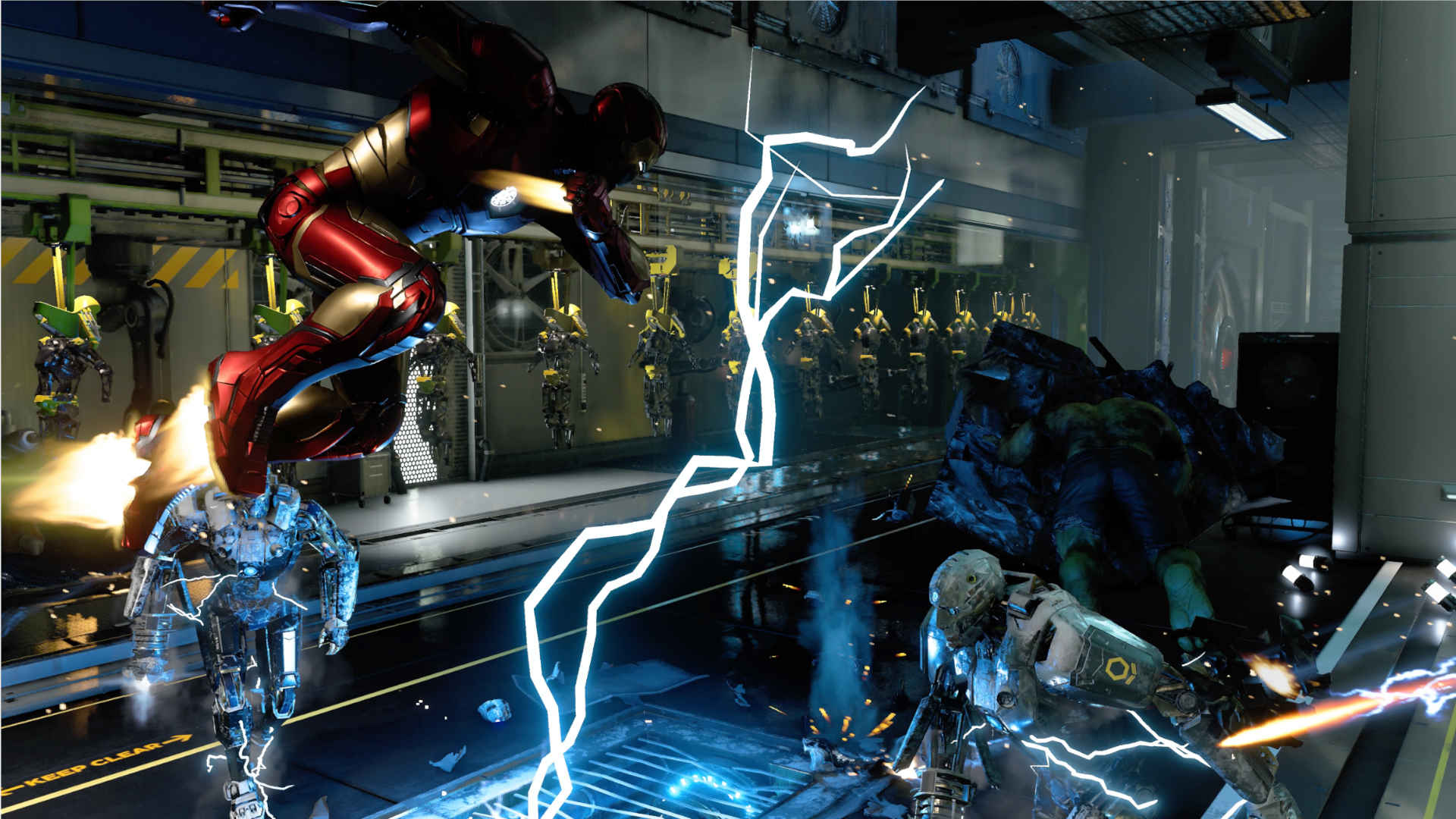
Can I play the entire campaign co-op? Unfortunately no. Most of the campaign is pure single-player, where the story continues. You will then play with the designated hero in a heavily scripted mission alone.
This is how you unlock the final multiplayer in the campaign: Only once you have completed the campaign and are essentially at the endgame do you have planned access to the final multiplayer mode. There, you can then select your missions as usual via the War Table.
How long does the campaign take? Those who play quickly and only complete the missions will finish in 5 to 10 hours. Committed gamers can do it in a day. However, those who take their time and explore all secrets and goodies can also spend 15 or more hours in the campaign.
Skipping the campaign
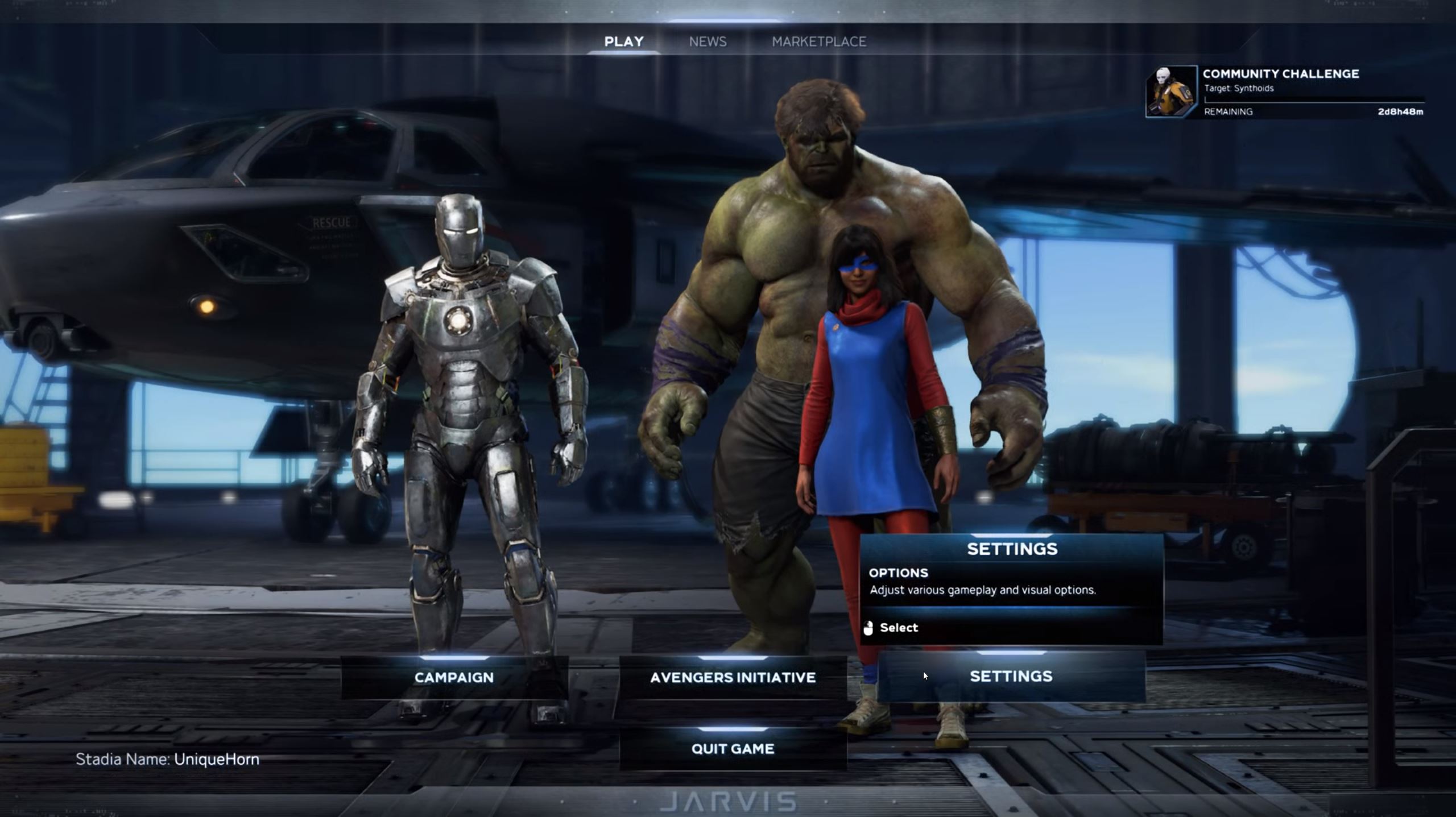
If you want to jump right in, luckily you can also do that. Because in the main menu, there is a big button labeled “Avengers Initiative.” You click on it and are presented with a big spoiler warning.
Because here you dive directly into the game, as it is depicted after the end of the campaign. If you don’t mind spoilers, you should continue here. Next, you can start multiplayer and choose missions from the War Table to play with your friends.
Help, I have no friends, can I still play co-op? Yes, that works. Because if there are not enough allies around, Avengers replaces the missing allies with AI heroes that you can even choose. So if you would like to have the Hulk as a tank, but no one wants to play the big brute, you can field a well-equipped AI Hulk.

My friend and I both want to be Thor! Well, then you have a problem, because there can only be one God of Thunder. This also applies to all other heroes. Each team must have unique characters. However, at least with some heroes, there will likely be new characters in upcoming updates that play similarly, such as War Machine and Iron Man or She-Hulk and the regular Hulk.

Your opinion is important to us!
Do you like the article? Then let us know!