

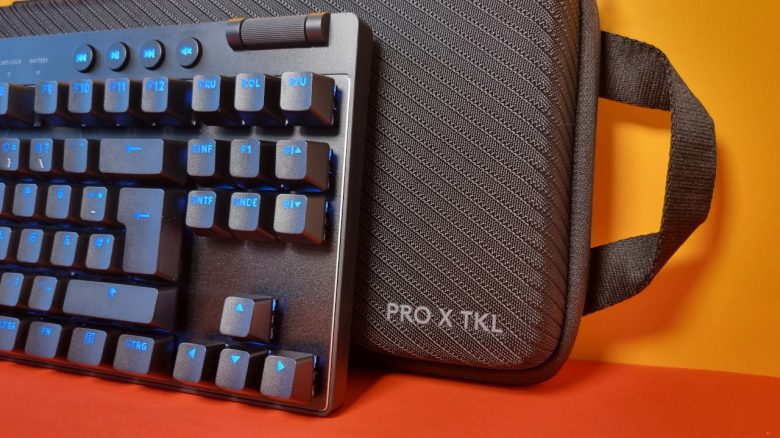
With the G Pro X TKL Lightspeed, Logitech has introduced an expensive gaming keyboard for 230 euros. MeinMMO editor Benedikt Schlotmann took a closer look at the keyboard.
Which keyboard is it about? With the G Pro X TKL Lightspeed, Logitech has introduced a wireless gaming keyboard in a TKL design. With a manufacturer’s suggested retail price of 229 euros, the keyboard is not exactly cheap and is more aligned with the high-end representatives in the keyboard sector.
I was able to test the gaming keyboard for you and will explain whether purchasing the keyboard is worth it for you.
G Pro X TKL Lightspeed: Test Overview
- Scope of delivery, design, and build
- Process
- Software
- Ergonomics
- In practice: keys and volume
- Conclusion
Here you will find the technical details of the Logitech G Pro X TKL Lightspeed as a table (click to expand):
| Design/Interface | Wired, Bluetooth or wireless connection; TKL design |
| Key type | Mechanical, tactile switches (Kailh GX Brown tactile) in German layout; PBT keycaps |
| Programmable keys | Yes |
| Lighting | Yes |
| Compatibility | PC |
| Scope of delivery | Keyboard, charging cable, wireless transmitter, manual |
| Special features | TKL design with dedicated media keys |
| Price (MSRP) | 229.99 euros |
Scope of delivery, design, and build
What does the scope of delivery look like? In the box, in addition to the keyboard, there is also the wireless transmitter, a USB cable for charging, an adapter for the transmitter, and a transport case for the keyboard.
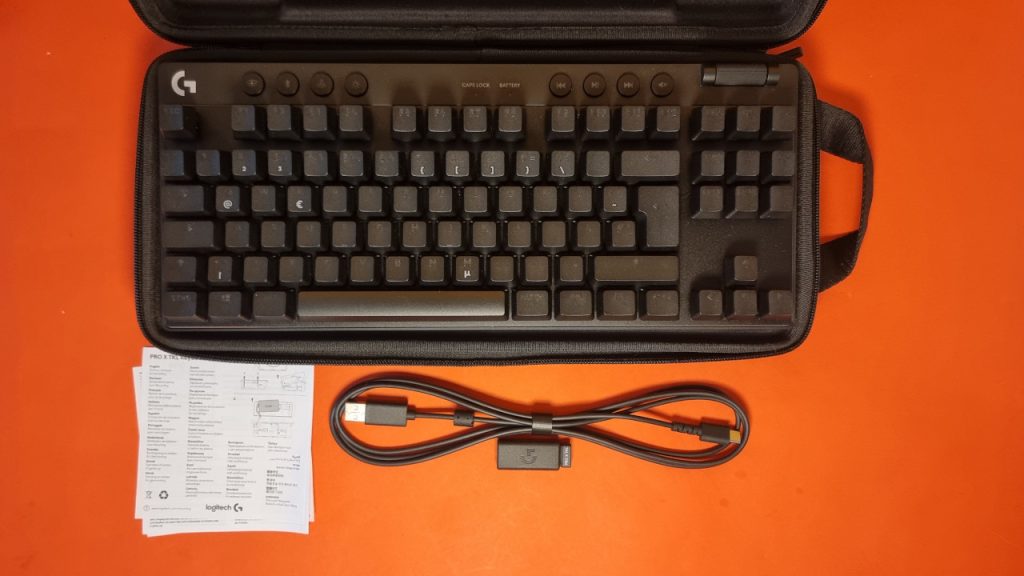
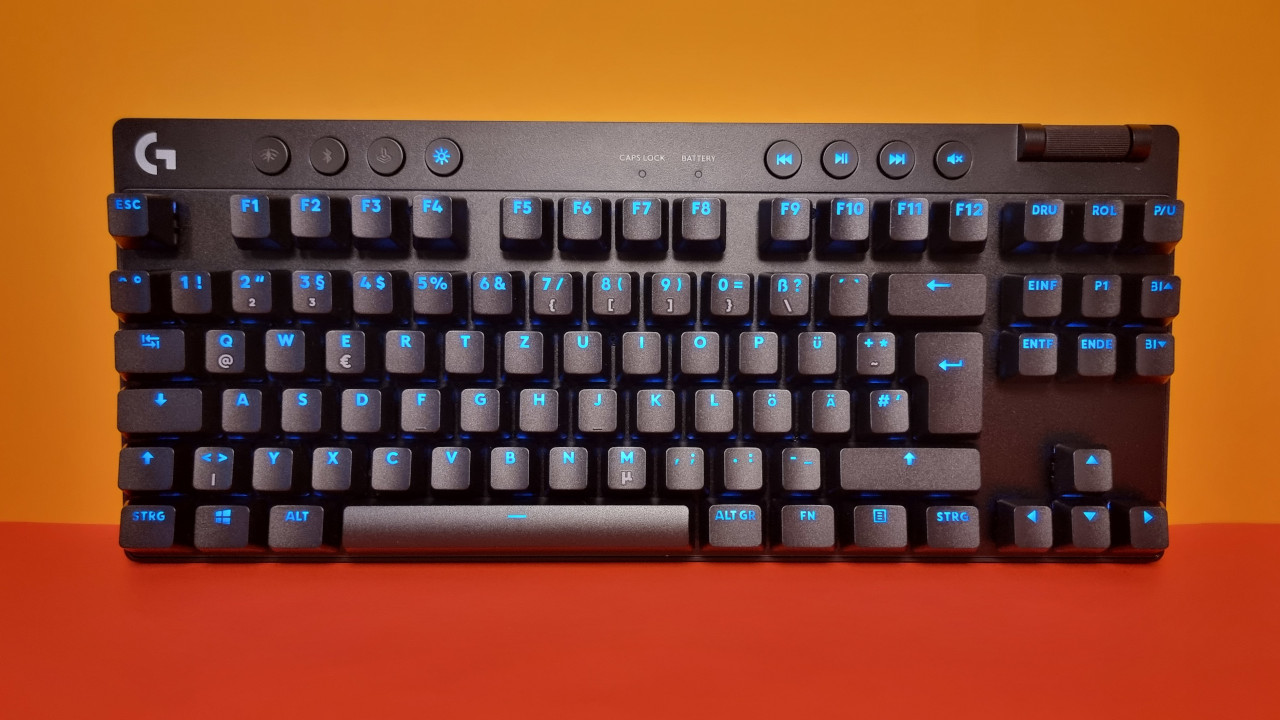
How is the keyboard built? The keyboard features an official tenkeyless design. This means the keyboard stops on the right side after the arrow keys. There is no number pad. At the top of the keyboard, there are media keys that allow you to mute the sound, skip to the next music track, or activate various functions of the keyboard.
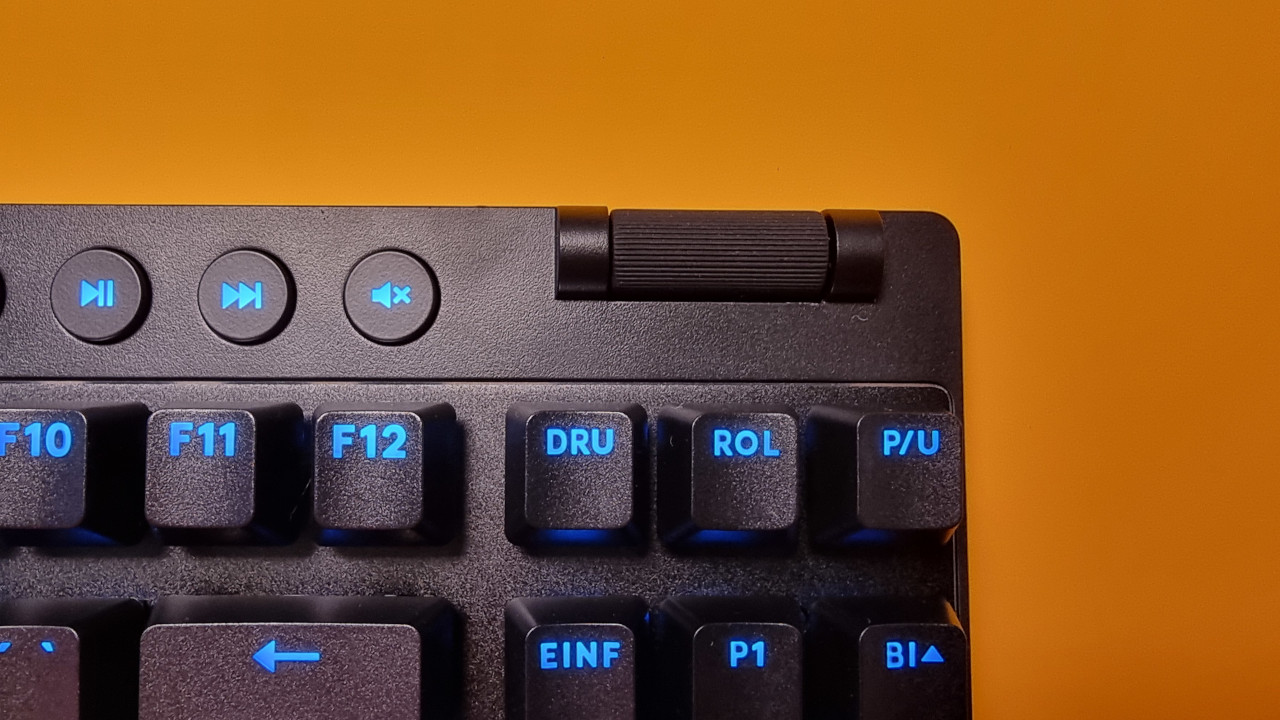
At the top right edge is a notched wheel that you can use to adjust the volume. However, the media keys overall sit a bit too low for everyday use, especially compared to the high keycaps that Logitech has installed.
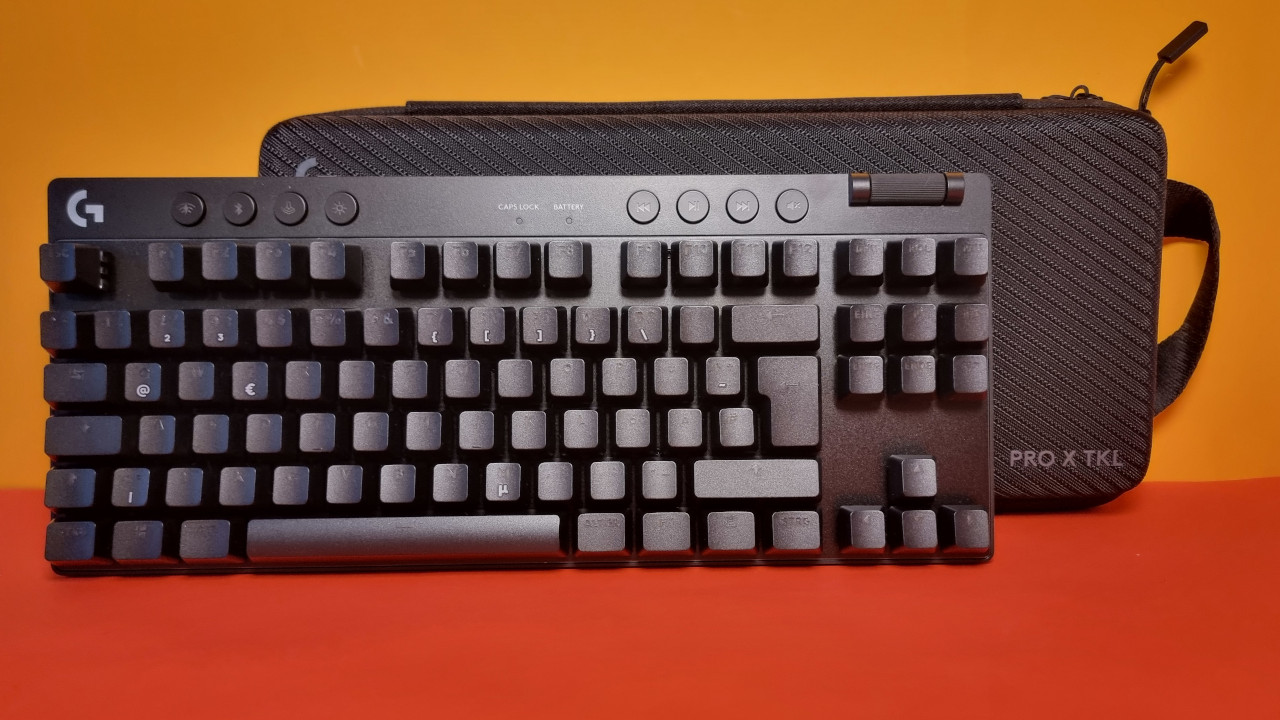
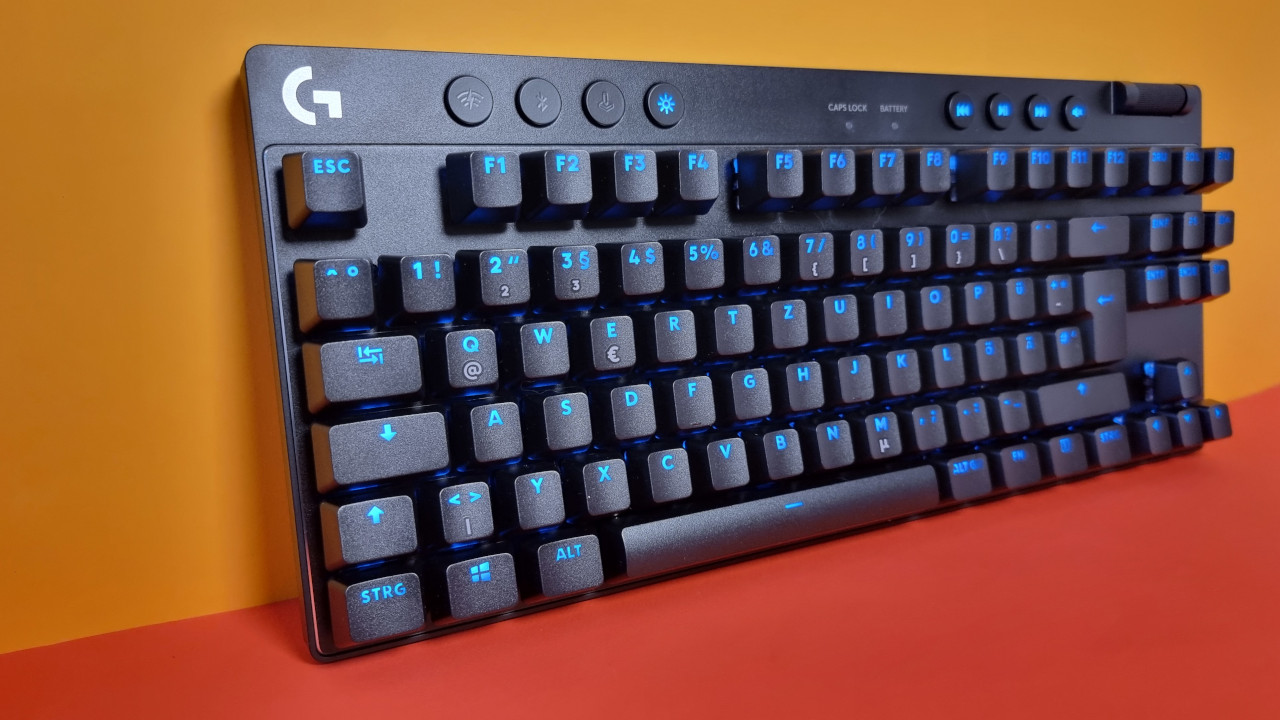
What does the keyboard look like? The keyboard comes in a TKL design. The keyboard is available in Germany in three different colors: black, pink, and white. In my test, the black model was used.
The RGB lighting can be adjusted and adequately illuminates all keys, making them easily readable even in the dark. If needed, the lighting can be completely turned off, though I wouldn’t recommend that, as then the keys are hardly readable.
Also annoying: With the G Pro X TKL Lightspeed, Logitech once again fails to ensure that the special characters are also illuminated. This was already the case with the G915. Even with the G Pro X TKL Lightspeed, special characters like µ, @, or the € sign are only printed and not illuminated.
Process
The keyboard uses a plastic chassis with an aluminum plate over the circuit board. This feels high quality. Overall, the build quality makes a good impression. One could only criticize Logitech for not using mechanical switches under the media keys.
The battery is permanently installed but can supposedly be removed and replaced with a few steps according to the instructions. I did not do that. However, doing so also voids the warranty.
The carrying case has a sturdy and high-quality impression, and the keyboard can be stored well and securely in it.
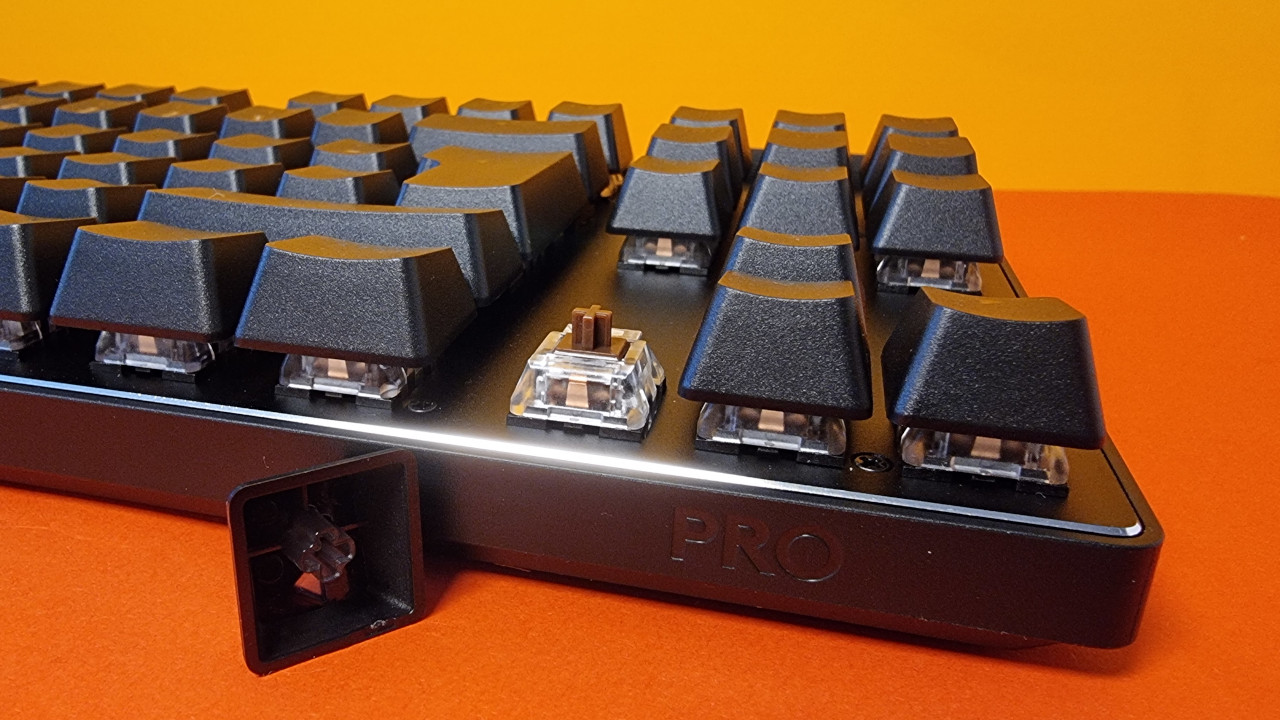
By the way, Logitech does not use hot-swappable switches; the installed switches are firmly mounted. However, I find this decision surprising: In the older wired PRO X, Logitech uses hot-swap technology. Why they no longer offer the option here is a mystery to me.
Software
For the software, Logitech uses the “G Hub” software. Through the software, different functions of the keyboard can be adjusted or completely reconfigured. The battery life of the keyboard is also displayed within the software interface.
Practical: Through the software, you can set the keyboard’s lighting to turn off after a certain period of inactivity. This saves power.
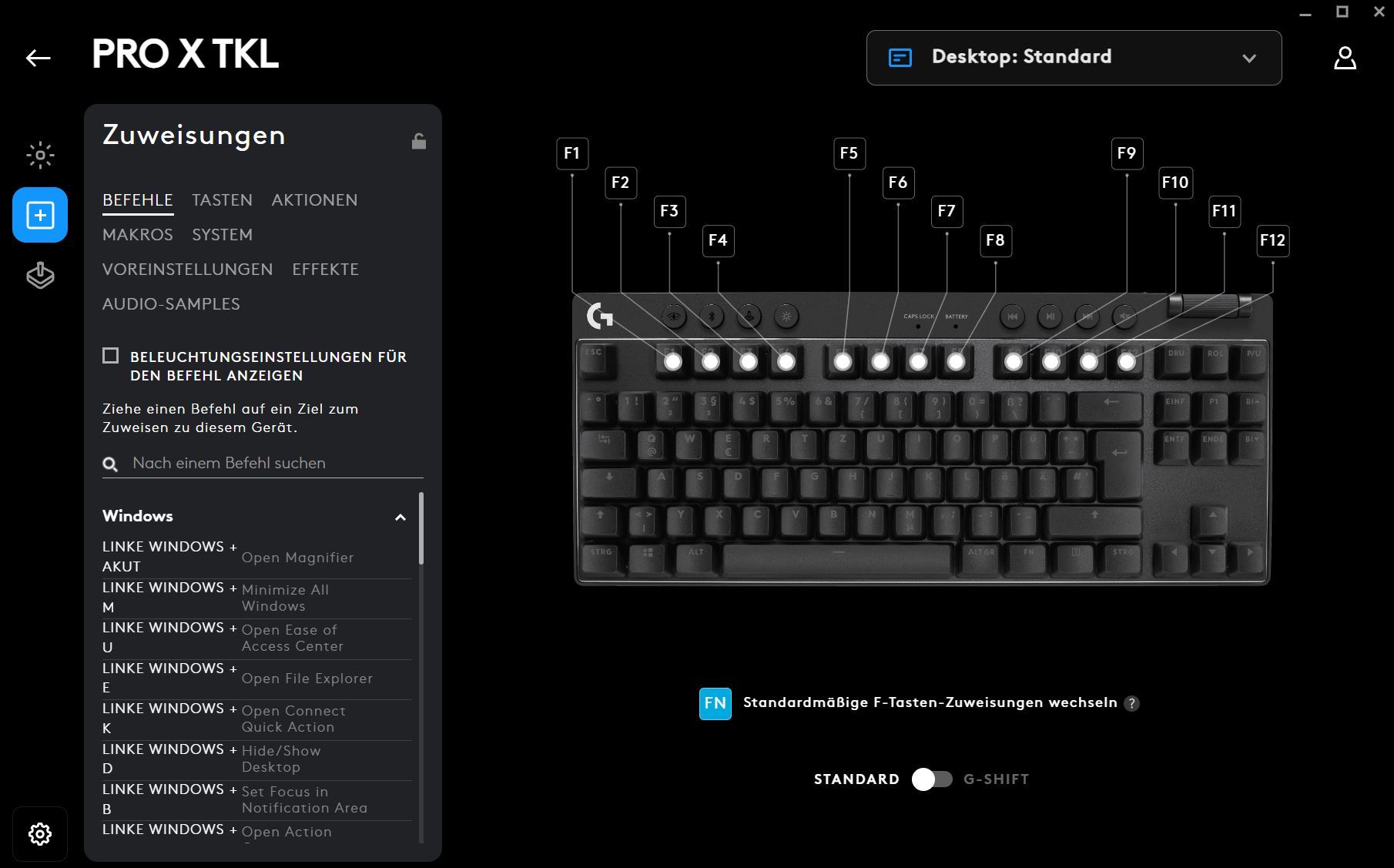
Overall, the software remains unobtrusive and non-intrusive. Self- or third-party advertisements are not displayed, unlike SteelSeries or Razer, and an optional community hub with additional key assignments remains pleasantly in the background. A login is also not mandatory. During the test period, the software caused me no problems, and everything ran smoothly.
Ergonomics
The keyboard is more ergonomic than other keyboards due to the TKL design. The advantage of small keyboards (TKL and smaller formats) is that you can keep your right arm with the mouse closer to your body, which corresponds to a healthier posture.
Additionally, you can use it completely wirelessly. This makes the keyboard very flexible, as you need less additional space on your desk for cables.
However, it is unfortunate that the keyboard does not come with a wrist rest. I purchased an additional wrist rest made of bamboo privately, which makes the keyboard more comfortable to use for me.
The Keys
Under the keycaps of my keyboard are brown GX switches from Logitech, which in turn come from the manufacturer Kailh. Kailh is one of the larger companies for key switches and uses the same cross pattern for its switches as Cherry.
The installed switches deliver exactly what you would expect from brown switches. They are quiet enough and do not provide audible feedback (red switches click audibly); however, you can feel the typical resistance characteristic of brown switches when you want to press the key. As a result, brown switches are slightly slower than red ones, but they feel significantly more precise.
How loud is the keyboard? The switches are restrained but noticeable. The key presses, in particular, are made evident by my fingers. As a result, the keyboard offers a pleasantly low noise level but is still noticeably audible. You have to like that; however, it is not unusual for a mechanical keyboard with brown switches.
I do not count the G Pro X TKL Lightspeed among the quietest of its kind. It does not compare to the excellent Ducky One 3 or the also good Epomaker RT100, but it is also not comparable to the rattly green switches that Razer uses or the sometimes clattering keys of the Vulcan series from Roccat.
Insulation, as implemented by Ducky, is also not provided by the G Pro X TKL Lightspeed. The keys are also not lubricated.
Conclusion: Good gaming keyboard for far too high a price
Is the keyboard worth it? With a suggested retail price of 229 euros, Logitech’s G Pro X TKL Lightspeed is very expensive. The regular wired G Pro X gaming keyboard costs around 130 euros, and the regular G Pro without X is even available for under 100 euros in some cases. In my opinion, these are the better offers if you want to go with Logitech.
What alternatives are there?
- With the Logitech G413 TKL SE, you get a good gaming keyboard for around 70 euros. With blue switches and PBT keycaps, you get a fair deal.
- With the Ducky One 3, you get it for 160 euros, and that is also a fair deal: Good switches, clean craftsmanship, plus insulation in the case and hot-swappable switches.
- With the Akko 3068 B-Plus, you get my secret tip for under 100 euros. I find the price-performance ratio to be even a little better than the Epomaker RT100.
More gaming keyboards: Are you looking for more recommendations in the peripherals area? Then take a look at the following buying guide on MeinMMO. Here we explain which keyboards are currently worth considering:
The best gaming keyboards you can buy right now

Your opinion is important to us!
Do you like the article? Then let us know!