Logitech has introduced a new microphone for gamers and streamers with the Yeti GX. MeinMMO editor Benedikt Schlotmann tested the microphone and explains whether the new Yeti microphone could be worth it.
Logitech has long established products in the microphone market with the Yeti series. With the Yeti GX, they have now presented the latest model: it is priced between the Blue Yeti X (RRP: 179.99) and the cheaper models Yeti and Yeti Nano.
I tested the Yeti GX for you and will reveal in my test whether the microphone is worth it for you.
Who tested it?
I am a Tech Editor at MeinMMO and have a passion for peripherals, testing mice, keyboards, and gaming headsets. I have been testing hardware for our readers since 2019. In particular, gaming mice are among my absolute favorites. In addition to the PS5, I also play on my Steam Deck and my Nintendo Switch.
The manufacturer provided me with the Logitech Yeti GX for testing.

Benedikt Schlotmann
Hardware Editor MeinMMO
Technical Details:
| | Logitech Yeti GX |
|---|---|
| Sampling Rate | 48 Khz |
| Polar Pattern | Cardioid (Heart), Omnidirectional |
| Frequency Response | 20 Hz – 20 Khz |
| Sound Pressure | 135 dB (THD 1% kHz) |
| Price (RRP) | 149.99 Euro |
Scope of Delivery, Design, and Build
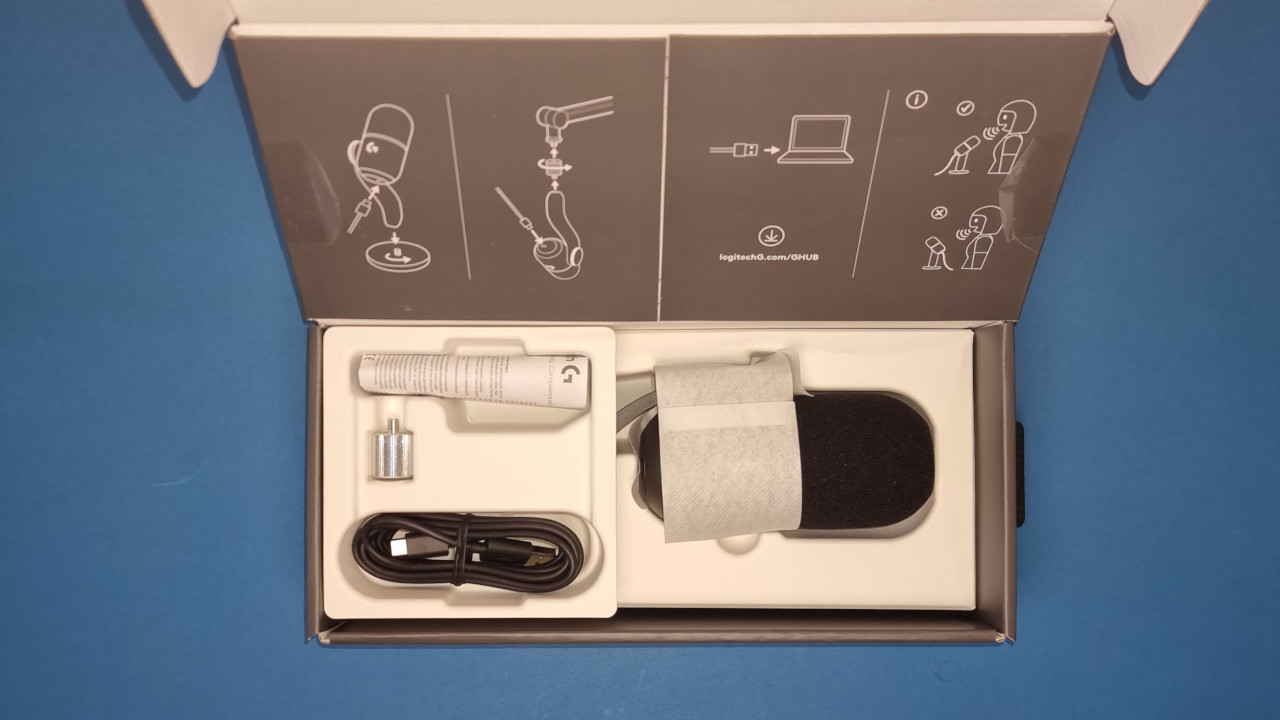
What does the scope of delivery look like? In the scope of delivery, besides the microphone, you will also find the stand and an adapter for a microphone holder.
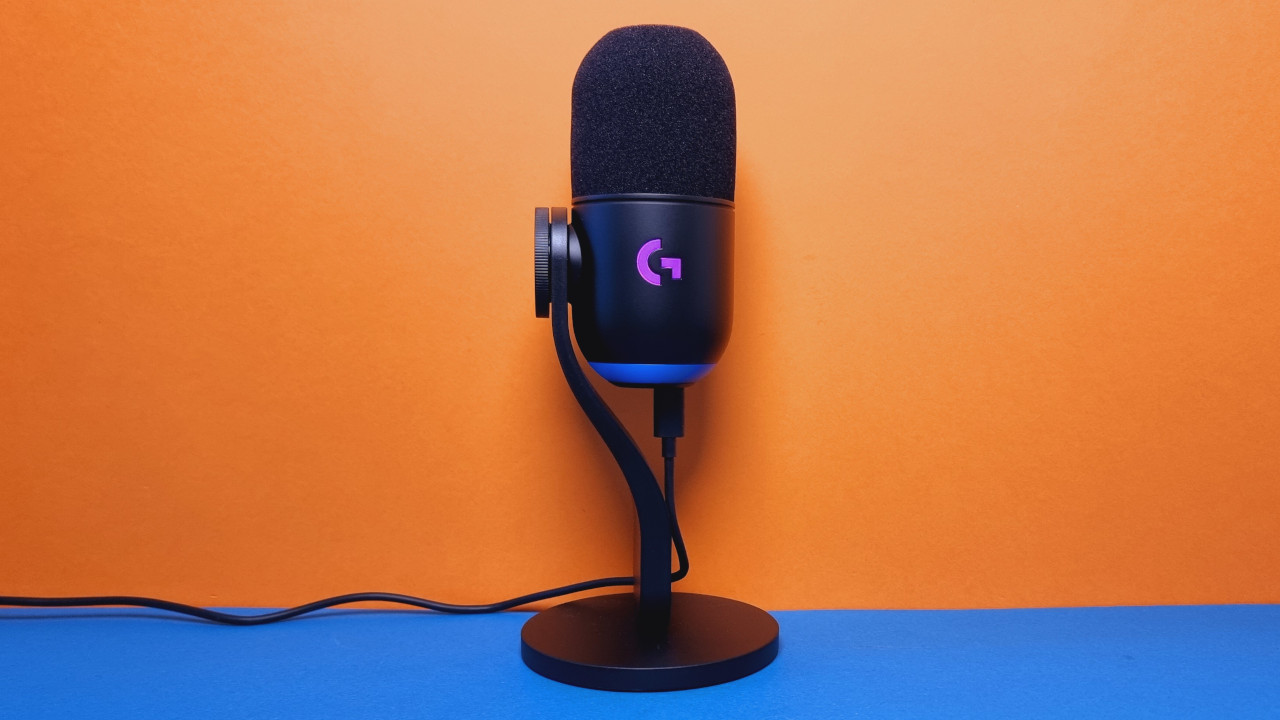
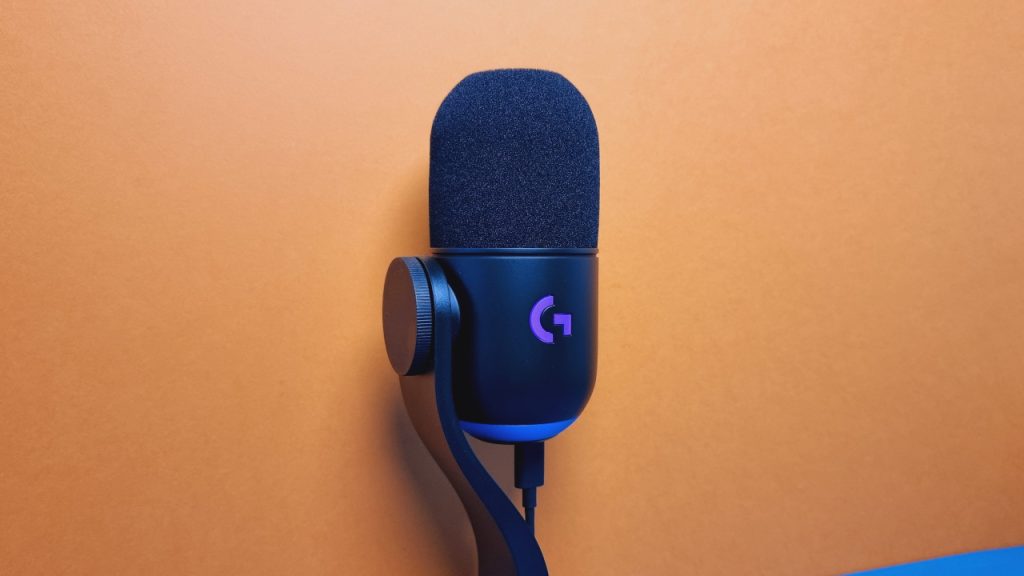
How is the microphone built? The microphone features a gracefully curved stand and can be turned vertically with a screw. Overall, the Yeti GX is quite large and takes up more space than comparable microphones, such as the JBL Quantum Stream or the in-house Yeti Nano.
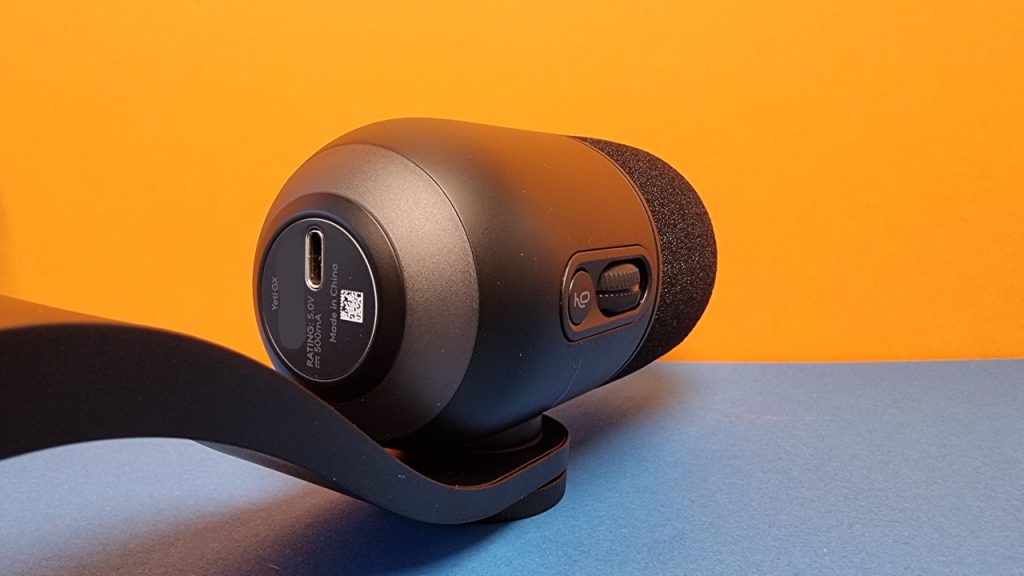
On the Yeti GX, there is only a volume control and a mute button. At the bottom, there is a USB-C port, but no headphone jack. Why Logitech has dispensed with the headphone jack is a mystery to me. I need the connection to self-monitor during recordings.
You will also have to forgo a pop shield, as it is not included in the scope of delivery.
What does the microphone look like? The microphone comes in a simple black and features RGB accents. The Logitech logo lights up and the body of the microphone also glows in color. If needed, all RGB functions can be turned off. Overall, the lighting is quite unobtrusive.
Build Quality
The microphone itself is almost entirely made of plastic. The only exceptions are the screws used to mount the microphone on the stand or to attach it to a suspension.
The build quality is still quite good. The microphone feels stable and stands securely on my desk.
Compared to the cheaper Yeti Nano or the regular Yeti, the Yeti GX still feels a bit “cheap”: both the Yeti Nano and the Yeti feature a metal-reinforced body, a protected microphone capsule, and a metal stand. The Yeti GX seems well thought out but also like a budget version of the older devices.
At least: The Yeti GX finally offers a USB-C connection compared to the old models and has moved away from micro-USB.
Software
When you connect the microphone to your PC, you are greeted by the Logitech G Hub, where the microphone is set up automatically. After an update of the device itself, I can then adjust several details manually in the software.
The software allows you to use not only an extensive equalizer but also several additional features:
With the “intelligent audio lock,” the microphone maintains my voice level in the software at a constant level. This works more or less well. With Blue Voice, my voice can be adjusted further. With the function activated, I become significantly louder.
Sound Quality
In principle, with the Logitech GX, you get very good sound and recording quality, which you can adjust further if needed via the software. The default setting is a bit too quiet for me, so I had to raise my voice a little.
However, there are problems with background noise. Because they are particularly noticeable to fellow players and listeners. If my partner is watching a series with a lot of dialogue in the background, the microphone cannot properly filter that out.
Compared to the regular Yeti, the GX only offers Supercardioid for recording. The regular Yeti still offers four: Cardioid, Omnidirectional, Bidirectional, and Stereo. The GX thus lacks the versatility of its older brother.
Conclusion: A very good microphone with competition from its own ranks
With the Yeti GX, Logitech offers a microphone with very good sound. If you are looking for a microphone that sounds good and is also suitable for recordings, then you will get a good model with the Yeti GX.
At the same time, the Yeti GX has a tough position, as it fits between the older Yeti models, which can particularly shine with better build quality and sometimes sound better (Yeti X).
However, if you do not need all the settings and prefer a simple microphone, then there are good alternatives that you can already get for less than 100 euros in stores:
What alternatives are there?
- With the JBL Quantum Stream, you get a powerful microphone that is sufficient for most conversations. The device also offers you a handful of options via the software.
- With the Roccat Torch, you also get a good microphone with decent recording quality. The design is a bit bulky and there is not really usable software.
Further recommendations: If you are looking for suitable headphones for the microphone or simply for a gaming headset, then check our buying guide here on MeinMMO: Here we present you the best gaming headsets, headphones, and microphones that you can currently buy.