

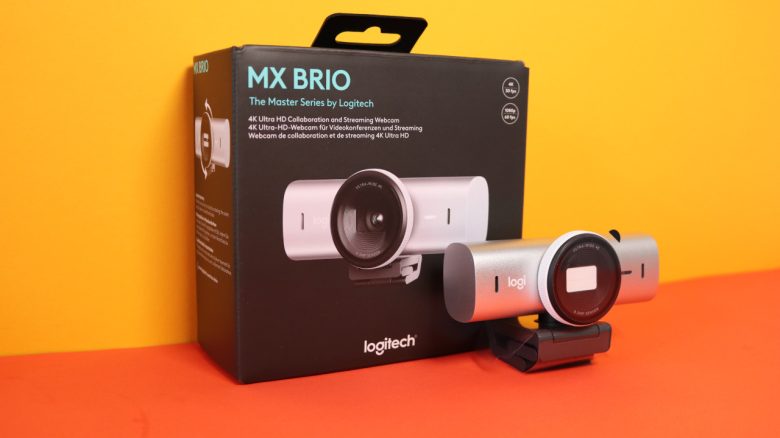
Logitech has introduced the MX Brio, a 4K webcam for video conferencing and streaming. On paper, this promises very good image quality with AI features. MeinMMO editor Benedikt Schlotmann tested the MX Brio and finds that the camera’s problems do not lie with Logitech.
Logitech has been offering devices and products for offices and businesses with its MX series for some time. With the new 4K webcam MX Brio, they aim to impress not only companies but also streamers with high image quality.
In a test, I was able to try out Logitech’s new webcam. The test reveals that the issue does not lie with the camera, but with the software from Microsoft and Zoom Video Communications. It reminds me of MMOs that have huge potential for a good game but fail to keep players engaged for long.
- Setup, Equipment, and Installation
- Logitech’s MX Brio in Practical Tests
- Conclusion: Potential and Software Issues
Setup, Equipment, and Installation
Setup and Equipment:
- The package includes only the camera and the USB-C cable. The included USB-C cable can be detached at any time.
- The webcam is already pre-assembled on a mounting foot, which can be easily removed.
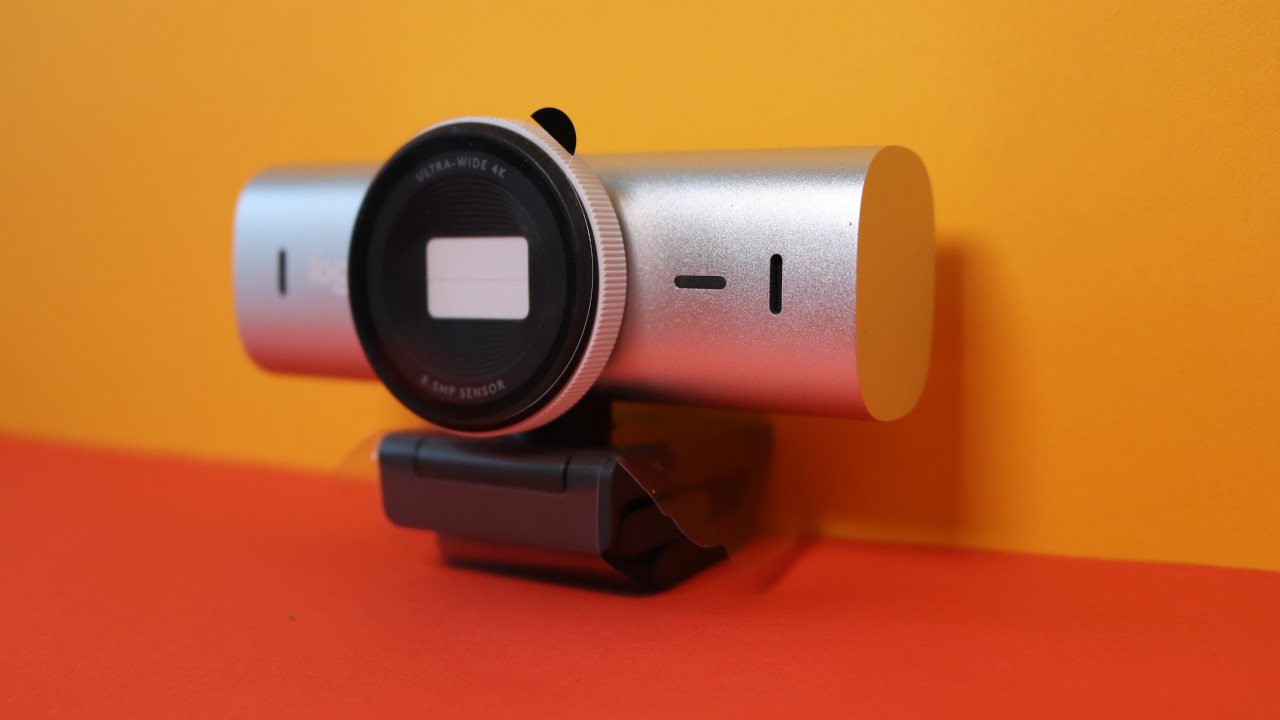
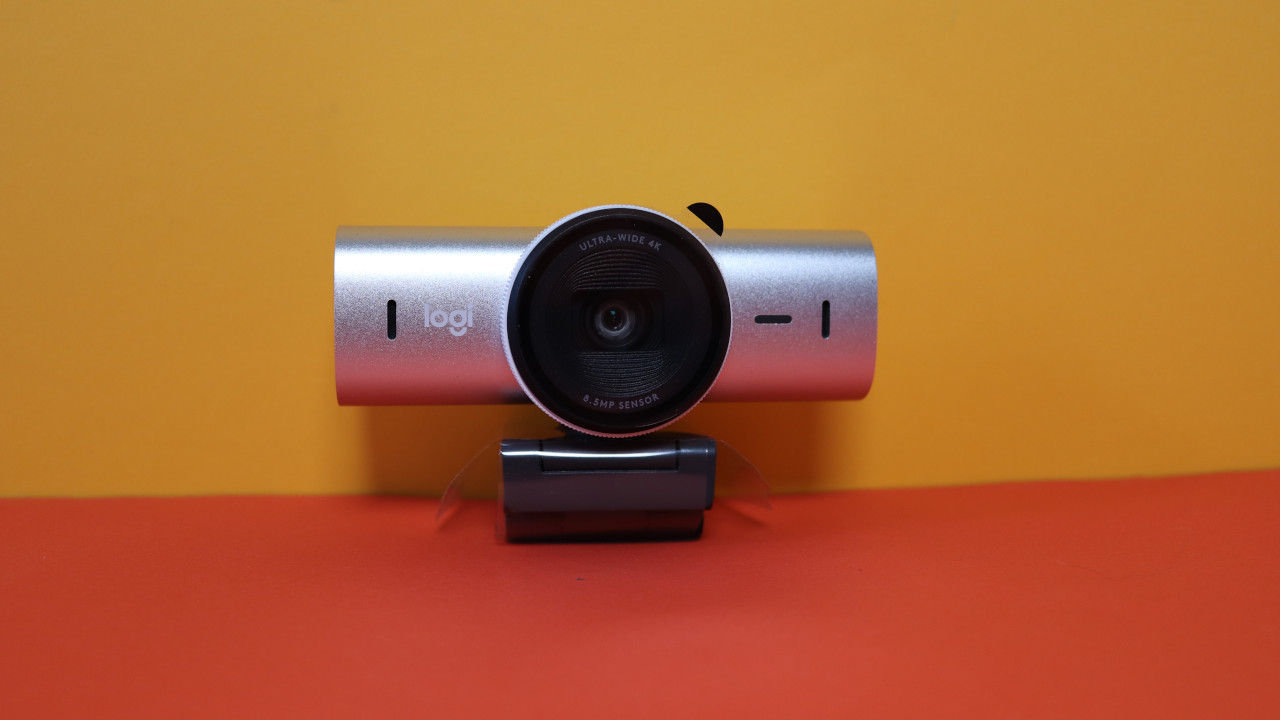
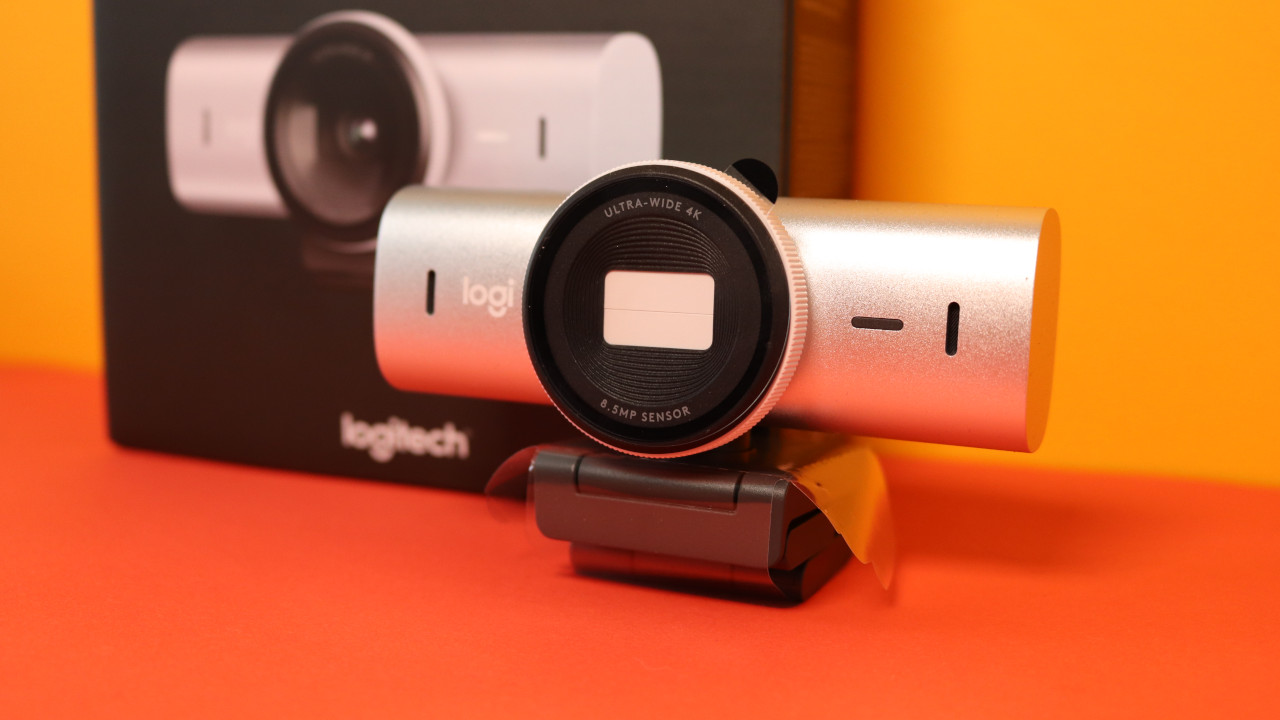
- A privacy shield is permanently built into the camera. This allows you to close the lens if you feel watched. The integrated privacy shield feels significantly more premium than on my Logitech C920s HD, where the privacy shield is mounted as a plastic cap on the camera.
The MX Brio feels very robust and well-made: The casing is made of aluminum, with only the back being a plastic cover.
What I also like: The MX Brio, like all devices in the MX series, features a simple, understated design. Logitech avoids RGB or other gimmicks.
Installation: In general, installation is quick. The MX Brio connects to the computer via a USB-C cable. Ideally, you have a free USB-C port on your computer; otherwise, you will need an adapter or to switch to a different cable.
However, the very robust camera has one disadvantage, which is its weight. I usually mount webcams on my monitor lamp, above my monitor. However, the MX Brio is almost too heavy to sit stable on the lamp or on the monitor.
In any case, the pre-assembled mount can be removed from the MX Brio. This way, you can also mount the camera on a tripod. This is less exciting for home office use but much more interesting for streaming.
The further setup and basic settings are done through Logitech’s proprietary software. Here, you can adjust all the details and features regarding the output: such as the image section shown by the camera, the exposure, or the white balance.

Logitech’s MX Brio in Practice
The Strengths: The camera generally offers excellent image and recording quality. Especially the “AI-supported lighting correction” emphasized by Logitech works almost always very well. Even in very dark rooms, I am noticeably better recognizable. The webcam is thus collecting only plus points so far.
However, what stands out is that I appear slightly blurry when the lighting is corrected. This is only noticeable when you look closely at the recording. In a quick call or meeting, few would notice this.
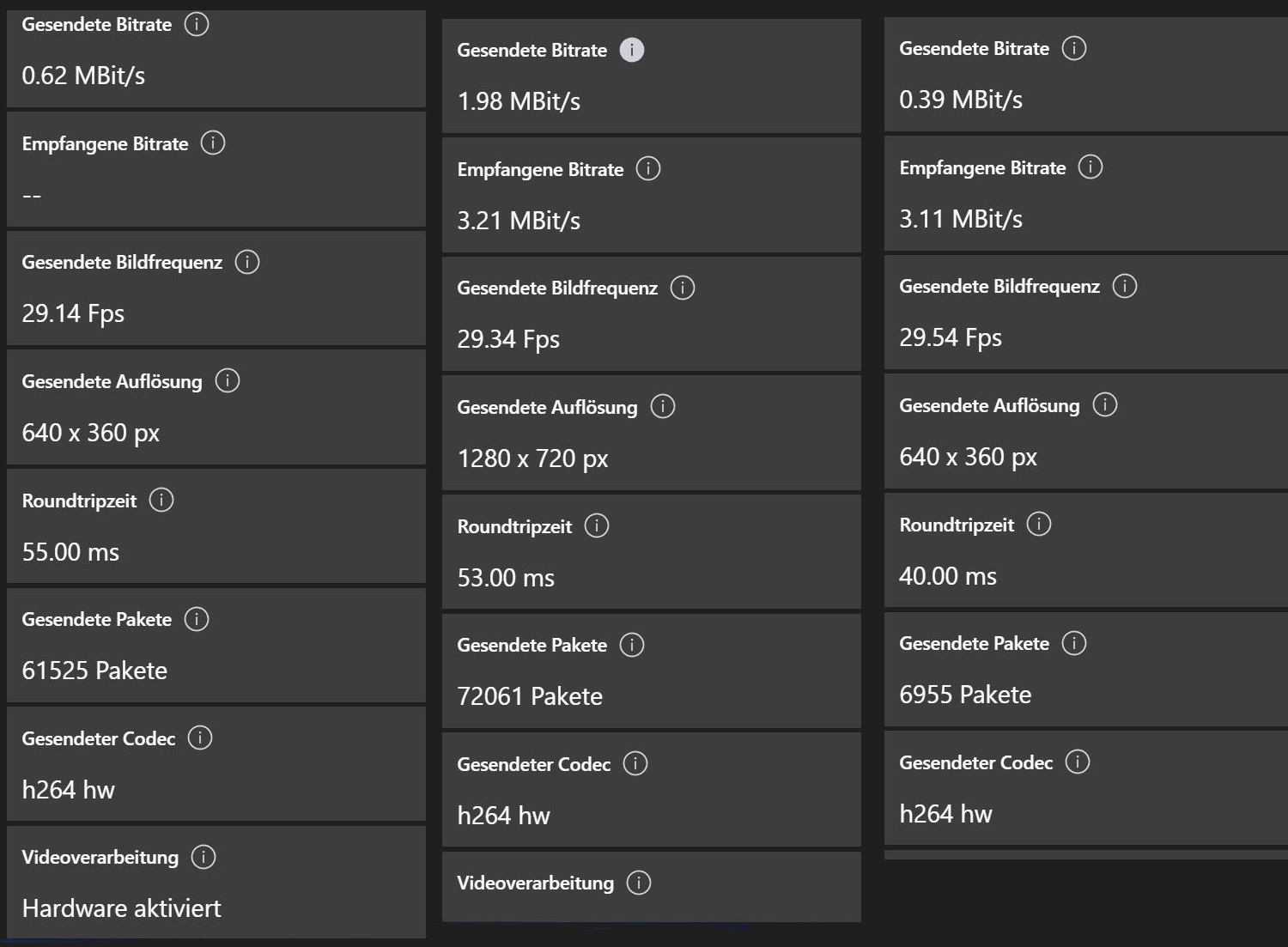
The Weaknesses: However, the biggest problem of Logitech’s MX Brio is the combination with the corresponding software. Officially, the camera is “Certified for Microsoft Teams”, but with Teams, the full performance of the camera is never achieved. Many users in the community report on this (via microsoft.com). I have checked this with several webcams and the results are almost always the same:
- On a video call with 6 participants, only a resolution of 640 x 360 at nearly 30 FPS is transmitted via Teams.
- If my video is highlighted in a conversation, the quality increases to 1280 x 720. That is already HD quality, but far from 4K.
- In a two-person conversation via Teams, the quality at least increases to Full HD at 30 FPS.
- Similar problems also occur with Zoom: The more participants there are, the more the image quality decreases.
- The poor image quality applies to both the old “Teams Classic” version and the new version.
- Several workarounds, such as starting Teams as a web app in the browser or clearing the cache of the desktop app, did not really help either.
What stands out: The performance of 4K at 30 FPS or Full HD at 60 FPS promised by Logitech is achieved in none of my tests with Teams or Zoom.
And that is frustrating. Because 4K or Ultra HD resolution is a fine thing, but the software on the other end must also cooperate. However, I must emphasize: Logitech is not to blame if the software from Microsoft or Zoom Video Communications doesn’t work correctly.
It is different if you use streaming software like OBS Studio. In OBS Studio, the full performance of the 4K webcam is utilized. And here, Logitech’s MX Brio showcases its strengths again.
Cheaper Webcam as an Alternative: As strange as it may sound: My Logitech C920 provides me with the same performance with Microsoft Teams or Zoom as the 220 euro MX Brio. And that’s at best Full HD at 30 FPS. Or the very meager 640 x 360 at nearly 30 FPS.



Conclusion: Huge Potential, but it Fails Due to Software
Theoretically, Logitech offers an excellent camera with the MX Brio, as it is really high-quality. When the software works, the camera’s image and recording quality are truly excellent. And I emphasize again: This is not a problem of Logitech or the camera, but purely an issue with the software provider.
For whom is the camera worthwhile? If you are a solo entertainer or streamer, then the MX Brio is a really good and highly recommended webcam, especially if your lighting conditions are rather challenging.
For whom is the camera not worthwhile? If you work with Teams or Zoom, you can never fully utilize the camera’s potential. In my practical test, my C920 offered the same image quality as the MX Brio for 60 euros.
More Camera in Test: I was able to test a comprehensive setup with a camera. Interestingly, the camera from the entire project performed the worst here. You can read how the entire setup fared in the test directly on MeinMMO:
I perfected my gaming setup with 260€, but the annoying camera is still a problem

Your opinion is important to us!
Do you like the article? Then let us know!