

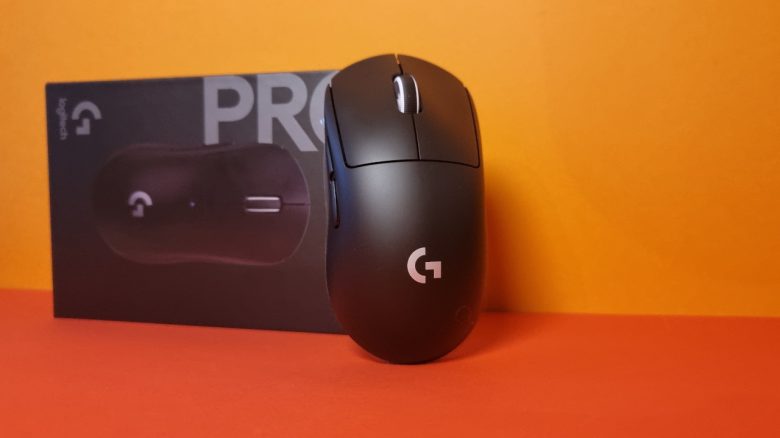
Weight, Ergonomics and Battery Life
The Weight: In its basic form, the mouse weighs 60 grams.
This positions the gaming mouse strongly against shooter competition, which achieves similar values.
- The HyperX Pulsfire Haste (for the test) weighs about 61 grams.
- Razer’s Viper Ultimate weighs 74 grams.
- Logitech’s predecessor, the G PRO X SUPERLIGHT, weighs 63 grams.
- The Corsair M75 Air (for the test) also weighs 60 grams.
The Ergonomics: I have very large hands with a size of 19 centimeters. In palm grip and fingertip grip, all buttons are easily reachable for me. The sides of the mouse are not rubberized and quite smooth. Despite my large hands, I find the mouse comfortable and good to hold.
Grip tape can be purchased from third-party vendors for 5 to 15 Euro for the mouse.
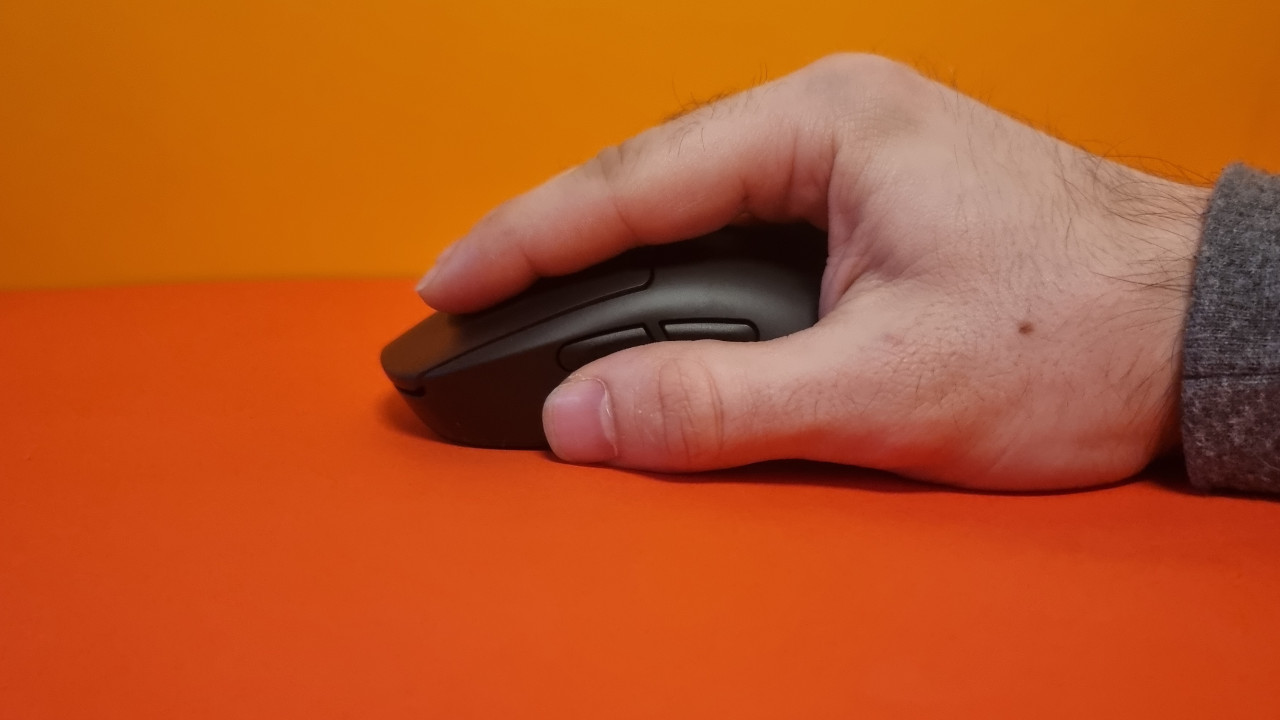
Battery Life: The manufacturer claims the battery life is about 95 hours. I can come pretty close to that figure. Even after about a week, I have not yet had to recharge the mouse.
Logitech’s software also gives a clear warning as soon as the battery level is critically low.
The Mouse Buttons, Scroll Wheel, and Sensor
The Mouse Buttons: Logitech uses the so-called LIGHTFORCE hybrid switches in the mouse buttons. These are opto-mechanical hybrid switches.
The click feel is crisp and sounds reminiscent of the G502X Lightspeed, where Logitech uses the same switches. However, the clicks are also loud and hollow, yet without the metallic clinking of the G502X Lightspeed.
The Scroll Wheel: The scroll wheel is pleasantly notched and offers a good pivot point under my index finger. Additionally, the scroll wheel is almost silent and hardly audible in everyday use.
It is unfortunate that it is not a 4-way scroll wheel, but rather that the scroll wheel can only be turned forwards and backwards and can also be clicked.
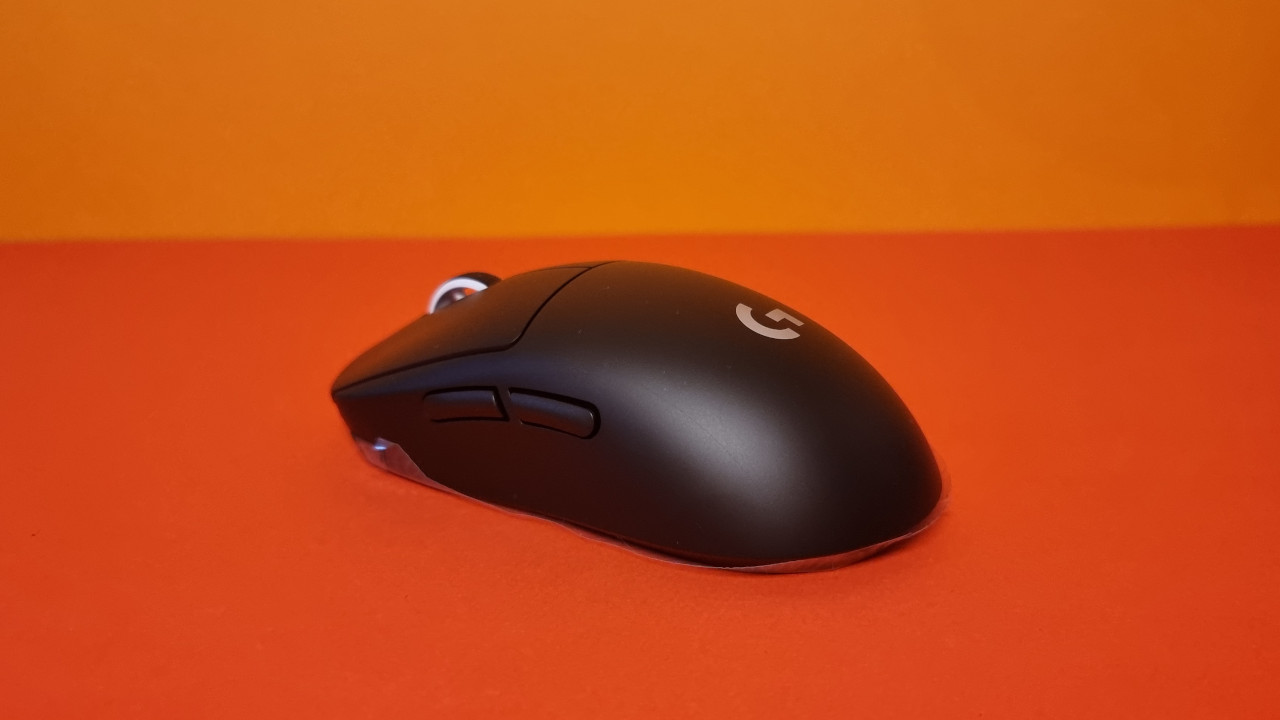
Sensor: Logitech has installed its “Hero 2” sensor in the G Pro X Superlight 2. This offers a possible resolution of 32,000 DPI and on paper is above the well-known Hero sensor that Logitech uses in its G502X.
In everyday use, the sensor normally shows very accurate and precise results. In everyday life, I played mainly the relatively slow shooter The Division 2 and the significantly faster shooter Fortnite with the mouse.
However, during the sensor test, I found that particularly at very high speeds, there were inaccuracies and slight shifts in detection by the sensor. Those who generally work with low DPI values and slower movements will probably not be bothered by this.
However, for those who primarily rely on quick flick shots, there may ultimately be a loss of precision here. Flick shots are shots in shooters where you draw (“flick”) on an opponent with a quick, short mouse movement and ideally hit them. This requires practice and a good sensor.
G Pro X Superlight vs G Pro X Superlight 2 in Test – Is an Upgrade Worth It?
What are the differences?
- Lighter weight: The Superlight 2 now weighs only 60 grams, while the predecessor still weighs 63 grams.
- Better sensor: The Superlight 2 has a better sensor: Maximum speed increases from 450 IPS to 500 IPS.
- Higher responsiveness: While the Superlight operated at a sampling rate of 1000 Hz, the Superlight 2 now has a maximum of 4000 Hz. This is noticeable in the sensor test, where there are significantly more sampling points.
- Higher battery life: Instead of 70 hours, the successor now has a runtime of 95 hours.
- New switches: The Superlight 2 features Lightforce switches under its buttons, while the regular Superlight still uses conventional mechanical switches.
- New connection: The Superlight 2 uses USB-C, while the old Superlight still used Micro-USB.
What are the similarities? The construction of the gaming mouse remains the same. It still features a 2-way scroll wheel, and the mouse still has 5 buttons. An adapter for the wireless PowerPlay can be installed on the bottom, which is optional. The software also remains the same.
Is the upgrade worth it? Logitech noticeably improves its old Superlight with numerous upgrades. However, if you already own the predecessor, the upgrade is only partially worthwhile. After all, the old Hero sensor is still excellent, and the 70 hours of battery life of the predecessor are also completely sufficient.
Moreover, one must like the click noise: The Superlight 2 is significantly louder than the predecessor.


Conclusion: Meaningful improvements for an already very good gaming mouse
Who is the mouse suitable for? With the G Pro X Superlight 2, you get an excellent gaming mouse that relies on a good sensor and high-quality workmanship. If you play shooters, fast titles, or simply look for a minimalist mouse with excellent technology, the Superlight 2 is perfect for you.
At the same time, you can regularly find the predecessor for under 100 Euro, which is about 70 Euro cheaper than the new model. If you are looking for “only” a very good gaming mouse, you will also find it with the old Superlight.
What alternatives are there?
- The G Pro X Superlight is a tad heavier at 63 grams, but offers nearly the same technology.
- The Razer Viper Ultimate weighs 74 grams, but offers a lower battery life of around 70 hours.
- The HyperX Pulsfire Haste would be my budget tip in its wired variant for around 50 Euro, and the wireless variant for about 90 Euro is also worth recommending.
More gaming mice on MeinMMO: If you’re looking for more recommendable gaming mice, take a look at our buying guide on MeinMMO. Here you’ll find the best gaming mice you can currently buy:
The best gaming mice for shooters that you can currently buy

Your opinion is important to us!
Do you like the article? Then let us know!