

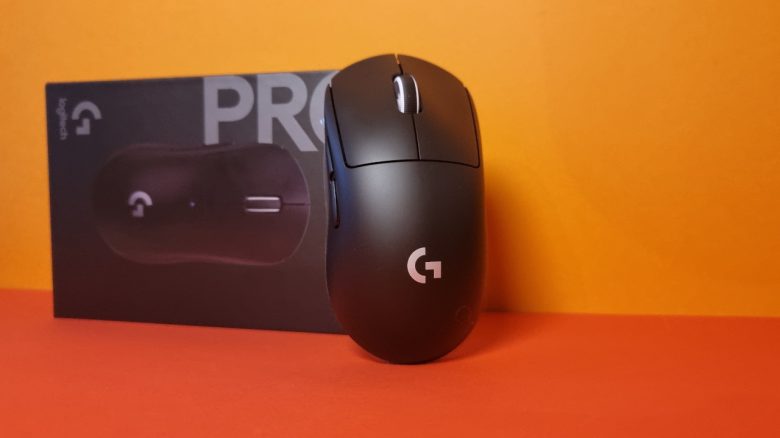
The G Pro X and the Superlight are among the most popular mice among shooter professionals. With the Superlight 2, Logitech has introduced the successor, which brings several improvements on paper. MeinMMO editor Benedikt Schlotmann tested the successor and reveals whether the mouse is still recommended.
With the G Pro X Superlight 2, Logitech has introduced the successor to its popular shooter mouse. While the design remains the same, especially the internals receive significant upgrades.
But are the upgrades even worth it, and is the successor also worth recommending? After all, many well-known eSport players use the predecessor. If you take a look at prosettings.com, many professionals use a Superlight.
Who tested it?
I currently own over 20 gaming mice and have tested over 15 keyboards. Personally, I also own over 10 sets of in-ear headphones. At MeinMMO, I have been testing hardware for our readers since 2019. Besides the PC and the PS5, I am also using the Steam Deck.
The G Pro X Superlight 2 was provided to me by the manufacturer for testing.

Benedikt Schlotmann
Hardware editor MeinMMO
Technical Details:
| Sensor | Hero 2 |
| Resolution | Up to 32,000 DPI |
| Switches | Lightforce switches: opto-mechanical hybrid switches |
| Buttons | 5 buttons |
| Design | Black, White, or Pink casing. No RGB lighting. |
| Glide Feet | 2 |
| Cable | Removable 2.0 m USB-C cable |
| Weight | 60 grams |
| Price (RRP) | 169.99 Euro |
Contents, Design and Structure
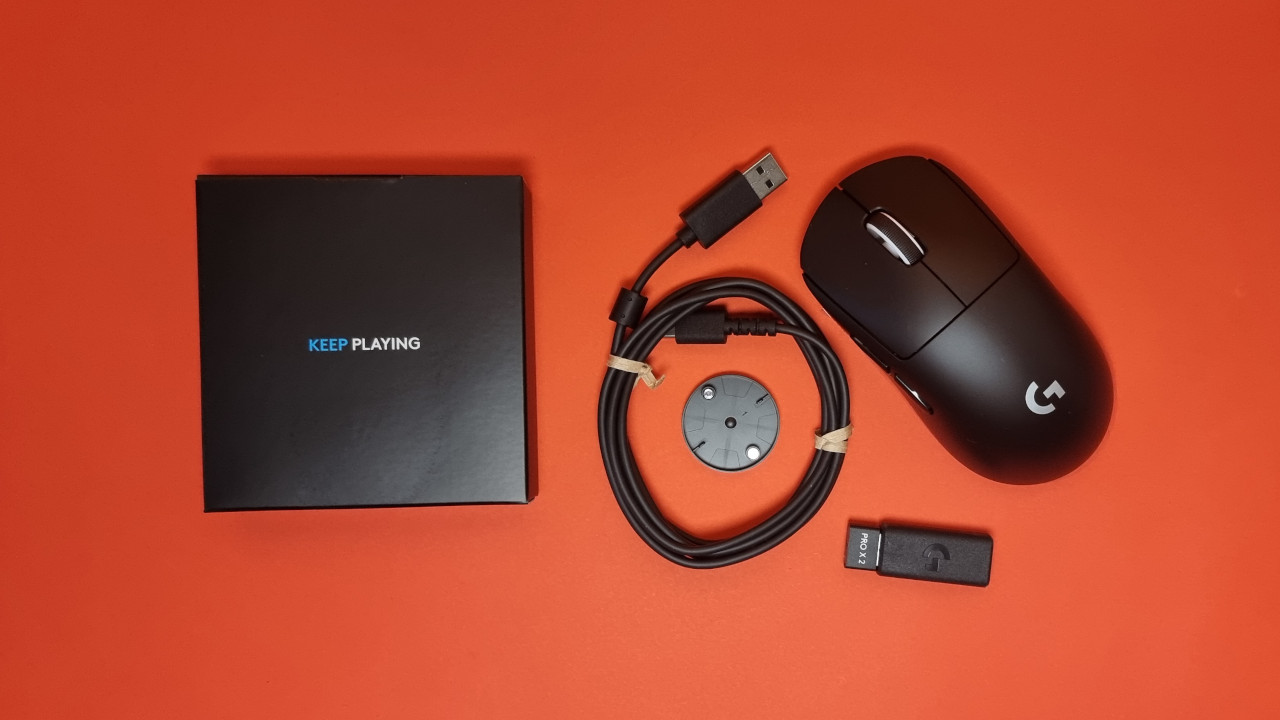
What does the package include? Besides the gaming mouse, there is the USB dongle, a USB-C-A charging cable, and an adapter for G PowerPlay, Logitech’s wireless charging system.
How is the mouse constructed? You can buy the mouse in different colors; I am using the black model for testing. Alternative colors are white and pink.
- On the top of the mouse are the main buttons, and in between is the two-way scroll wheel.
- On the bottom is the switch to turn it on and off and the compartment for the USB dongle.
- You can alternatively switch the bottom for the adapter for Logitech’s wireless PowerPlay system.
What I actually miss is a dedicated switch to change the DPI. If I want to change the DPI setting in the middle of a fight, I either have to awkwardly switch to the software or assign the side buttons of the mouse to the DPI levels. However, then the thumb buttons can no longer be used for other functions.
Processing
The mouse casing feels high-quality. The Lightforce switches promise significantly better durability on paper than the previously used Omron switches. In particular, the recurring double-click issue should now be resolved with the new switches. In my roughly two weeks of playing and working with the mouse, I could not verify its durability.
However, the same switches are used in the G502X Lightspeed, and they have not caused me any problems for over a year.
The scroll wheel is nearly silent and does not creak. The mouse itself also does not make any audible noises during the shake test.
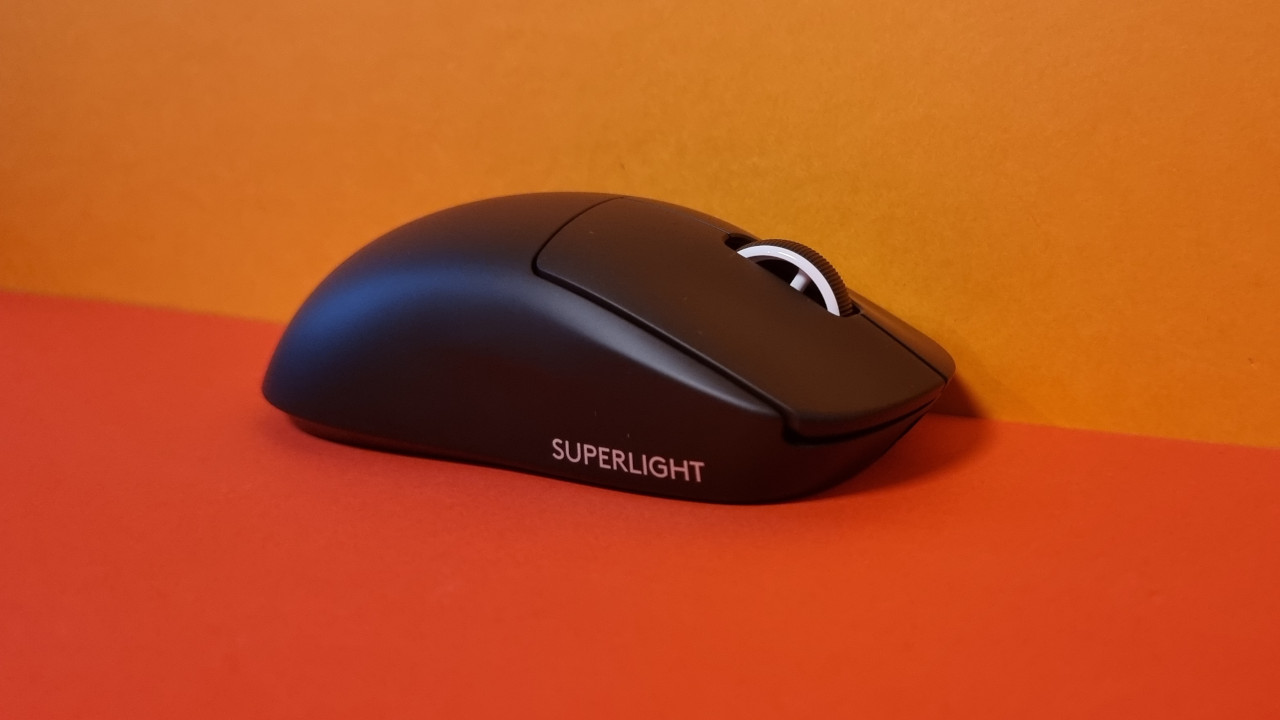
One disadvantage is that fingerprints and wet fingers quickly become visible on the mouse. This is annoying; however, the mouse is comfortable to clean. I would have preferred a dirt-resistant surface.
Software
The G Pro X Superlight 2 uses Logitech’s G Hub software suite. This works flawlessly for me and is easy to use in everyday life. With 150 megabytes in memory, the software is larger than that of other manufacturers.
The software makes it easy to adjust various DPI settings or select pre-configured setups for different genres (MMORPG, MOBA, Shooter). You can also save your own settings.
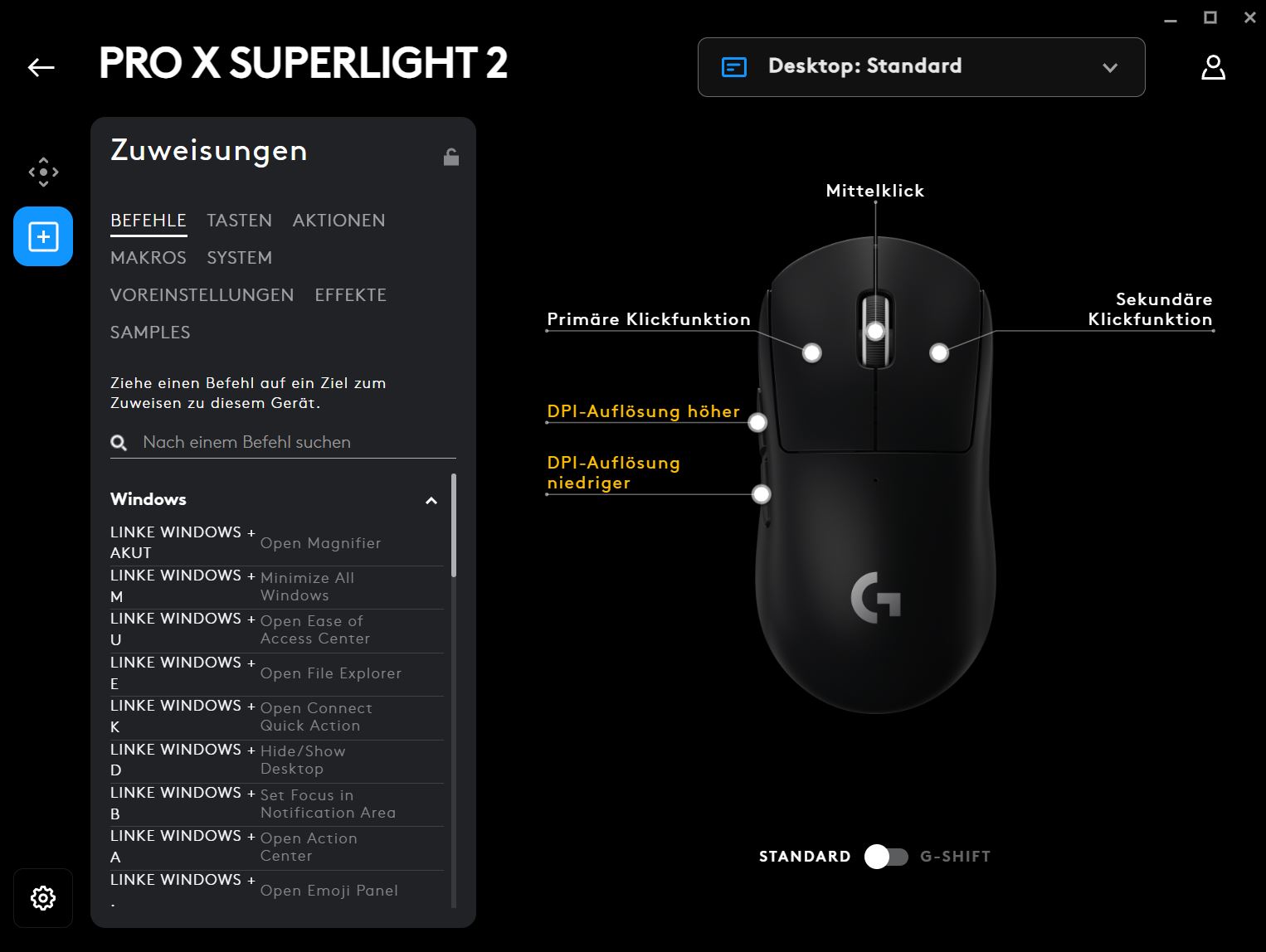
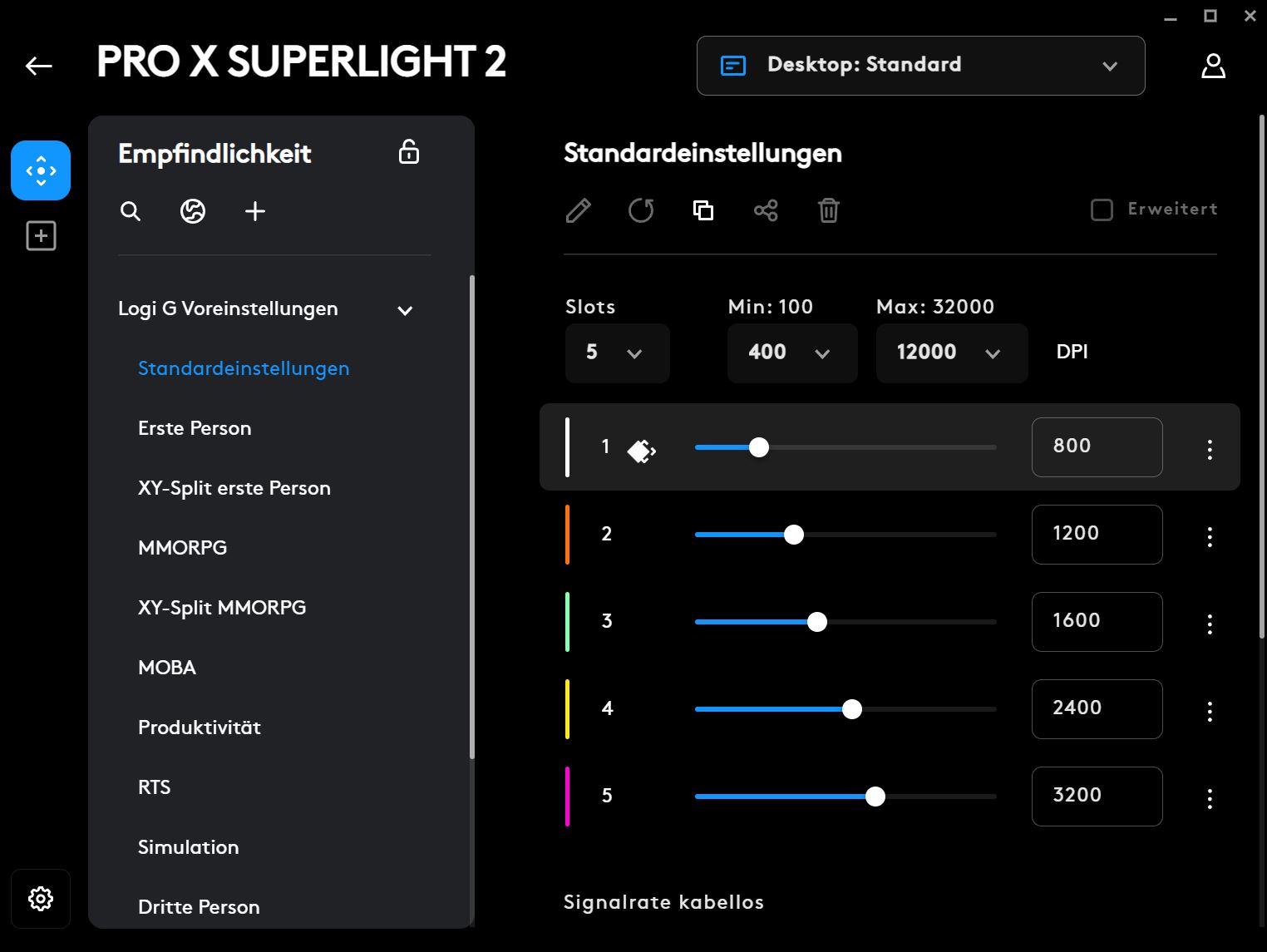
Assigning individual buttons with special functions works via drag-and-drop and is automatically saved.
You can also optionally use presets for the mouse from other players. With a click, you can search the community for presets for specific games and activate them with another click and like if needed. But this is all purely optional and not enforced. If you want, you can completely ignore all this.
On the next page, you can read everything about weight, ergonomics, and battery life.

Your opinion is important to us!
Do you like the article? Then let us know!