

Lineage 2 Revolution (iOS and Android) is a mobile MMO designed for smartphones. But what if you don’t have a compatible device or prefer gaming on a larger computer? Then get a free Android emulator like Bluestacks or Nox and play it on PC or Mac.

Lineage 2 Revolution (L2R) is a fun online RPG designed for smartphones with Android or iOS. You play L2R on the mobile touchscreen and the comparatively small display.
This bothers some players who would prefer to play the game on a PC screen with a mouse and keyboard. Others do not have a suitable mobile device that would run L2R well – but have a powerful gaming PC!
But fortunately, there are free Android emulators!
With these Android emulators, L2R runs on your PC or Mac
With an Android emulator like Bluestacks or Nox, you can easily simulate an Android smartphone on your PC or Mac. Simply install the appropriate software and link it to your Google Play account. Everything works quite simply and self-explanatory.
After that, you can install and configure most of the Android apps on your computer. This way, for example, you can set up the screen layout so that certain touch inputs are replaced by freely programmable keyboard and mouse buttons.
This allows for a completely different gaming experience! Because with the mouse and numerous hotkeys, Lineage 2 Revolution plays much smoother than on the mobile screen via touchscreen.
Start on PC and then continue grinding on your smartphone later
The best part is that you use the same account as on your phone. This way, you can comfortably play on the PC and complete the tricky missions.
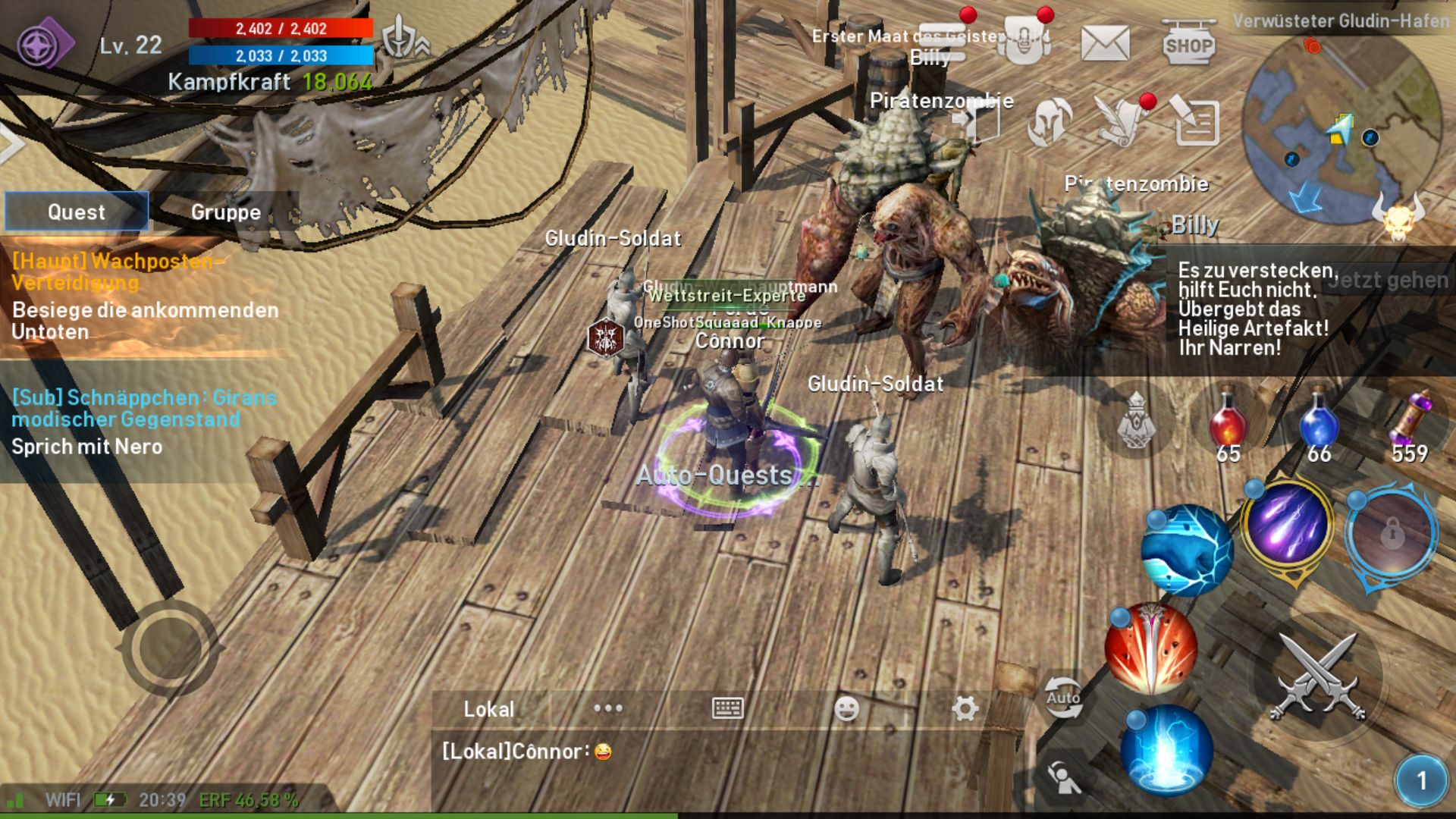
When you need to leave later, log out on the PC, start L2R on the smartphone, and seamlessly continue where you left off on the PC.
Wait! Are Android emulators like Bluestacks even legal?
Don’t worry, Android emulators like Bluestacks are completely legal. You can use them without hesitation and don’t have to fear that Google will close your account. Furthermore, the software is supported by reputable manufacturers like Samsung, Intel, or AMD.
This is how to get top graphics on your PC
Lineage 2 Revolution looks great in maximum graphics. But only the best smartphones can handle this. However, a decent gaming PC should have no problems with it. Still, you may need to first adjust your settings to allow your machines to utilize the full resources of your PC or Mac.
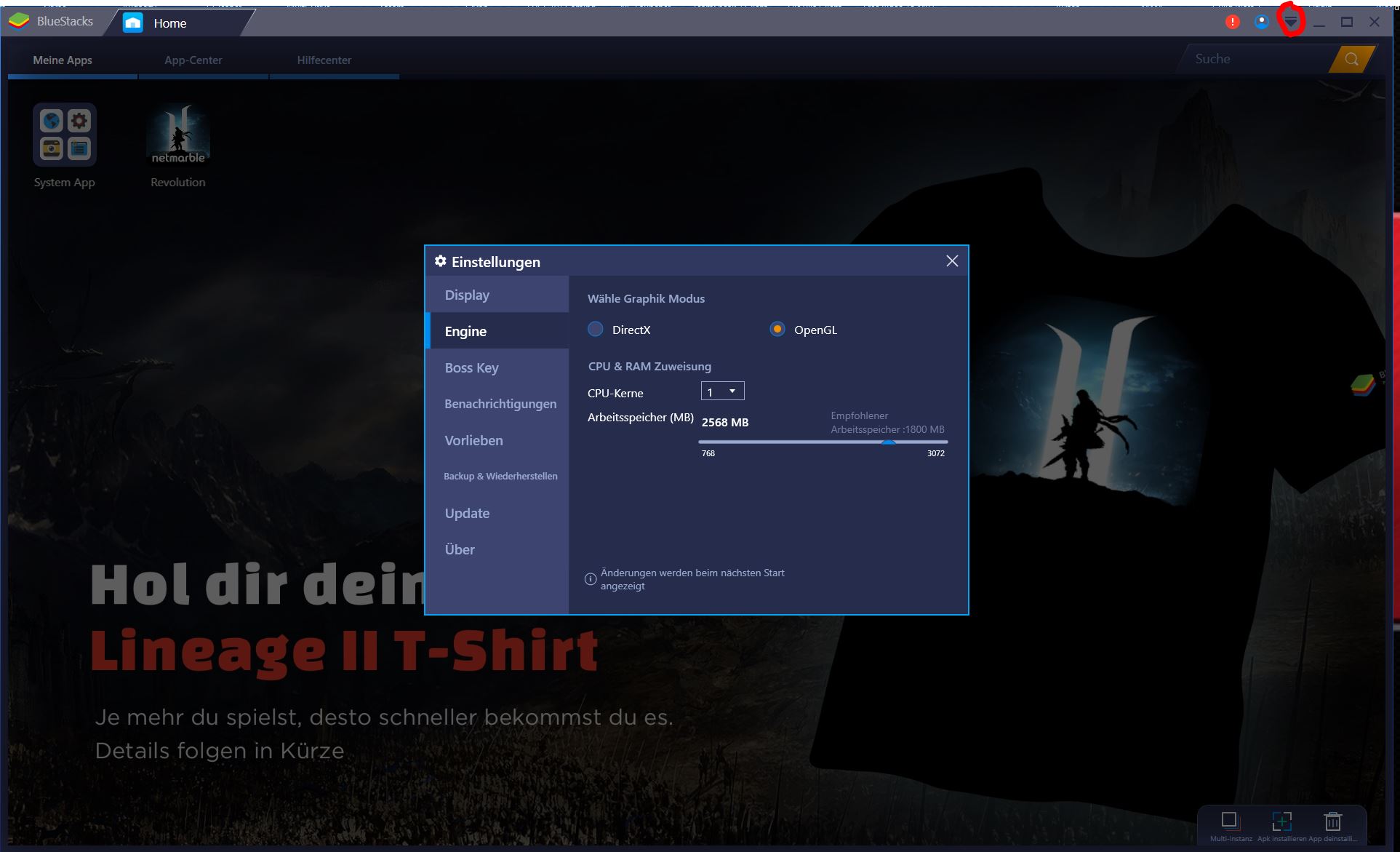
Go to the options menu of your emulator. In Bluestacks, this is a small arrow in the top right corner of the window. In the settings menu, go to the “Engine” tab and set 4 CPU cores and 2,500 megabytes or more of RAM. This should provide your PC with the necessary power for L2R to look great.
If you can only select one core in the menu but actually have more, you first need to “enable virtualization (VT) in your PC’s BIOS”. You can find out how to do this at the link here!
And what about iOS? Here’s how to get the Apple version running on Bluestacks
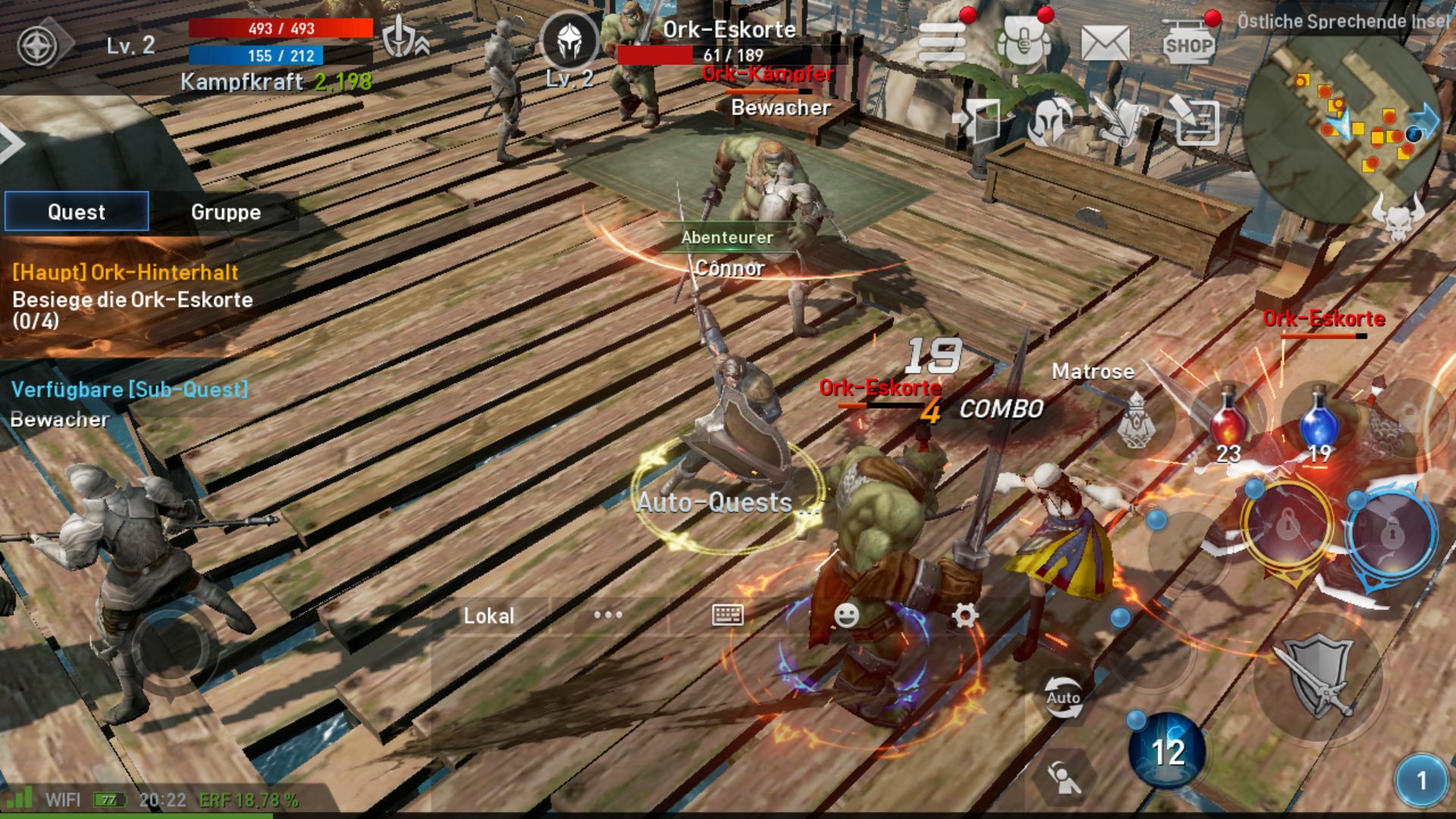
Emulators like Nox or Bluestacks are primarily designed for Android, but with a simple trick, it also works for Apple’s iOS users. To make this work, you first need to link your L2R game account with Facebook.
Then log in to Bluestacks with your Facebook account and start playing. According to Reddit users, this method should work with both Nox and Bluestacks.
You can download Bluestacks for free here
You can download Nox for free here
Want to know how L2R plays? Read our review of Lineage 2 Revolution!

Your opinion is important to us!
Do you like the article? Then let us know!