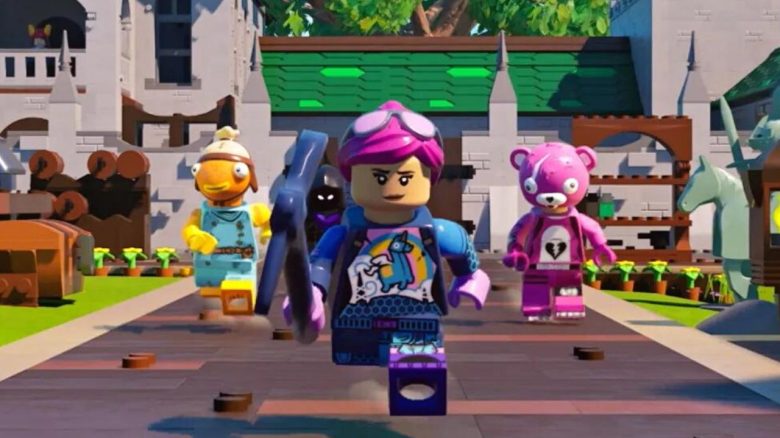
In LEGO Fortnite, you can build, hunt, and craft together with your friends in a world. How to share the key to your world with other players can be found on MeinMMO.
To be able to share a world with friends, you logically first need to create one. You can do this in the Fortnite lobby by selecting the game LEGO Fortnite and then clicking on “Select World.” There you have the option to create a new world or join a shared one.
Once you have created a world, you can enter it together with your friends through the lobby. To do this, invite the other players to your group. You can always play together in a world if the creator and owner of the world is online. If you want to continue playing alone, you need to share a key for that.
How to distribute keys to your friends
How can I share a key? To give your friends a key to your world, you enter it together in LEGO Fortnite. For this, you must be the group leader. Once in the game, open the map and click on “Players” at the top.
There you now have the option to invite players from your friends list into your world and thereby give them a key.
Step-by-step instructions in brief:
- Enter the lobby of LEGO Fortnite and invite friends to the group
- Create a world as the group leader and enter the world
- Open the map and click on “Players”
- Invite players via the friends list
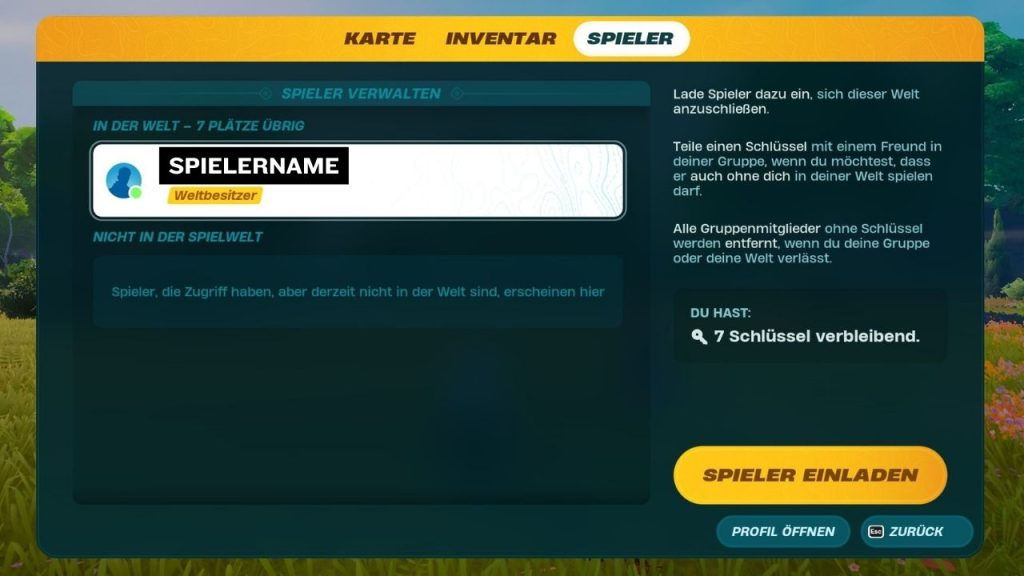
How many friends can I give a key to? You can give a key to a total of 7 friends, thus you can play in co-op with up to 8 people in a world in LEGO Fortnite. However, keep in mind that these players will also have access to your world, the loot, and the buildings without you.
If someone is causing trouble in your world or for other reasons should not want to have a key anymore, you can easily revoke it through the menu.
And if hunger plagues you in LEGO Fortnite and you are wondering how to best satisfy it, we have the right article for you here: LEGO Fortnite: How to satisfy your hunger