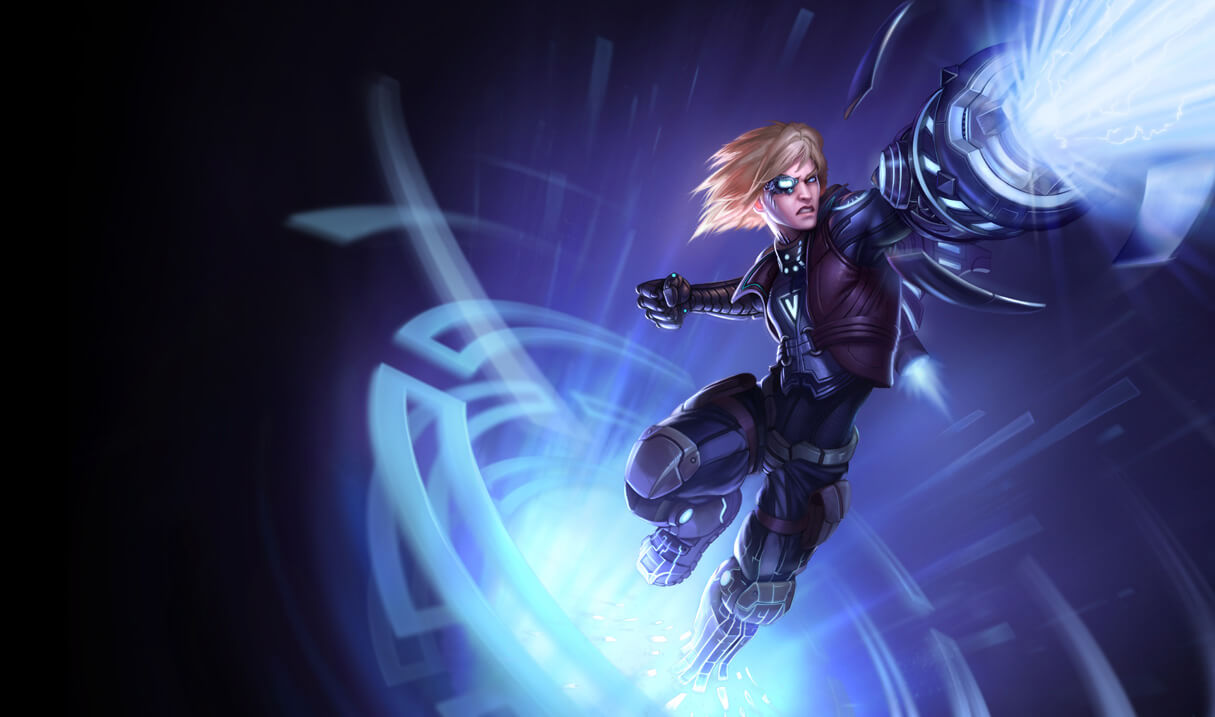
The illustrations of League of Legends (LoL) are now also available as a screensaver for Windows and Mac.
Few players would have expected this release. Personally, I checked the date right away – No, it’s not quite April 1st yet. But a screensaver app in 2016? When I got a little more into the program and saw the various options, I actually thought it was pretty good. So good that I downloaded it right away.
Playlists and a huge collection of LoL images

If you’re still not quite convinced about setting up a screensaver, you should take a look at the collection of images, photos, and animations that this program offers. From well over 100 images of champions and various locations of great battles in League of Legends, you can create your own playlist to protect your screen while you’re not using it.
There is also work underway to use these images as desktop backgrounds. Additionally, in the champion overview, we have our good old URF, which we will probably see again soon in the system of rotating game modes.
Installation of LoL screensaver software

First of all, it should be noted that the operation of this software is really easy and particularly clear. First, you should download this screensaver software from the official Riot Games website.
Here is the official Riot Games website for the screensaver.
The installation is self-explanatory. If you skipped the point at the end of the installation, you can change the screensaver in the control panel under “Personalization” in a Windows operating system.
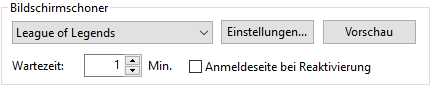
There you can also access the settings and personalize the screensaver with your own playlist. You then simply select the media you want in your playlist. These will then be downloaded and you can use the League of Legends screensaver.
Warning: Currently there is a bug when uninstalling. If you installed the screensaver app directly in your LoL folder, the entire folder will be deleted upon uninstallation. So be careful and take a close look!