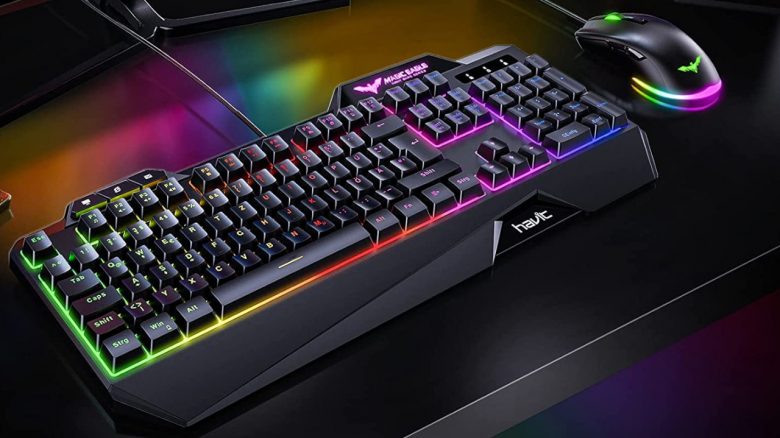
On Amazon, a combination of gaming mouse and keyboard is among the absolute bestsellers. MeinMMO has tested the product for you.
Many users are looking for a fast and affordable mouse and keyboard for their gaming PC or game console. One of these combination offers comes from the manufacturer havit and costs only 35 euros. In our article, we explained, that thousands of users are buying the combination of mouse and keyboard:
- The keyboard is a full-size device (with number pad) using membrane technology. It is therefore not a mechanical keyboard. The keys are illuminated, and there are additional media control keys.
- The mouse is a device with 6 buttons. Two of them are located in the thumb area. According to the manufacturer, all of these are programmable, and the mouse offers a DPI level between 800 and 4800.
The overall reviews for the product are really good. With more than 7,000 ratings, the combination of mouse and keyboard stands at 4.4 out of 5 stars, which is an excellent value.
MeinMMO ordered the combo package and tested it for you. In the test, you can read how Mein-MMO editor Benedikt Schlotmann liked the product.
| Preview | Product | Rating | Price | |
|---|---|---|---|---|

|
havit Gaming-Tastatur und Maus-Set, LED-Hintergrundbeleuchtung QWERTZ (Layout), 7 Tasten Gaming-Maus... | Zu Amazon |
*Affiliate-Links. Wir erhalten bei einem Kauf eine kleine Provision von Amazon. Vielen Dank für Eure Unterstützung!
How does it feel to play with a highly rated mouse and keyboard?
What is included in the delivery? In the black box from the manufacturer is a keyboard, a mouse, and a manual. The cables are permanently connected to the mouse and keyboard and cannot be removed.
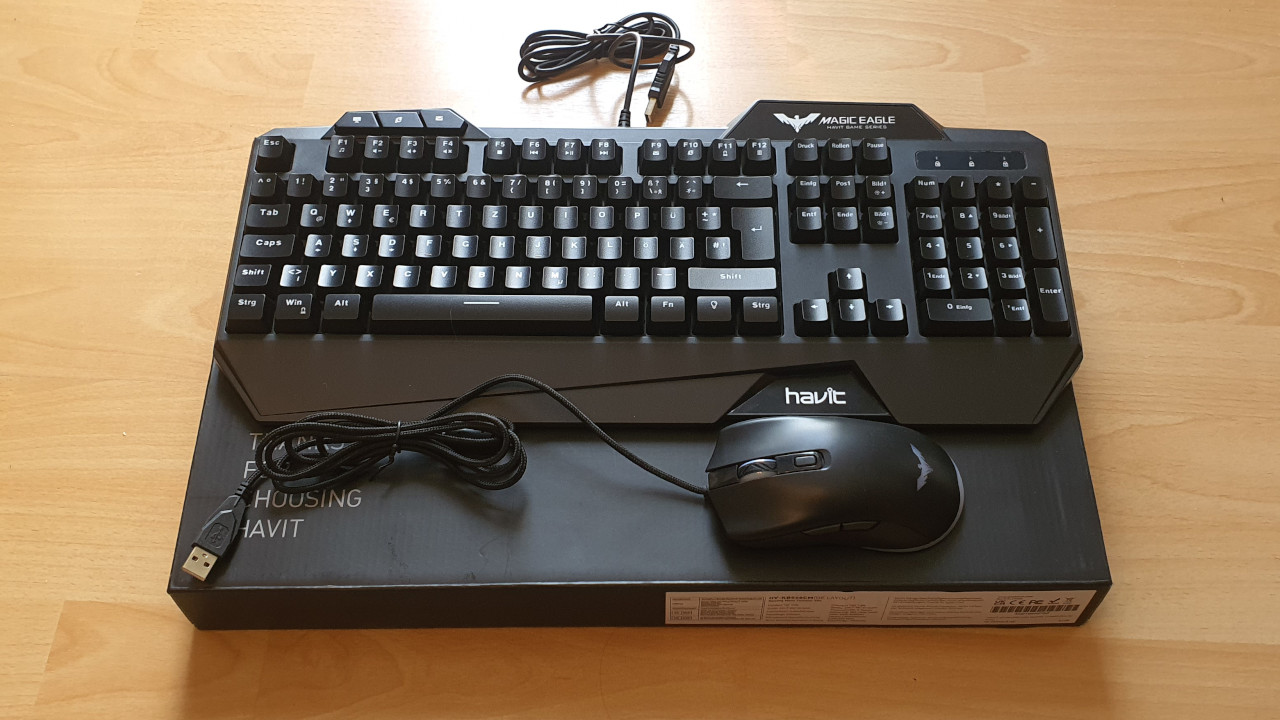
How does typing and gaming feel on the affordable keyboard? The keyboard is incredibly loud and quickly gets on my nerves. This shows me the first compromise for the low price. The key presses sound hollow and loud. You can imagine it like tapping a finger on an empty plastic can. The keyboard is also significantly louder than mechanical keyboards. My Roccat Vulcan 121 or Logitech G Pro both produce a much quieter typing sound but also cost 80 euros more.
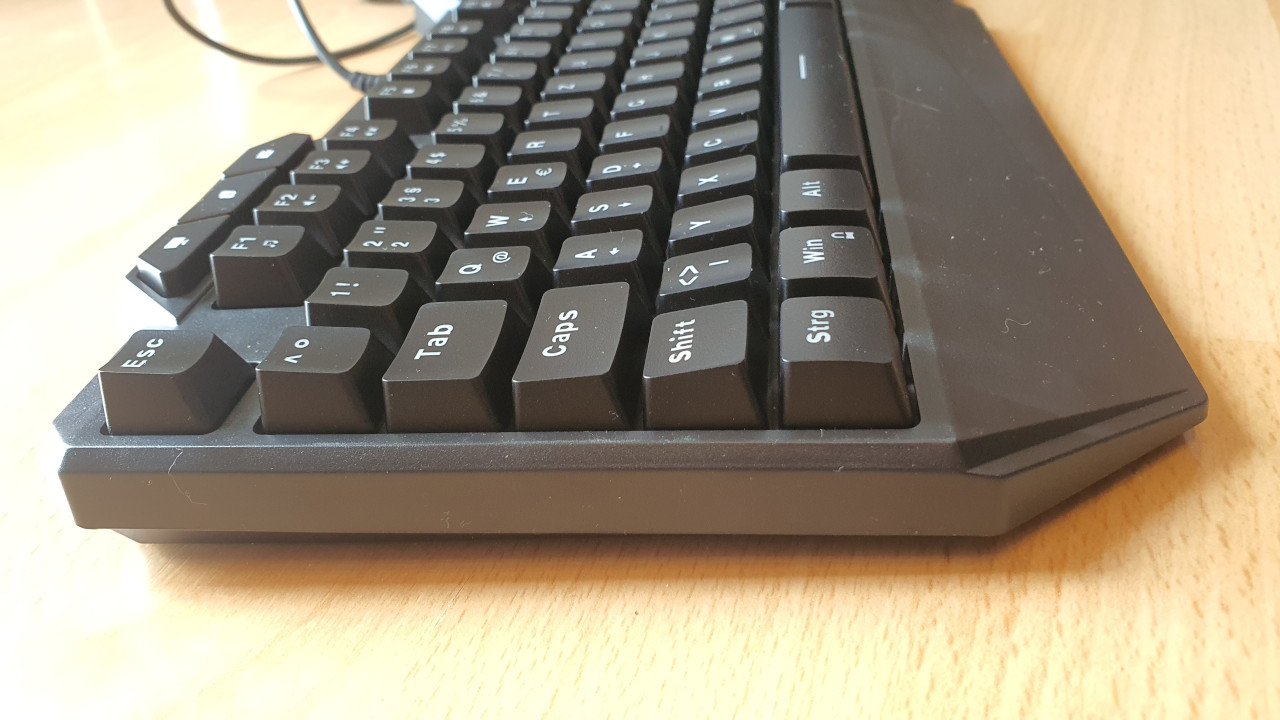
With other membrane keyboards like the Corsair K55 RGB Pro or Roccat’s Magma, typing is noticeably quieter than with the havit model. Both Corsair and Roccat also offer software with which rudimentary settings can be adjusted. The havit keyboard does not offer any software; everything is controlled via the macro keys.
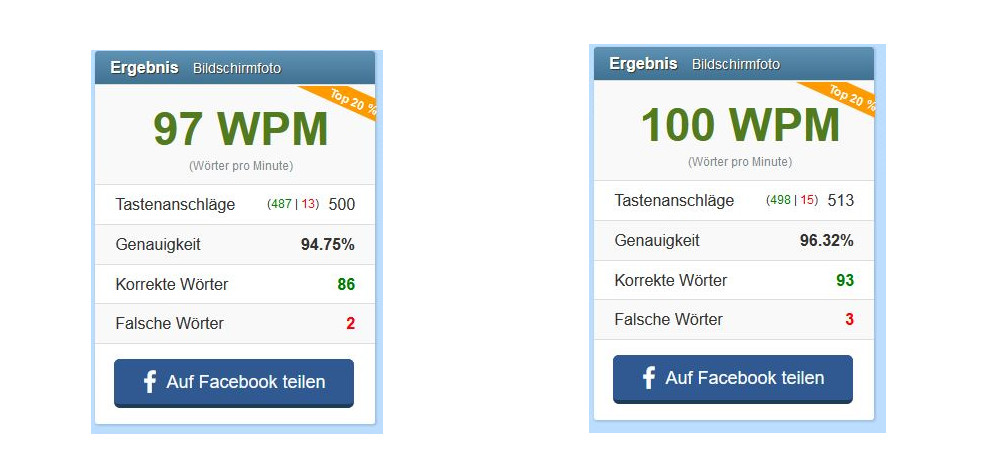
The key press feels soft and spongy; but I don’t expect anything different from a membrane keyboard. Since the keys rest on a rubber membrane, once I get used to the spongy feel, I type quickly and problem-free. In terms of accuracy, I’m just slightly below a mechanical keyboard; typing on the device is absolutely hassle-free.
What I also like about the keyboard are the media and macro keys. They are easy to use intuitively. With the FN key, you can turn functions on and off. This works smoothly and quickly without additional software. For example, I can disable the Windows key while gaming.
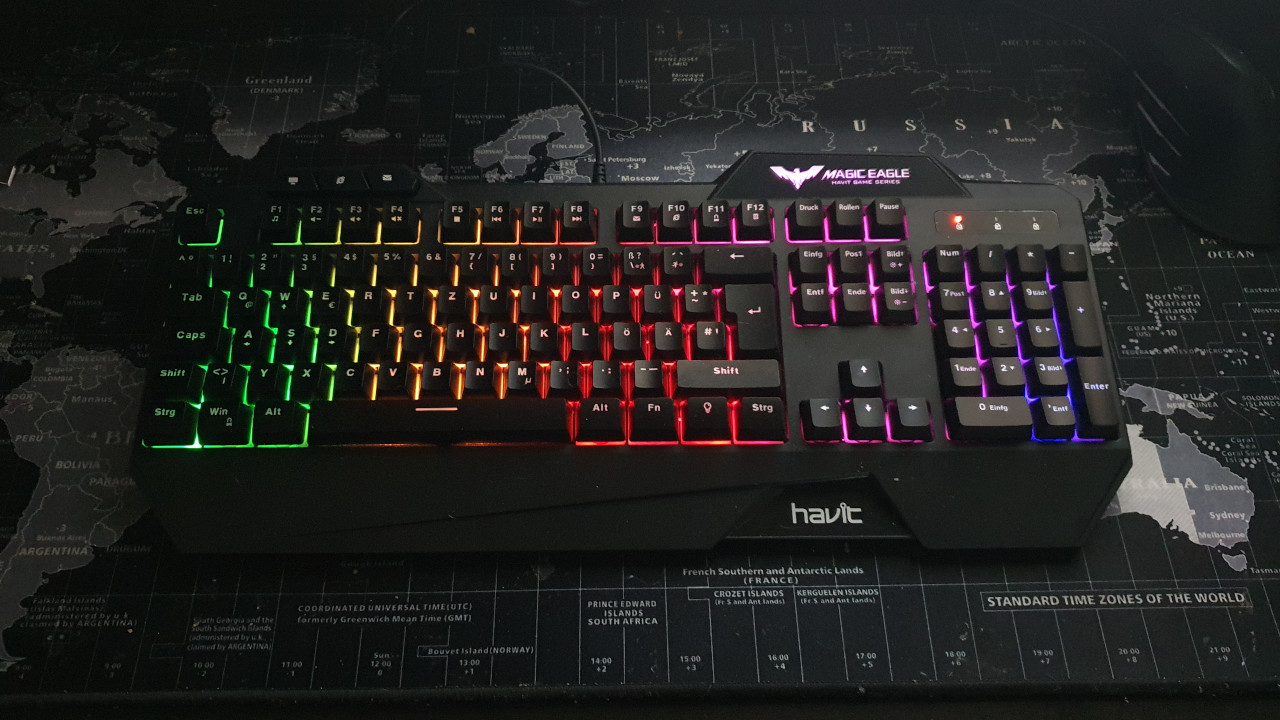
The illumination of the keyboard is adequate but a bit too dim in dark rooms. It does not shine as bright and clear as in the product photos, no matter how you look at it.
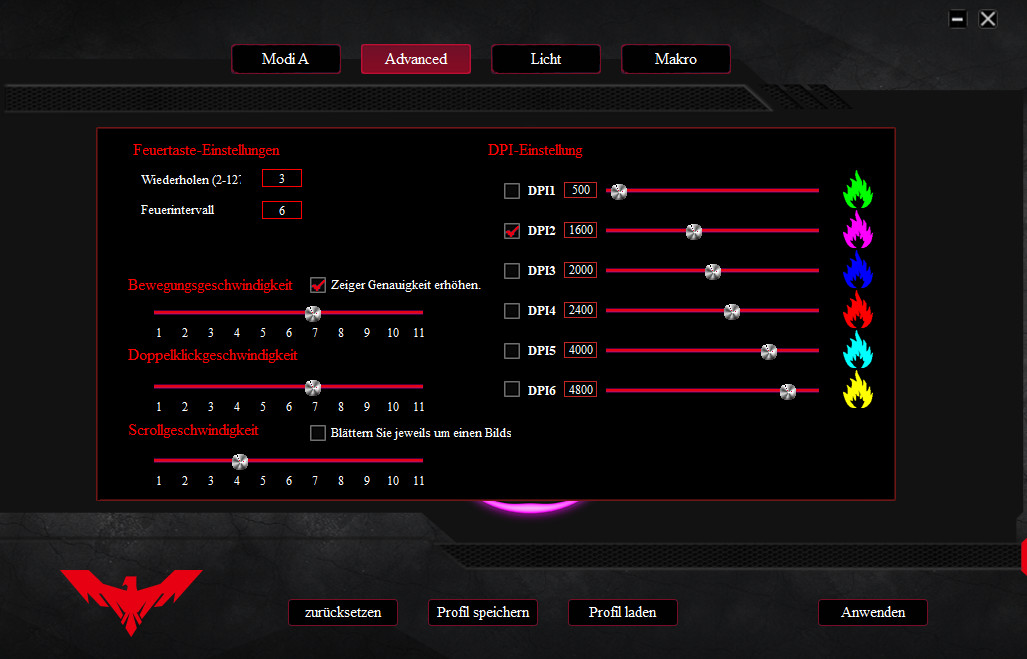
How does it feel to play with the affordable mouse? The mouse glides well over the mousepad. A small button on the mouse allows you to change the DPI. However, DPI can only be changed in increments of 400, which is already quite limited in daily use. How much DPI you really need with a gaming mouse can be read on MeinMMO.
I can’t adjust the mouse as precisely to my needs as I would like. I especially notice this when playing fast shooters. In Apex, I find aiming significantly more difficult than with a Razer Basilisk or Kone AIMO Remastered.
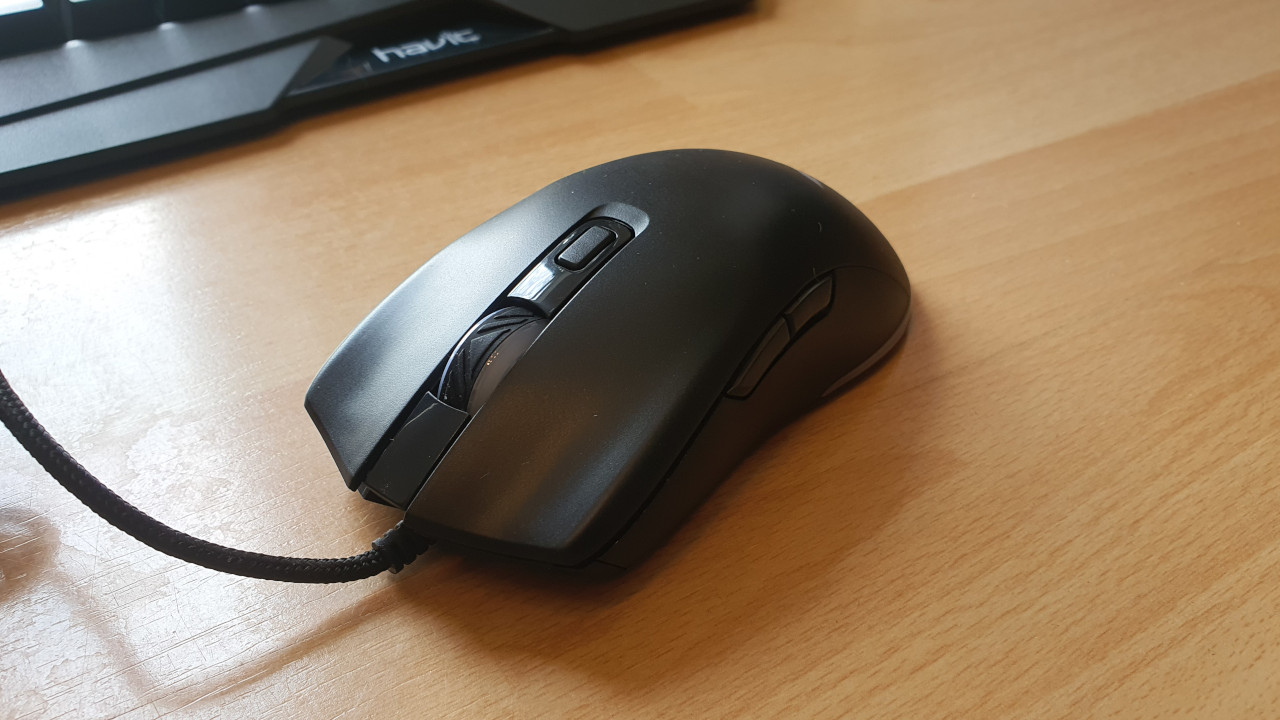
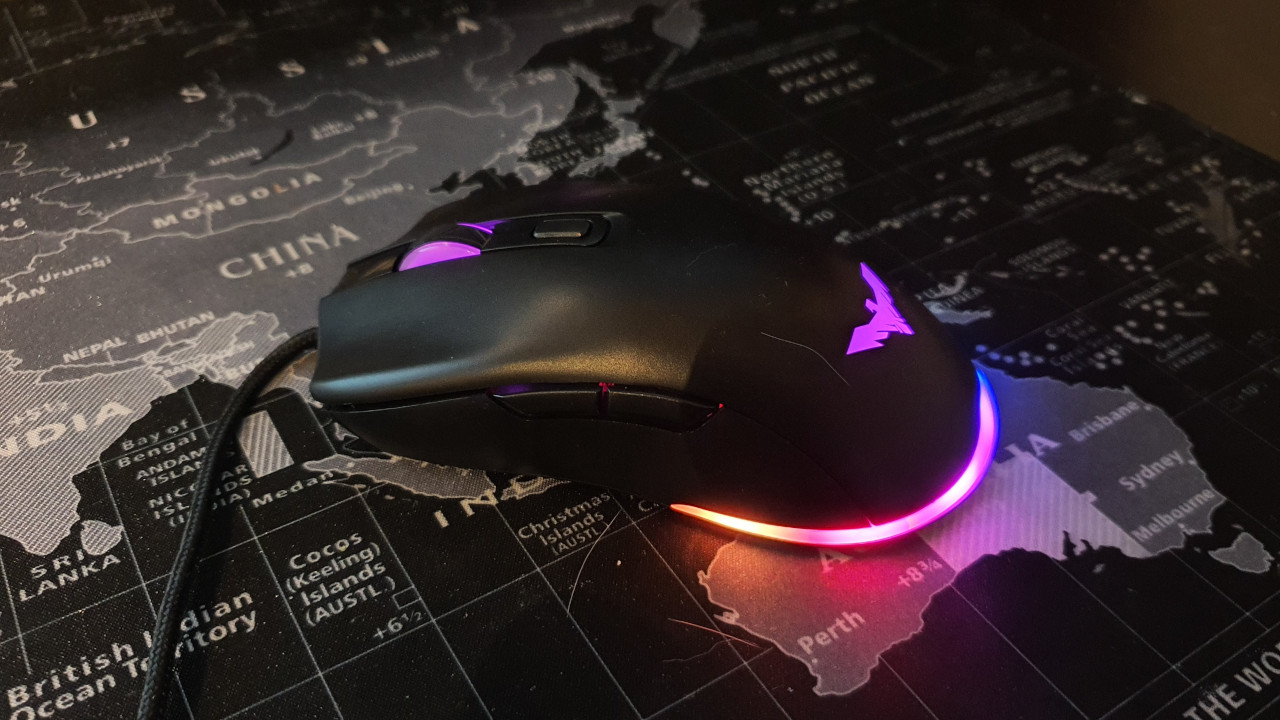
Using the manufacturer’s official software, I can still adjust the DPI steps, but the 400-step increments remain. This is unfortunate, as I could even create macros with the software. In my opinion, the manufacturer is leaving potential on the table. With a better sensor, the havit mouse could become a real insider tip.
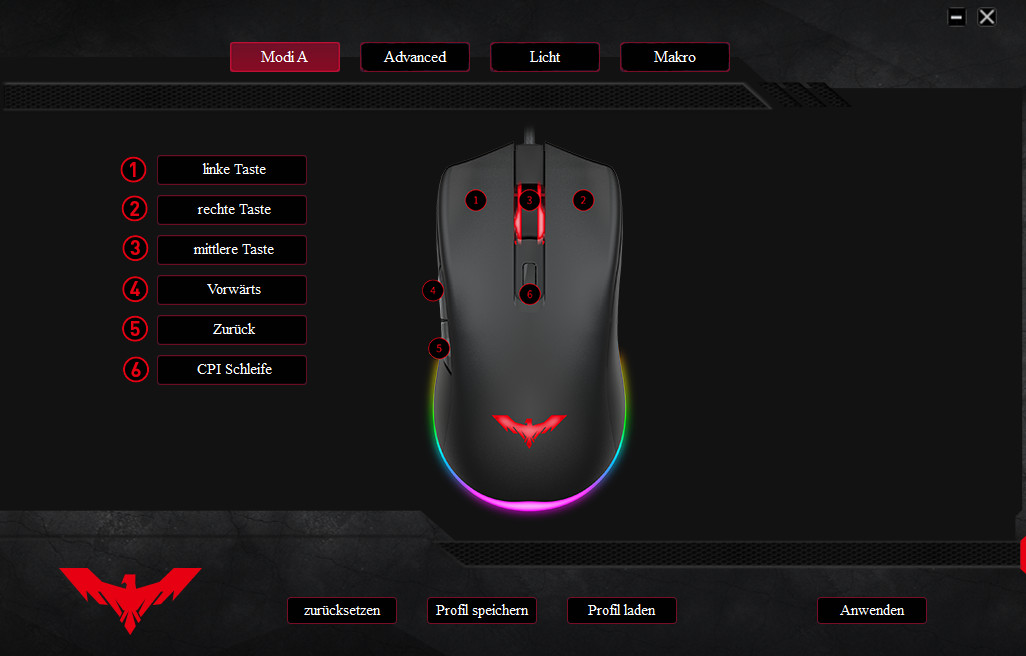
For current MMOs or MOBAs like LoL, I mainly miss more buttons on the gaming mouse; other players may also feel limited quickly. However, for a few rounds of the cozy Age of Empires, a turn-based game like Civilization VI, or a point-and-click adventure like Monkey Island, the mouse is basically sufficient.
The scroll wheel feels quite spongy. A thumb rest or grip tape on the sides is also missing, which would provide more support for my hand. Especially during heated battles, the mouse quickly feels slippery. However, the mouse has a successful ergonomic design and fits well in my hand without any annoying edges.
Conclusion: Solid hardware that shows its low price
How good is the keyboard? The membrane keyboard from havit is a fundamentally solid keyboard. But nothing more. It is good to type on, and the media control keys are intuitive. The keyboard is also very lightweight while still providing good stability on the desk. Typing on it feels no worse than on other membrane devices; for those who don’t need or want software, this is a solid device.
However, the biggest strength of a membrane keyboard, its low volume, is not present. In the test, it is significantly louder than my mechanical keyboards, and the sound quickly got on my nerves. If you choose a membrane keyboard only because you dislike the loud clicking of mechanics, you should definitely avoid the membrane keyboard from havit.
How good is the mouse? I have a similar assessment of the mouse. The mouse is solid and sufficient for casual games that do not require high precision. However, in fast shooters, I quickly notice that I lack finer sensor adjustments. Both the ergonomics and the software provide enough potential for a good mouse.
If havit were to install a better sensor in the future, their gaming mouse could become a real price-performance tip.
For just 10 euros more, you can already get significantly better hardware
What alternatives are there? If you really want a quiet membrane keyboard, then opt for the Roccat Magma that MeinMMO tested. This keyboard is indeed quiet and offers good illumination. A few keys can even be programmed. An alternative, also for under 50 euros, would be the Corsair K55 RGB. Razers Cynosa Lite can be bought for just 20 euros, but personally, I cannot really convince, as the lighting is far too weak.


*Affiliate-Links. Wir erhalten bei einem Kauf eine kleine Provision von Amazon. Vielen Dank für Eure Unterstützung!
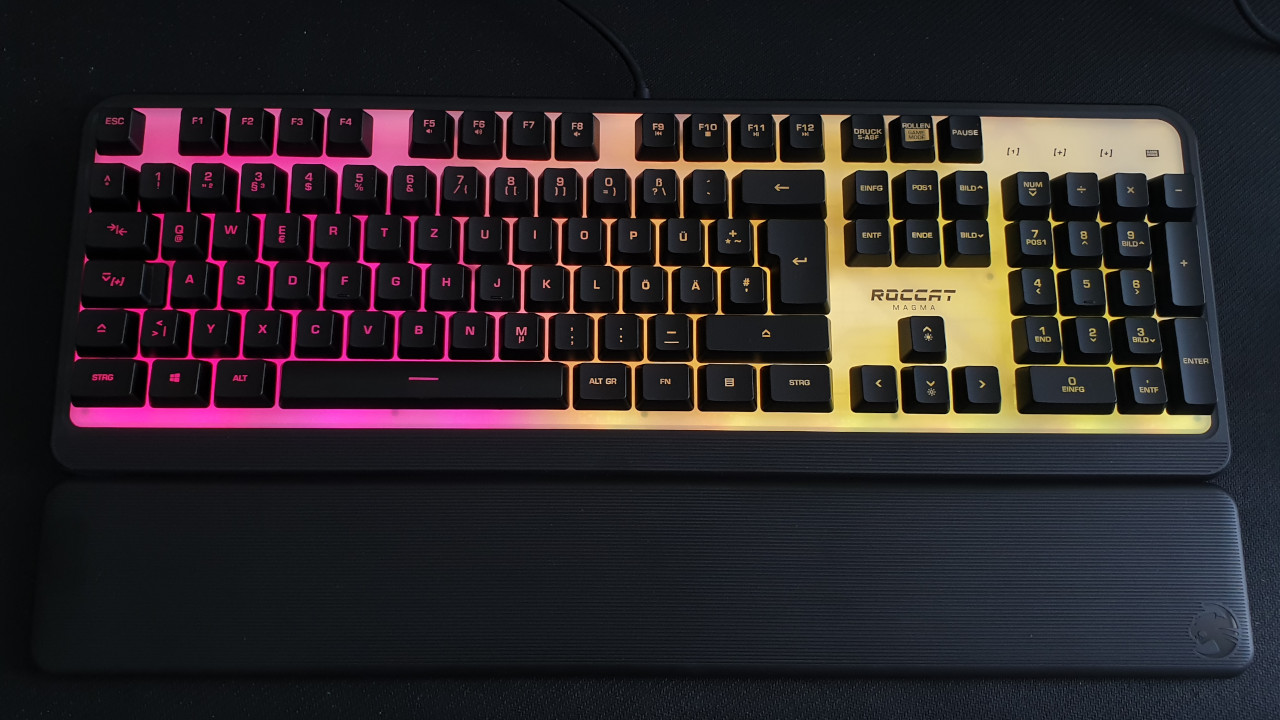
Mechanical keyboards offer higher durability than membranes. You can already get decent mechanical keyboards for around 40 euros. From the same manufacturer, havit also offers a mechanical keyboard with blue switches. The blue switches feel especially nice when typing, but are also suitable for gaming.
A price-attractive full-fledged gaming alternative would also be the Sharkoon Skiller SGK30 with red switches. The red switches activate faster than the blue counterparts. The Sharkoon keyboard is a tip for anyone not willing to spend more than 50 euros on a keyboard but who does not want to miss out on good illumination or decent software.


*Affiliate-Links. Wir erhalten bei einem Kauf eine kleine Provision von Amazon. Vielen Dank für Eure Unterstützung!
For gaming mice, you typically need to pay around 20 euros if you value a good sensor. With Steelseries Rival 3, Roccat Burst, or Razer DeathAdder Essential, you can already get three good gaming mice with a decent sensor for 20 euros, which offer you more precision than the affordable product from havit.
More gaming keyboards: Do you want to spend more money on a mouse and keyboard? Then take a look at the buying guide here on MeinMMO. Here you will find the best gaming keyboards if you want to invest more money. You will also find some tips if you don’t know what to look for when buying: