

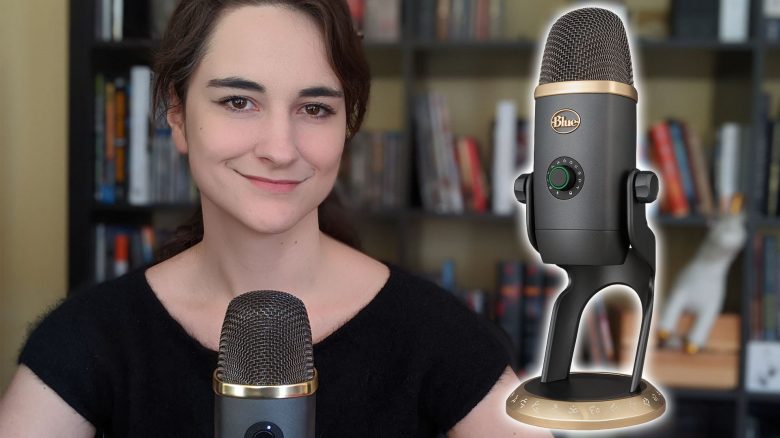
Blue Microphones recently released a new Yeti X in a special “World of Warcraft” edition. MeinMMO editor Leya Jankowski took a look at the microphone as she was still searching for a good podcast microphone. Here you can find a conclusion.

I had little to do with professional microphones until now, as I never really needed one. That changed abruptly when we started our own podcast with MeinMMO. I can be heard there as one of the main hosts. Excellent sound quality is everything in this medium. My voice must not sound like it’s coming from a tin can or torture your ears with scratching and popping sounds.
Since March 2020, we have been working from home due to the Corona pandemic, and I can’t use our sound studio in the office. It came at just the right time when I got the opportunity to test the Blue Yeti X in the “World of Warcraft” edition. After all, the microphone was described in the press release as the ideal microphone for podcasters.

5 “WoW-Killers” that were killed by WoW
What caused dead MMORPGs, which were once referred to as “WoW-Killers“, to fail? This is the question the editorial team discussed in the MeinMMO podcast.
What you can expect from this review: As you might have guessed already, I hereby confirm: I am not a professional hardware tester and am (yet) not very knowledgeable about microphones. I will share my impressions with you and also tell you from a layperson’s perspective how it is for me to use the microphone’s special features.
The review includes:
- an introduction of the microphone and its specifications
- a description of the optics with my own photos
- an assessment of the user-friendliness of the software and microphone
- a self-recorded voice sample, with different settings
Introducing the Blue Yeti X “World of Warcraft” Edition
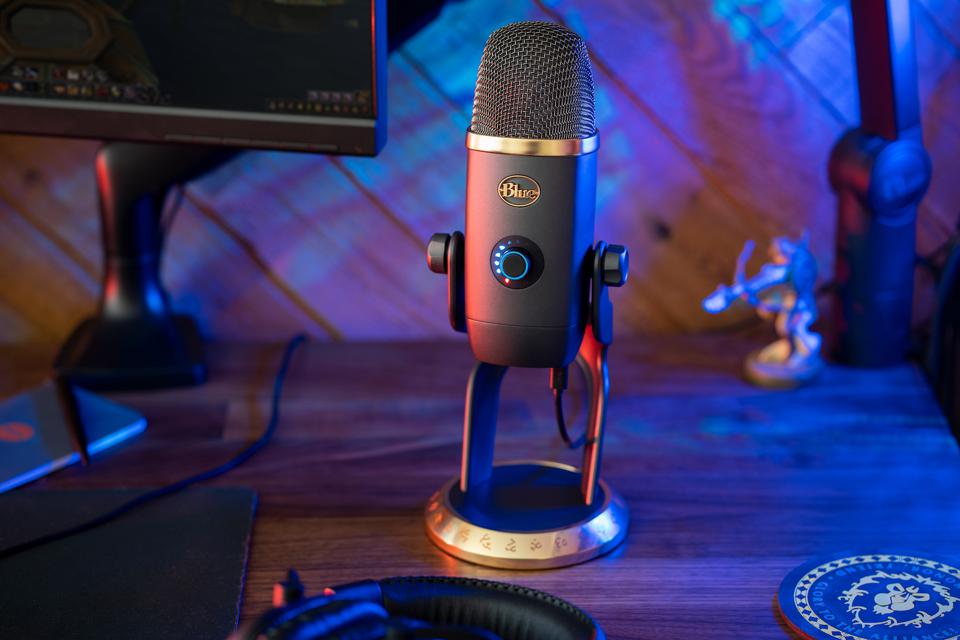
What makes the USB microphone special? By the title “World of Warcraft” edition, you have probably already guessed that this microphone has something to do with the most famous MMORPG in the world. But what exactly?
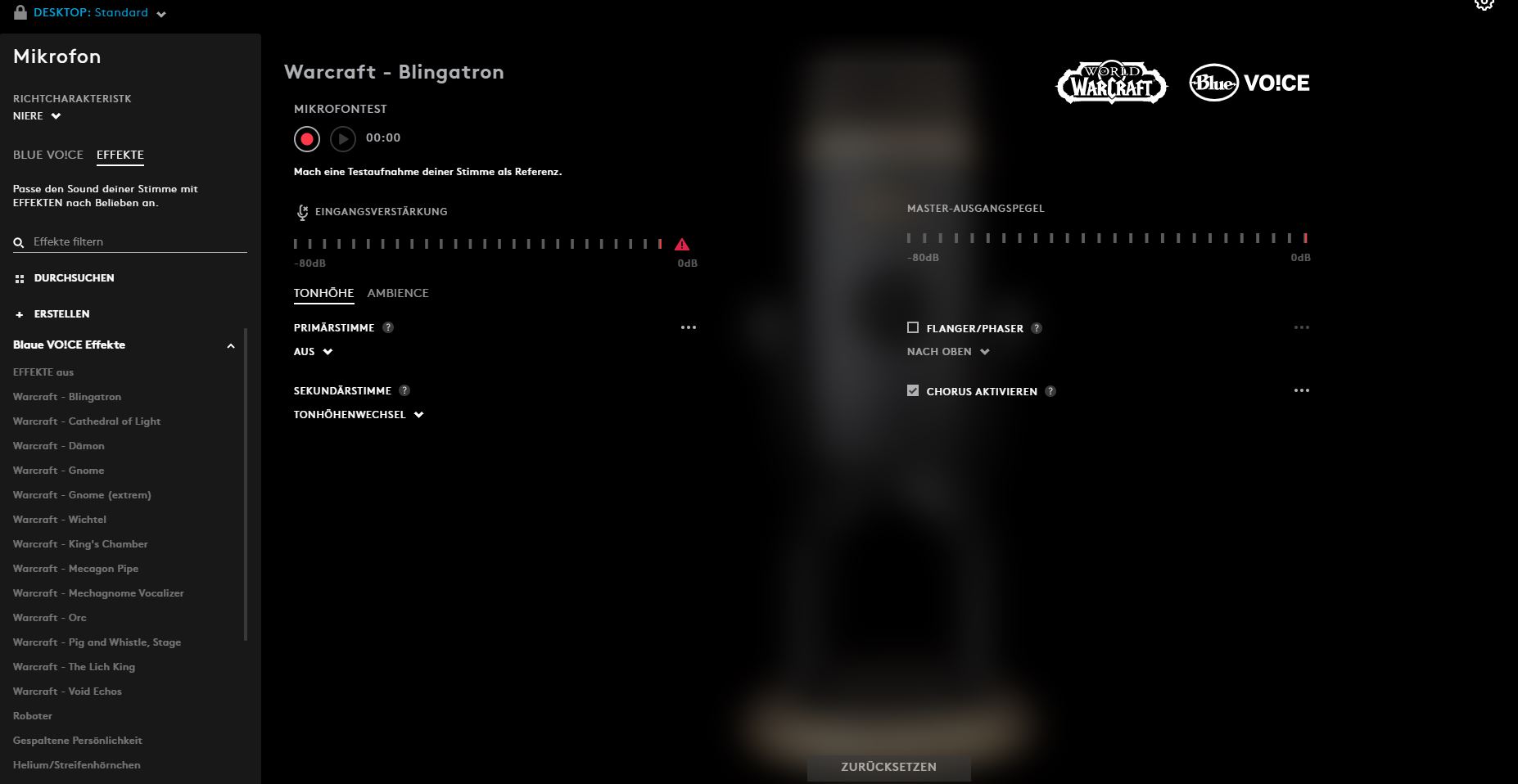
For one, “World of Warcraft” is prominently displayed on the back of the USB microphone. But that’s not all. Together with the microphone came a new extension for the Logitech G Hub. With this software, Logitech products such as keyboards and mice can be configured. The extension for the “World of Warcraft” microphone provides HD audio samples from Shadowlands and generally from World of Warcraft.
Additionally, there are presets that adjust your voice. For instance, you can turn yourself into the Lich King or an Orc from the WoW universe. However, there are also presets that have nothing to do with World of Warcraft and give the voice a warm or bass-heavy sound. These settings are particularly interesting for me as I mainly want to use the microphone for podcast recordings.
The microphone is thus not just a visual collector’s item. Through the software, it gains some additional functions that other microphones do not have in this way. The software can be downloaded and used for free.
What does it cost? €209 – the standard version of the Blue Yeti X costs €180.
Technical Specification
Let’s start with the bare facts about the microphone:
- Power supply/current consumption: 62mA – 203mA
- Sampling rate/bit depth: 48 kHz, 24-bit
- Polar patterns: Cardioid, Omnidirectional, Bidirectional, Stereo
- Frequency response: 20Hz – 20kHz
- Max SPL: 122dB
- Dimensions (in stand): 11 cm x 12.2 cm x 28.9 cm
- Weight (microphone and stand): 1.28 kg
- Weight (microphone only): 0.519 kg (1.14 lbs)
- Connections: USB (a 2m cable is included)
The Design is Elegant and Mature
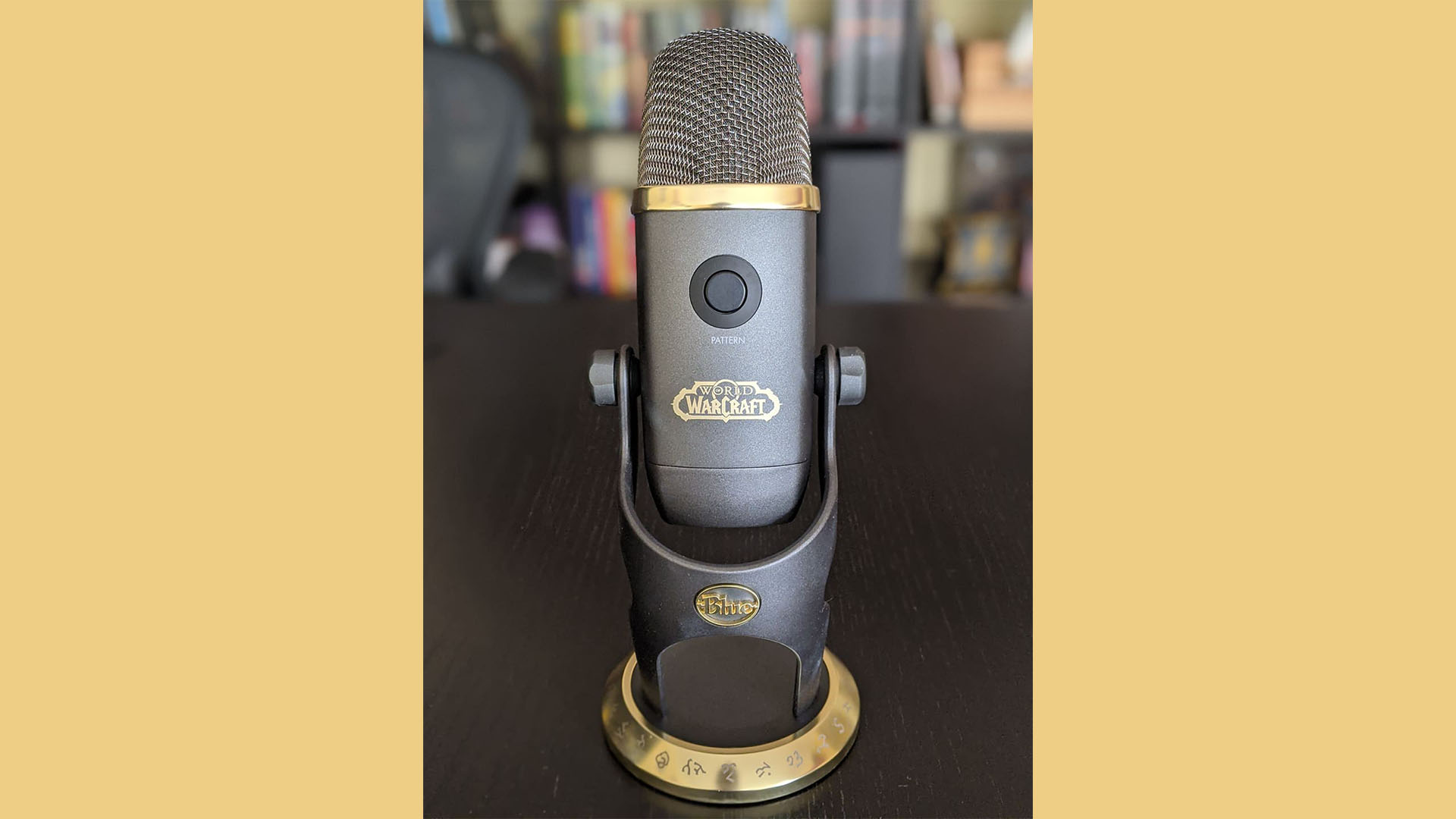
What I like: When I freed the microphone from its box, my first thought was that it looks pretty stylish. Two large, gold rings encircle the microphone. Mystical runes wrap around the ring at the base, which “World of Warcraft” players should immediately recognize. The grayish surface of the microphone is matte. The combination of the matte surface and the golden embellishment gives the microphone an elegant look. This gives it a mature tone.
I prefer the elegant design to any of the flashy neon colors often associated with the gaming scene. The microphone would probably not immediately stand out as gamer gear in a business Zoom meeting.
The logos of Blue and World of Warcraft are also in gold, blending into the overall look of the microphone. They are large and prominent but not intrusive.
If someone prefers a more flamboyant or plain design, they might not be happy with the aesthetics. Some may also find it a bit bulky, due to the slightly edgy corners and the sturdy belly.
What I don’t like: Fingerprints are noticeable on the matte surface (and depending on the light). For the test, I touched the microphone a lot, leaving whitish marks in some places. However, these were quickly removed with a gentle cleaner and a cloth.
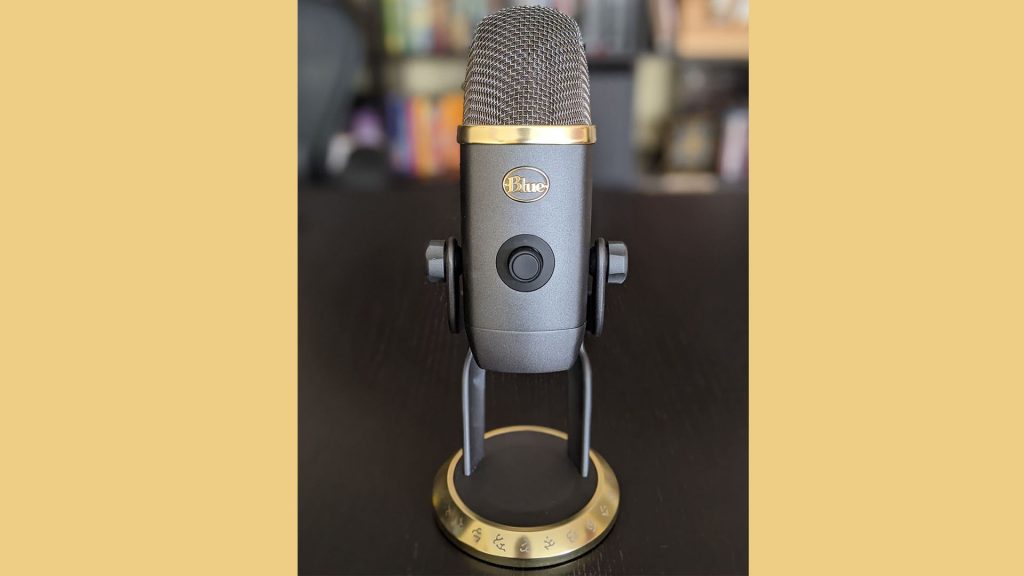
Front side 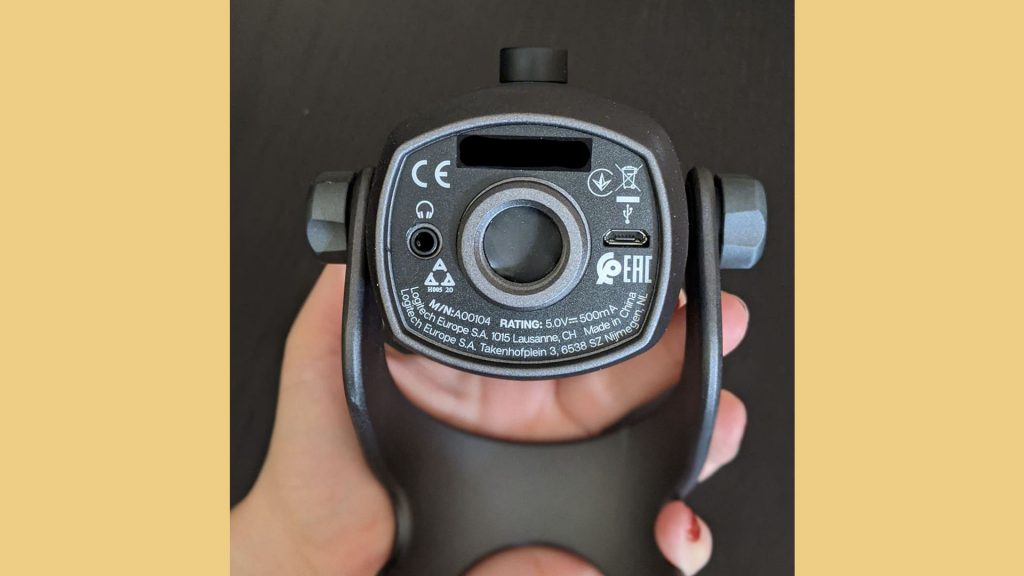
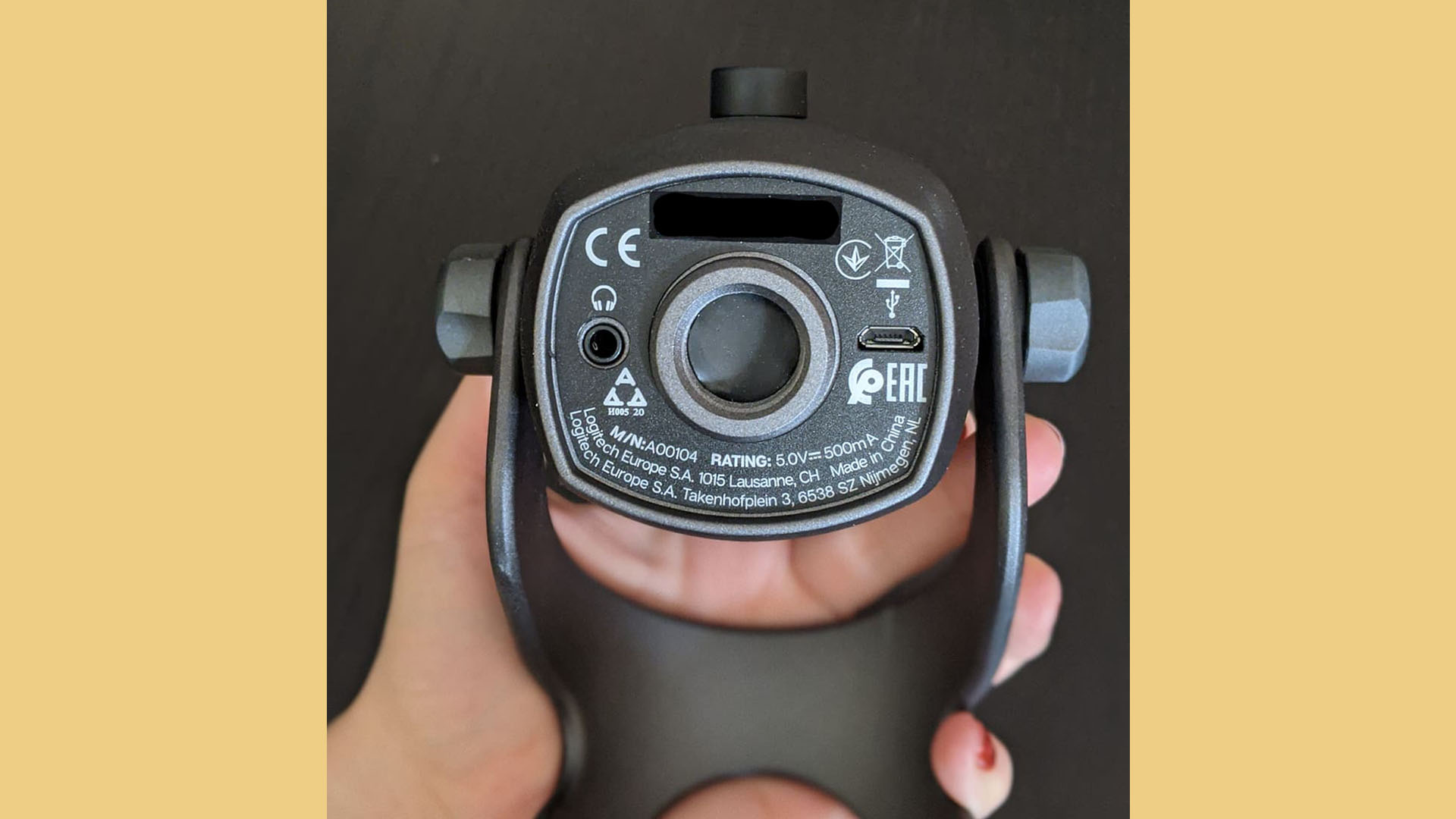
Connections 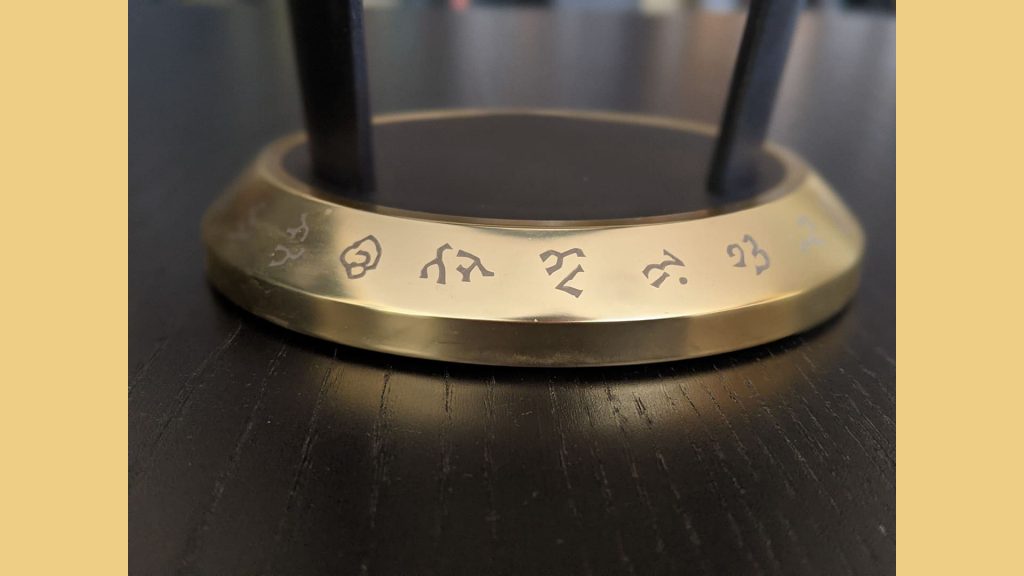
Base with runes 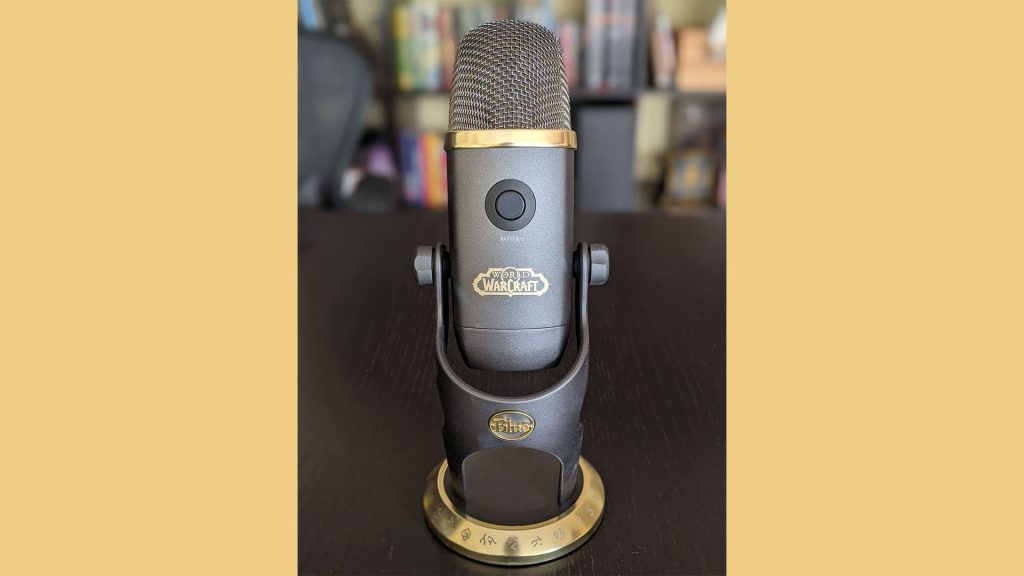
Back side
The Microphone and Software are Easy to Use
What I like: The microphone is ready to use quickly. It comes with a USB cable that I connect to my PC. As soon as it is plugged in, it can be used right away. For the basic use of the microphone, nothing else needs to be installed.
It is possible to connect headphones to the microphone, allowing me to hear my own voice while recording. This is quite practical for recordings, as I can immediately hear if something is wrong with my voice. For example, I can hear if I start to sound scratchy and should pause the recording to drink some water.
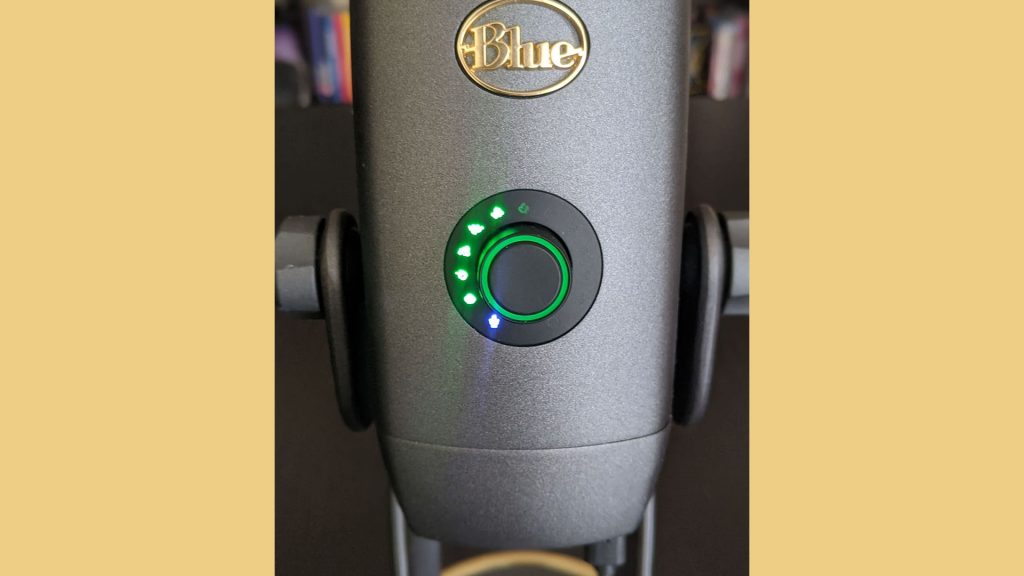
A big plus for me as a layperson is the two adjustment options directly on the microphone. I control the input volume with a knob on the front. Flashing runes indicate the volume. If the runes go into the red zone, I know that I am overdriving and can immediately turn the dial to get back to the green runes.
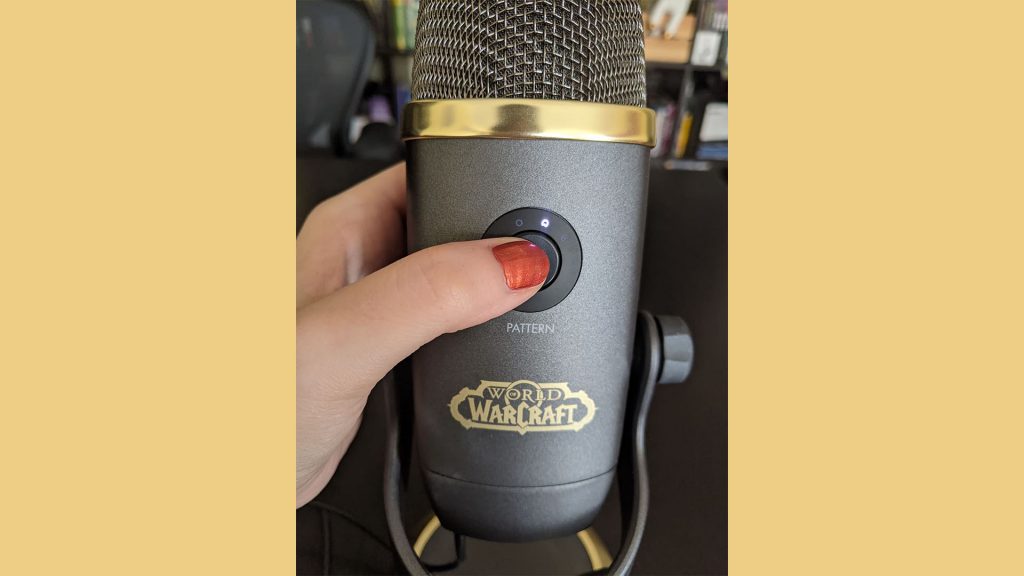
On the back is a button with a four-capsule array and four polar patterns. Simply put: there are four settings, through which the microphone picks up sounds from different directions. A graphic is included to simply explain what the orientations do.
For recording a podcast, I use the cardioid mode, which captures my voice directly in front of the microphone while minimizing background noise.
The true heart of the microphone is the accompanying software “World of Warcraft Blue Voi!ce”, which is included in the free Logi G Hub. When I launched the software for the first time, small mini-tutorials appeared. They showed me step by step what settings are available and how to use them.
I only need to click on the corresponding preset, and it already modifies my voice. The minimal use of the program is more than simple. WoW fans who want to use the microphone in a raid will undoubtedly find it easy to navigate.

What I don’t like: It is possible to configure the presets or create your own voice samples that can be shared with others. At certain points, it is not entirely clear to me what I can exactly customize and create. Here, an extra 2-3 mini-tutorials would have been desirable.
However, that is nitpicking because if you click through the options and just try things out, you can figure out a lot by yourself.
Hear the sound in a voice sample here
So you can get an impression for yourself, I have recorded three voice samples:
- a raw version, without using the software
- a version in which I present the “professional” presets that are also great for podcasters
- a version in which I take on various roles from the WoW universe
Voice sample without special software: In the following track, you hear my voice in its raw form. The microphone was simply plugged in, and I started talking right away.
Voice sample with Blue VOI!CE for professional adjustment: For the second recording, I recorded two different options that professionally adjust the voice. This should make the voice sound better for podcasts or video recordings.
Voice sample with Blue VOI!CE for a WoW adjustment: In the third recording, I experimented with the voice distorters from the WoW universe. This ranges from Gnome to Demon to Lich King.
For my home studio, the microphone has convinced me
I have already produced a podcast with the Blue Yeti X: “World of Warcraft” edition. Here, I am completely satisfied with the sound quality. I recorded the podcast without the software Blue VOI!CE.
During the recordings, I noticed that the microphone tends to make a popping sound. The microphone comes without a pop shield, which means one has to be a bit careful with pronunciation to avoid smacking and popping. I will probably get a separate pop shield for this.
I find the adjustments that I can make directly on the microphone to be particularly practical. If you are not an audio professional, you can at least easily ensure that the input volume is correct and that the microphone records from the right direction.
However, these are things that the more affordable version, the standard Blue Yeti X, already offers. So, if you only need a high-quality microphone for podcasts, streams, or videos, this microphone is likely perfectly adequate. Or perhaps another in the same price range.
For WoW fans, the microphone is definitely a great collector’s item. It would make a special gift. Playing around with the Blue VO!CE options is fun. From experience, I can say that a Gnome voice can lighten up a team meeting. However, I have been told that the Warcraft voice distortions do not sound entirely authentic – but they are still amusing.

Your opinion is important to us!
Do you like the article? Then let us know!