

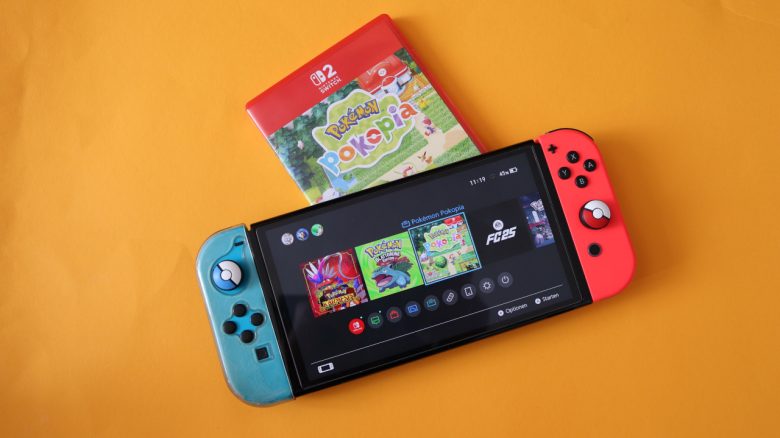
Pokémon Pokopia on the old Switch? Yes, that works, although only with a detour. MyMMO editor Benedikt Schlotmann tried it out, but the limitations are significant. Pokopia on the Switch 1 feels more like a demo than a real game. Nevertheless, you get a first impression of the game world.
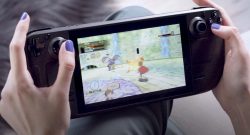
Pokémon Pokopia is the first Pokémon game that is exclusively released for the Nintendo Switch 2. But thanks to GameShare, I can also “play” the game on my old Switch.
And that’s exactly what I wanted to try out: I dove into the co-op adventure with my wife and started Pokopia on my old Switch. However, in the end, the game felt more like a demo on my Switch.
Pokopia on the Switch 1: The basics work, but not much more
How does that even work? The setup is really simple: I select the GameShare option in the main menu of my Switch and then choose the “Accept GameShare” option. If the game on Switch 2 is open, I will be automatically invited to the game.
Local GameShare only works on the Sandbox Island and not in the main world. If you are in the normal game world, GameShare is hidden.
What can I do? The most important thing first: I play Pokopia only indirectly on my Switch, because GameShare is a stream from Switch 2. Nothing is installed or actively downloaded on my old Switch.
Basically, I can move freely in the game world and use various abilities: I can dig up the map, sow plants, and create new habitats. I can also talk to Pokémon and add them to the Pokédex. And I have no movement restrictions: On the co-op island, I can move to the other side of the map without it bothering anyone.
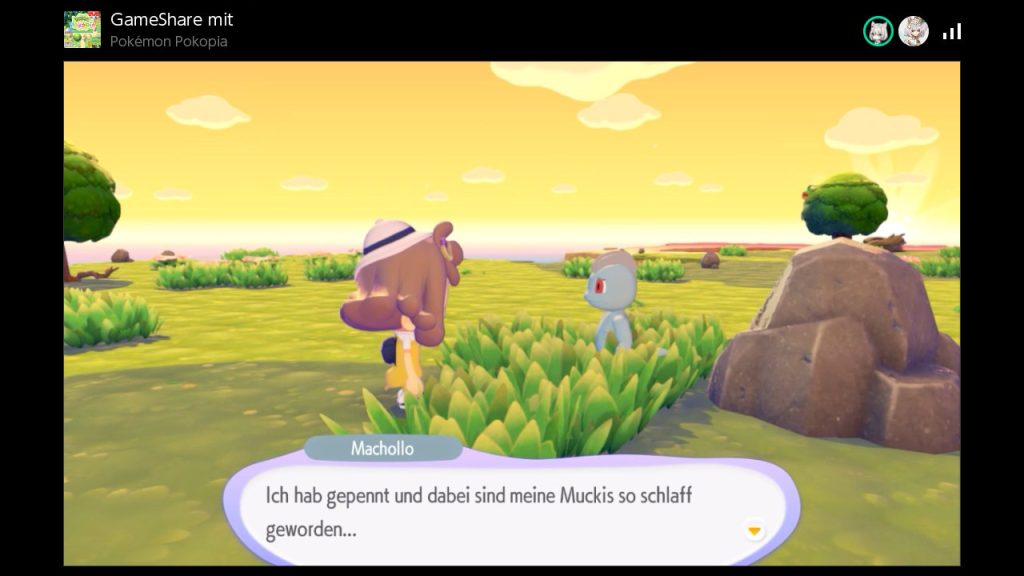
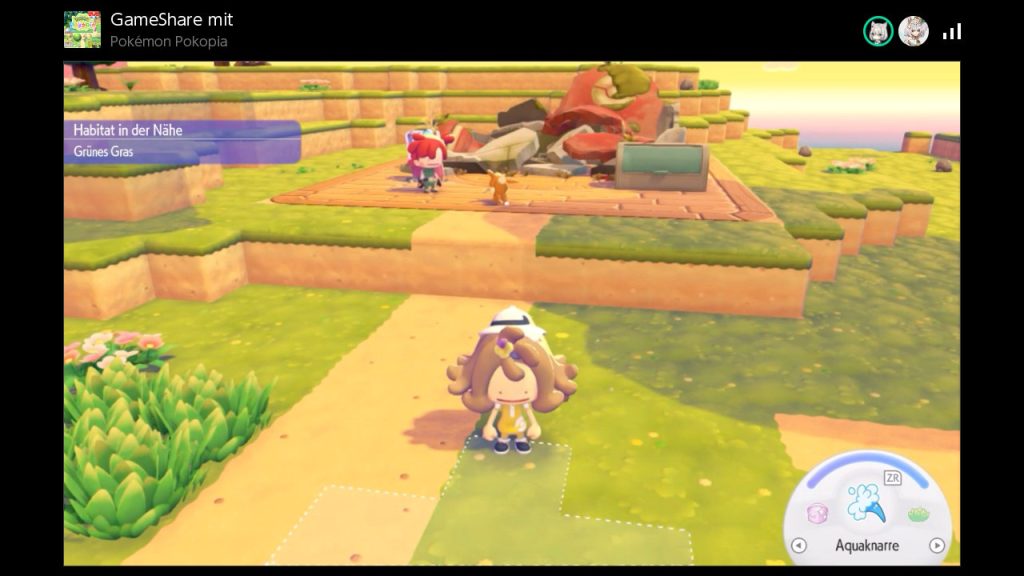
Which features are disabled? More or less all features that go beyond these “basics”:
- Basically, I can only play on the co-op island; I cannot enter the open world.
- I cannot use the workbench and craft items.
- I cannot use the Pokémon Center, buy things, or use the PC.
- I have no access to the Pokédex or the habitats list.
- I have no way to create or adjust my avatar myself.
- All items I collect during the game automatically end up in a box at the Pokémon Center.
This includes many core functions. When I play with my wife through GameShare in co-op, I have few opportunities to really participate in the gameplay. I can reshape the landscape and create new habitats, but I cannot really access any content.
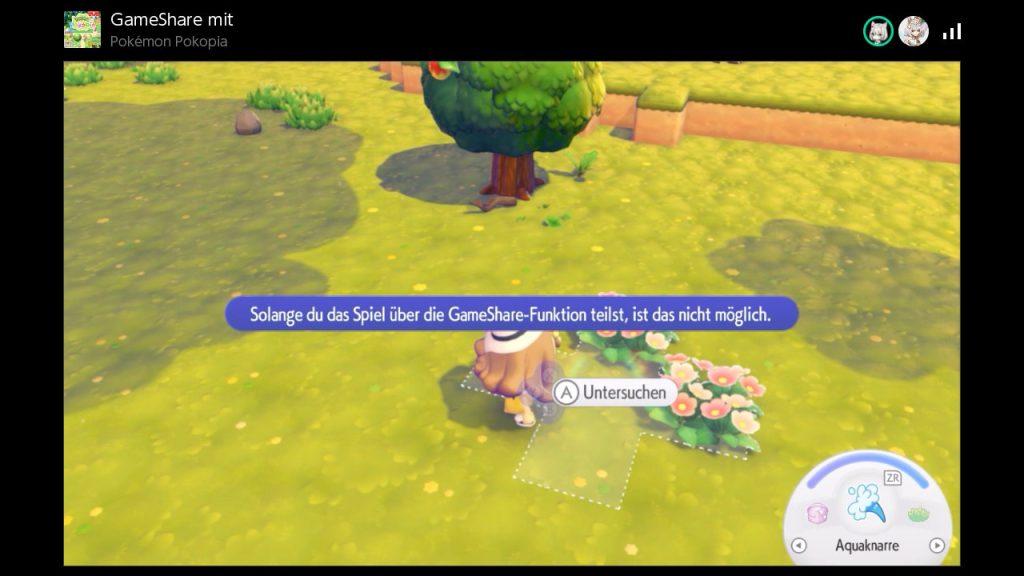
Overall, Pokopia on Switch 1 feels more like a demo: I can walk around the map, use things, and talk to Pokémon, but that’s it. For a “real” co-op mode, that is just a bit too little.
At least: In the proper co-op mode with another Switch 2, the co-op mode is supposed to be much better and less restricted.


Pokémon Pokopia is not my first encounter with Pokémon in recent days: Because in Pokémon Go you can now get Mewtwo. For me, that was the opportunity to pull out this app again. The hunt for the well-known pocket monster also had a few other positive side effects: Because I wanted to catch Mewtwo in Pokémon GO, I walked over 30 kilometers in a week and feel really good now.

Your opinion is important to us!
Do you like the article? Then let us know!