

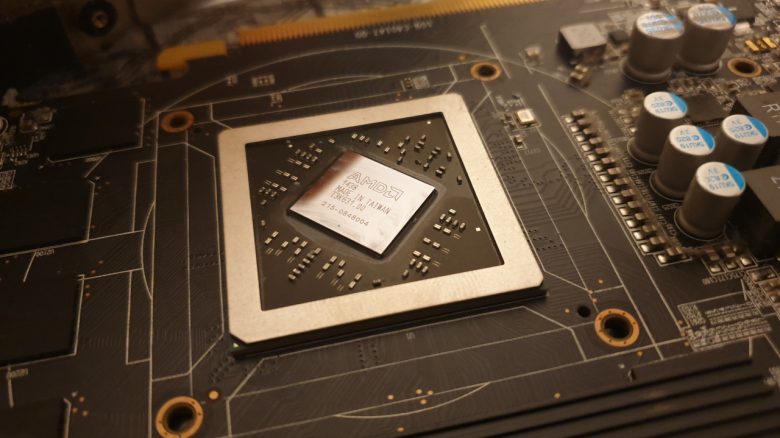
You like to tinker with your gaming PC and optimize your hardware? Then don’t make the same mistake as MeinMMO editor Benedikt Schlotmann, who wanted to do too much at once.
Many users prefer to work on their gaming PC themselves, swapping out components or optimizing their machine. However, anyone looking to remodel their computer should not make the same mistake that happened to me now.
Because this mistake cost me a lot of time that wouldn’t have been necessary if I had paid more attention. And I just wanted to exchange a few components quickly, all while paying attention to the important tips for building a PC.
Whoever swaps three components swaps two too many
What did I do? I had tinkered with my computer and swapped out several components at once.
- I installed a new graphics card and a larger power supply. For my graphics card, I installed a 600-watt power supply because my previous power supply would no longer be sufficient.
- I also renewed my cable management in the process.
- Additionally, I replaced the power strip.
What happened? After the upgrade, I wanted to game again in the evening. However, suddenly numerous games wouldn’t start or got stuck on the loading screen.
Initially, I suspected Apex Legends, as an update via Steam can occasionally go wrong. I reinstalled the game and tried to start it again. But the problems persisted, and I couldn’t game properly.
Now, I was faced with the big question: Where did the error occur, or had I damaged the hardware during the upgrade because I hadn’t been careful enough?
Because the issues hadn’t existed before the upgrade. So I had no choice but to replace each individual part again. After all, I didn’t know where the error had occurred during assembly.
- First, I swapped the graphics card for another one. The error still persisted unchanged.
- Next, I replaced the power strip again. The error was still there.
- Finally, I swapped my new power supply for my old one – and suddenly everything worked again.
What was exactly broken? After the exchange, I suspected the power supply. With 600 watts, it provided more than enough power for my graphics card and the rest of the hardware. My old power supply only provided 450 watts, and with that, everything functioned perfectly again.
Searching for the error cost me about 2 hours. However, troubleshooting could have taken much less time, and I might have had the patience to fix my cable management again.
You won’t find this tip in any manual: Most manuals usually give you directions on how to assemble your computer. For instance, you first mount the processor along with the cooler onto the motherboard and then go from one step to the next until you have assembled the entire PC.
However, the manual does not state that you should replace and test each part individually, nor that you create a lot of work for yourself when swapping two, three, or more components. Because that is only a perceived time saving.
Yet no manual considers what happens when you want to swap out parts. The case for the future gaming PC is often underestimated.
I have learned not to swap more than one component at a time
What could I have done differently? If I had only swapped the power supply first, I probably would have noticed the error immediately. I still would have reinstalled the game or suspected Steam, but I wouldn’t have had to swap so much hardware.
And this is also an important lesson that you should consider as well. When you tinker with your PC or swap hardware, always swap out only one component at a time. Because this way, you find the error much faster and save more time than if you first have to search for the issue afterwards.
In the future, when I swap a component in my computer, I will only replace one component. Because that limits the potential errors to a narrow scope. I can find the error much faster and don’t have to disassemble everything. And in the worst case, I’ll only need to swap out one component again instead of swapping each part multiple times.
What do you think? Have you made the same mistake or do you always swap out only one part at a time? Share it in the comments!
By the way, I was able to solve another problem much more easily. For that, I only needed a screwdriver and an investment of 5 euros. What I did exactly and why it has significantly improved my computer can be read here on MeinMMO:
5 euros and a screwdriver solved my biggest problem in the gaming PC

Your opinion is important to us!
Do you like the article? Then let us know!