

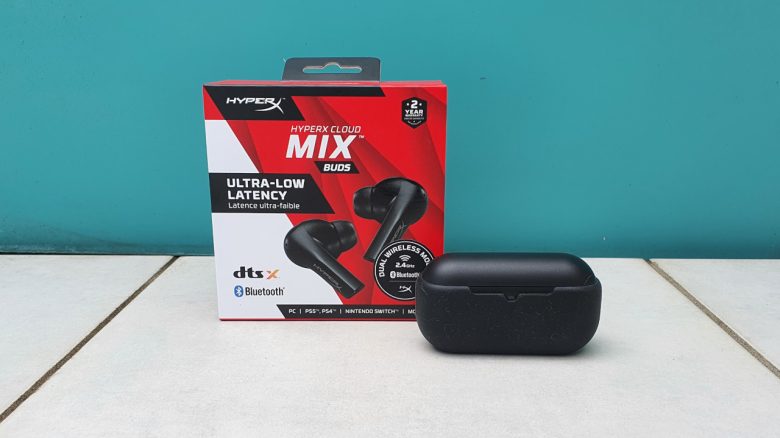
With the HyperX Cloud Mix Buds, there are in-ear headphones for gamers that can be used with mobile phones, PC, and PS5. Why the idea behind it is great, but the execution is not entirely convincing, is explained in the review.
HyperX offers “Cloud Mix Buds” in-ear headphones for gamers. They aim to provide good sound in a compact size and advertise low gaming latency and wide compatibility for mobile phones, PCs, and consoles. In particular, in-ears compatible with the PS5 are relatively rare.
In the review, I wanted to find out how well the HyperX headphones perform and whether they justify the price of just under 150 euros. Because the idea of selling gaming in the form of in-ears appeals to me very much. With EPOS and Razer, however, there are already reputable competitors.
Who tested it?
I personally own over 20 gaming mice and have tested over 15 keyboards. I also now have over 10 sets of in-ear headphones. At MeinMMO, I have been testing hardware for our readers since 2019. Besides the PC and PS5, I am also now using the Steam Deck.
The HyperX Cloud Mix Buds were provided to me by the manufacturer for testing. HyperX actively supported me with the technical issues.

Benedikt Schlotmann
Hardware Editor MeinMMO
Features and technical details:
| Design/Interface | In-ear headphones |
| Software | App (Android, iOS) |
| Lighting | No |
| Compatibility | PC, PS4, PS5 and mobile phone |
| Scope of delivery | Keyboard, manual |
| Special features | Compatibility with PlayStation, dongle. |
| Other features: | Ultra-low latency, dts:x surround sound, dual wireless mode (2.4 GHz and Bluetooth) |
| Price (RRP) | 159.99 |
Oops, unfortunately this affiliate widget is no longer available. |
Design and Build
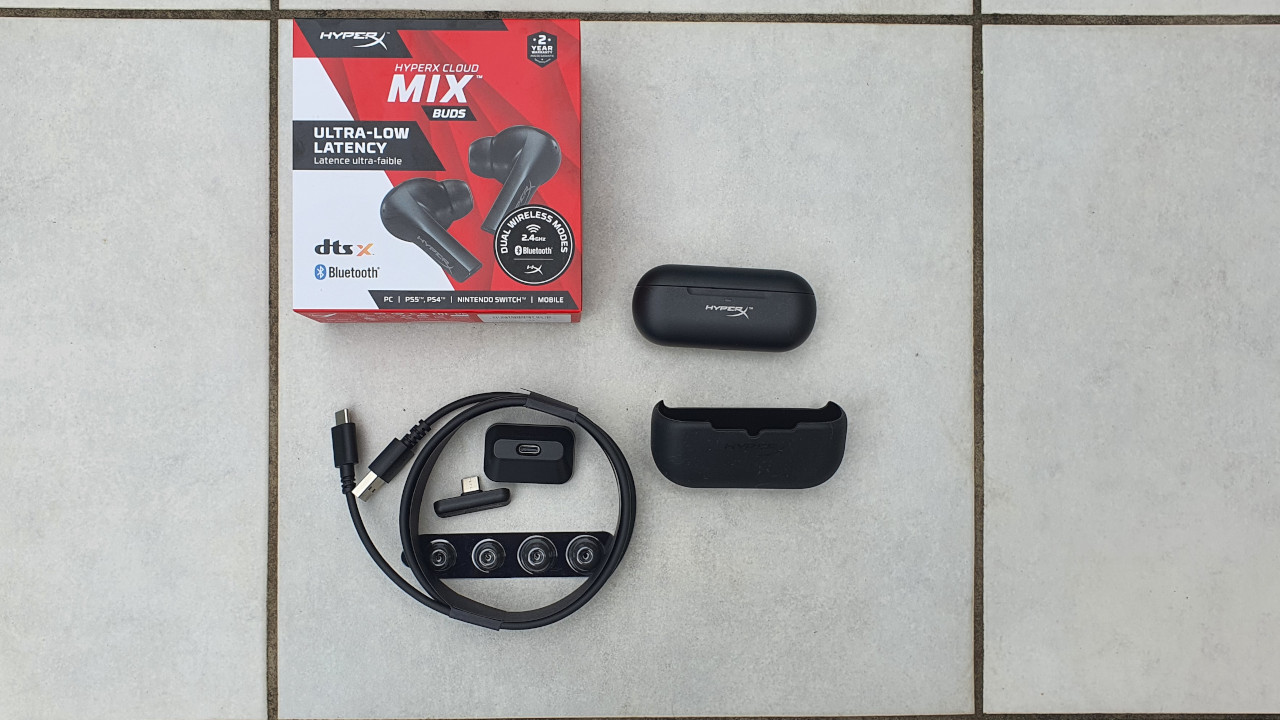
Scope of delivery: Included in the delivery are the following items besides the headphones:
- 2.4 GHz dongle (USB-C)
- Charging case and silicone cover for case
- Ear tips in 3 sizes
- Extension adapter
- Charging cable (USB-C to USB-A)
- Quick start guide
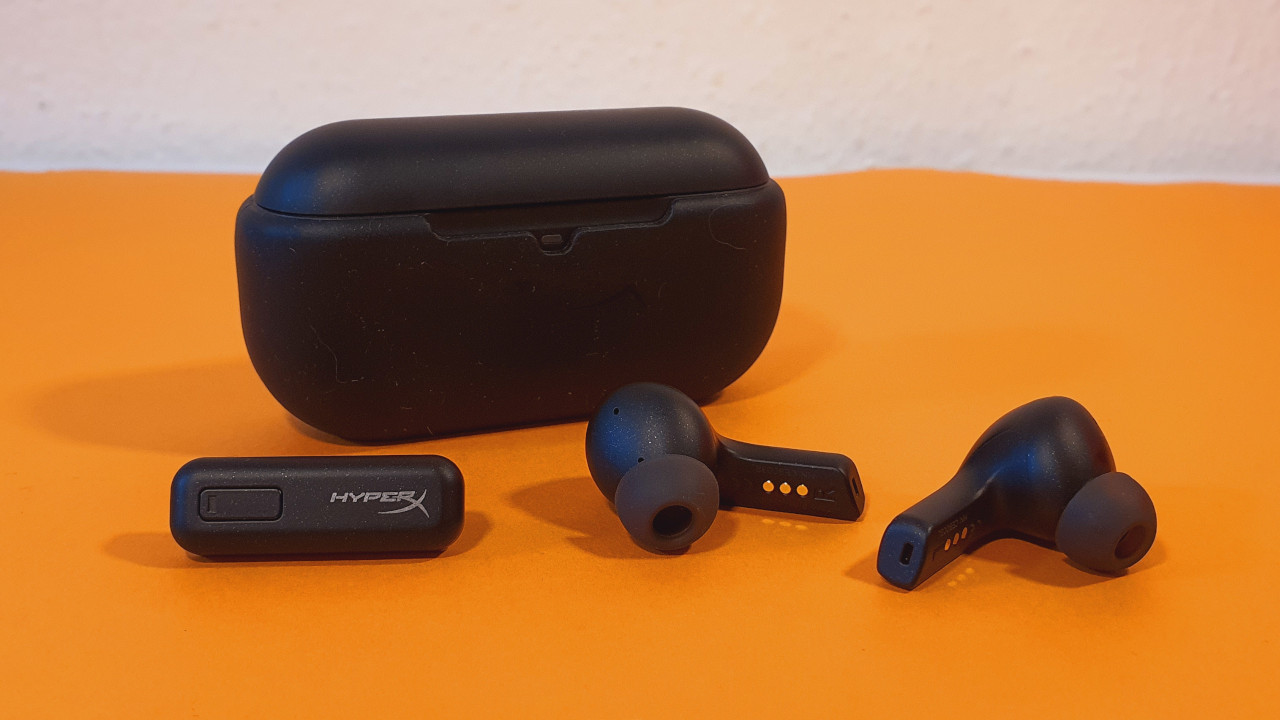
Design and Build: The in-ear headphones from HyperX have a fairly wide body that needs to be inserted into or on the ear so that the silicone tip fits in the ear. There are no additional cushions for the ear bone.
The design is in plain black. Aside from a simple logo of the manufacturer, the in-ears feature no additional design or embellishments. There is no RGB lighting, which would only illuminate the ear from the inside.
The case for the headphones is somewhat wider compared to other manufacturers, but this is not a problem.
Processing
The processing of the HyperX Cloud Mix Buds is absolutely solid. The case and the headphones are well-made, and the delivery includes a silicone case in which the case for the headphones can be transported. The case fits securely in the silicone cover and is sometimes hard to remove.
The headphones and the charging case are otherwise made entirely of plastic and forgo metal or aluminum. This is common in the 100-euro range, but in higher-priced models, you can encounter higher-quality materials.
Software
Technical issues: At the beginning of the test, I had major problems connecting the “Mix Buds” to the mobile phone (Android). The Android app stubbornly refused to recognize the Buds. The actual connection with Android, however, posed no problem.
Only after I deleted all other stored Bluetooth devices did the app recognize the in-ears. In everyday use, this was absolutely impractical, as I also wanted to actively use other Bluetooth devices.
The issue was only resolved with the app update on February 14, 2023. Since then, I can also link the in-ears without the cumbersome detour through the app and I can also use other Bluetooth devices like a smartwatch or a fitness tracker in parallel.
I can only check the app update with my Samsung phone. If you absolutely want to use the in-ears with a mobile phone, keep possible technical problems in mind and definitely install the latest app.
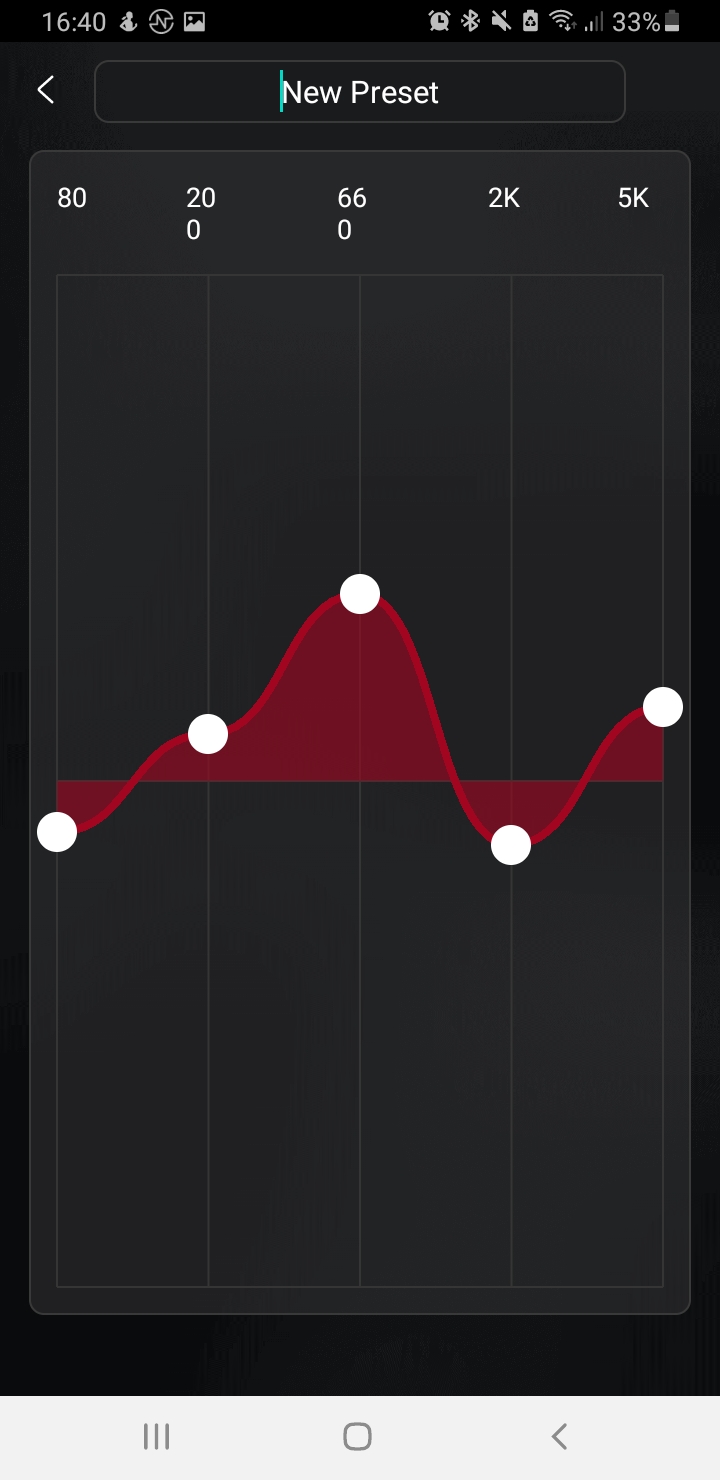
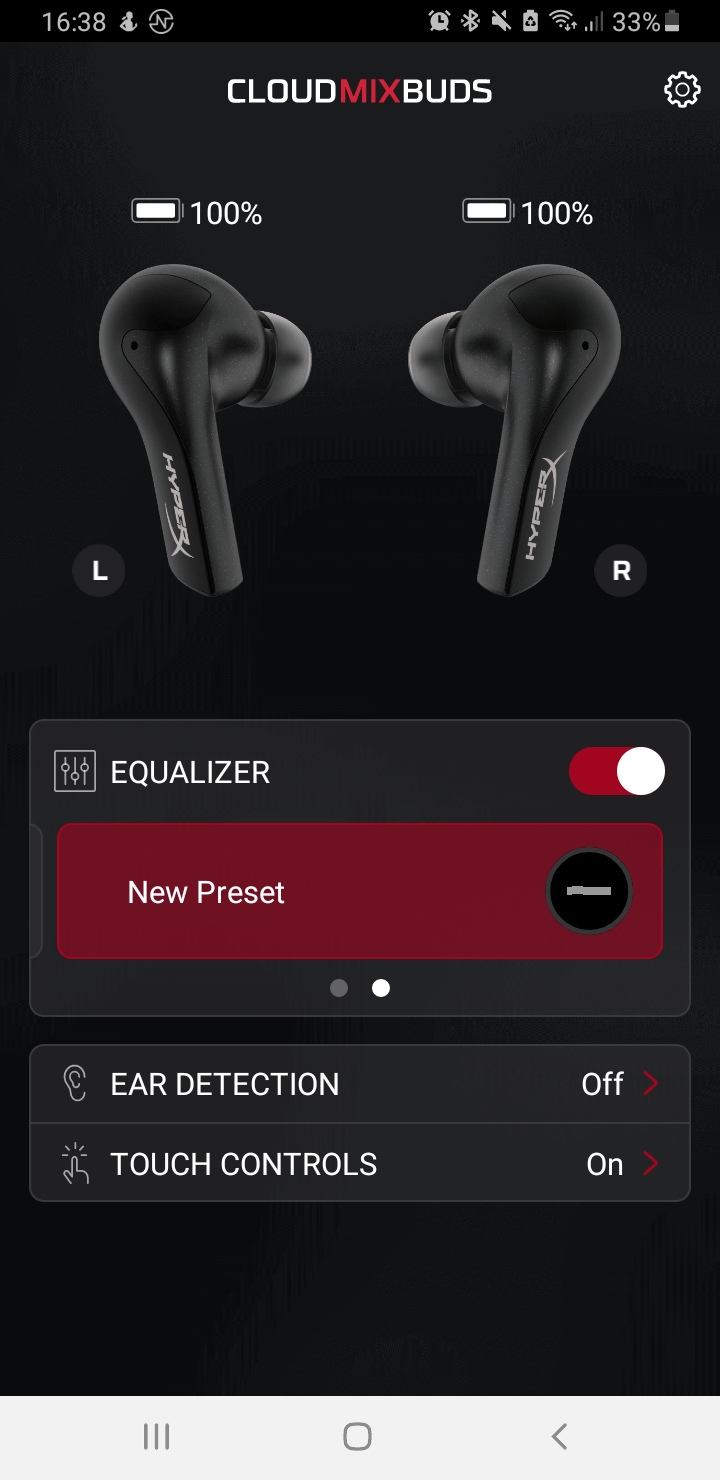
App and interface: The “NGENUITY” app otherwise relies on a clear and intuitive interface, if it is supposed to work. The software is entirely in English.
On PC and console (assuming USB-C connection), the in-ears can be used without problems with the included dongle. However, I cannot really use the software here.
On the PC itself, the in-ears are not recognized via the NGenuity software and are also not officially supported. However, the DTS:X surround sound is installed via the software.
On the next page, you can read about my experiences regarding wearing comfort, sound quality, and battery life. In the conclusion, I explain the strengths and weaknesses you can expect with the in-ears.

Your opinion is important to us!
Do you like the article? Then let us know!