

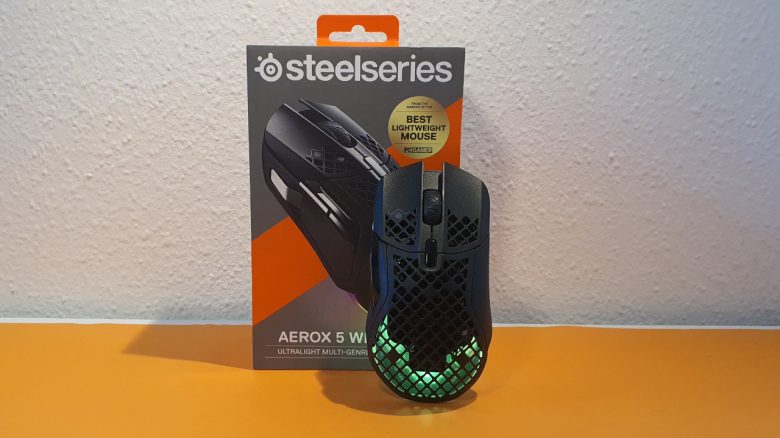
Weight, Ergonomics, and Battery Life
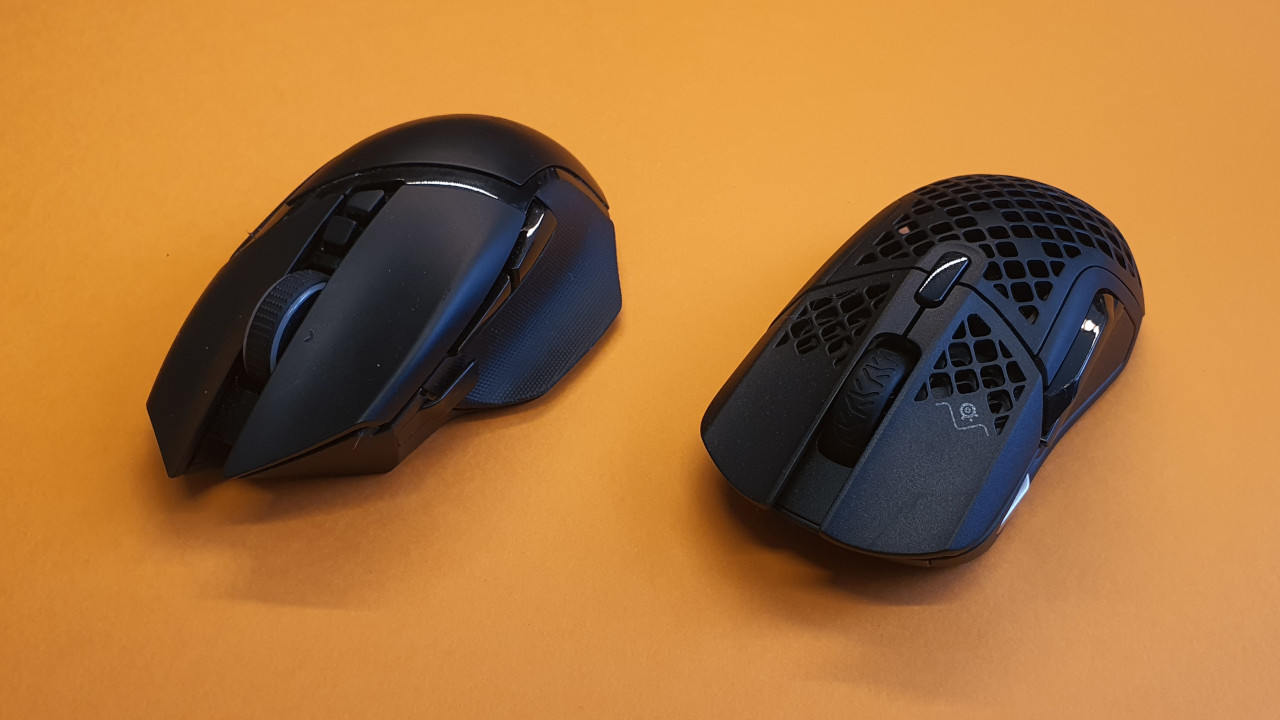
The weight: At 74 grams, the Aerox 5 Wireless is one of the lighter representatives among all-rounders. Logitech’s G502 X Lightspeed weighs around 100 grams and is therefore slightly heavier. Roccat’s Kone XP also weighs nearly 100 grams.
The weight difference is certainly noticeable when comparing the Aerox 5 Wireless with the G502 X Lightspeed or the wired Roccat Kone XP. Especially when I spend the first rounds of the evening with a 100-gram Logitech mouse and then switch to the Aerox 5 Wireless.
Ergonomics: Overall, the gaming mouse feels very well in hand and is especially comfortable in palm grip. Thanks to the low weight, the large mouse can also be moved easily across the table. Additionally, I find the weight very well-balanced, making the mouse feel good in hand.
However, with the Aerox 5 Wireless, SteelSeries made the same mistake as with the Rival 5: The sniper button, the button at the front of the mouse, is positioned far too forward. Even for someone like me, who has very large hands, the button is hardly reachable, or I have to hold the mouse in an “unhealthy” way. This makes gaming less enjoyable.
- At around 19 cm, I have very large hands and can barely reach the button.
- Smaller hands, like those of my girlfriend (hand around 15 cm), have absolutely no chance to reach this button.
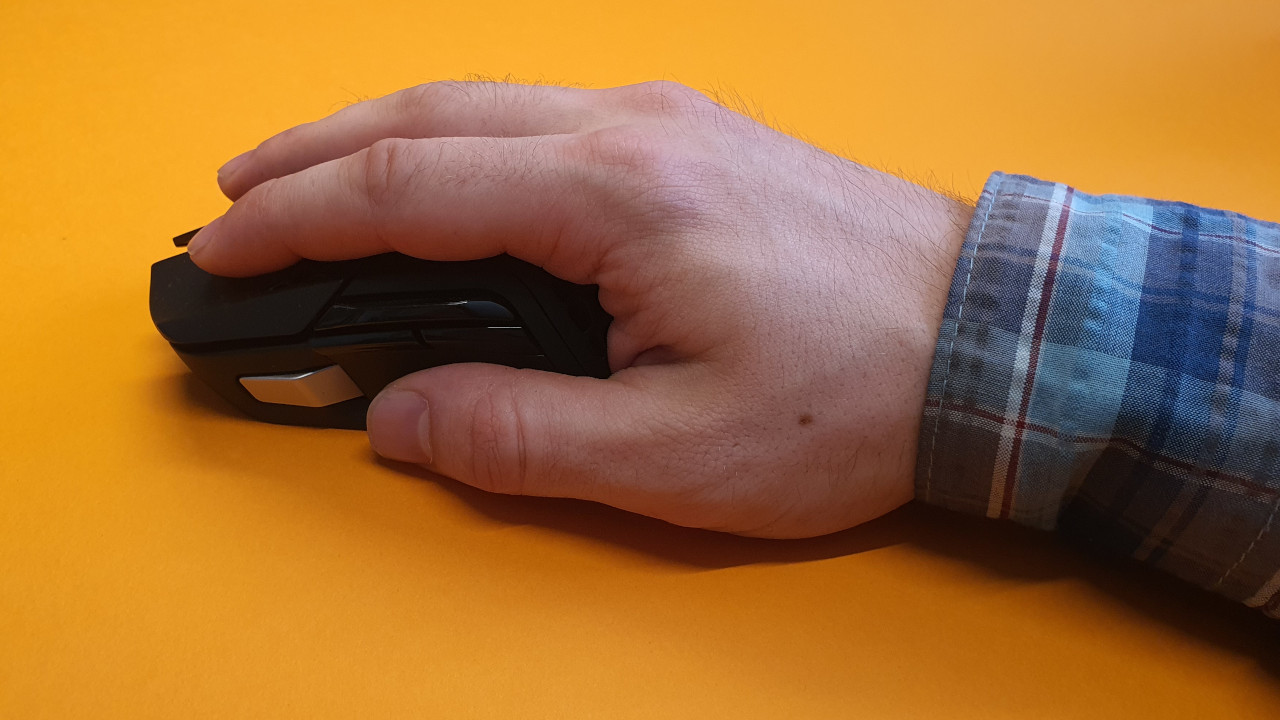
If I hold the mouse naturally and relaxed, the button remains unreachable for me. This is frustrating, as both Logitech and Razer have solved this much better. I almost always use the button when I need lower DPI values when aiming in a shooter. With the Aerox 5, I find this uncomfortable and impractical.
Battery Life: The battery life is the second weak point of the gaming mouse, alongside ergonomics. In everyday use, I typically get 3 to a maximum of 4 days of battery life with lighting on, after which the mouse needs to be connected to the cable. SteelSeries promises 140 hours of battery life here, but I am far from that figure. Already after about a day, the software shows a battery charge of 75%.
Logitech’s new G502 X Lightspeed easily lasts a week in everyday use without needing to be charged once. You can read a comprehensive test of the G502 X Lightspeed on MeinMMO:
The Mouse Buttons and Scroll Wheel
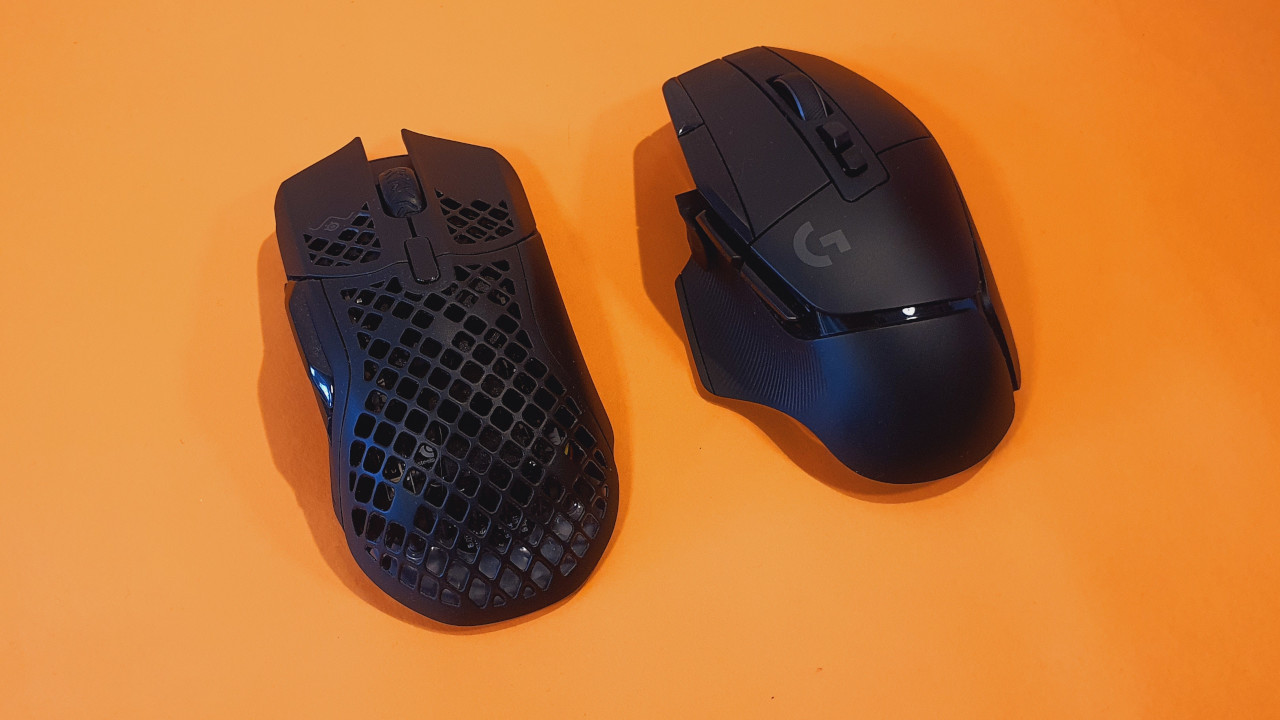
The Mouse Buttons: Under the mouse buttons, SteelSeries has installed “Golden Micro IP54” switches. According to the manufacturer, these are said to be particularly durable and capable of withstanding 80 million clicks. They do not use optomechanical switches, like Logitech with its Lightforce switches in the G502 X Lightspeed.
However, the buttons of the mouse feel pleasantly precise and are also quieter than those of the mice that use optomechanical switches. The quieter sound stands out to me especially in comparison to the G502 X Lightspeed or the Kone XP, which both use proprietary developments under the buttons. At least my girlfriend cannot drive me crazy with the pleasantly quiet clicks.
The Scroll Wheel: The scroll wheel of the Aerox 5 Wireless is quiet and understated. The ratcheting is not as sharp and hard as with the G502 X Lightspeed, but also not as precise. Therefore, the scroll wheel reminds me more of my old Roccat Kone Aimo Remastered, without its spongy properties.
You can also read my review of the Kone Aimo Remastered on MeinMMO:

Sensor
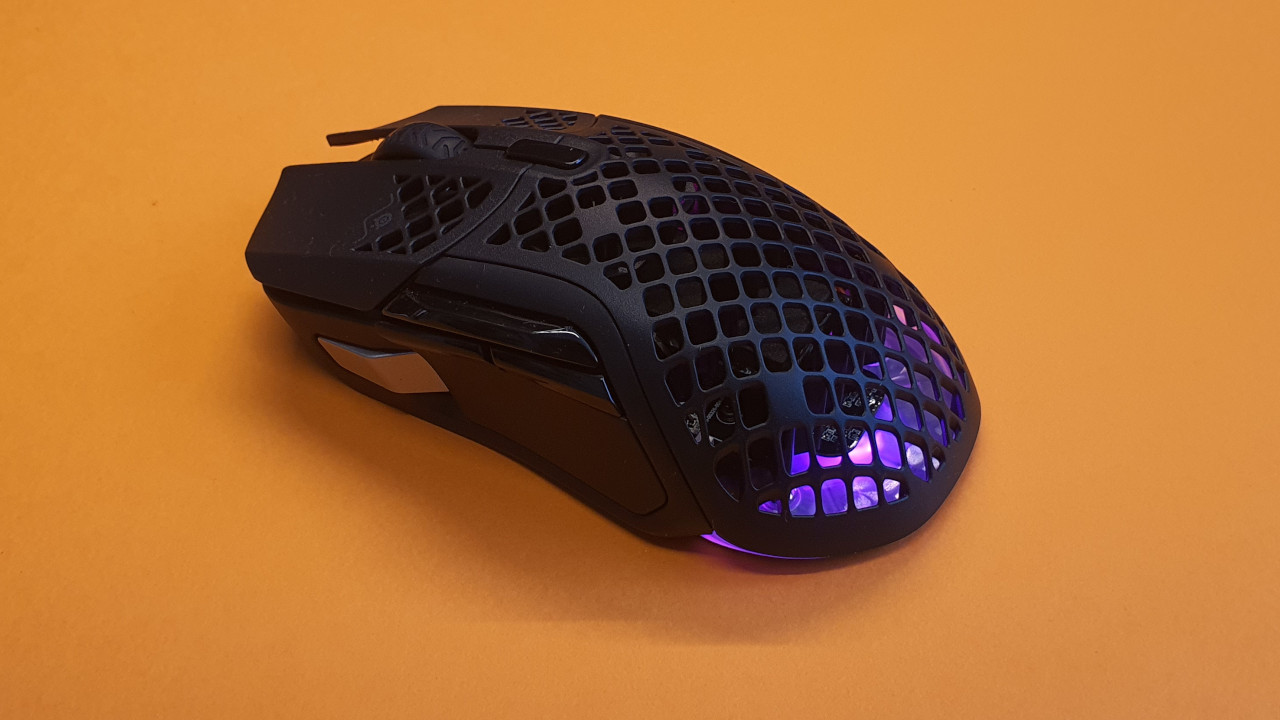
In the Aerox 5 Wireless, the in-house TrueMove Air sensor is used, just like in other mice. This sensor is based on the PixArt 3360 and already impressed me in the Rival 5. SteelSeries has also started using the “TrueMove Pro” in some mice. Although this technically improves details, I do not feel any difference in everyday use.
In everyday life and also while gaming, the mouse’s sensor has never let me down and is always highly precise. The TrueMove Air sensor is also considered one of the “flawless sensors,” known for their accuracy (via thegamingsetup.com). I experienced no issues with inaccuracy or a faulty sensor during my testing period.
Conclusion: Good Gaming Mouse with Annoying Weaknesses
For whom is the mouse suitable? If you are looking for an all-rounder that is not fixed to a specific play style and want a wireless mouse, you will definitely find it with the Aerox 5 Wireless. You can now get the mouse for around 100 Euros. For the price, the offer is more than fair.
The lighting and design also remain subtle in the background. However, the best mouse among all-rounders is not the Aerox 5 Wireless, but I still count it among the best gaming mice if you are looking for a good and lightweight wireless mouse.
What alternatives are there?
- The strongest alternative remains the G502 X Lightspeed. It is a great all-rounder and in its latest variant a real highlight. For around 100 Euros, you can also get the predecessor, the G502 Lightspeed, with quieter buttons but shorter battery life.
- The Roccat Kone XP is also a good alternative, with pleasant ergonomics and unique lighting. In the air variant, it is also available wirelessly, but costs nearly 150 Euros.
- Razer’s Basilisk series is also a recommendation, and with the Ultimate, you also get a very good wireless representative. Regularly, the Ultimate version is also available for around 100 Euros.
More Gaming Mice on MeinMMO: If you are looking for more recommended gaming mice, check out our buying guide on MeinMMO. Here you will find the best gaming mice currently available:
The best gaming mice for shooters that you can buy in 2022

Your opinion is important to us!
Do you like the article? Then let us know!