

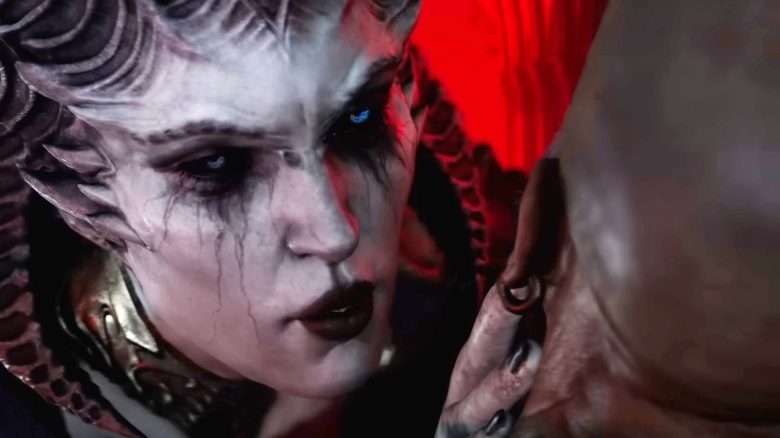
The beta of Diablo 4 has started. There is some trouble now. Some players are complaining that the game is damaging graphics cards. This reminds us of the MMORPG New World.

The closed beta of Diablo 4 is over and there is mostly praise for the action RPG from Blizzard. However, some forums have players complaining about broken hardware.
According to initial findings, the problems so far affect only Nvidia graphics cards. Players with an AMD graphics card are currently not affected. If that changes, we will keep you updated.
Users playing Diablo 4 are now complaining about broken graphics cards
What exactly is happening? Most affected describe the issues similarly (via reddit.com or linustechtips.com):
- Players start Diablo 4 and get a black screen while playing.
- Subsequently, the graphics card’s fans rev up to 100%.
- After that, the graphics card no longer starts.
So someone writes (via forums.blizzard.com):
It is astonishing how many people mock those whose GPUs have unfortunately broken. Mine froze, no video signal, the fans went to 100%. This happened twice. I acted quickly and turned off my PC. It appears that the GPU was not damaged, but I am afraid to play the game again.
What is the cause? So far, there is no indication of whether the cause lies in the hardware or software. Fundamentally, faulty software can also lead to very high loads on the hardware, but generally, graphics cards have protective circuits and safety measures to prevent damage.
We have requested a statement from Blizzard and will keep you updated
Which graphics cards are affected? According to various reports from different forums, so far only graphics cards from the RTX 3080 and RTX 3080 Ti series are affected. There are currently no reports of problems or broken boards with other graphics cards.
How can the problem be avoided? Many players explain that the problems can be easily resolved by limiting the framerate. One person writes that he limited the framerate of Diablo 4 to 60 FPS and since then there have been no more problems: The game runs smoothly, there are no more frame drops, and the graphics card runs quietly and calmly (via reddit.com).
Limit FPS with an Nvidia graphics card: If you own an Nvidia graphics card, here’s how to proceed:
- Select the NVIDIA Control Panel in Windows. Alternatively, you can right-click and choose “Nvidia Control Center.”
- In the left menu, go to the 3D settings and click on “Manage 3D settings.” In the new window, select “Global Settings.”
- Here, there is the setting “Max. Frame Rate.” This is usually disabled. Now enable this and choose your desired maximum frame rate.


Players are reminded of the problems with New World
Why does the problem seem familiar to many? The MMORPG New World had already been in trouble with the accusation of roasting players’ hardware. Despite relatively low system requirements, there were strong loads and overheating problems with the CPU and GPU, which unsettled many players.
Eventually, Amazon Games also commented on the issues, stating that there is no danger to hardware from New World. However, the developers had already implemented a frame rate limit.
In the end, a hardware manufacturer also addressed the issue and explained what happened to the broken graphics cards. After all, players invested thousands of euros in their gaming hardware:
MMORPG New World is said to break €2000 graphics cards – manufacturer gives a clear statement

Your opinion is important to us!
Do you like the article? Then let us know!