

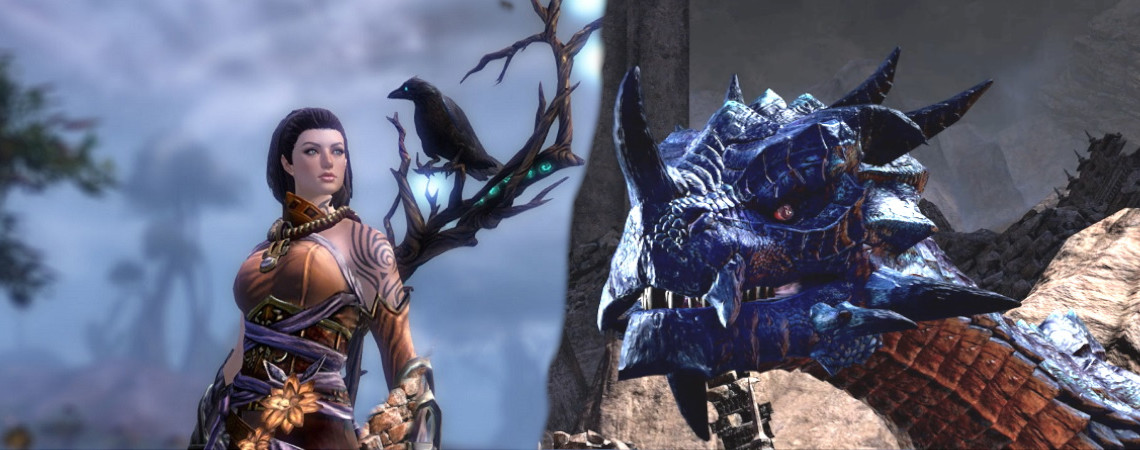
In February, Nvidia’s cloud gaming service GeForce NOW officially went live after a year-long testing phase. Our author Alexander Leitsch took a look at the service and tried out his favorite games, the MMORPGs, with it.
What is GeForce NOW? With Nvidia GeForce NOW, you can stream various games from a wide range, similar to Google Stadia. This saves you from downloading games and possibly needing powerful hardware.
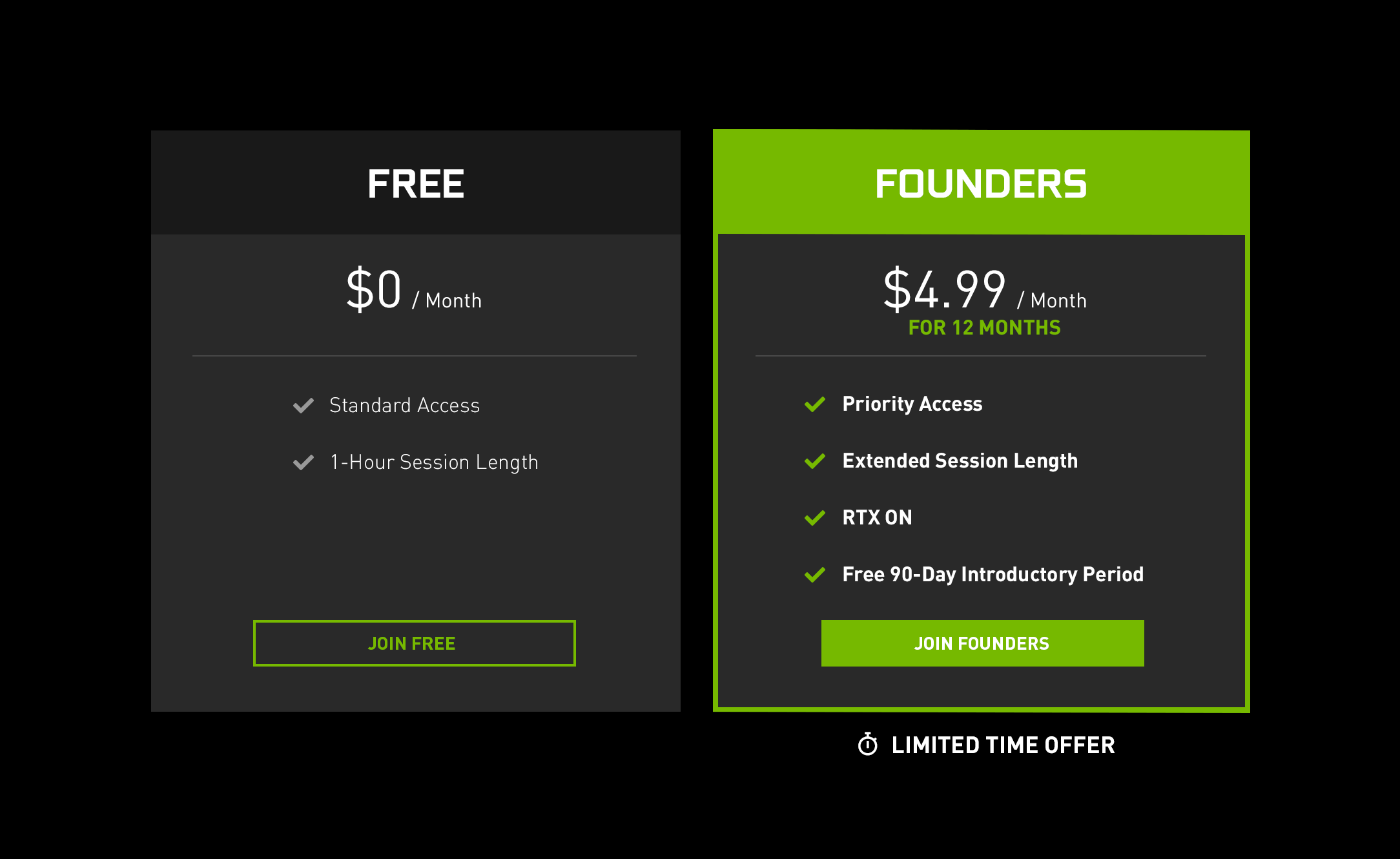
The platform offers you two versions:
- A free version that always interrupts the gaming session after one hour.
- A paid version for 5.50 euros, which interrupts gaming sessions only after 6 hours and includes ray tracing.
- In both versions, games can be played in 1080p and 60 FPS and 720p with 120 FPS. However, there is no support for 4K.
What games does GeForce NOW offer? Unlike Google Stadia, Nvidia does not sell the games itself but lets you play over your own game accounts – for example, through Steam.
This gives you access to many games, including MMORPGs. Our author Alexander Leitsch is a self-proclaimed fan of Guild Wars 2, Black Desert, and other games in the genre. He has tried these with GeForce NOW.

The start is super fast and super easy
Setting up GeForce NOW: At the start of the project, I registered on the Nvidia website and downloaded GeForce NOW. Currently, there is a promotional offer where the first 90 days are free.
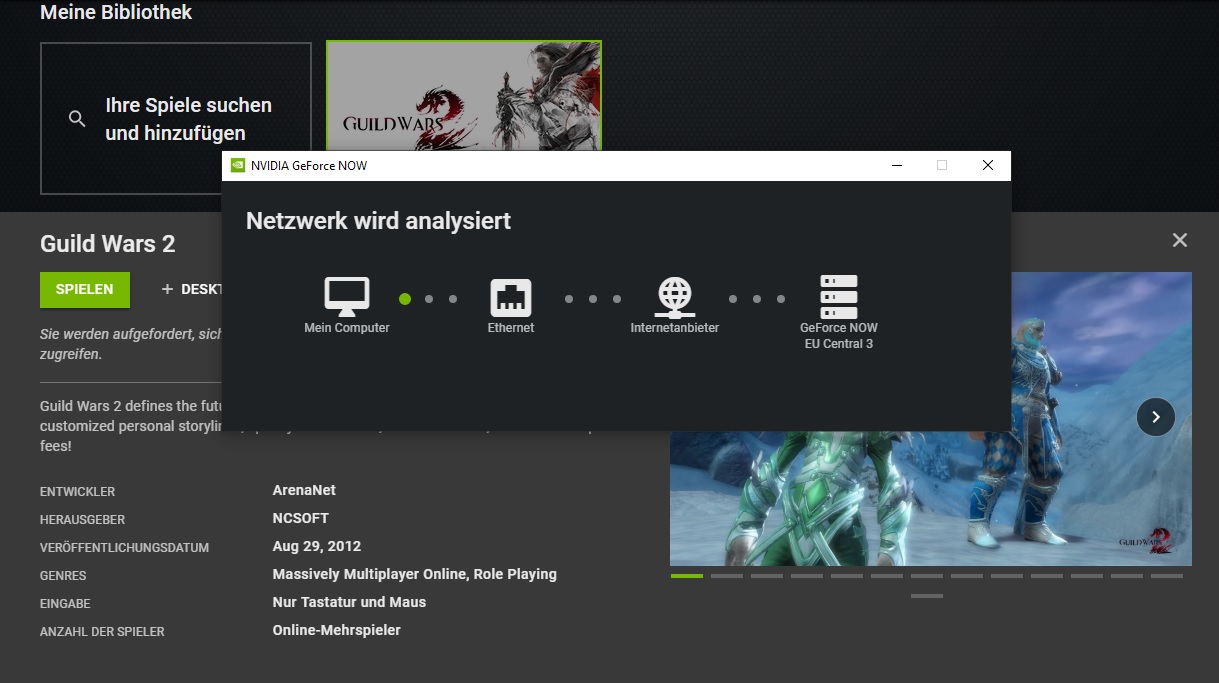
Within GeForce NOW, I can easily add my favorite game Guild Wars 2 to the library and start it directly. Upon the first connection, I’m assigned a server, GeForce NOW EU Central 3.
I haven’t made any personal settings to see if Nvidia has selected the best configurations by itself. So I immediately start Guild Wars 2 and log into the client.
Unfamiliar client and first image issues
The first steps in the game: The initial steps in Guild Wars 2 are very unfamiliar because the game is not adjusted to my settings. After a few tweaks, the client sets the language to German and the interface is customized to my preferences.
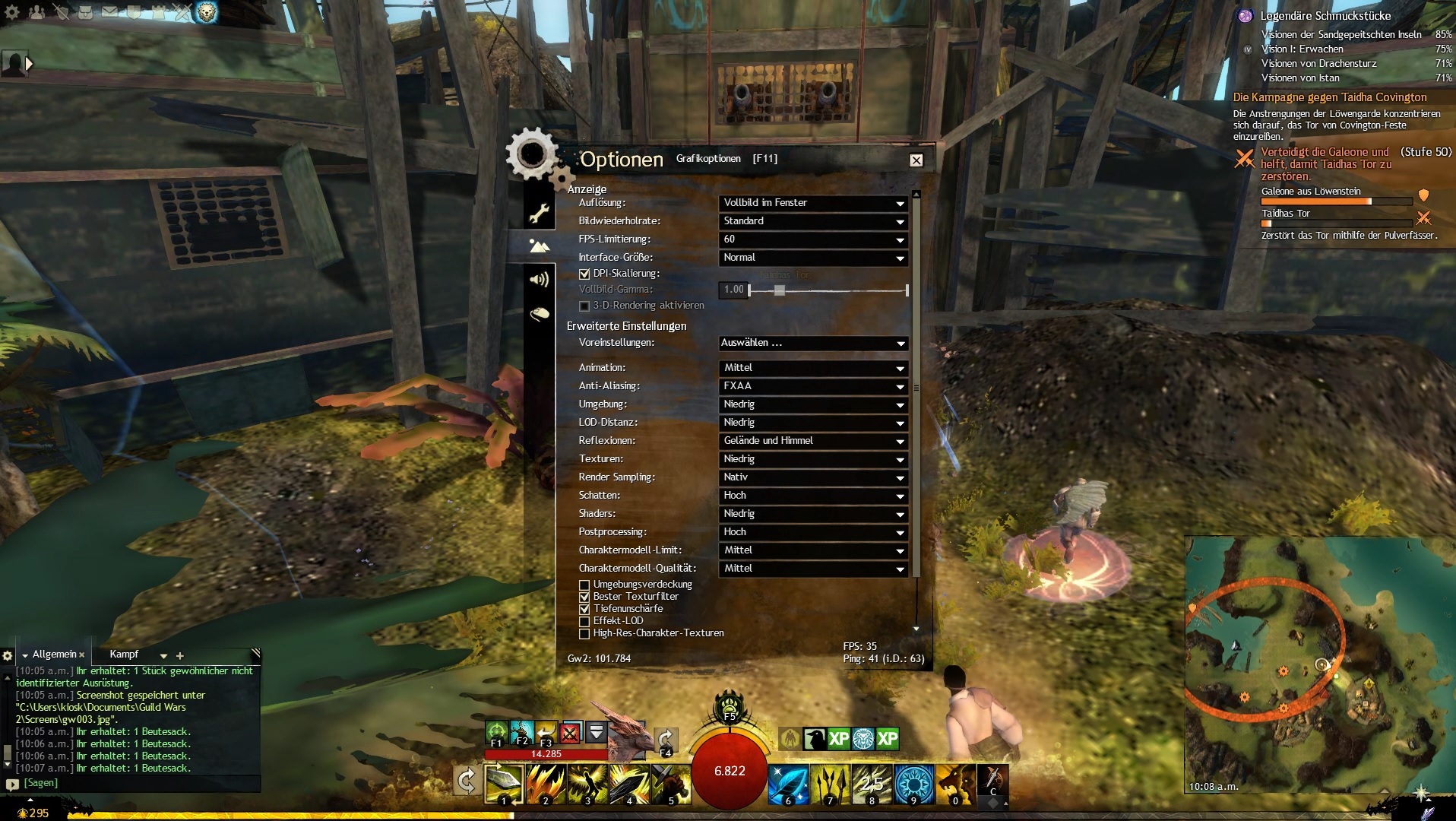
I already notice that Nvidia had set the graphics settings to “Medium” by default. While Guild Wars 2 still looks good, I had hoped that the streaming service would allow me to utilize the full graphics power.
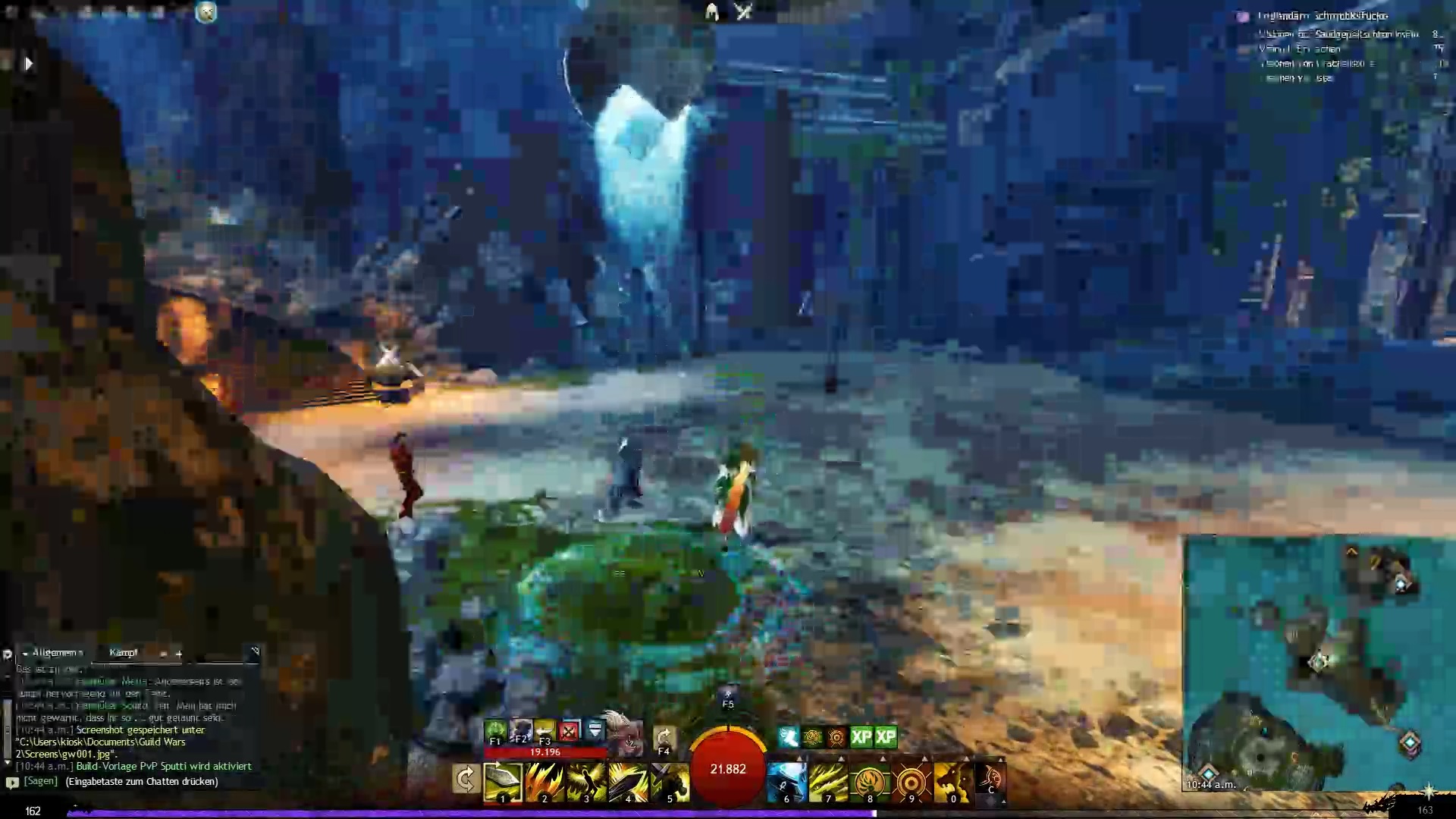
Additionally, the image sometimes becomes a bit pixelated, as is common with live streams. In the vast emptiness of the Twisted Depths, this is not a major issue, but during the first world boss, it gets worse.
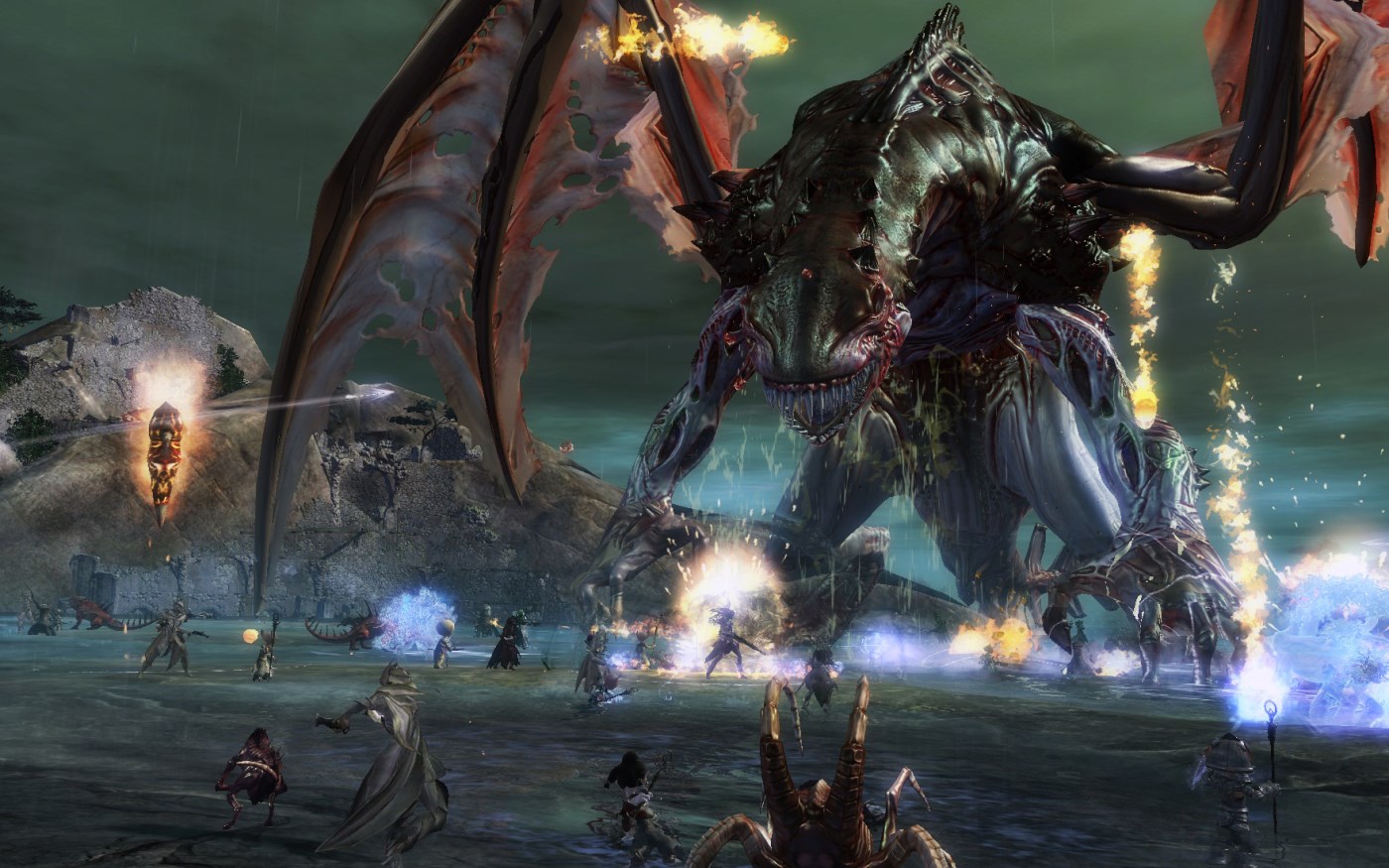
How does the first group event go? At the first world boss Thaida Covington, a pirate, I meet about 30 other players early in the morning. Initially, the FPS hovers just above 40, but then I become a bit overzealous and set the graphics to “High”.
And behold, the FPS drops to numbers between 7 and 20. This makes the event difficult, so I quickly lower the graphics settings again.
However, the positive aspect is that the ping remains in a good range throughout the entire event. I experience occasional image issues but no input problems or lags. The gaming experience is decent, although not groundbreaking.
Tweaking the settings and disappointment with bitrate
What settings does GeForce NOW offer? After the first group event, I naturally wanted to know if I could still improve the settings in GeForce NOW myself. Nvidia offers three presets:
- Balanced (default choice) – 1920×1080, 60 FPS, no Mbps specified, consumption about 10 gigabytes per hour.
- Data-saving mode – 1280×720, 60 FPS, 12 Mbps, consumption about 4 gigabytes per hour.
- Competitive – 1280×720, 120 FPS, no Mbps specified, consumption about 6 gigabytes per hour.
Additionally, I can make my own settings. The maximum bitrate is 50 Mbps, which is supposed to consume 15 gigabytes per hour.
In the speed test, my internet connection reaches almost 150 Mbps. So I still have a bit of headroom. With some luck, this could also improve the performance of Guild Wars 2 again.

How much does GeForce NOW burden the CPU? An interesting aspect of this test is how much GeForce NOW loads my own PC and what performance is required for it.
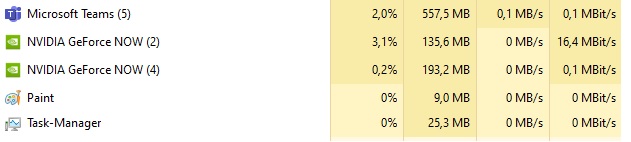
According to the task manager, GeForce NOW consumes 3.3% of my CPU and about 330 MB of RAM in full use with GW2, which is below Microsoft’s communication software “Teams” that I always run in the background for work.
GW2 in various settings
How does GW2 perform at maximum settings? Of course, I took another shot and set the settings to maximum bitrate.
This leads to the possibility of playing at least occasionally with 50 FPS. However, during a second world boss fight with the Jungle Worm, the FPS also drops to the 30s to 40s range.
At maximum graphics, I also do not exceed 20 FPS here.

How does GW2 perform at minimum settings? In data-saving mode, Nvidia presents Guild Wars 2 to me in 1280×720. This looks not only odd but is also nearly unplayable.
With a maximum transfer of 12 Mbps, the game runs, but I experience genuine lags and ping issues for the first time. During the boss fight against the Svanir Shaman, I have an average ping of over 300.
In all my enthusiasm, I then even set the resolution to 1920×1080 and then have a continuously pixelated image, no matter where I am:
Other MMORPGs on GeForce NOW?
How do other MMORPGs perform? In the next step, I want to try out whether the problem might be with Guild Wars 2 itself. Even with good PCs, this MMORPG always encounters performance problems when many players are involved.
While GW2 could be launched via its own client, you are bound to the versions on Steam for The Elder Scrolls Online and Black Desert Online. However, I only own both games separately from Steam. Since the accounts cannot be linked, I cannot access both MMORPGs.
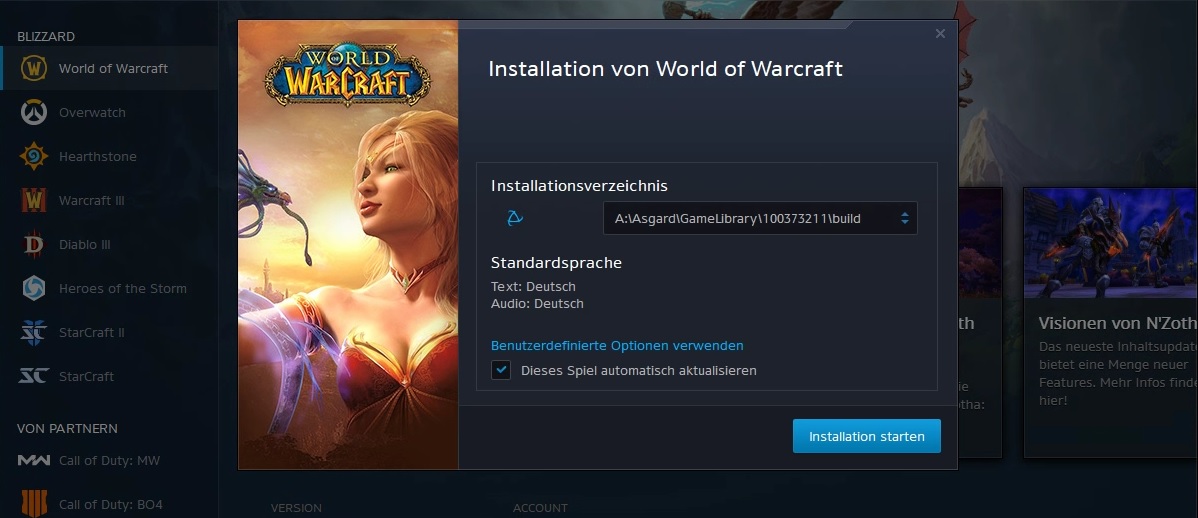
Lastly, there’s World of Warcraft. The game launches in the Battle.net launcher but seems not to be installed by Nvidia. At least it offers me the download but then states that storage space is insufficient. Other games from the launcher, such as Hearthstone, I can play.
Conclusion: Not enough for MMORPG fans
This is what Alex says about GeForce NOW: A few hours of trying out is enough for me to determine that GeForce NOW is still not mature – at least for MMORPG enthusiasts.
Although Guild Wars 2 can be played with a good internet connection, the experience is rather mediocre. The graphics cannot be maximized, and larger events are best avoided if you want a smooth experience. The support for known MMORPGs is also moderate, as many things are tied to Steam.
Nvidia is somewhat ahead of its competitor Google Stadia due to its games concept and the integration of Steam, but I still prefer to rely on my own beloved PC and upgrade it for a few more years, hopefully until the infrastructure improves on all sides in the future.

My data for the test:
- Intel Core i7 4770k
- 16 Gigabytes RAM
- Nvidia GeForce GTX 1070
- Windows 10 64-Bit
- 148.021 Kbit/s download according to speed test before and 147.088 Kbit/s after the test


Your opinion is important to us!
Do you like the article? Then let us know!