

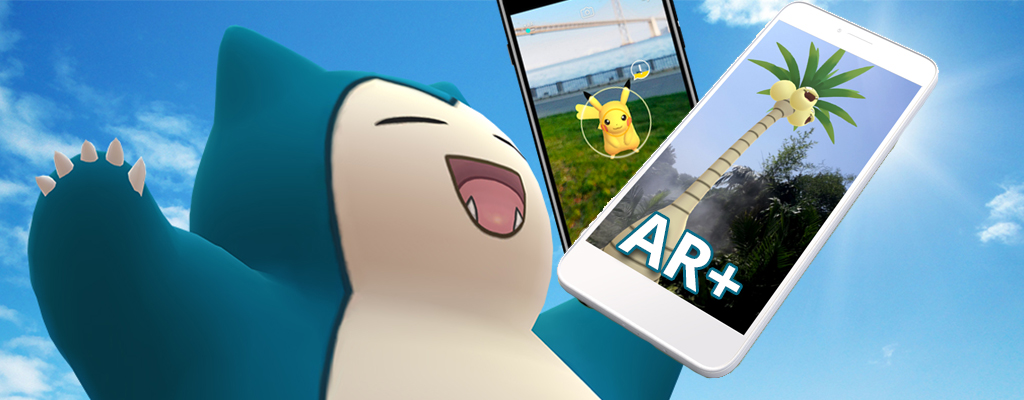
Android users can finally enjoy the AR+ mode in Pokémon GO. We will show you how it works here.

What is AR+? The AR+ mode is a variant for catching Pokémon. Unlike the normal AR mode, Pokémon appear even more lifelike in AR+ mode and adapt to the environment.
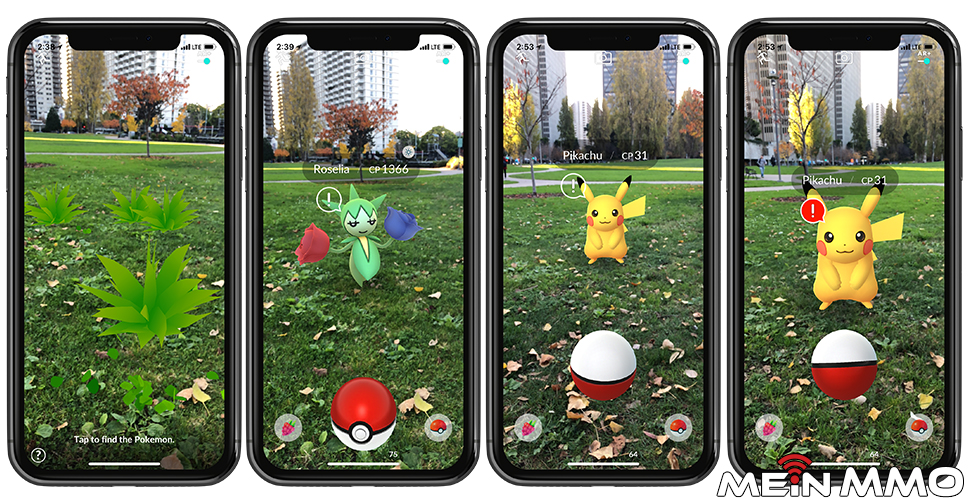
iOS users know the mode: This mode is not new for Apple users. For almost a year, iOS users have been able to use this mode and catch Pokémon even more realistically.

How to install AR+ for Android
- Open the Play Store and search for “ARCore by Google”
- Download the app “ARCore from the Google Play Store“
- Download the latest update of Pokémon GO. It should be at least version 0.123.1
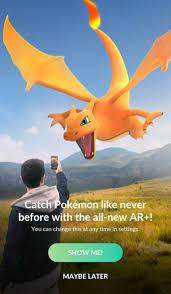
Then start Pokémon GO. When you find the next monster, select the AR+ mode in the top right corner of the catch screen.
AR+ not working on Android? Known issues and solutions
AR+ mode does not start: Many players complain that despite following the instructions above, the AR+ mode does not work. We will provide you with possible solutions.
- Log out of your account. You can do this in the settings. Then log back in, and AR+ should work. Note: You may need to re-enter your login details. If you no longer have them, please proceed with caution!
- If logging out doesn’t work, try uninstalling the app and then reinstalling it. Again, have your login details ready!
I see no background: You activate AR mode, and yet you see the Pokémon not at all or only against a black background.
- You may not have granted Pokémon GO access to your camera. The app is not allowed to access your camera. Go to your phone settings and grant Pokémon GO the necessary permissions.
Does my Android device support AR+ at all? The prerequisite for the AR+ mode is the ARCore app. However, this is not supported by every Android device. A list of compatible Android devices is available on the Google Developer website.
This is how AR+ works
AR+ works quite simply. Follow the steps below, and you will catch every Pokémon with AR+
- Look for a Pokémon in the wild.
- Change the catch mode in the top right corner to AR+.
- Search for the Pokémon using your camera in your surroundings.
- If a larger bush appears on your screen, click on it.
- The Pokémon appears.
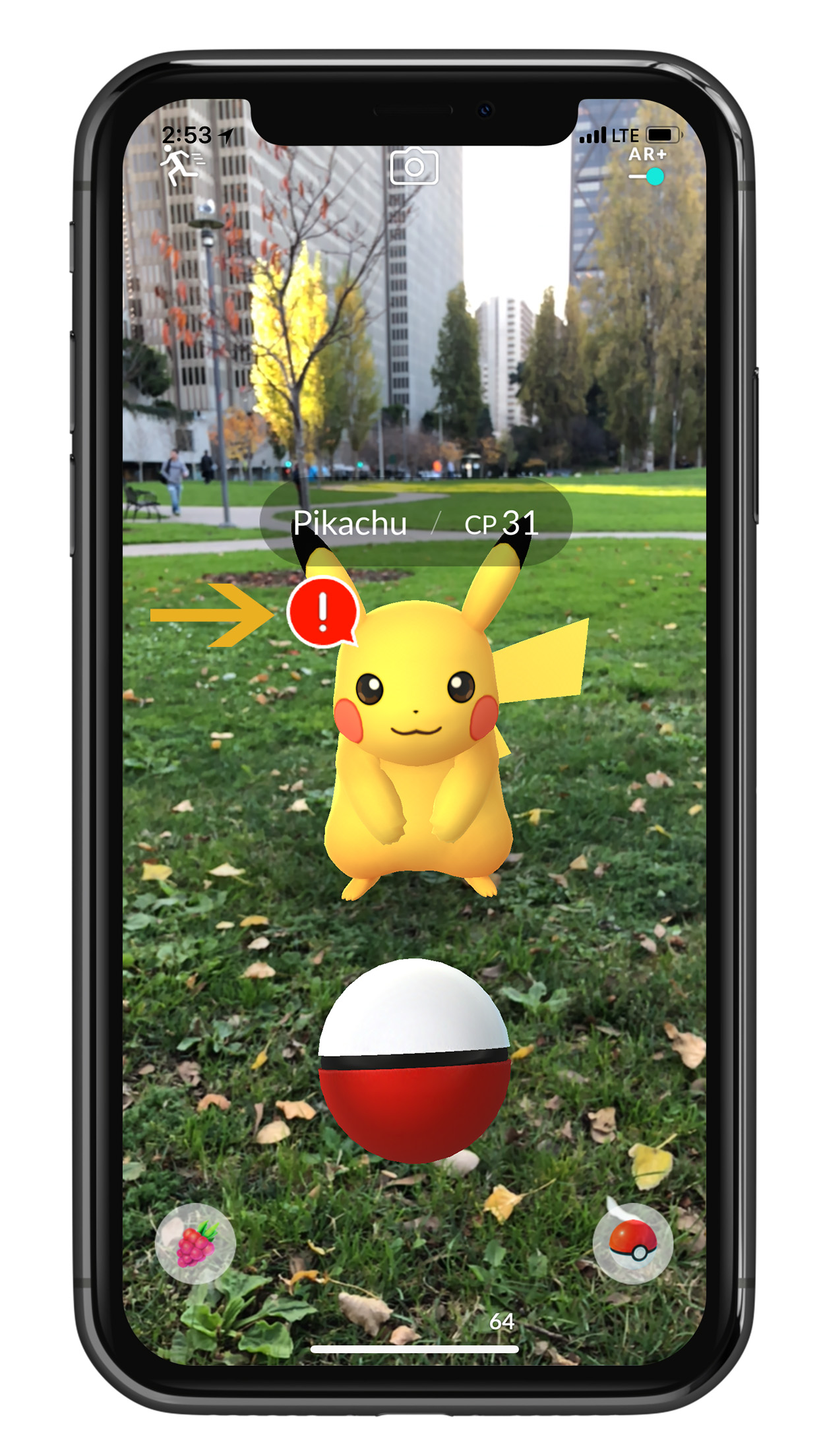
- Approach the Pokémon slowly. If the bar with the exclamation mark fills up, you are getting too close too fast.
- When the bar decreases again, you can approach it again.
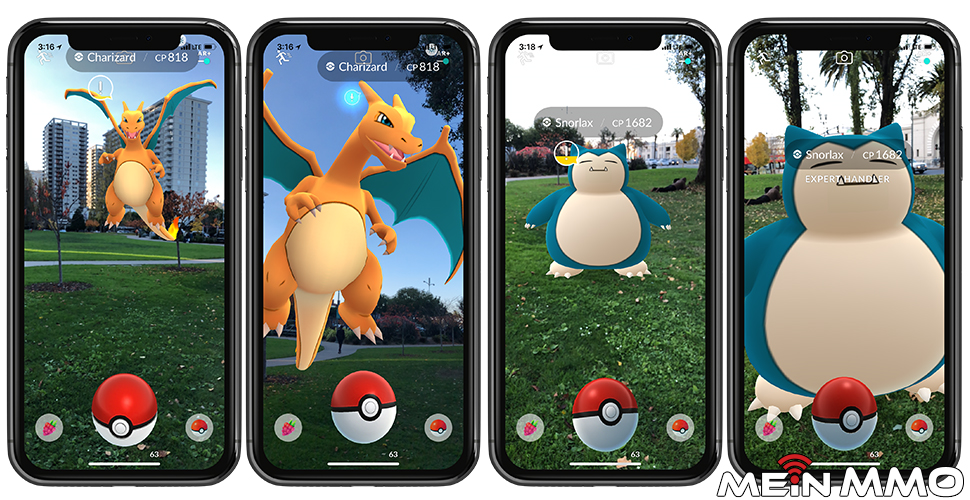
- Continue approaching until an “Expert” appears above the Pokémon.
- You can now catch the Pokémon. You just need to throw the ball right in front of you.
- When catching, you will also receive an “Expert Handler Bonus”. This rewards you with extra stardust and experience points.
AR+ is great for photographers
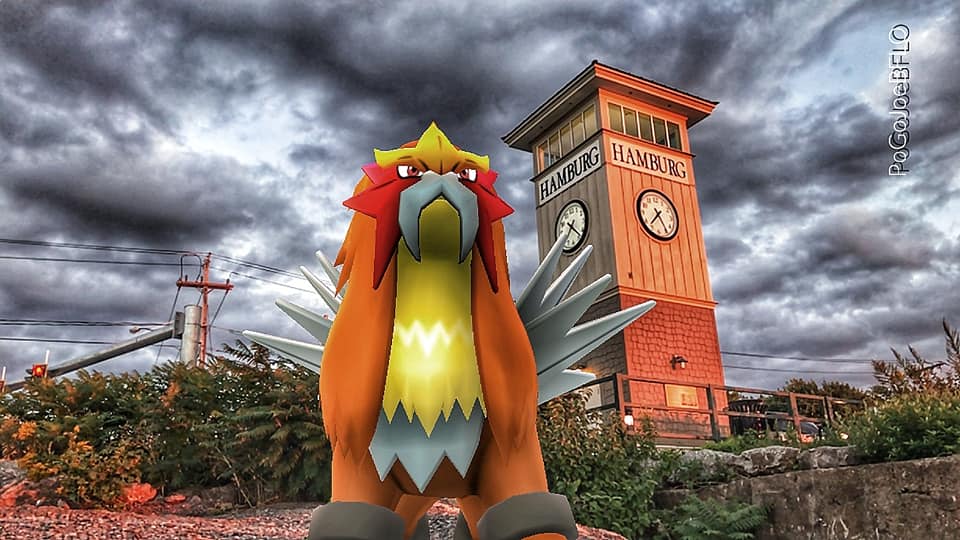
Great photo opportunities: Many Pokémon GO players use this mode to take great photos. For example, a Lugia flies into the sunset or an Entei guards a train station.

Photographers around the world have already used this feature. Now, Android users can finally access this mode too.
Only with another app: The AR+ mode can only be used on Android if you have the ARCore app installed on your phone. Not every operating system supports this app. Therefore, not all Android users can utilize the service.
What do you think of the AR+ mode? Is it a cool feature or do you not use it?
Have you already reached level 40 in Pokémon GO? Here are tips to stay motivated

Your opinion is important to us!
Do you like the article? Then let us know!