


Bless Online is unfortunately not yet playable in German. Currently, the focus is on the English translation, which is not yet 100% completed. Fans have set themselves the goal of translating Bless Online into German on their own.

Update from 23.07.2018: The fan translation is no longer being worked on. You can still download the files.
Is Bless fully translated? The German translation project is still a work in progress. However, community members Tesla24 and Maddwed update the translation files almost daily and add progress in their forum post at Bless EU.
Important: The community project is not officially recognized by Neowiz. You download the translation files at your own risk.
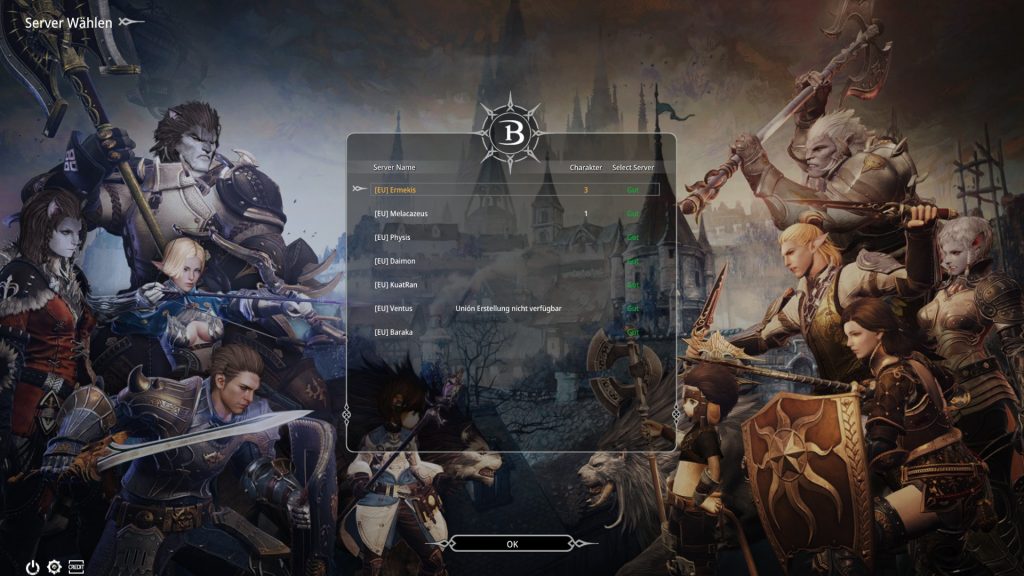
Easy to install – set Bless to German
To install the translation on your computer and set Bless to German, you just need to copy and overwrite a few files.
How to install the translation:
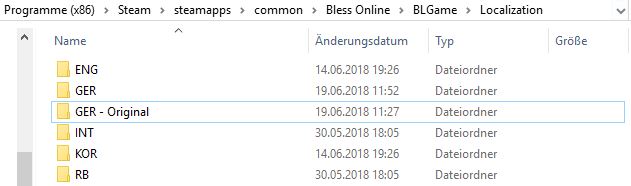
- Open the folder C:Program Files (x86)SteamsteamappscommonBless OnlineBLGameLocalization. Your Steam installation folder may be in a different location.
- Create a copy of the folder “GER” and rename it to something like “GER Original”.
- Download the translation files from the Github page of the fan project.
- Unzip the file and open the folder “Deutsche-Bless-Online-Uebersetzung-master”
- Copy all individual files, but not the folder “PCSKILLINFO”.
- Paste them into the folder “GER” under the path C:Program Files (x86)SteamsteamappscommonBless OnlineBLGameLocalization.
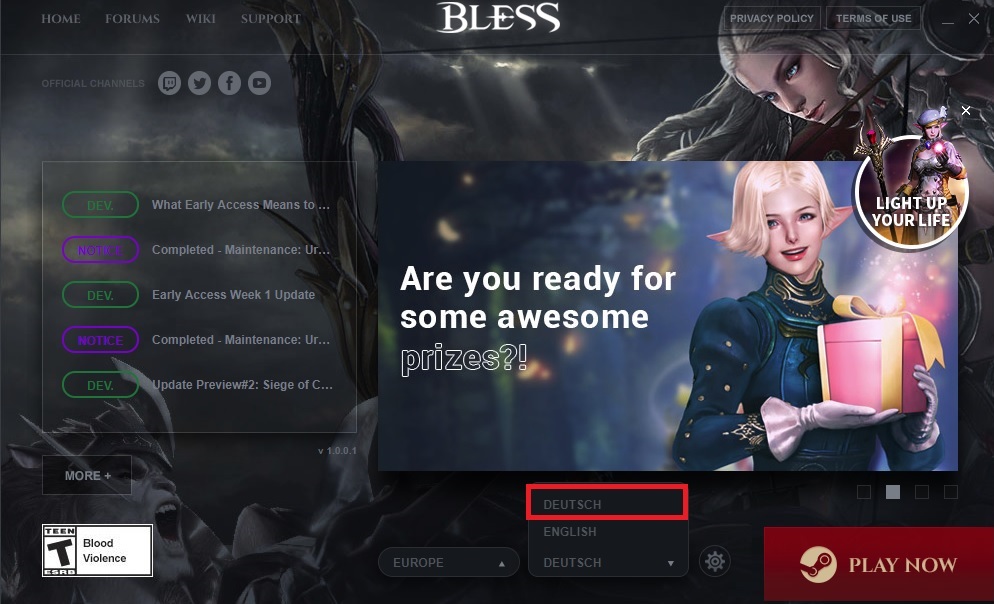
- Start Bless Online via Steam and select “German” as the language in the launcher.
Keep the translation up to date
How to update the translation: Regularly check the Github page of the project and download the latest translation. Proceed as described above.
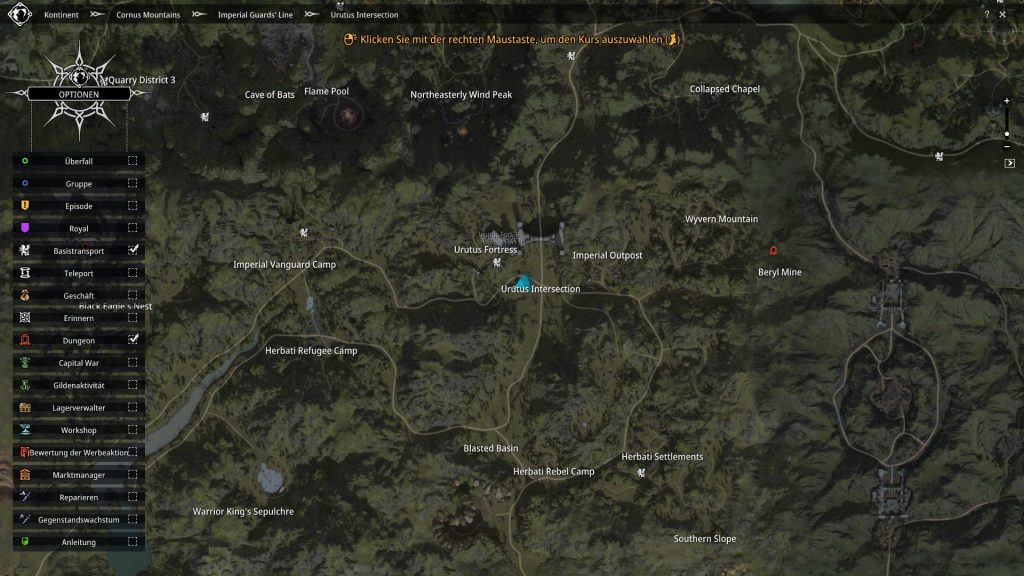
Tip: If you download the Github tool for the desktop, you can press the “Clone or Download” button on the Github website and then select “Open in Desktop”. Then choose “Fetch Origin” in the tool, and the program will automatically update the necessary files in the Github folder.
Then you simply copy these files into the “GER” folder and overwrite the old files.


Your opinion is important to us!
Do you like the article? Then let us know!