


Mobile games are becoming increasingly popular, and with simple adjustments, you can enhance your smartphone for effective gaming. We present you with 7 things that can make your mobile games perform better.
This is shown in the article: While expensive gadgets can be purchased for PC and consoles for more effective gaming, with mobile games, it often remains just a simple smartphone. However, there are some aids to help you play better here as well.
Additionally, some tips can help you enjoy certain games better and provide an overall improved gaming experience. We present them to you here.
Important gadgets for the smartphone
A must-have for every gamer: If you play a lot on your phone, you need a decent power bank. Especially when games like Pokémon GO or other AR games can be played effectively on the go, you need extra battery power to ensure you always have enough juice.
Good power banks can hold over 6 charges and promise you a full battery for the whole day. This way, you can always play on the go.
We recommend a power bank with 26800mAh here. Depending on your phone, this should suffice for up to 8 battery charges:
A controller for the phone: If you enjoy playing shooters or even one of the 7 best mobile MMORPGs on your phone, where you need to press multiple buttons quickly, you should consider getting a controller.
There are even controllers where you can clamp your phone in. You can customize the buttons so that you can play various apps easily with the controller.
We link to a controller here that has good reviews. However, keep in mind that not every mobile game works optimally with a controller:
Play on your monitor: If you have fallen in love with a mobile game but can’t play it on console or PC, you can easily connect a screen to experience the game on a bigger scale.
This way, you can more easily recognize opponents, have a better overview, and simply experience the feeling of a console game.
For this, you can use special cables that connect your phone to a monitor via HDMI. For example, use the following cables:
5 Tips for a better mobile gaming experience
Use your internet connection only when you need it: Many games that you can download in the app store do not require an internet connection. It’s best to switch to airplane mode when you play them.
The advantage of this is that annoying ads won’t be displayed, and you can just enjoy gaming without them. However, don’t forget to switch off airplane mode again, or you won’t receive messages and won’t be able to make calls.
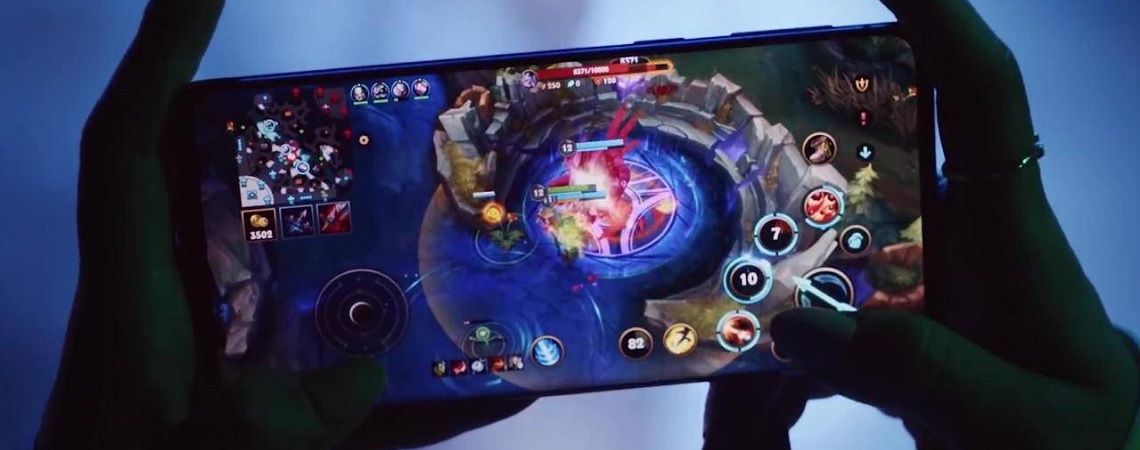
Don’t let your phone overheat: Hot phones often diminish your phone’s performance. So, try not to overheat it if possible.
A good start is, for example, not holding it directly in the sun. Especially in summer, this can really harm your smartphone. Try to charge your phone via cable whenever possible – wireless charging overheats your device even further.
If the phone doesn’t cool down, consider removing your extra protective case for a short time and, if necessary, turning it off for a little while. This calms the phone significantly, and after just a few minutes, it becomes noticeably better to use.
Organize your apps well: Good app management can enhance your phone’s performance. Regularly close all your apps completely. Many apps continue to run in the background otherwise and drain valuable battery life, affecting performance.
Ideally, never have more than 3-4 apps open in the background simultaneously.
This is also one reason why your phone can heat up. If you close all unnecessary apps, your device will run more smoothly.
A full battery is a good battery: If you have a 100% battery, you can not only play longer but also enjoy more powerful performance from your phone. Many smartphones enter power-saving modes when the battery is low. You may not notice this right away, but your phone will slow down or your screen will be noticeably dimmer.
So, if you want the best experience with mobile games, always play with a full battery. However, leaving your smartphone constantly plugged in is also not a solution. This weakens the battery over time, and it won’t last as long.
If you are still looking for the right mobile game, check out our list of the 10 best mobile MMOs and online games for Android in 2020.

Your opinion is important to us!
Do you like the article? Then let us know!