

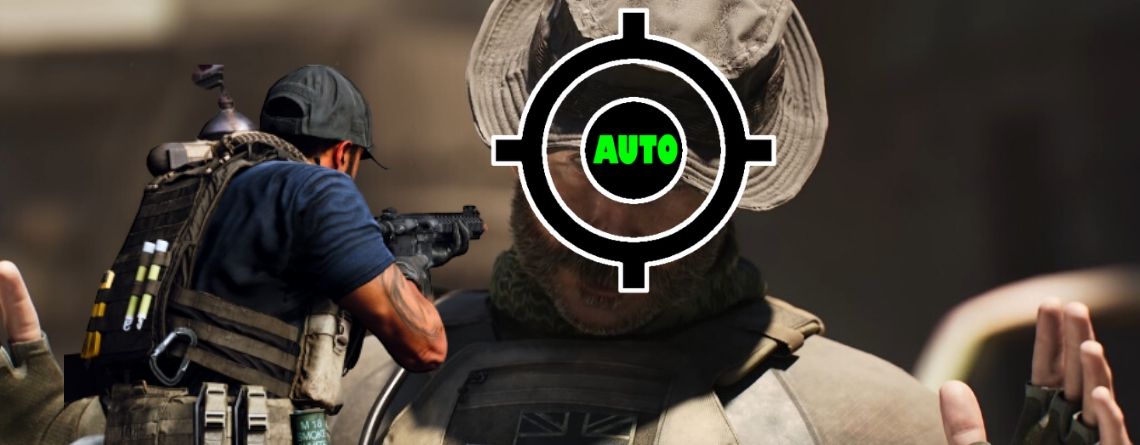
Call of Duty: Modern Warfare comes with a built-in aim assist for better targeting. There are quite a few myths and rumors about aim assist. We will tell you how it really works in multiplayer and what settings you should choose here
What is it actually about? Automatic aim assists are part of many multiplayer shooters, including Call of Duty: Modern Warfare. Players with a controller can choose between three different settings, both on Xbox One and PS4, as well as on PC.
However, some CoD soldiers consider aim assists to be cheating, something for noobs, or worse. However, the aim assists are not as bad as their reputation.
We want to clear up some myths and explain how aim assist works in Modern Warfare and why it might be interesting for you as well.

Aim assists have to fight against prejudice
What myths surround aim assist? Aim assists have a bad reputation among some players. However, we can clear up some of the following myths. These points apply only to the multiplayer of Modern Warfare.
- Is aim assist an aimbot?
- Aim assists do not completely take aiming away from the player and have little in common with actual aimbots.
- The crosshair does not stay fixed on the opponent or follow their movements. Rather, there are brief slowdowns and directional assists.
- Do only noobs use aim assist?
- Aim assists are a good way to improve aiming in CoD, and all players can benefit from them.
- Good players take every advantage that the game offers! They do not only use the currently strongest weapons, but also means like aim assists to get even better.
- Does aim assist change the hitbox?
- There is a rumor that aim assists increase the hit zones of targeted players to make it easier for players.
- However, this does not apply to Modern Warfare. The assists are limited to two mechanics, which will be further explained below.

Modern Warfare multiplayer has 2 aim assist mechanics
How does aim assist work in MW? First of all, the basic mechanics of aim assists in the multiplayer of Modern Warfare: There are only two assists that together form the aim assist in multiplayer.
- Aim slowdown
- If the crosshair is near the target, the sensitivity of aiming is reduced.
- This creates a kind of sticky effect, and it feels as if the crosshair sticks a little near the opponent.
- Applies to hip-fire and aim-down sights (ADS)
- Aim rotation
- When you move, your character rotates with the opponent.
- This assist only works when you are moving!
- Sometimes you turn a little sideways when an opponent walks through the crosshair.
- Also active in hip-fire and ADS
Does distance to the target matter? The YouTuber “TheXclusiveAce” has extensively dealt with the aim assists of the CoD series and discusses the subtleties of the aim assists in a current English video.
The assists also depend on distance, being stronger closer to the opponent than farther away. However, the aim slowdown is still active at greater distances. In earlier CoD titles, it would not apply after 50 meters.
The aim assist with hip-fire has a much shorter range, similar to the aim rotation.
Are there other aim assists in the game? In the campaign and Spec Ops mode, there are also stronger aim assists, which are, however, not active in MW multiplayer.
3 aim assist styles to choose from
What settings options are available? To control the two assists, Modern Warfare allows you to choose from three settings you can find under the controller settings at “Aim Assist”. The image shows the areas for aim slowdown.

- Standard
- The normal aim assist setting with a large area for aim slowdown (Green) and activated aim rotation.
- Precision
- The smallest area for aim slowdown (Red) and deactivated aim rotation.
- Focusing
- Very similar to the precision settings, slightly larger area for aim slowdown (Blue) and deactivated aim rotation.
The supports are thus not directly controllable, and aim rotation can only be used with the standard settings.
How similar are precision and focusing? In a video, the YouTuber “TheXclusiveAce” tested the aim assist and cannot distinguish the difference between “Precision” and “Focusing”.
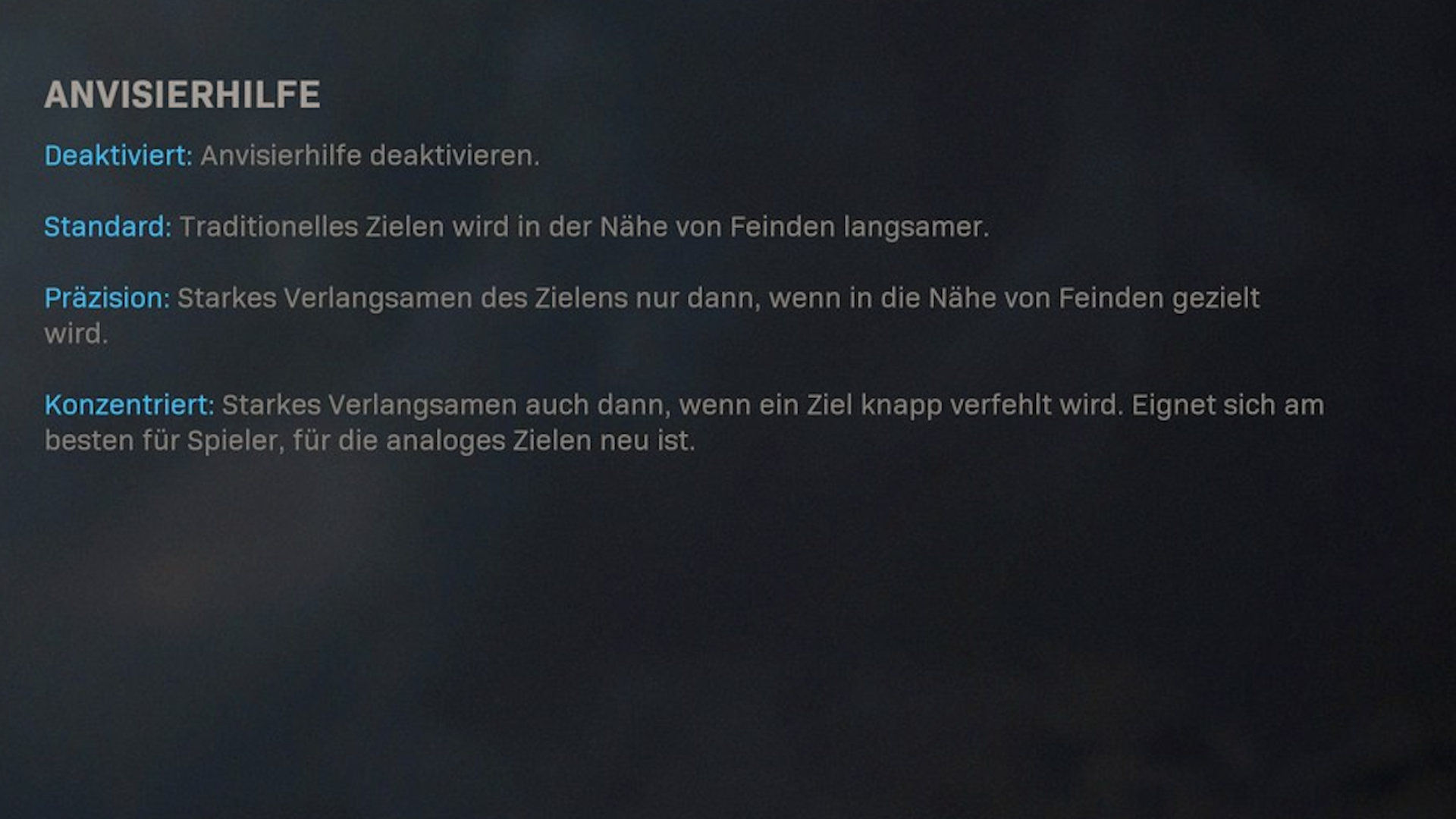
As can be seen in the photo above, the box for aim slowdown is a little bigger.
How should the ingame texts be understood? However, the texts seem a bit misleading, as it is not clear why “Focusing” should be particularly good for beginners.
Aim assists can be extremely useful
What settings should I use? In the video, “TheXclusiveAce” gives two recommendations, which he strongly advises to every controller player based on his analysis.
- Everyone should use the standard settings
- Aim assists are a strong support, and especially aim rotation is very helpful.
- The “Standard” setting does not take away aiming from you, but helps especially with high sensitivity settings to hit the opponent.
- Snipers should choose precision/focusing
- The standard mode offers little assistance for sniper rifles with aim-down sights, unlike these two.
- TheXclusiveAce says in the video that it is the strongest aim assist for snipers he has ever seen in a CoD title.
Use the aim assists! According to “TheXclusiveAce”, there is no reason not to use the aim assists. It is a small advantage over players using mouse and keyboard to compensate for their more precise movements.
Most of the time, it is these small things that help you reach the next level. Aim assist is just one of them, just as extensive use of blueprints in the gunsmith or secret weapons that have appeared in other CoDs.
What do you think about aim assists? Do you think one should take advantage of this?


Your opinion is important to us!
Do you like the article? Then let us know!